


Receipts — the Review-Season System
Can't remember what you did at work this year? Receipts is a self-review system in Google Sheets with a phone form. Google Sheets, not Excel.
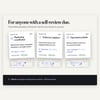
Your self-review is due. You know you did good work, but the details are gone, and writing about yourself feels awkward. Most trackers assume you logged your wins all year. Receipts starts where most people are: a blank page and a deadline.
WHAT IT DOES
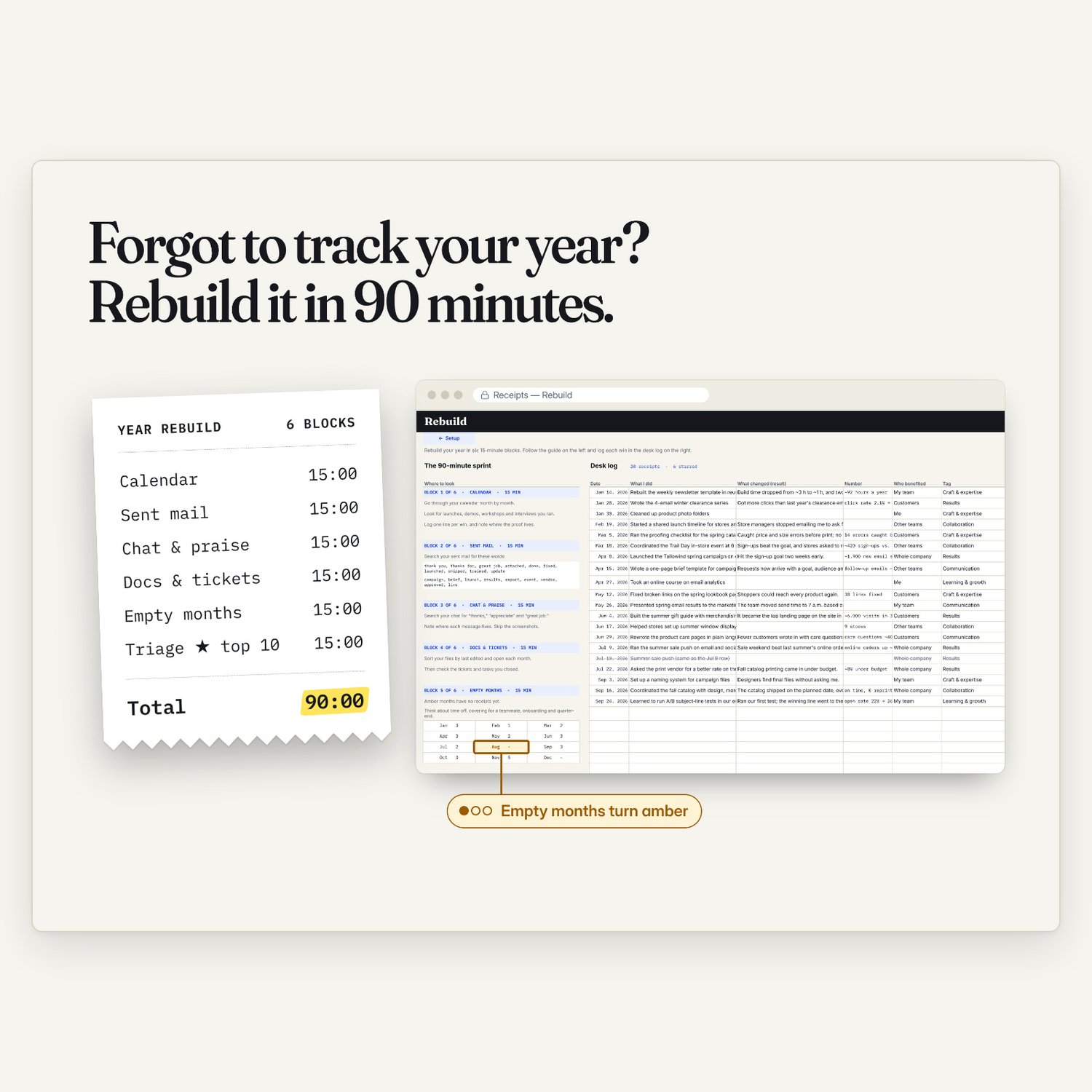
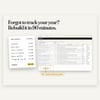
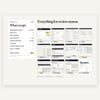
1. Rebuild your year. A 90-minute guided search of your own calendar, sent mail, chats, files and tickets, in six 15-minute blocks. Empty months light up, so you know where to look next.
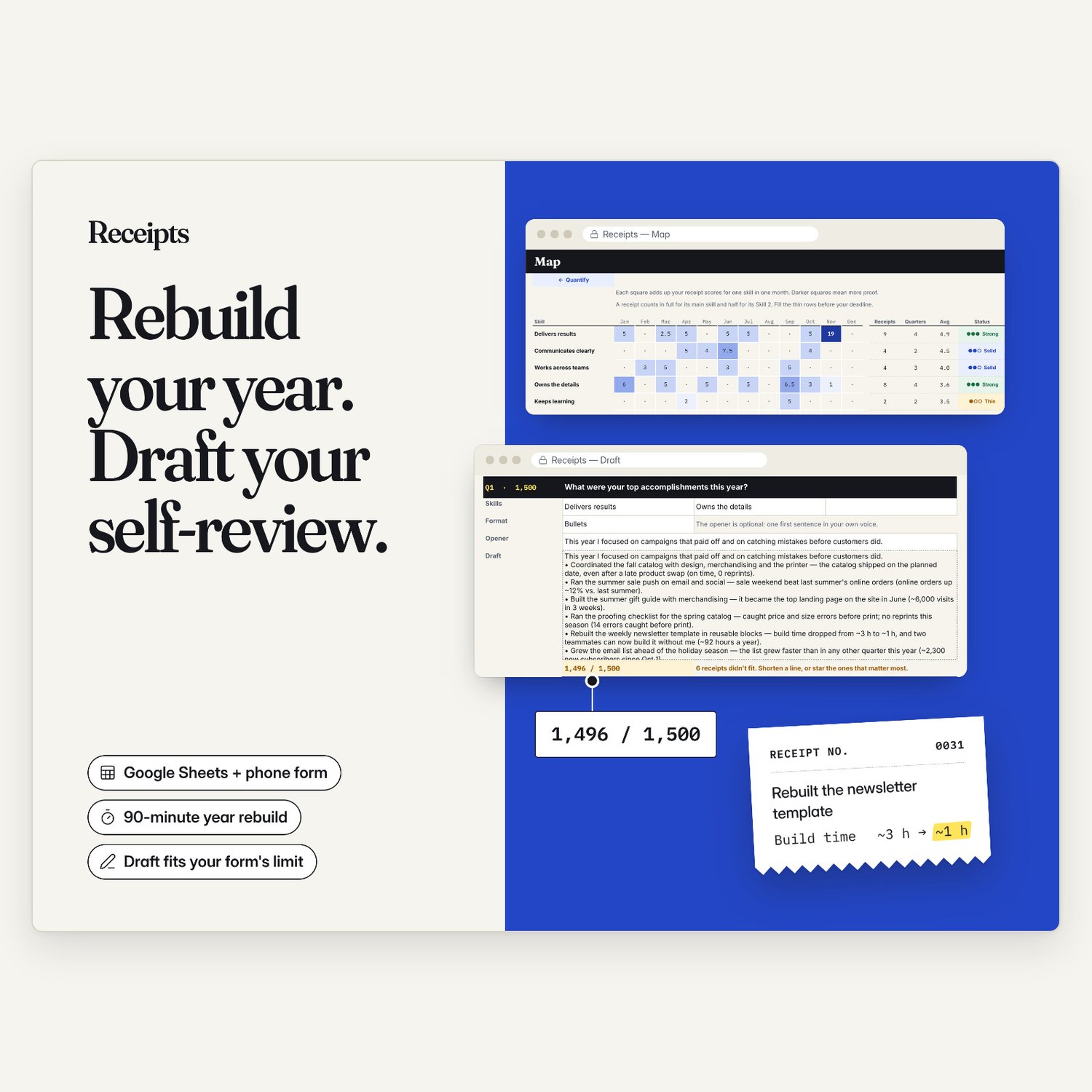
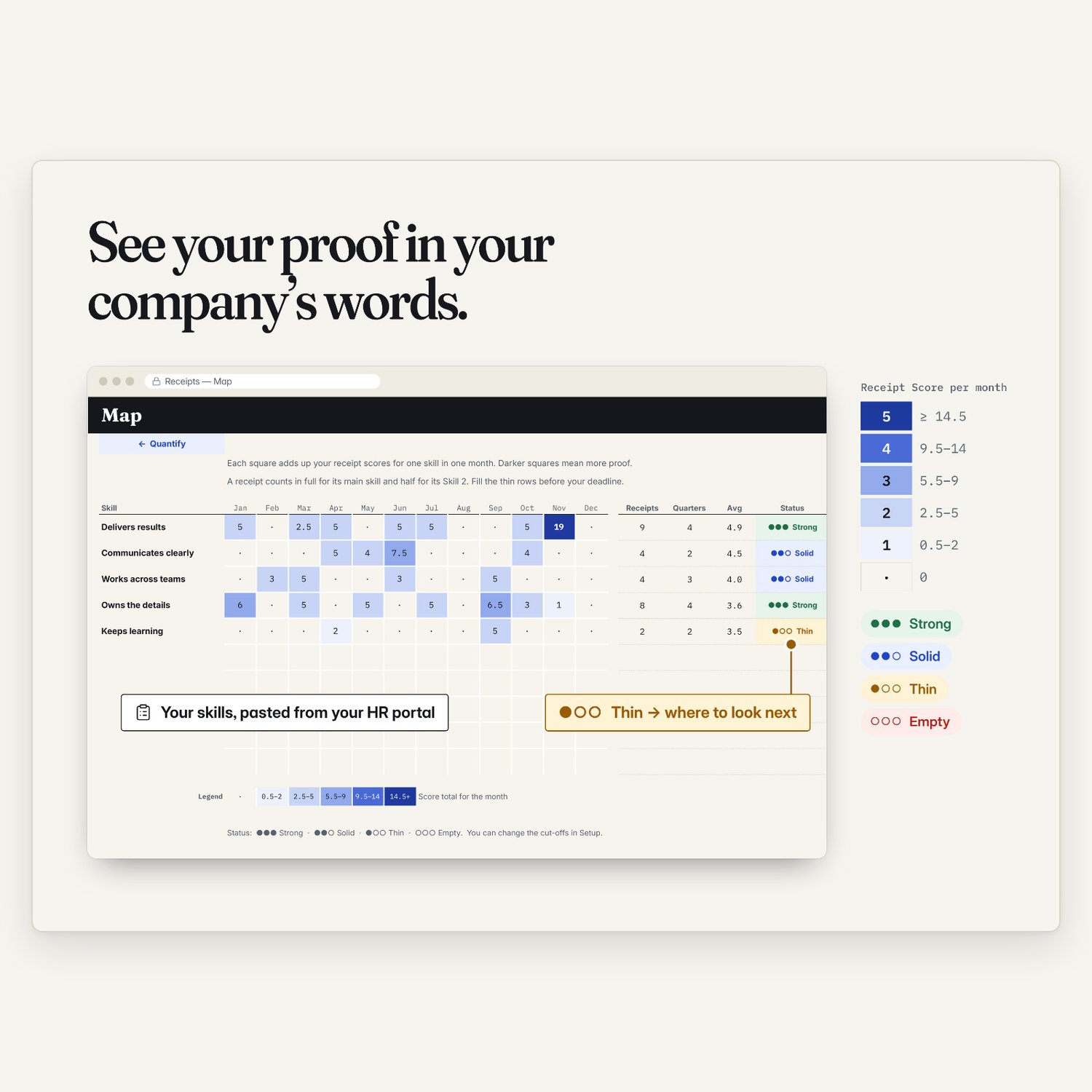
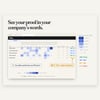
2. Map your proof. Paste your company's skills and rating scale. A color heat map shows where your proof is strong, thin or missing, in your company's own words.
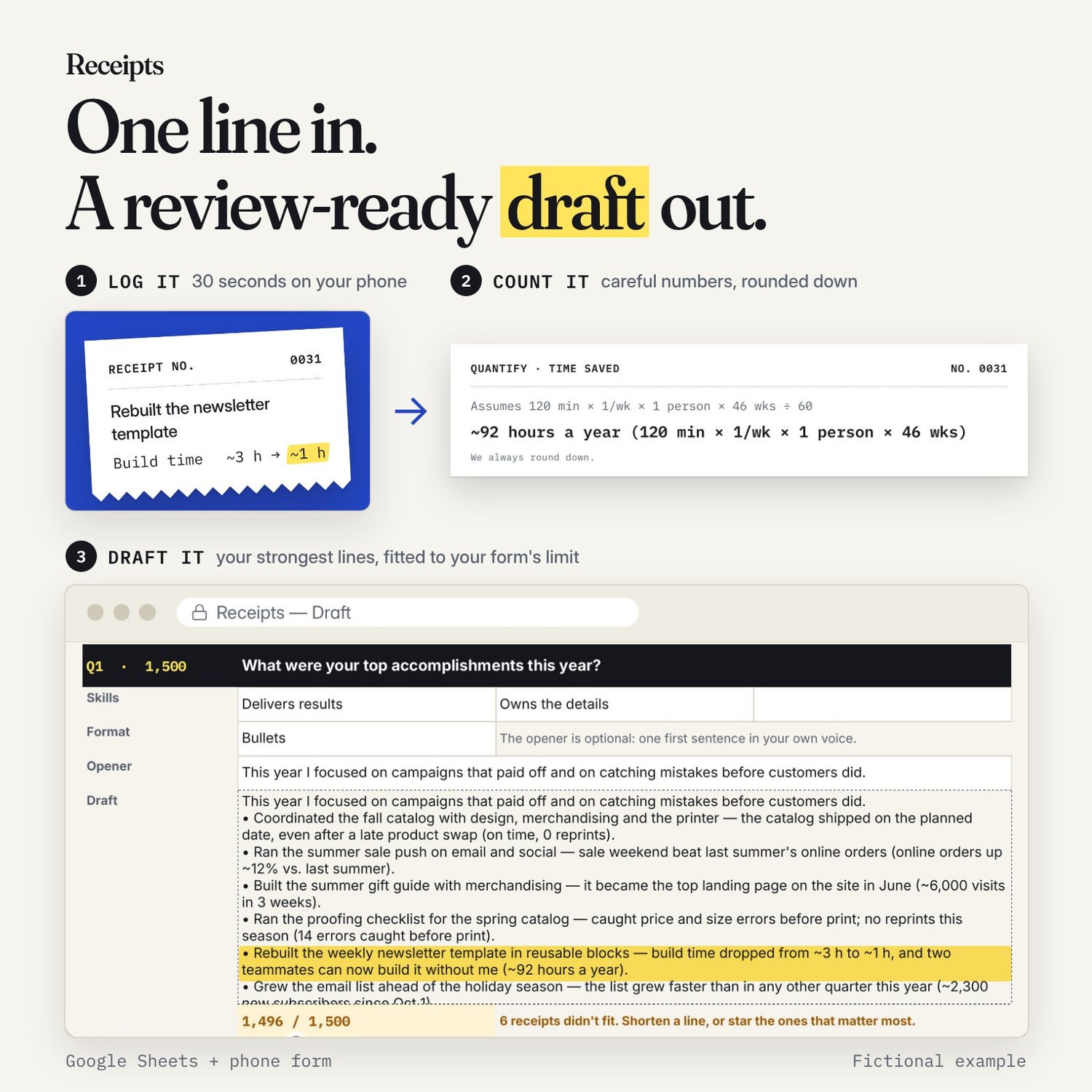
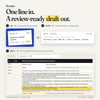
3. Draft your self-review. Pick your review questions. Receipts puts your strongest points first and builds a first draft from your own lines. If your form has a character limit, the draft stops at it. Then you rewrite it in your own voice.
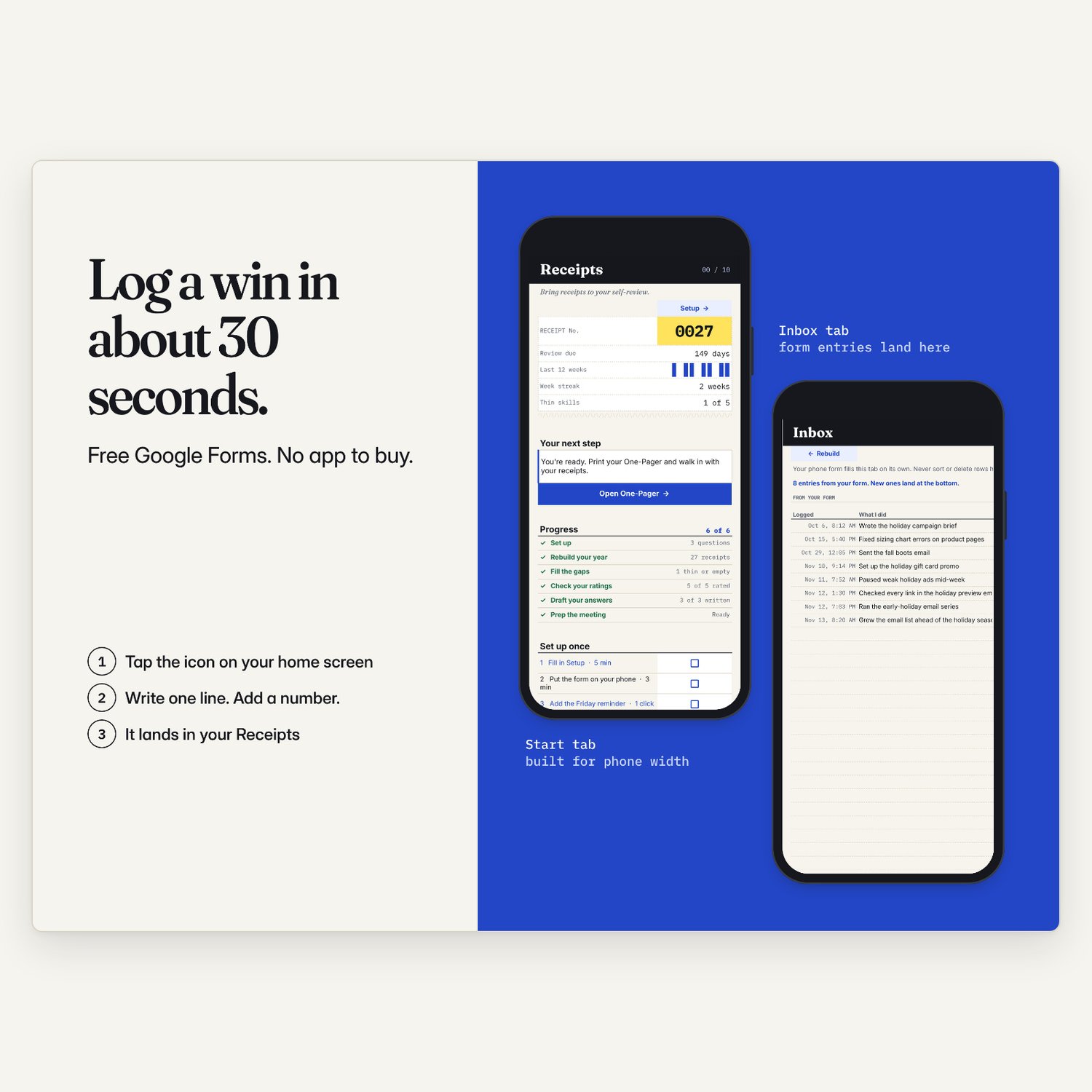
After review season, keep it going: log a win from your phone in about 30 seconds.
WHAT'S INSIDE
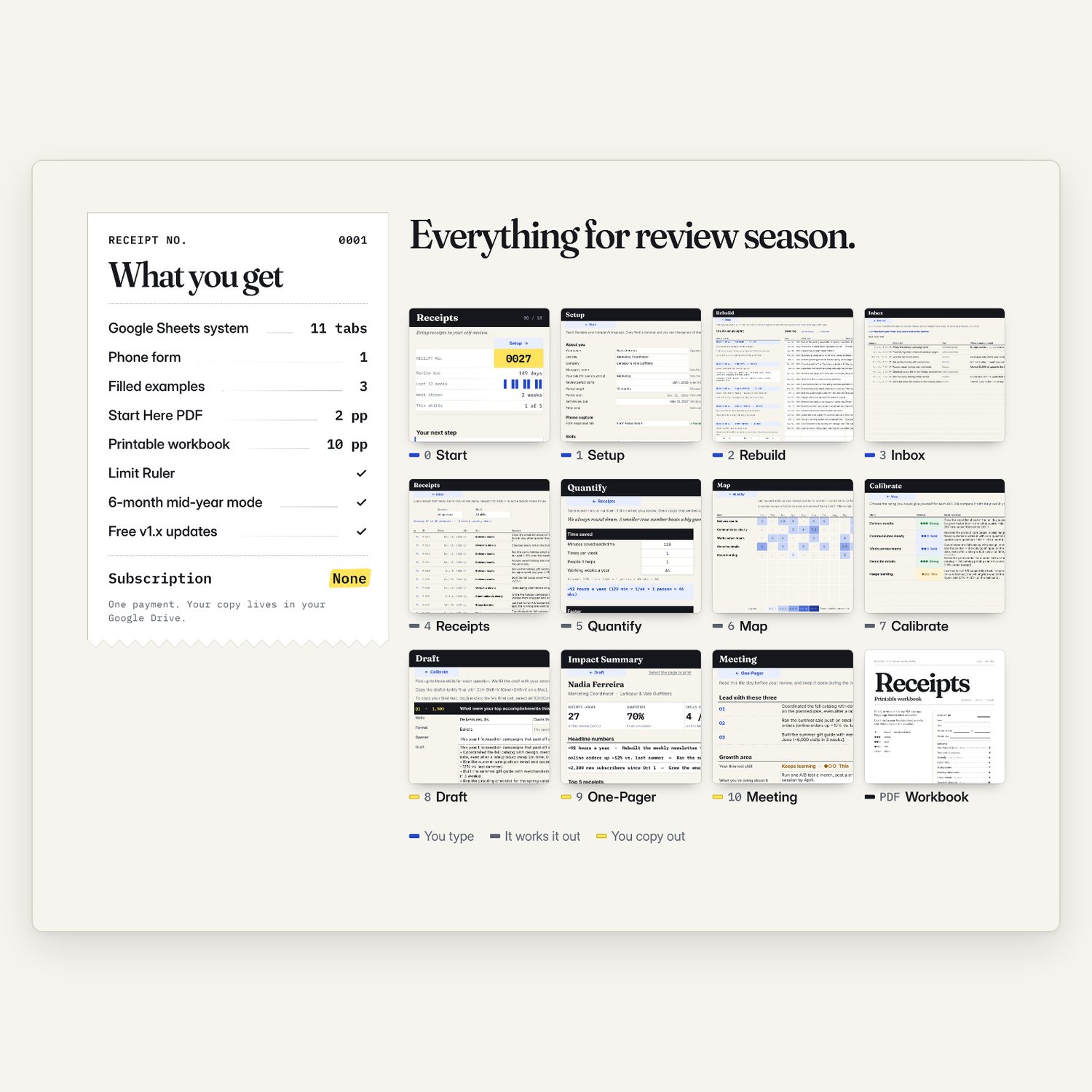
- Google Sheets system, 11 tabs. You get your own private copy.
- Mission Control start screen: your next step, your progress and a countdown to your review deadline.
- Phone form (free Google Forms). Log a win in about 30 seconds.
- Year Rebuild: 6 search blocks, with words to search for your role.
- Quantify: 6 small calculators that turn hard-to-measure work into careful numbers. They always round down.
- Map: a heat map of your proof by skill and month, with a "fill the gap" tip for thin spots.
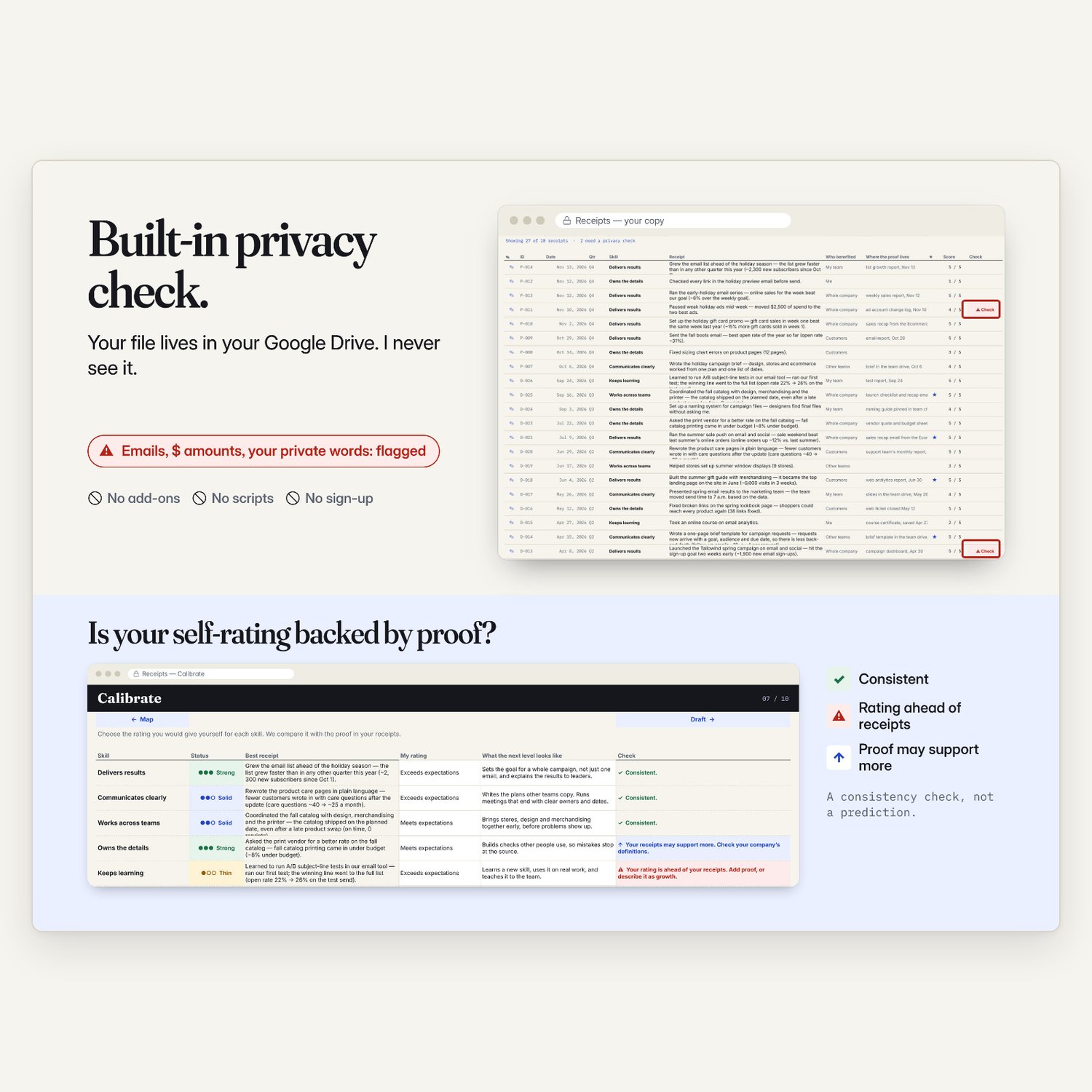
- Calibrate: check if your self-rating matches your proof.
- Draft: a first draft for each review question, with a live character counter. Includes the Limit Ruler to find your form's limit.
- One-Pager: a one-page summary for your manager (prints on one Letter page; A4 with Fit to width).
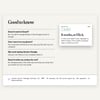
- Meeting: talking points, two asks and a recap email.
- 6-month mode for mid-year reviews.
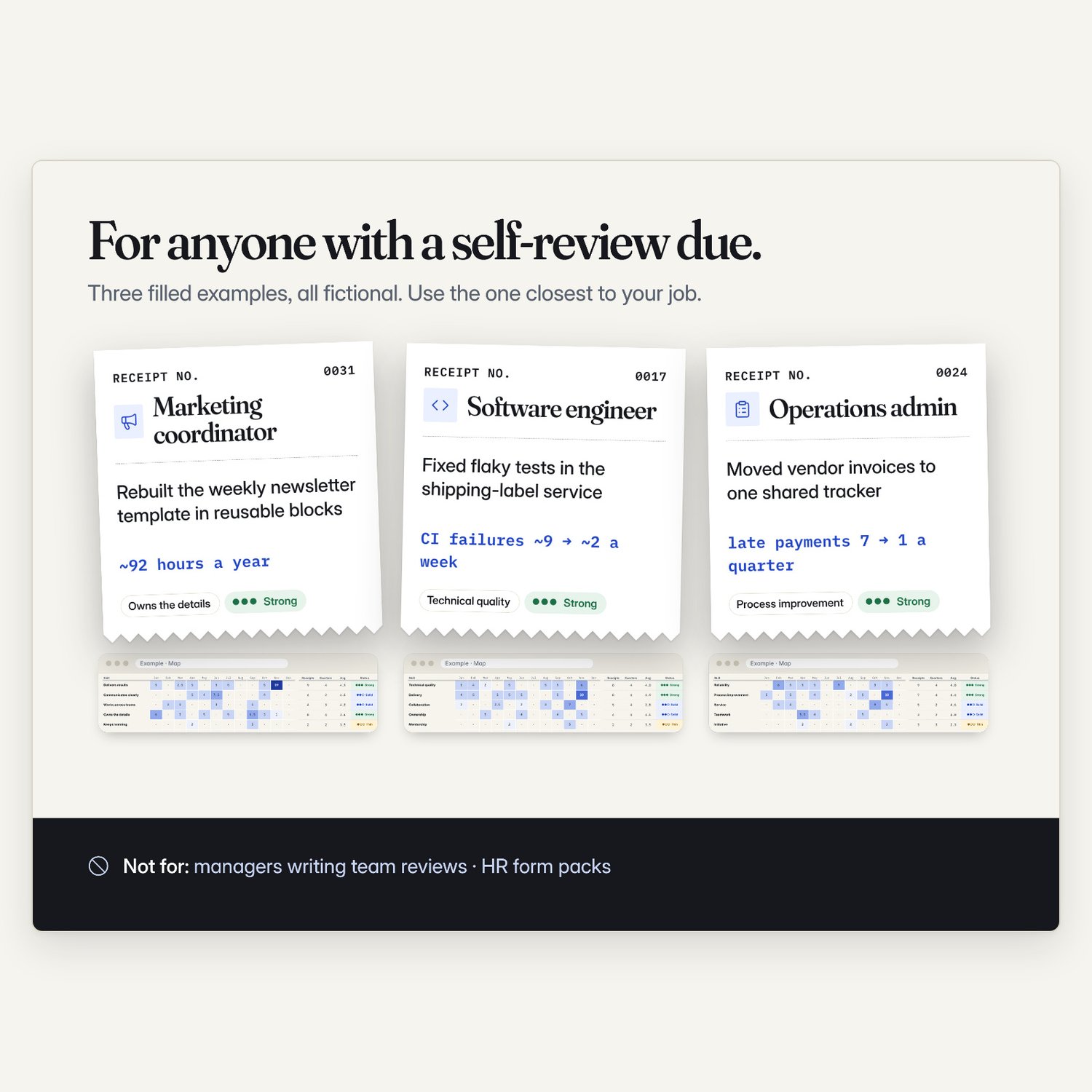
- 3 filled examples: marketing coordinator, software engineer, operations admin (all fictional).
- Start Here PDF (2 pages) and a printable workbook PDF (10 pages, US Letter).
- Free v1.x updates. Updates come as a fresh copy; move your rows over in a few minutes.
HOW IT WORKS
1. Copy (on a computer): Start Here PDF → "Copy my Receipts".
2. Set up, 10 min: your skills, rating scale and review questions. Form on your phone.
3. Rebuild, 90 min: six 15-minute blocks, one line per win.
4. Draft, day 2: fill thin spots on the Map, then make the draft yours.
WHAT YOU NEED
- A free personal Google account.
- A computer for setup and drafting. Phone for logging.
- This is not an Excel, Numbers or Notion file.
- Some work devices block Google Sheets.
- Receipts doesn't connect to your company's review tool.
YOUR DATA STAYS YOURS
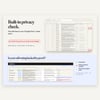
Your copy lives in your own Google Drive. I can't see it. No add-ons, no scripts, no sign-up. A built-in privacy check flags email addresses, dollar amounts, phone numbers and any client or project names you add to your private-words list, so they stay out of your draft until you clear them. Please follow your employer's rules about work information.
WHO IT'S NOT FOR
- Managers writing reviews for their team. This is for the person being reviewed.
- HR teams looking for company review forms.
- People who want a tool to write their review for them. You write in your own words; Receipts organizes your proof.
- Anyone who needs an Excel file.
FAQ
Is this an Excel file?
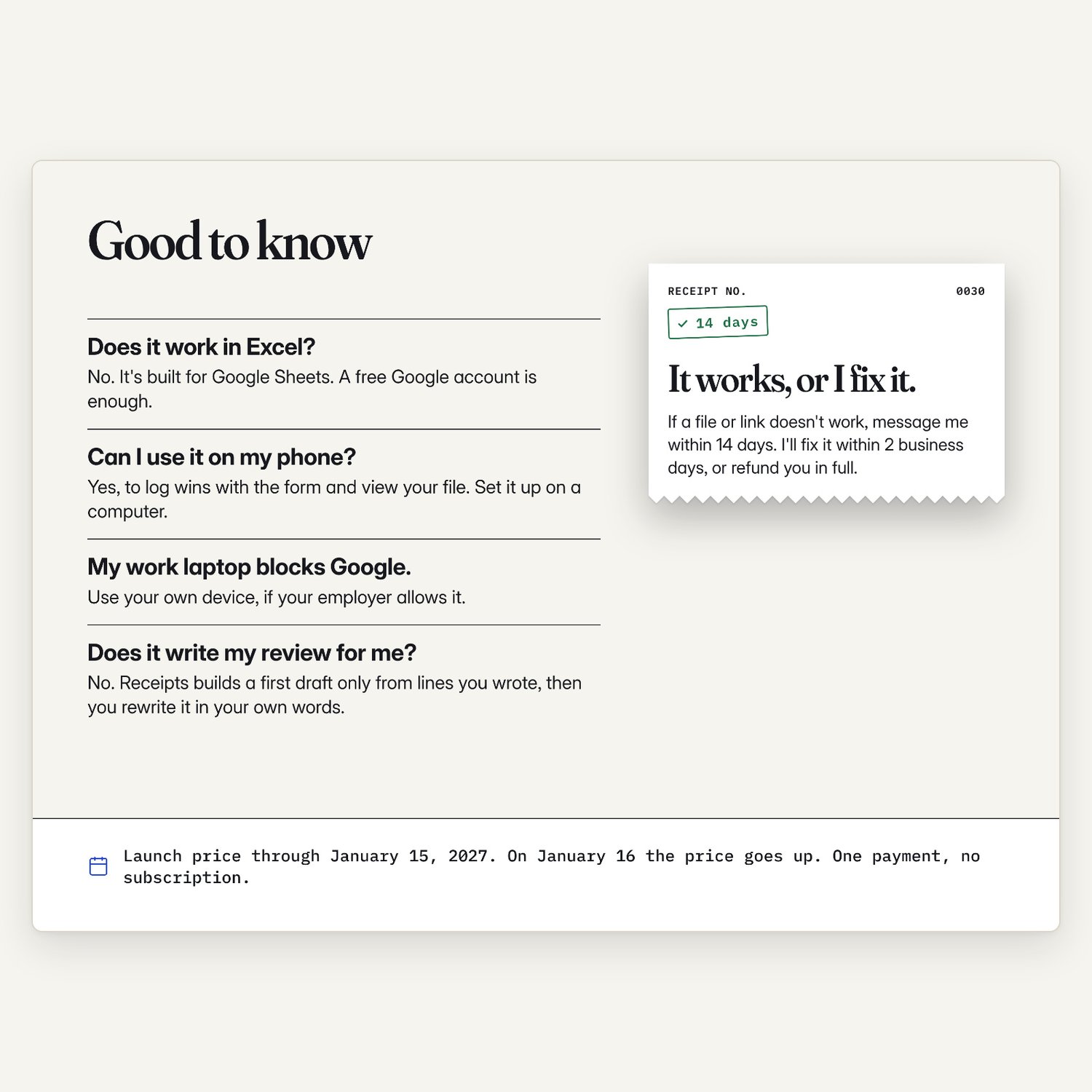
No. Receipts is a Google Sheets file. You need a free Google account. It won't work in Excel, Numbers or Notion.
Can I use it on my phone?
Yes, for logging: the phone form takes 30 seconds. Set up and draft on a computer.
My work laptop blocks Google. What can I do?
Use your own device, if your employer allows it. Or use the printable workbook.
Does it write my review for me?
No. Receipts builds a first draft only from lines you wrote, then you rewrite it in your own words.
Can you see my data?
No. Your copy lives in your own Google Drive. There are no add-ons or scripts, and nothing is sent to me.
My company uses its own skills and rating scale. Will it fit?
Yes. Up to 10 skills and your rating labels go in Setup, or pick a preset. 12-month or 6-month period.
How do I get my draft into my review form?
Paste the Limit Ruler (Setup tab) into your review box: the last number you see is your limit. To copy out: double-click My final → Ctrl/Cmd+A → copy.
What if it doesn't work for me?
My voluntary guarantee: if a file or link doesn't work, or something isn't as described, message me within 14 days. I'll fix it within 2 business days, or refund you in full.
PRICE
Launch price through January 15, 2027. On January 16 the price goes up. One payment, no subscription. Where sales tax applies, it's added at checkout.
REFUNDS AND FIXES
This is an instant digital download you keep, so all sales are final and there are no refunds for a change of mind. My voluntary guarantee: if a file or link doesn't work, or the product isn't as described, message me within 14 days of purchase. I'll fix it or send a working copy within 2 business days. If I can't fix it, I'll refund you in full. This doesn't affect your rights under the law.
PLEASE NOTE
- Receipts helps you prepare. It does not promise any rating, raise or promotion. Results depend on your work, your manager and your company.
- Not HR, legal or career advice. Not your company's official form.
- Don't enter confidential employer information.
- All examples are fictional.
- Digital download. Nothing will be shipped.
- Personal use only. Please don't share or resell the files or links.
- I usually reply within 24 hours.
- Sold by Evenwell Lab (Yevhen Heha), 1600 Kenaston Blvd, Suite 301, Winnipeg, MB R3P 0Y4, Canada. Questions: evenwelllab@gmail.com.