
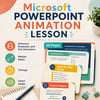

Microsoft PowerPoint Animation Practice Lesson | Learn How to Animate Objects
On Sale
$3.99
$3.99
💻 PowerPoint Animation Lesson – Beginner’s Guide to Animations
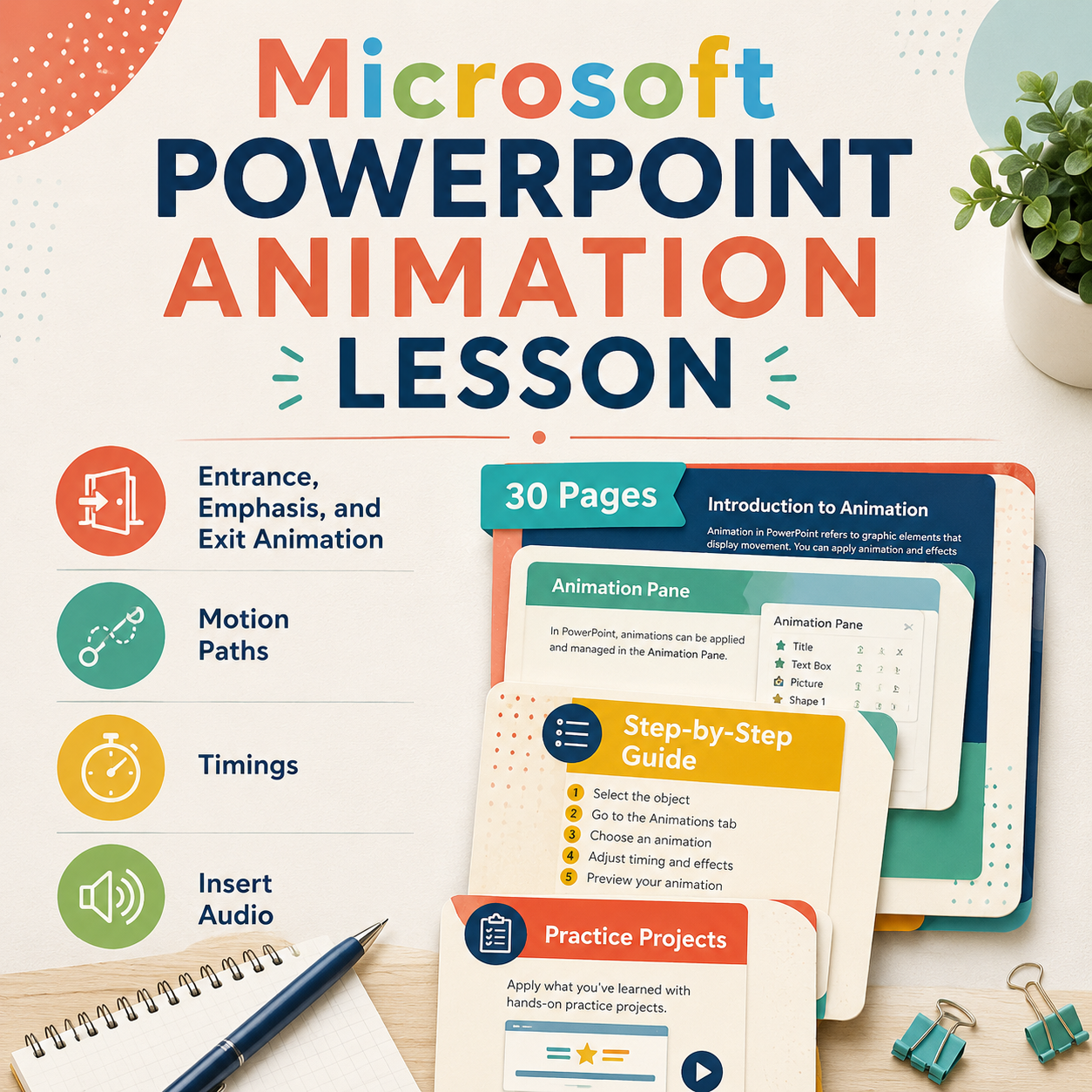
Kick off your animation unit with this fun and engaging lesson that introduces students to the basics of animating in PowerPoint! Perfect for technology, computer applications, or digital media classes, this resource walks students through entrance, emphasis, and exit animations while building their confidence with creative design.
Students will learn to:
✔️ Apply multiple animations to a single object
✔️ Adjust timings, triggers, and motion paths
✔️ Use the Animation Pane to control sequencing
✔️ Combine effects for polished, professional slides
✅ What’s Included
- Step-by-step student instructions
- 7 Guided Practice Activities to master each animation type
- Tips for using the Animation Pane effectively
- Editable PowerPoint file for students to complete
💡 Skills Students Will Practice
- Digital design and presentation techniques
- Timing and sequencing animations
- Motion path creation and customization
- Creative visual communication
🧑🏫 Perfect For
✔️ Technology/Computer Applications Classes
✔️ Digital Media & Graphic Design
✔️ Business/Marketing Presentation Skills
✔️ Middle School, High School, or Intro to Animation Units