
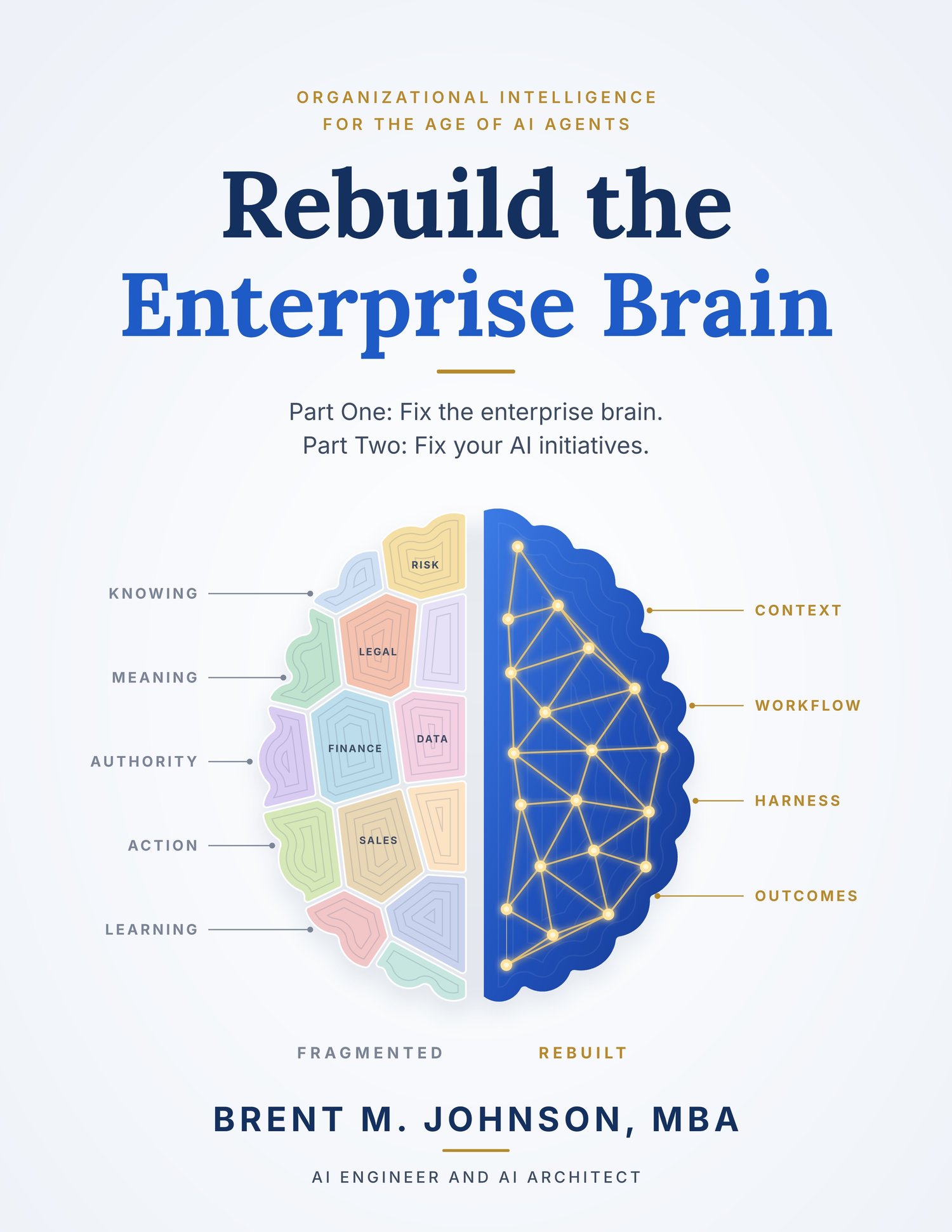
Rebuild The First Brain Implementation Workbook, Excel
Most AI initiatives stall because the organization isn’t ready: goals conflict, records disagree, no one is sure who may approve what, and no one can prove the result was worth the cost. Rebuild the First Brain explains why. This workbook shows your team how to fix it.
Choose one business capability, such as supplier onboarding, claims resolution, or order-to-cash, and work through eight tabs in order. Each tab is built the same way:
- Why this step matters, in plain language
- What you will produce, who should be involved, and what you need before you start
- Numbered instructions that take you through the tab one table at a time
- Common mistakes to avoid
- A worked example on every table, drawn from one company’s supplier onboarding, so you can see what a good answer looks like
- A column guide under every table heading that tells you what to write in each column
- A “you are done when” checklist that updates the tab’s status automatically
The workbook doesn’t assume you have read the book first. A glossary explains every term in plain words, and a start page shows how the eight tabs connect and what each one feeds into the next.
What you will build
- Align: a one-page outcome charter naming the result, the limits, the owner, and the rule for settling conflicts; a map of conflicting goals; and an incentive check.
- Diagnose: a step map of what the organization must know and decide at each point, a table of handoffs, side-by-side traces of a routine case, an exception, and a failed case, and a log of the unofficial workarounds that keep the process running.
- Reconcile: an agreed list of the facts the work depends on, which record is authoritative for each, and what happens when records disagree, plus tests that prove the process pauses instead of guessing.
- Authorize: every decision sorted into four categories, a named owner for each, and the software control that enforces it. The workbook flags any decision without a tested control, any approval that isn’t real oversight, and anyone approving their own proposal.
- Engineer: who or what should do each task (fixed rules, search, AI, or a person), how every action that changes something is designed to fail safely, and an absorption calculator that shows whether the people downstream can handle the work the system sends them.
- Govern: fourteen runtime controls, each with instructions for testing it, plus nine evidence records and the nine governance domains. Each control is checked for whether it is running, whether it refused an unauthorized attempt, and whether its live setting matches the documentation.
- Validate: a complete cost-per-validated-outcome (CPVO) calculator with twenty cost lines, outcome counts, comparison with your baseline, net contribution, companion quality measures, and CPVO by case type. With no validated outcomes it reports “insufficient evidence” rather than an estimate.
- Learn: a learning log in which every outcome counts, failures included; a change register; and a five-role check so that no person and no AI system approves its own change.
A dashboard on the start page shows the status and key measure for all eight disciplines at a glance.
Who it is for
Executive sponsors, transformation and AI program leads, process owners, CFOs and finance partners, risk and compliance teams, architects, and consultants who guide clients through AI implementation.
Details
- Eleven tabs: a start page with dashboard, eight discipline tabs, a glossary, and editable dropdown lists
- 181 automatic calculations and checks in the Excel edition
- Hundreds of dropdown menus for consistent entries
- Excel and Apple Numbers editions. The Excel edition calculates automatically in Excel, and also in Numbers when you open the Excel file there. The Numbers edition explains each calculation in plain words.
- Companion to Chapters 16 and 17 of Rebuild the First Brain by Brent M. Johnson