



Provision Mapping toolkit
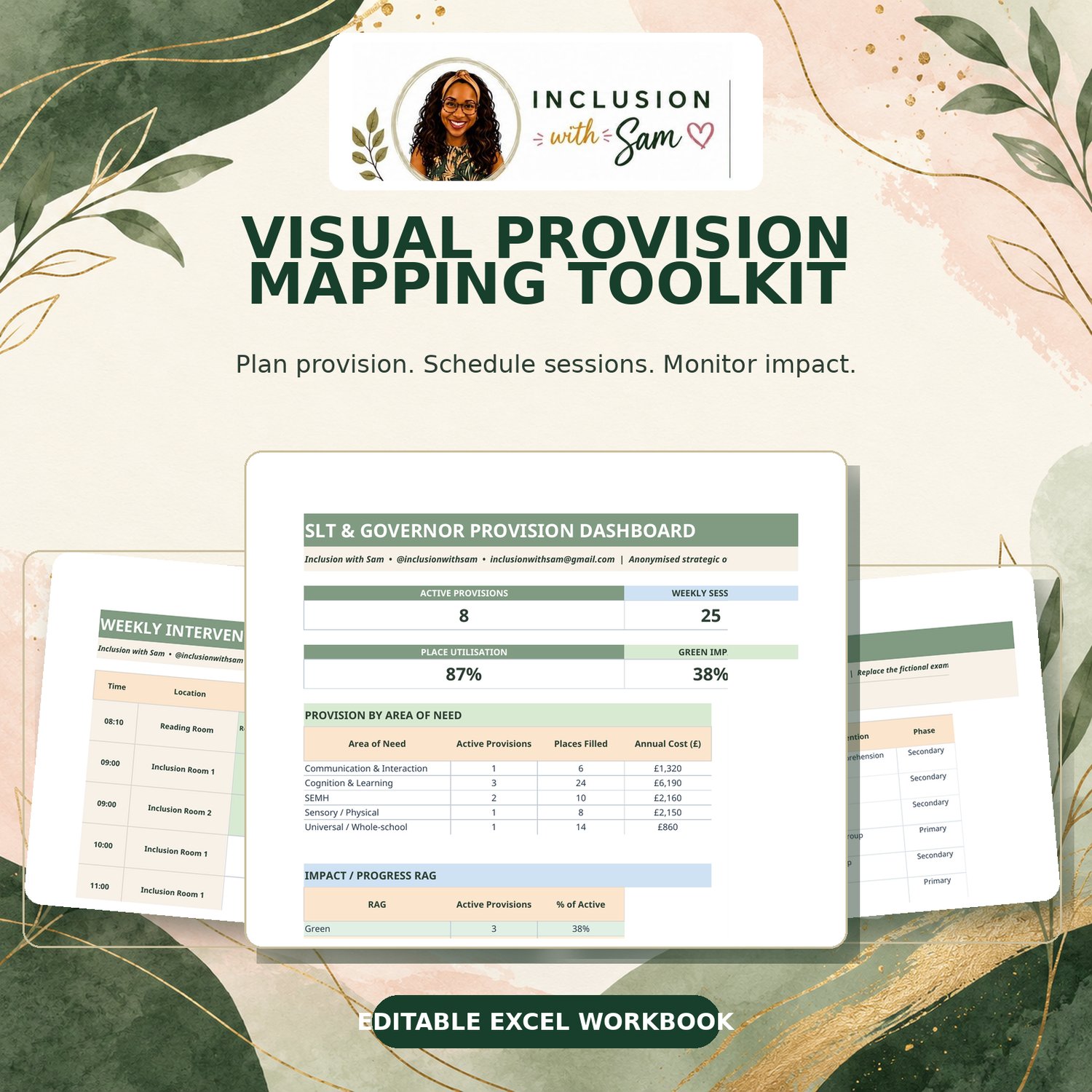
Visual Provision Mapping Toolkit
Organise your SEND provision, track interventions and demonstrate impact — all in one place!
As a SENCO, keeping track of interventions, staffing, timetables, costs and pupil progress can quickly become overwhelming. That's why I've created this Visual Provision Mapping Toolkit — a practical, easy-to-use Excel resource designed to help you stay organised and maintain a clear overview of the support being delivered across your school.
Whether you're preparing for an SLT meeting, reporting to governors, reviewing interventions or simply trying to keep your SEND provision organised, this toolkit brings everything together in one place.
What's included?
This editable Excel workbook contains:
✅ Detailed Provision Map – Record your interventions, areas of need, staffing, frequency, capacity, costs, review dates and impact.
✅ Session Planner – Organise intervention sessions, including staff, times, locations and delivery status.
✅ Visual Weekly Timetable – See when and where interventions are taking place, with a timetable linked to your session planner.
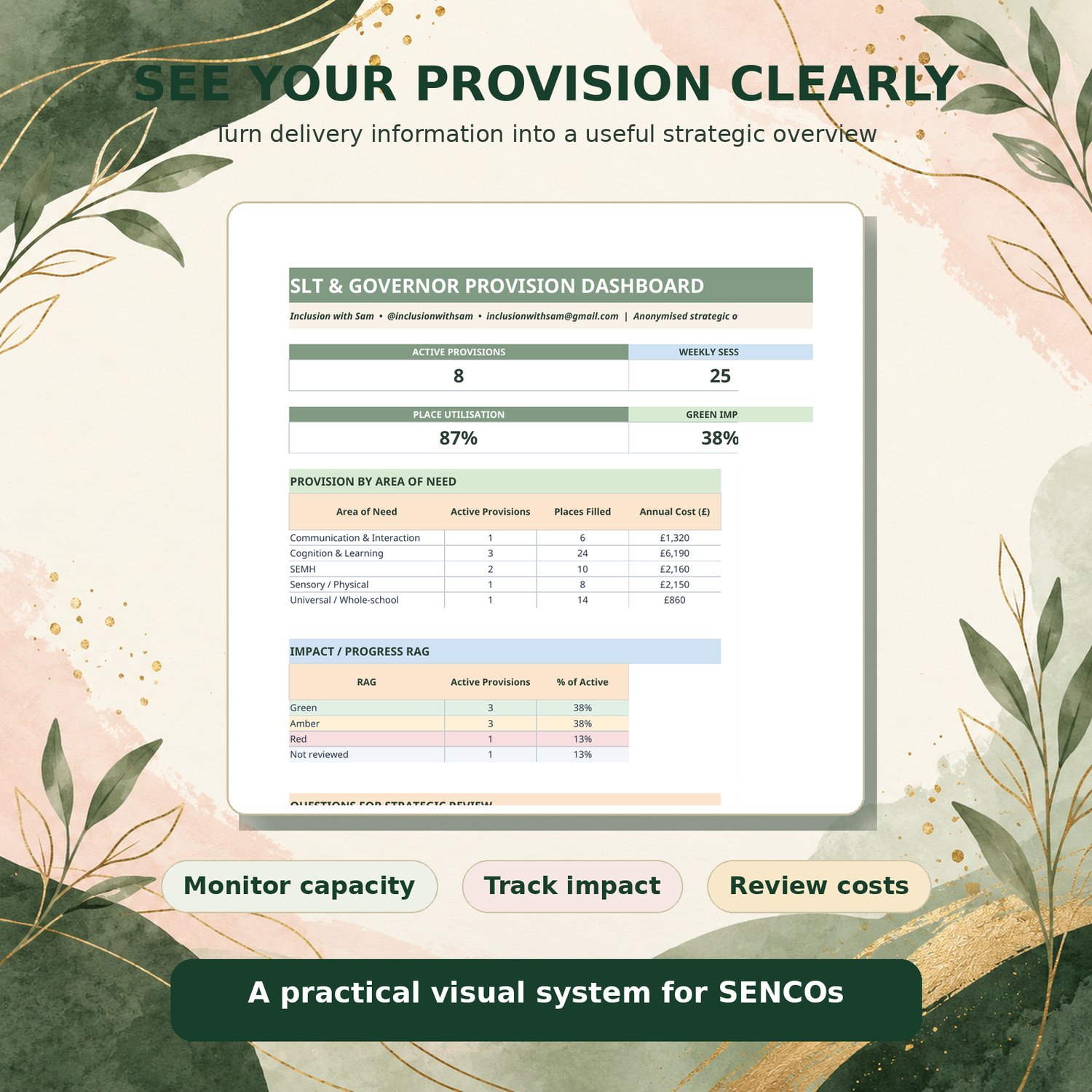
✅ SLT & Governor Dashboard – An automatically updating, anonymised overview of your provision, including intervention numbers, staffing hours, costs, capacity and RAG-rated impact.
✅ Review Tracking – Identify interventions that are due for review or overdue, helping you stay on top of monitoring and evaluation.
✅ Getting Started Guide – Clear instructions to help you personalise the toolkit for your school.
Why you'll love it
- Save time: Reduce the need to maintain multiple disconnected spreadsheets.
- Stay organised: Keep essential SEND intervention information together.
- Demonstrate impact: Use RAG ratings and review information to identify what's working and what needs adjusting.
- Support strategic decisions: Make it easier to discuss staffing, resources and intervention effectiveness with school leaders and governors.
- Improve accountability: Maintain a clearer picture of the provision being planned and delivered.
Who is this resource for?
Perfect for:
- SENCOs and Assistant SENCOs
- Inclusion Leads and SEND Leaders
- SEND Coordinators and Intervention Managers
- Primary, secondary and all-through schools
Important information
Format: Editable Microsoft Excel workbook (.xlsx)
The toolkit includes fictional example data to show you how it works. Simply replace these examples with your school's information.
Some sections update automatically using built-in Excel formulas.
This resource is designed for use within one school or educational setting and is licensed for single-setting use only. Please do not share, resell or redistribute the file.
Created by a practising SENCO, for busy SENCOs.
Because effective SEND provision shouldn't just be happening — we should also be able to organise it, review it and demonstrate its impact.
Inclusion with Sam | Practical resources for inclusive schools