
📊 POWER BI MASTERY: The Ultimate Interview & Practice Guide – 500 Interview Questions with Answers, 50 Hands-On Labs, DAX, Power Query, Data Modeling, Microsoft Fabric & Enterprise Analytics | Complete 5-Part Edition 🚀💻
📊 POWER BI MASTERY: The Ultimate Interview & Practice Guide
🚀 500 Interview Questions & Answers | 50 Hands-On Labs | Complete 5-Part Edition
💡 Become a Confident Power BI Developer – From Data Fundamentals to Advanced Enterprise Analytics!
Are you preparing for a Power BI developer interview? Want to master DAX, Power Query, data modeling, report development, Microsoft Fabric, and enterprise-level analytics?
Power BI Mastery: The Ultimate Interview & Practice Guide is a comprehensive learning and interview preparation resource designed to help you develop practical Power BI skills, strengthen your technical knowledge, and prepare for challenging real-world interview scenarios.
This complete five-part edition brings together theory, practical exercises, 500 interview questions with detailed answers, and 50 hands-on labs to create a structured learning experience for intermediate and advanced learners.
Whether you want to improve your Power BI development skills, prepare for technical interviews, or understand enterprise reporting solutions, this guide provides a structured path to build your expertise. 🎯
📚 WHAT'S INSIDE THIS COMPLETE GUIDE?
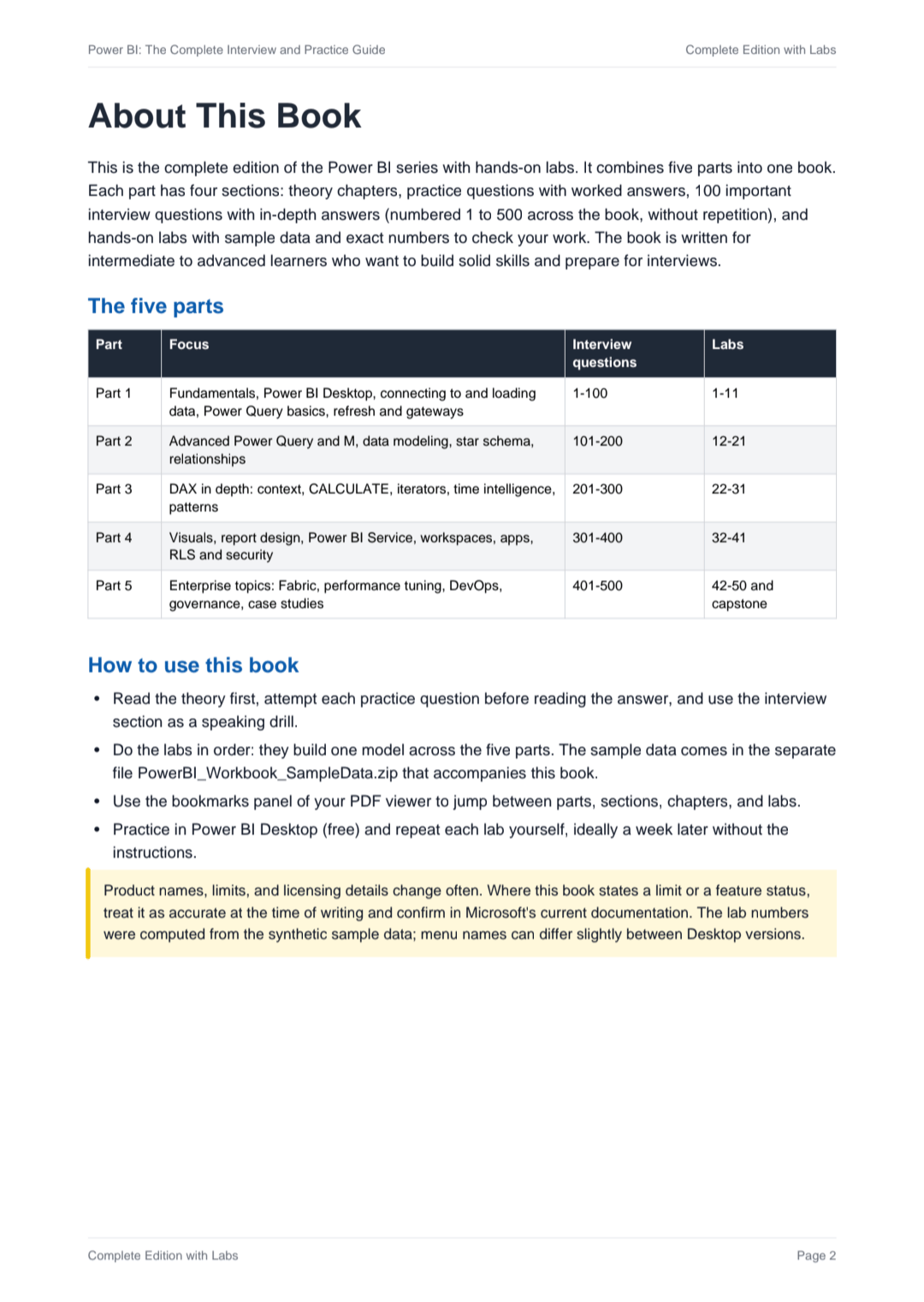
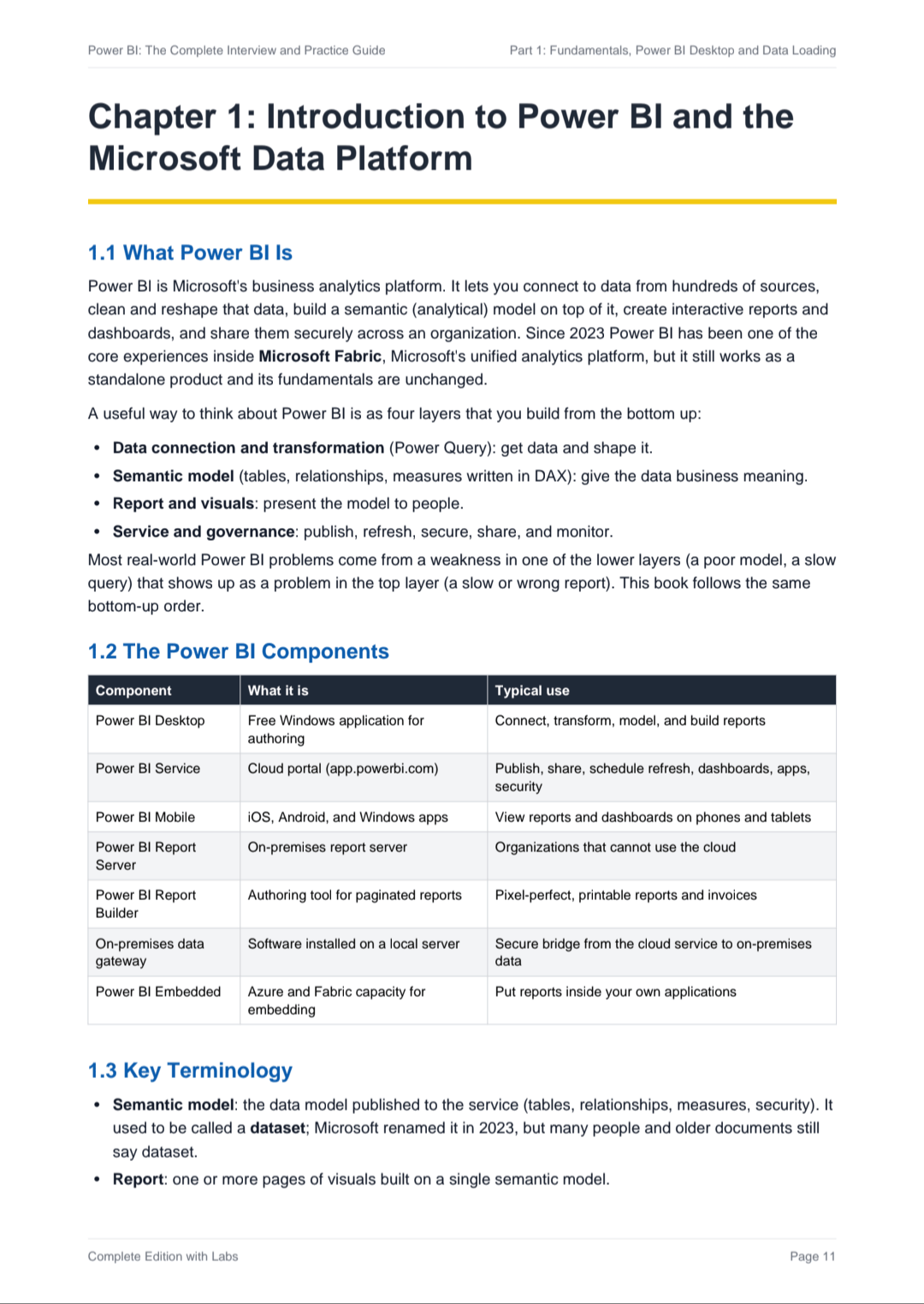
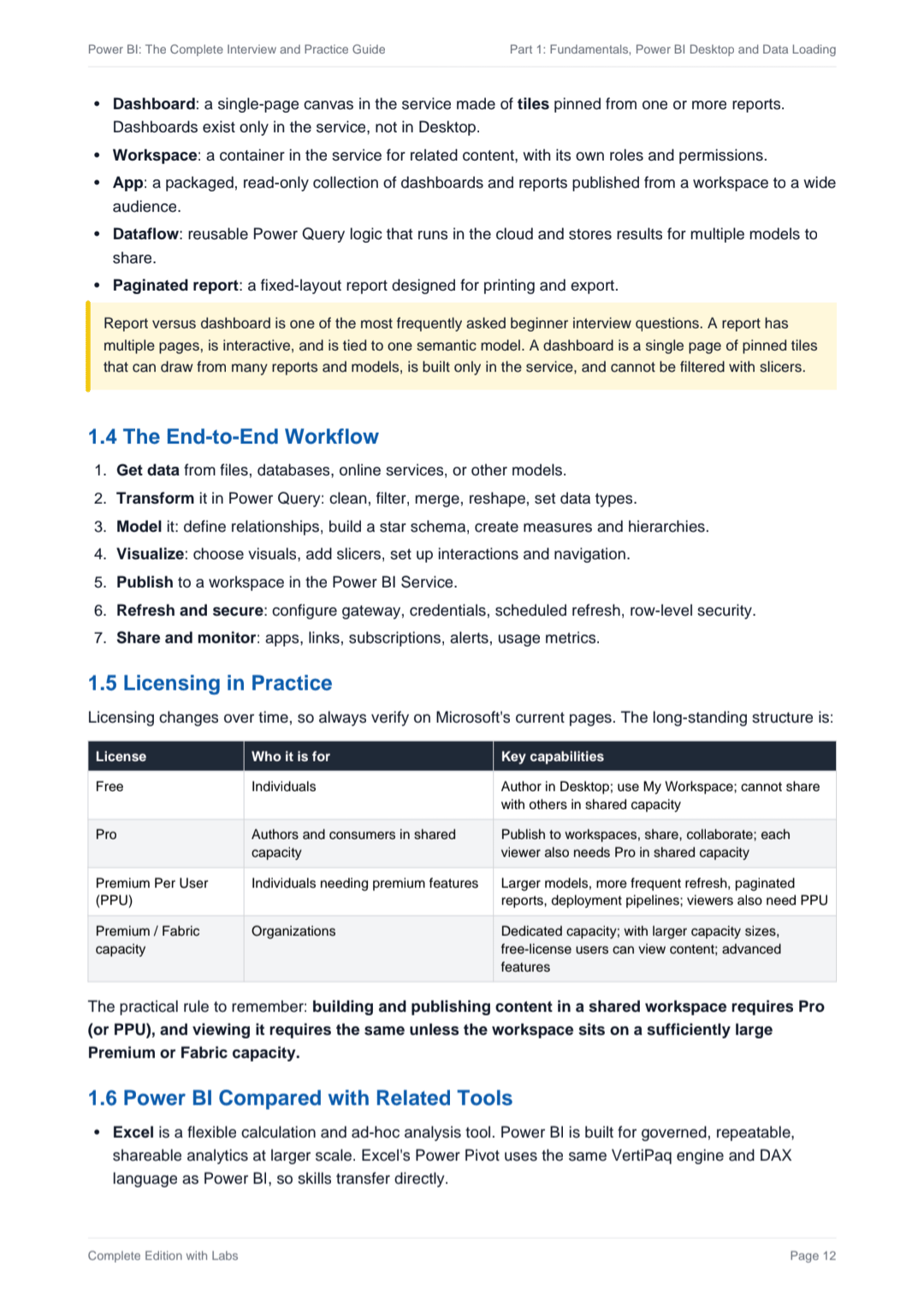
🔹 PART 1: Power BI Fundamentals & Data Loading
Build a strong foundation in the Power BI ecosystem.
Explore:
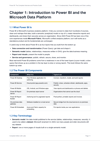
- Introduction to Power BI and Microsoft Data Platform.
- Power BI Desktop and its authoring environment.
- Data connections and connectors.
- Import, DirectQuery, Live Connection, and Composite Models.
- Power Query fundamentals.
- Data transformation and cleaning.
- Refresh, gateways, and incremental refresh.
- Building and publishing your first report.
- Data-loading performance fundamentals.
🔹 PART 2: Advanced Power Query, M & Data Modeling
Learn how to transform complex datasets and build efficient analytical models.
Explore:
- M language fundamentals and advanced functions.
- Advanced Power Query transformation techniques.
- Query folding and optimization.
- Star schema and snowflake schema.
- Fact and dimension tables.
- Relationships and cross-filter direction.
- Date tables and time intelligence foundations.
- Many-to-many relationships.
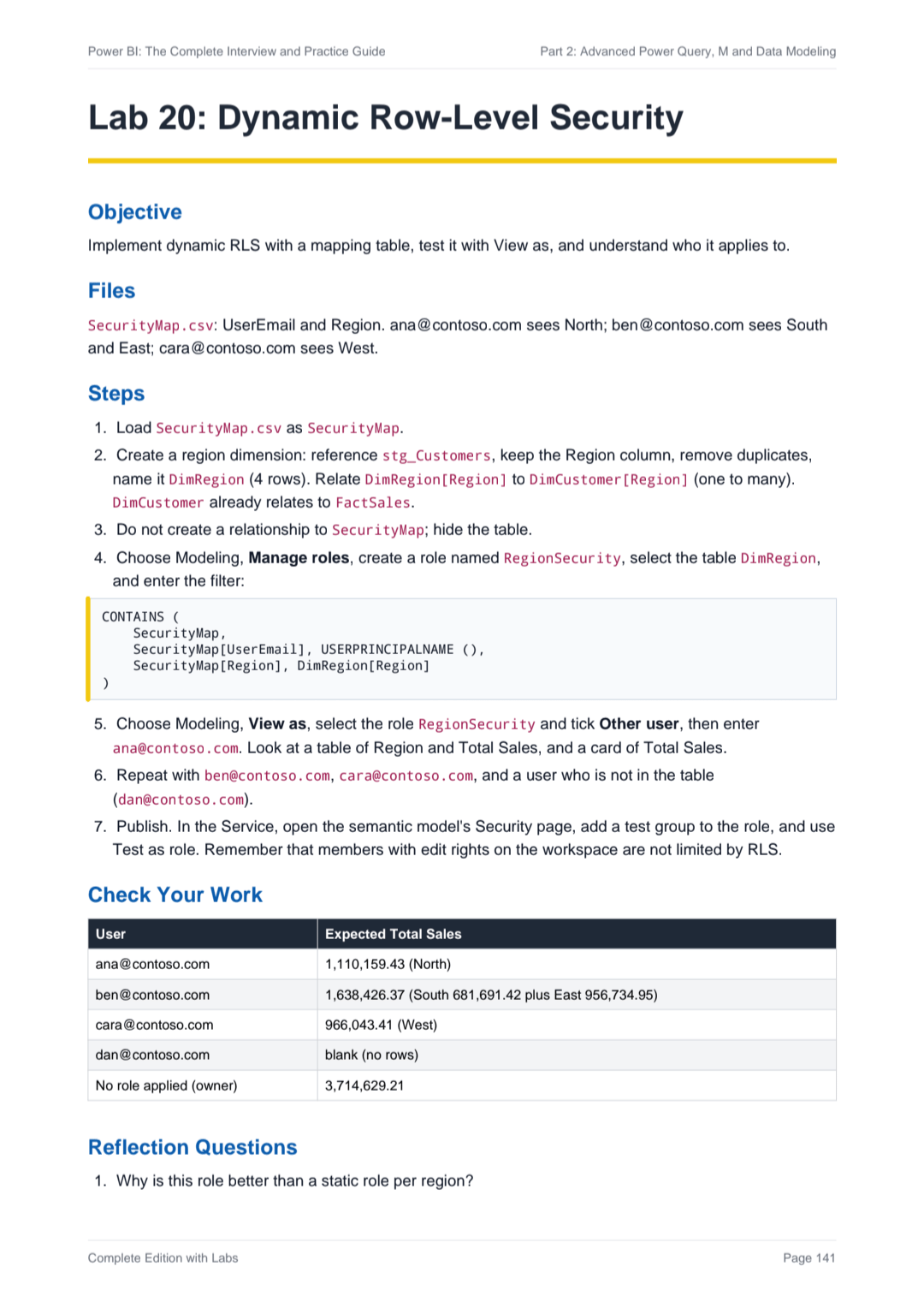
- Dynamic Row-Level Security.
- Data model optimization and documentation.
🔹 PART 3: DAX – From Fundamentals to Advanced Calculations
Master one of the most important skills for professional Power BI developers.
Explore:
- DAX fundamentals and syntax.
- Calculated columns versus measures.
- Row context and filter context.
- CALCULATE and filter modification.
- SUMX, AVERAGEX, and other iterator functions.
- Variables and table functions.
- Time intelligence calculations.
- Year-over-year and month-over-month analysis.
- Ranking and Top N calculations.
- Pareto and ABC classification.
- New and returning customer analysis.
- DAX debugging and performance optimization.
🔹 PART 4: Visualizations, Power BI Service & Security
Learn to develop professional reports and manage secure reporting environments.
Explore:
- Report design principles.
- Charts, tables, matrices, and KPI visuals.
- Interactive reports and dashboards.
- Bookmarks, drill-through, and navigation.
- Slicers and visual interactions.
- Power BI Service and workspaces.
- Apps, audiences, and sharing.
- Administration and capacity monitoring.
- Row-Level Security (RLS).
- Object-Level Security (OLS).
- Governance and lifecycle management.
- Paginated reports and embedding.
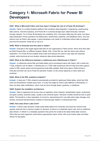
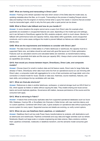
🔹 PART 5: Microsoft Fabric, Enterprise Performance & Governance
Move beyond basic report development and explore enterprise-level analytics.
Explore:
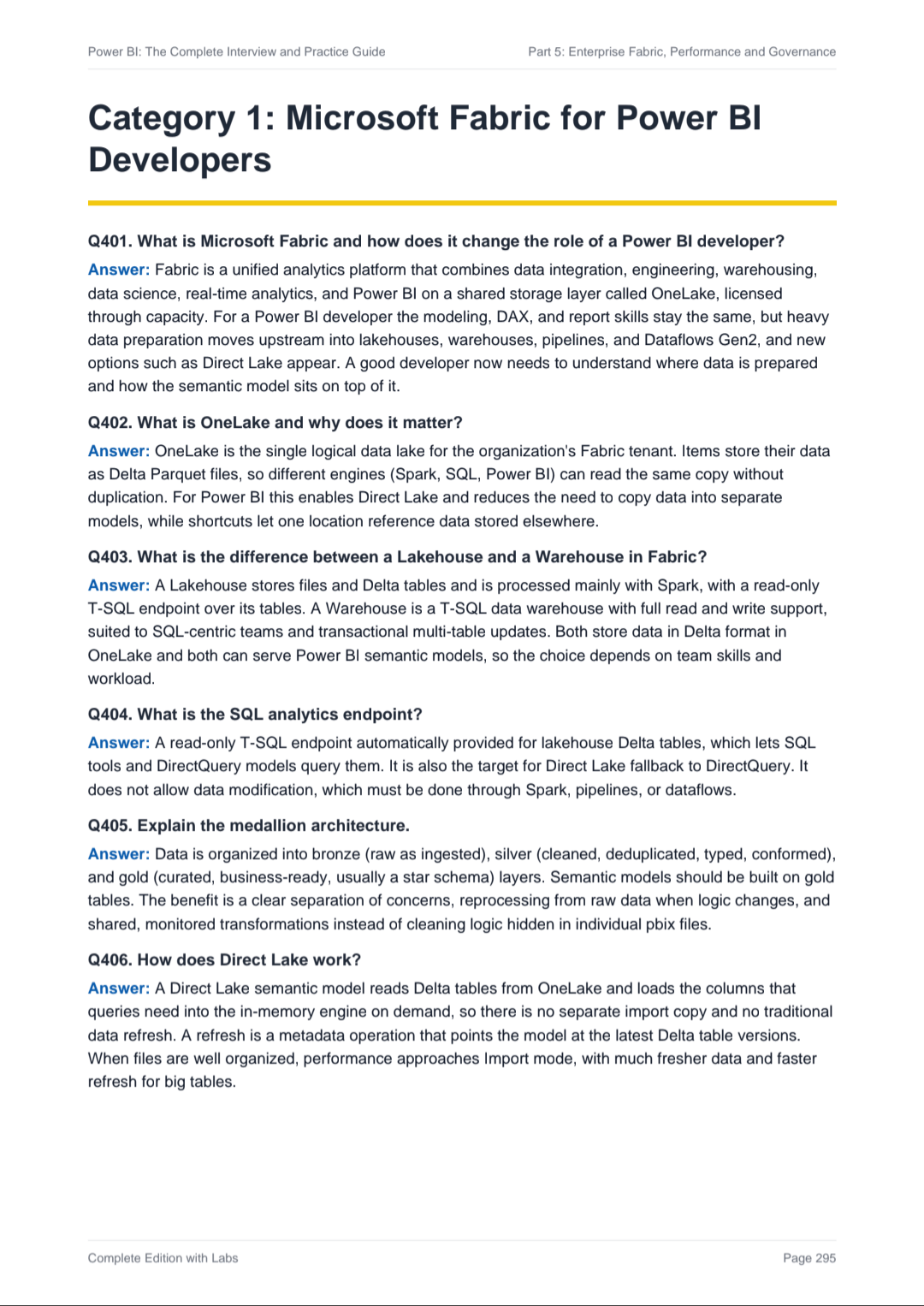
- Microsoft Fabric for Power BI developers.
- Enterprise architecture patterns.
- End-to-end performance tuning.
- Large semantic models and partitions.
- Advanced refresh strategies.
- DevOps and application lifecycle management.
- PBIP projects and Git integration.
- Automated testing.
- Enterprise governance and security.
- Advanced modeling patterns.
- Real-world enterprise analytics case studies.
🎯 500 INTERVIEW QUESTIONS WITH DETAILED ANSWERS
Prepare for technical interviews with 500 carefully organized interview questions covering all five parts.
The questions are divided into the following categories:
- Power BI fundamentals and ecosystem.
- Power BI Desktop and data loading.
- Power Query and M language.
- Advanced data modeling.
- Relationships and star schema.
- DAX fundamentals and advanced calculations.
- Filter context and row context.
- Time intelligence.
- Report development and visualization.
- Power BI Service and administration.
- Row-Level Security and data protection.
- Microsoft Fabric and enterprise architecture.
- Performance tuning and optimization.
- DevOps, automation, and governance.
- Scenario-based interview questions.
Each question includes an in-depth answer to help you understand the concept rather than simply memorize definitions.
💻 50 HANDS-ON LABS WITH PRACTICAL EXERCISES
Reading theory is important, but practical experience makes the difference.
This guide includes 50 hands-on labs designed to help you apply your knowledge through practical Power BI exercises.
Practice activities include:
- Cleaning messy datasets.
- Combining multiple monthly files.
- Merging and appending queries.
- Building data models.
- Creating relationships.
- Designing date tables.
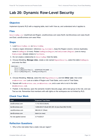
- Implementing dynamic RLS.
- Writing advanced DAX measures.
- Building executive dashboards.
- Creating KPI reports.
- Debugging DAX calculations.
- Measuring model performance.
- Implementing incremental refresh.
- Working with PBIP and Git.
- Designing enterprise analytics solutions.
The labs include sample data references and expected results so you can verify your work.
🌟 WHY CHOOSE THIS COMPLETE POWER BI GUIDE?
✅ Complete 5-Part Learning Resource: Covers everything from fundamentals to enterprise-level Power BI development.
✅ 500 Interview Questions: Prepare for technical interviews with extensive question coverage and detailed answers.
✅ 50 Practical Labs: Reinforce theoretical concepts through hands-on exercises.
✅ Real-World Scenarios: Understand how Power BI concepts apply to practical business analytics challenges.
✅ Advanced DAX Coverage: Develop confidence in writing and understanding complex analytical calculations.
✅ Power Query & Data Modeling: Learn how to clean, transform, structure, and optimize data.
✅ Enterprise-Level Topics: Explore Microsoft Fabric, performance tuning, DevOps, governance, and security.
✅ Structured Learning Path: Follow five progressively organized parts to develop your knowledge.
👨💻 WHO SHOULD READ THIS BOOK?
This guide is suitable for:
- Aspiring Power BI Developers.
- Power BI Developers preparing for technical interviews.
- Business Intelligence Developers.
- Data Analysts.
- Business Analysts.
- SQL Developers transitioning into Power BI.
- Excel professionals moving into business intelligence.
- Data professionals learning Microsoft Fabric.
- Intermediate and advanced Power BI learners.
- Professionals looking to strengthen their enterprise analytics knowledge.
🚀 BUILD YOUR POWER BI EXPERTISE
Power BI is more than creating charts and dashboards. Professional development requires understanding data transformation, semantic modeling, DAX calculations, report design, security, performance, and enterprise architecture.
This guide brings these essential areas together in one comprehensive resource.
Instead of relying on scattered tutorials and disconnected interview questions, follow a structured learning experience that combines theory, practice, interview preparation, and hands-on implementation.
📘 500 Interview Questions. 💻 50 Hands-On Labs. 📊 5 Comprehensive Learning Parts. 🎯 One Complete Power BI Preparation Guide.
🔥 Take Your Power BI Skills to the Next Level!
Whether your goal is to prepare for your next Power BI interview, improve your development capabilities, or strengthen your understanding of enterprise business intelligence, this guide provides a valuable resource for your learning journey.
Start learning. Practice consistently. Master Power BI. Build better analytics solutions! 🚀