


AS94PokeCodeScanner
On Sale
$3.00
$3.00
AS94 PokeCode Scanner
Welcome to the AS94 PokeCode Scanner! This application allows you to scan QR codes easily and saves them to a text file for future reference.
How to Use
- Start the Camera:
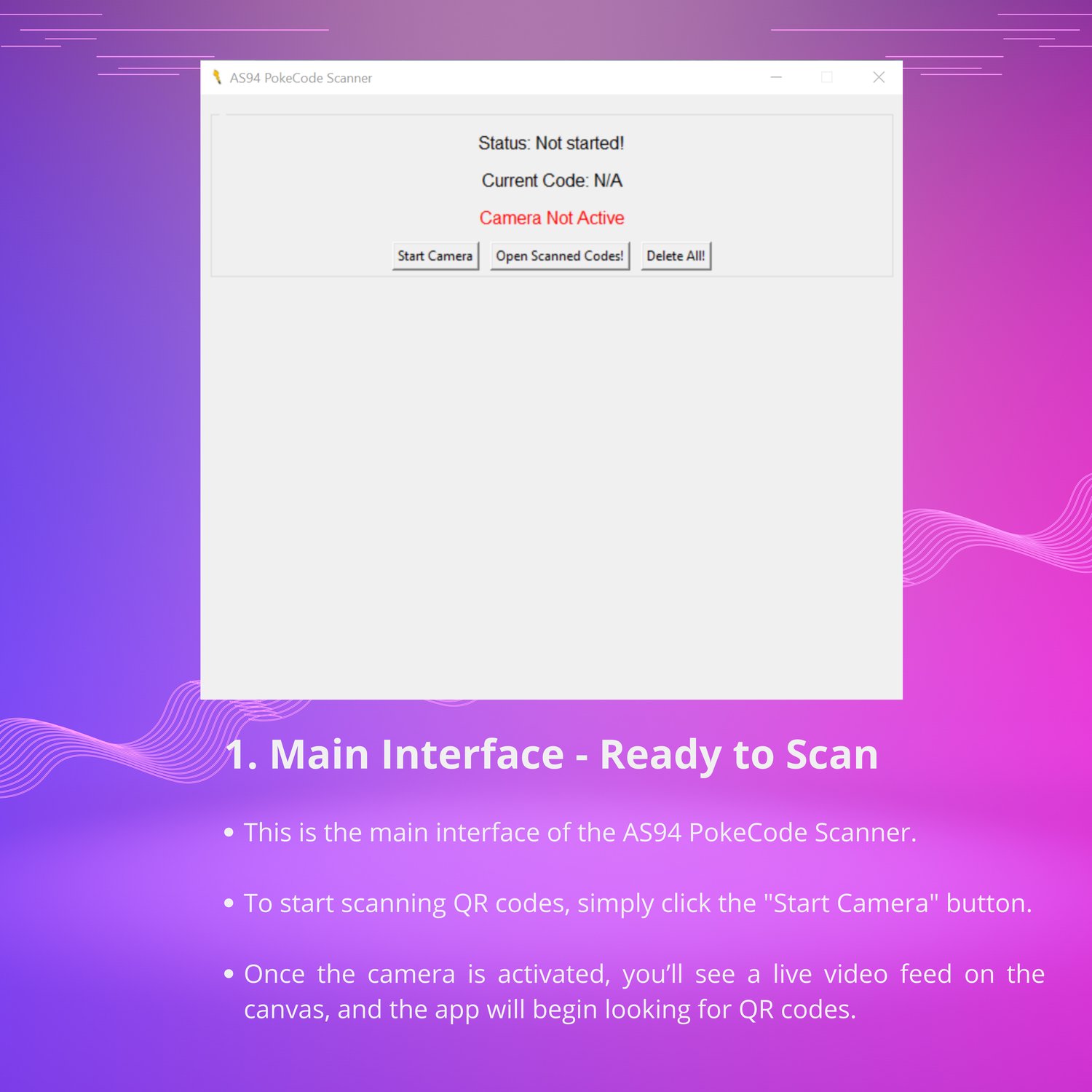
- Click the Start Camera button to activate your computer's camera.
- The camera feed will appear on the screen, and the app is now ready to scan QR codes.
- Scan QR Codes:
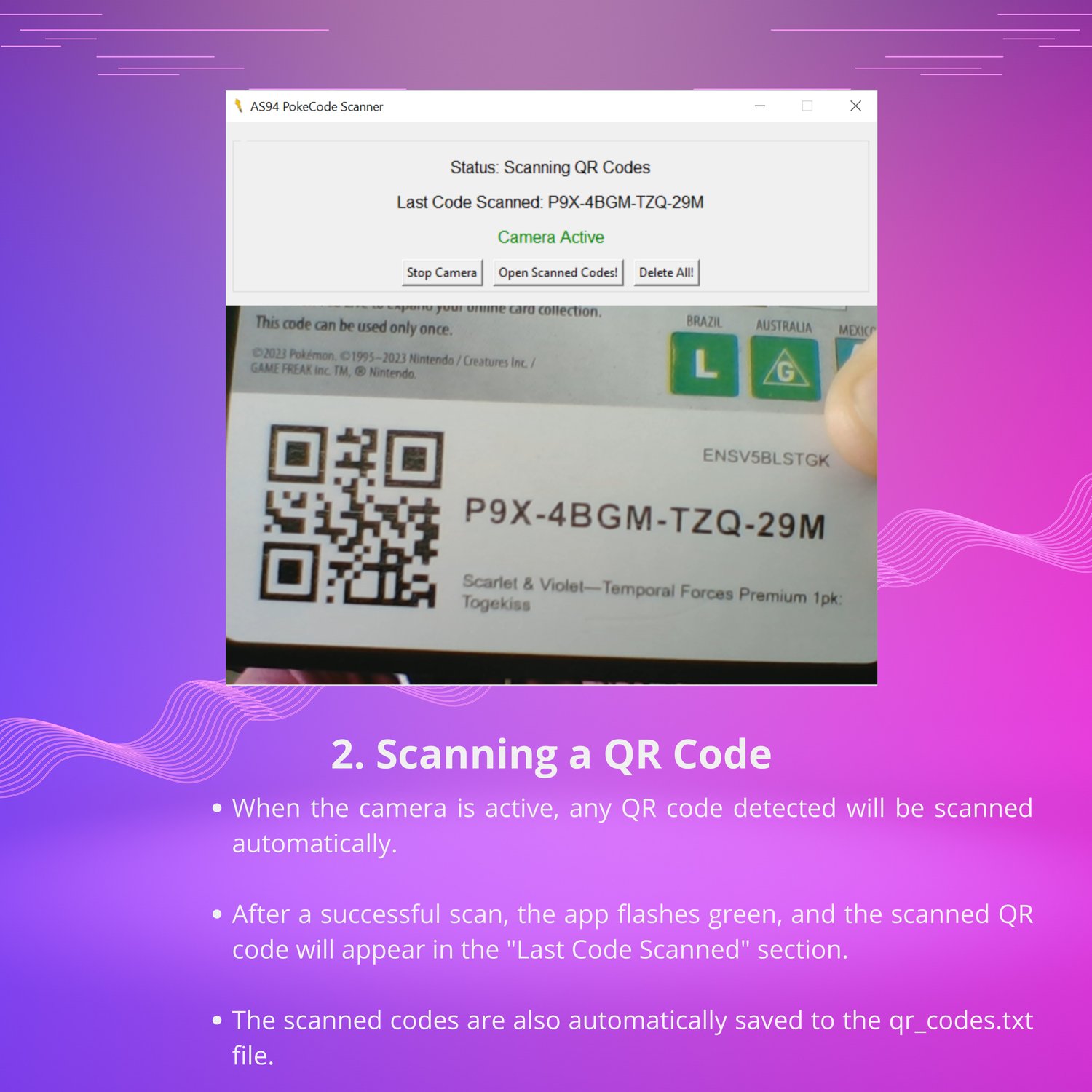
- Hold a QR code up to your camera. When a QR code is detected, the screen will flash green.
- The scanned code will be displayed and automatically saved to a file called qr_codes.txt.
- Stop the Camera:
- When you are done scanning, click the Stop Camera button to turn off the camera.
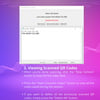
- View Scanned Codes:
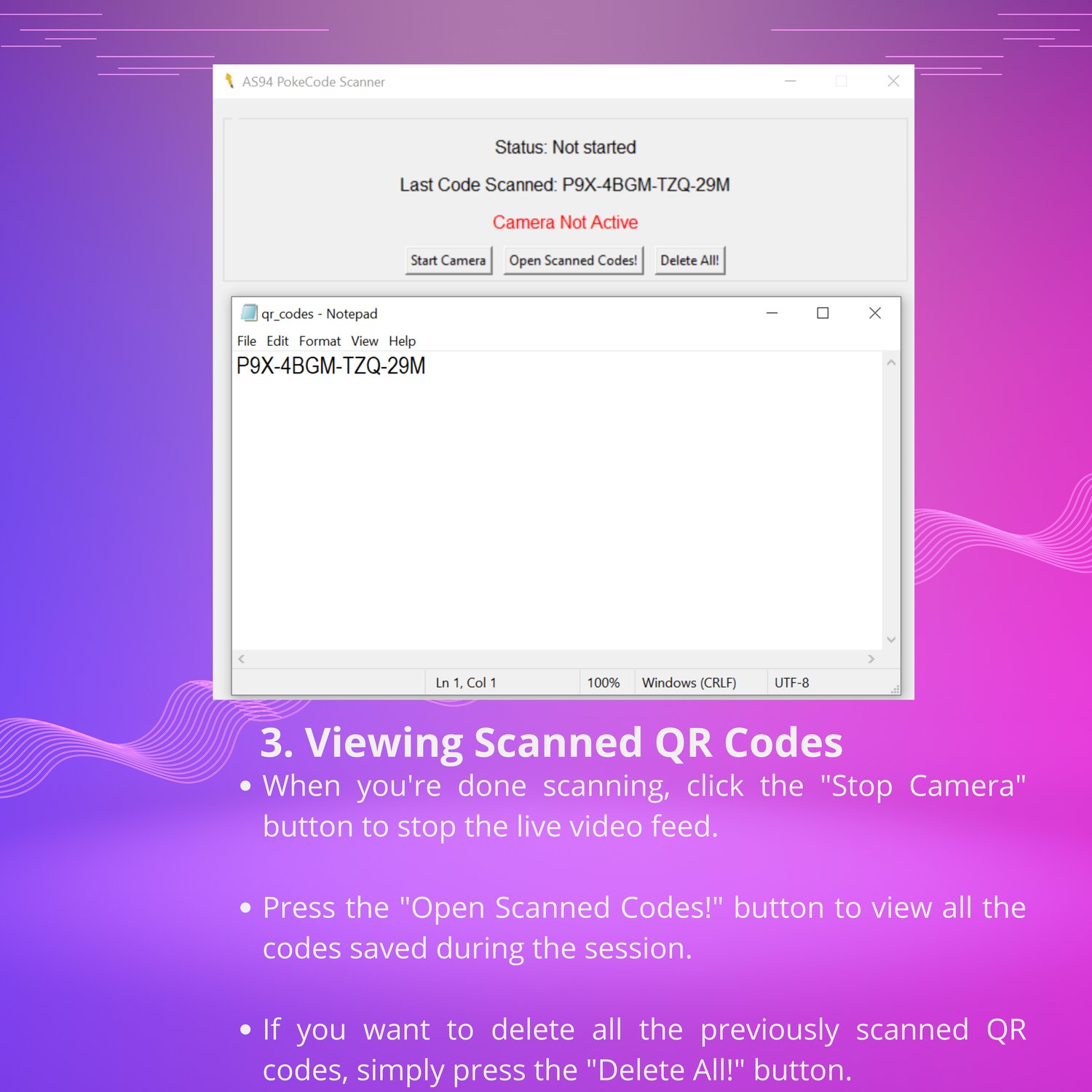
- To see all the scanned QR codes, press the Open Scanned Codes button. This will open the qr_codes.txt file where all scanned codes are stored.
- Delete Scanned Codes:
- If you want to clear all the scanned QR codes, click the Delete All button. This will erase all the codes in qr_codes.txt, giving you a fresh start.
File Information
- All scanned codes are saved in qr_codes.txt.
- The icon for the application is located in favicon.ico.
Troubleshooting
- Make sure your camera is working properly before starting the app.
- If the camera doesn't open, you might need to adjust your camera permissions in the operating system.
Happy Hunting!
Enjoy scanning your QR codes with ease!