

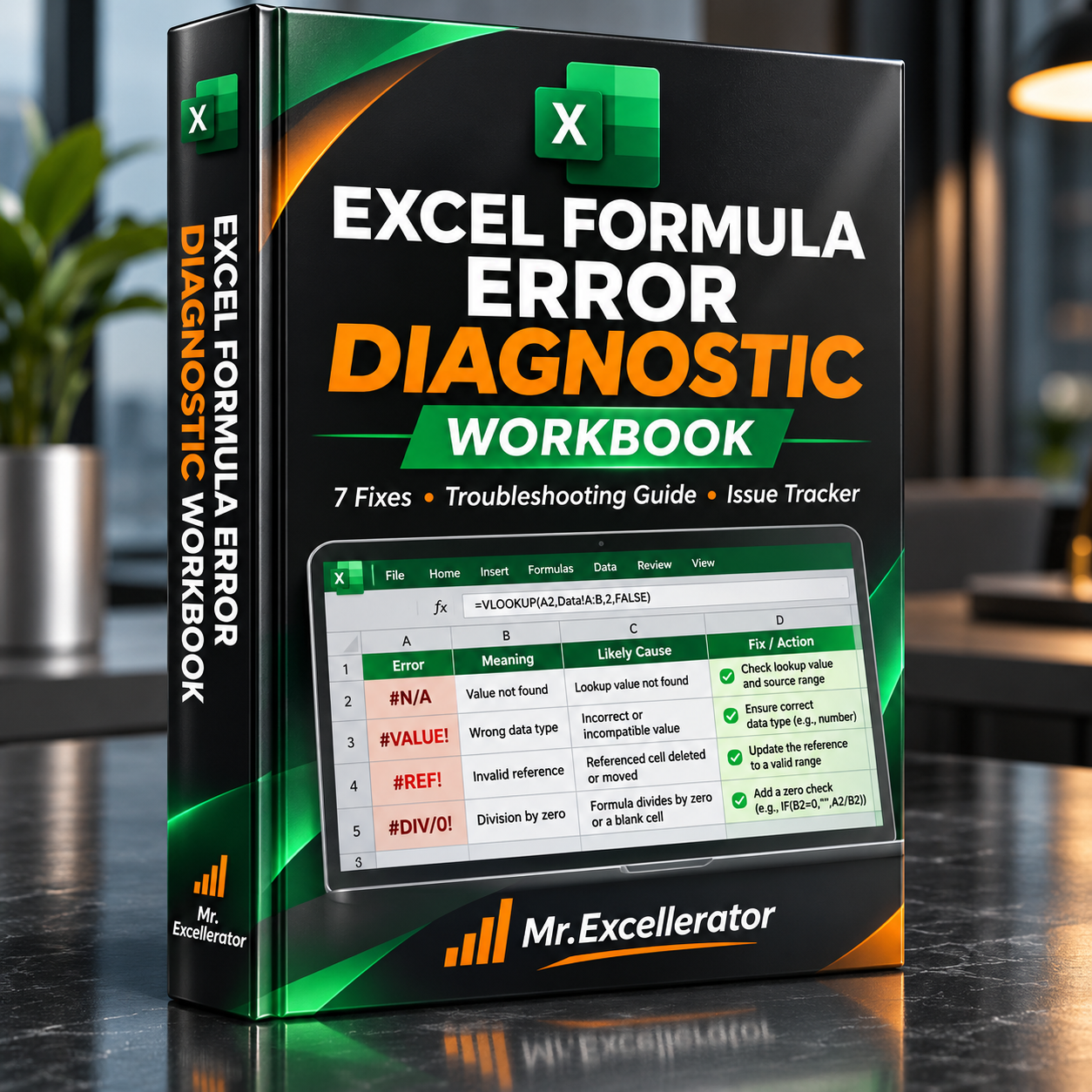
Excel Formula Error Diagnostic Workbook — 7 Fixes, Troubleshooting Guide & Issue Tracker
Excel Formula Error Diagnostic Workbook
Find the cause. Fix the formula. Verify the result.
Stop wasting time trying to understand cryptic Excel error messages.
This practical, all-in-one Excel workbook combines seven realistic formula troubleshooting exercises, a ready-to-use error reference library, and a reusable issue tracking system.
Whether you're fixing a broken lookup, troubleshooting financial calculations, or reviewing formulas in a business report, this workbook provides a structured approach to identifying and resolving Excel errors.
What's Inside Your Workbook
1. Interactive Formula Error Lab
Practice diagnosing and fixing seven common Excel error types:
- #N/A — Missing lookup values
- #VALUE! — Invalid input types
- #DIV/0! — Division by zero
- #REF! — Invalid cell references
- #NAME? — Unrecognized functions or names
- #NUM! — Invalid numeric calculations
- #NULL! — Incorrect range intersections
Each exercise includes a deliberately broken formula, an explanation of the problem, space to enter your own correction, and a built-in result check.
2. Formula Troubleshooting Reference
Quickly look up common formula errors without searching through multiple tutorials.
The reference library helps you understand:
- What each error means
- Common underlying causes
- How to investigate the problem
- Appropriate correction methods
- When to use IFERROR or IFNA
- Why hiding an error isn't always the right solution
3. Reusable Formula Issue Tracker
Go beyond practice exercises with a structured system for documenting formula problems in your own Excel workbooks.
Record issue locations, error types, business impact, root causes, responsible users, review status, and corrective actions.
The tracker uses an expandable Excel Table, allowing you to add new findings without a fixed input-row limit.
4. Formula Quality Summary
Monitor your documented issues using automatically calculated metrics:
- Total Issues
- Open Issues
- Issues Under Review
- Resolved Issues
- High-Impact Open Issues
- Issue Closure Rate
As you update the tracker, the summary calculations reflect the recorded changes.
Why This Workbook Is Useful
Learn through real examples. Work directly with broken formulas rather than memorizing error definitions.
Troubleshoot more efficiently. Use a practical reference to identify likely causes and select appropriate correction methods.
Document recurring issues. Maintain a reusable register for spreadsheet problems instead of relying on scattered notes.
Improve workbook reliability. Track findings from initial discovery through review and resolution.
Who Is This For?
- Excel users and office professionals
- Financial and business analysts
- Accountants and reporting specialists
- Students developing practical Excel skills
- Professionals maintaining shared business workbooks
What You'll Receive
One Excel Formula Error Diagnostic Workbook (.xlsb)
Includes:
- 7 interactive formula error exercises
- Automatic result validation
- Formula troubleshooting reference library
- Expandable issue tracking table
- Formula quality summary dashboard
- Example records and reusable reporting structure
Compatibility
- Excel 2016, 2019, 2021, and Microsoft 365
- Standard XLSB format
- No VBA macros required
- No external add-ins or subscriptions required
Important: This workbook supports guided troubleshooting and manual issue management. It does not automatically scan, access, or repair formulas inside other Excel files.
One workbook. Seven practical error scenarios. A reusable system for more reliable Excel troubleshooting.