
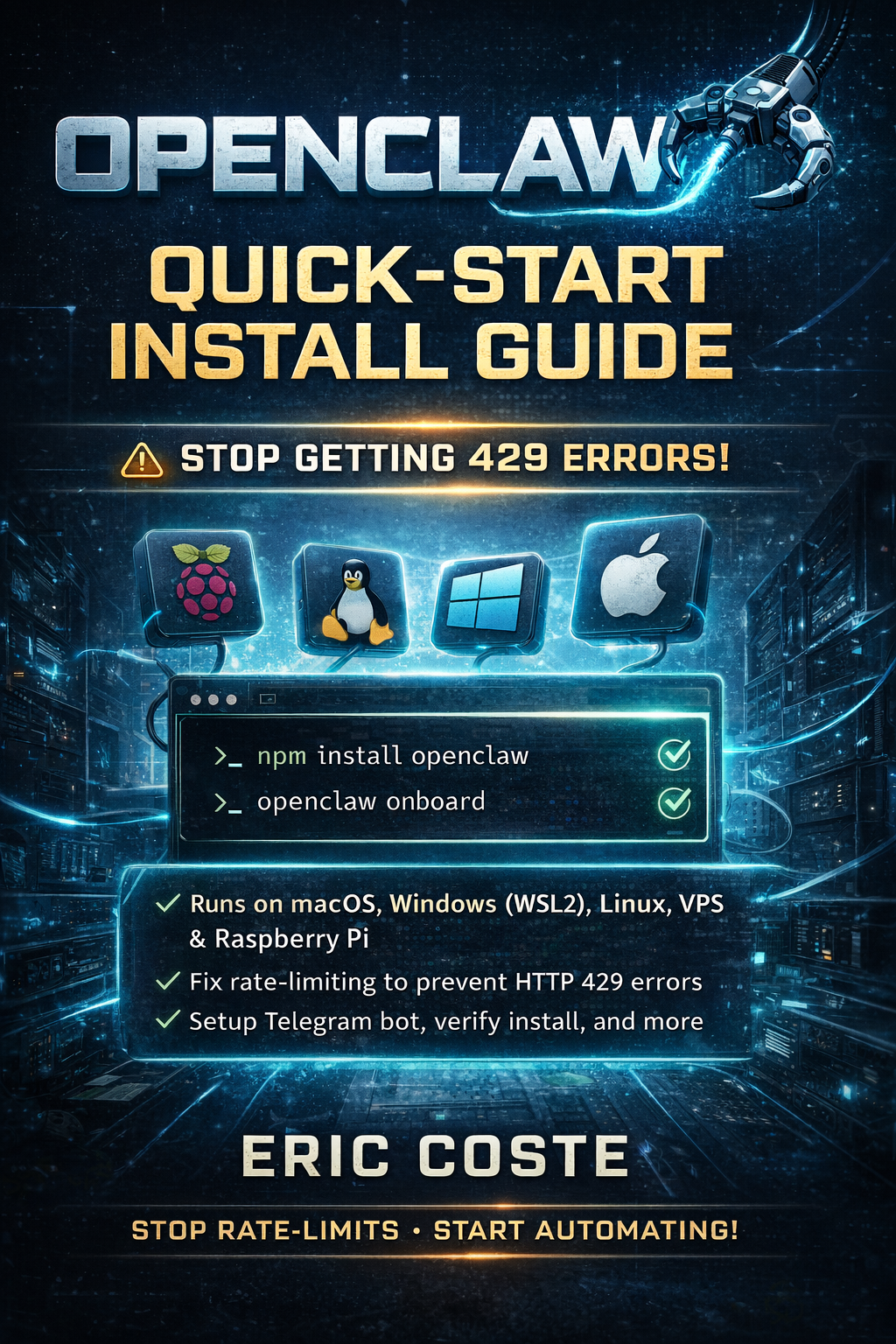
Fix OpenClaw Rate Limits — The Definitive Guide
🦞 Stop Getting 429 Errors on OpenClaw — Permanently.
You installed OpenClaw. You connected it to Telegram. You started automating your life. And then...
⚠️ API rate limit reached. Please try again later.
⏳ All models in cooldown (estimated: 5,247 minutes).
Sound familiar?
You're not alone. Rate limits are the #1 problem OpenClaw users face — and it's almost never your API key or your plan. It's how OpenClaw is configured out of the box.
The default setup uses a single model with no fallbacks. One 429 kills your entire agent. Cooldowns stack silently — users end up locked out for 5,000+ minutes without understanding why. Telegram polling crashes burn API credits in bursts every time the connection drops. And the default 200k context window sends massive token payloads on every single message.
I spent weeks debugging these exact issues on my own production setup — multiple agents running 24/7 across Telegram for my web development agency and affiliate network. After fixing every rate limit problem OpenClaw can throw at you, I documented the entire process into this guide.
These aren't theoretical solutions from someone who read the docs. They're the exact commands I run on my own machines daily.
━━━━━━━━━━━━━━━━━━━━━━━━━━━━━━━━━━━
WHAT'S INSIDE: 9 MODULES, 47 COMMANDS
━━━━━━━━━━━━━━━━━━━━━━━━━━━━━━━━━━━━
MODULE 01 — Diagnose Your Rate Limit Type
Is it a real 429, a stacked cooldown, or a false detection? Find out in 60 seconds with 3 commands.
MODULE 02 — Build a 4-Provider Fallback Chain
Set up Anthropic, OpenAI, Google & DeepSeek so one rate limit never takes down your agent again. Copy-paste the exact commands.
MODULE 03 — Pick the Right Models
Which models actually work for OpenClaw in 2026? Ranked by tool-calling reliability — not benchmarks. Includes which models to avoid and why.
MODULE 04 — Add Budget Providers
Run routine tasks through DeepSeek for pennies/month. Complete setup walkthrough including the Custom Provider wizard workaround.
MODULE 05 — Fix Telegram Polling Stalls
The hidden killer. Your bot crash-loops every 30 minutes and you don't even know it's burning credits. Includes caffeinate LaunchAgent for macOS, WSL2 idleTimeout fix for Windows, systemd service for Linux/VPS/Pi, and webhook mode setup.
MODULE 06 — Reduce Token Burn
Cut your per-request cost by up to 75% with one config change. Plus session management tricks to keep context lean.
MODULE 07 — Multi-Key Rotation
Multiple API keys = multiple rate limit buckets. Configure OpenClaw to auto-rotate through keys so you literally cannot exhaust a single provider.
MODULE 08 — Security Hardening
Lock down group policies, sandbox filesystem access, fix credential permissions — without breaking your workflow. Based on OpenClaw's actual security audit output.
MODULE 09 — Emergency Recovery Playbook
Stuck in a 5,000-minute cooldown RIGHT NOW? Get back online in 2 minutes flat. Nuclear reset, false detection fix, and gateway recovery.
BONUS — Quick Reference Card
18-command cheat sheet table. Print it. Bookmark it. Tape it to your monitor.
━━━━━━━━━━━━━━━━━━━━━━━━━━━━━━━━━━━━
WORKS ON EVERY PLATFORM
━━━━━━━━━━━━━━━━━━━━━━━━━━━━━━━━━━━━
Every module includes platform-specific commands for:
✓ macOS (including older Intel Macs)
✓ Windows via WSL2
✓ Linux (Ubuntu, Debian, Fedora, Arch)
✓ VPS (DigitalOcean, Hetzner, AWS, etc.)
✓ Raspberry Pi
✓ Docker / Colima
━━━━━━━━━━━━━━━━━━━━━━━━━━━━━━━━━━━━
WHAT PEOPLE ARE SAYING
━━━━━━━━━━━━━━━━━━━━━━━━━━━━━━━━━━━━
"Was getting rate limited every 20 minutes. Set up the fallback chain and haven't seen a 429 in three weeks. The DeepSeek addition alone saved me $60/month." — Noel W., solo developer
"The Telegram polling fix was the game-changer. My bot was crash-looping every 30 minutes and silently burning credits. The caffeinate LaunchAgent trick is genius." — Daniela L., freelance consultant
"I was spending $80/month on Claude credits. After context reduction and DeepSeek routing, I'm at $11/month. Zero quality loss on routine tasks." — Ravi G., agency owner
"Bought this at 2am after hitting a 5,247-minute cooldown. Module 9 had me back online in 2 minutes. Then spent the next hour setting up everything else." — Chris S., startup CTO
━━━━━━━━━━━━━━━━━━━━━━━━━━━━━━━━━━━━
WHAT YOU GET
━━━━━━━━━━━━━━━━━━━━━━━━━━━━━━━━━━━━
✓ PDF guide — 9 modules, 47 copy-paste terminal commands
✓ BONUS: Free OpenClaw Quick-Start Install Guide (macOS, Windows, Linux, VPS, Pi)
✓ Quick reference card — 18-command cheat sheet
✓ Platform-specific instructions for macOS, Windows, Linux, VPS, Pi
✓ Lifetime access — free updates every time OpenClaw ships changes
✓ 7-day refund policy
One-time purchase. No subscription. No account required.
━━━━━━━━━━━━━━━━━━━━━━━━━━━━━━━━━━━━
WHO THIS IS FOR
━━━━━━━━━━━━━━━━━━━━━━━━━━━━━━━━━━━━
This guide is for you if:
→ You've hit "API rate limit reached" more than once
→ Your Telegram bot randomly stops responding
→ You're spending more on API credits than you expected
→ You've tried random Discord/Reddit fixes and nothing stuck
→ You just installed OpenClaw and want to set it up right the first time
→ You run OpenClaw on a Mac, Windows, Linux server, VPS, or Raspberry Pi
This is NOT for you if:
✗ You haven't installed OpenClaw yet (the free Quick-Start Install Guide is included as a bonus with purchase)
✗ You're looking for a general OpenClaw tutorial (this is specifically about rate limits, cost optimization, and reliability)