

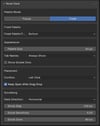
Node Deck
Introducing: Node Deck
Fast Visual Node Picker for Blender Geometry Nodes
Overview
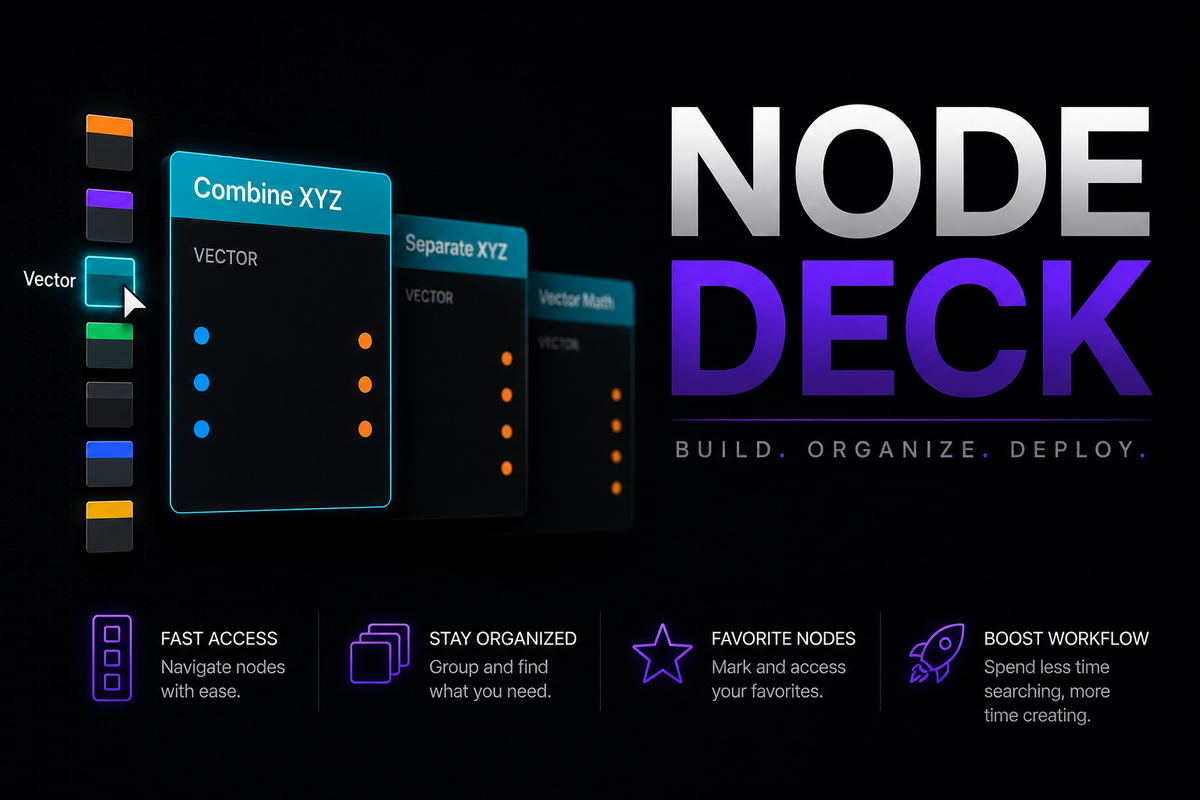
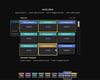
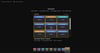
Node Deck is a fast visual node explorer for Blender's Geometry Nodes editor. It provides a palette-and-deck workflow for browsing, searching, favoriting, and placing nodes without digging through Blender's standard Add menu.
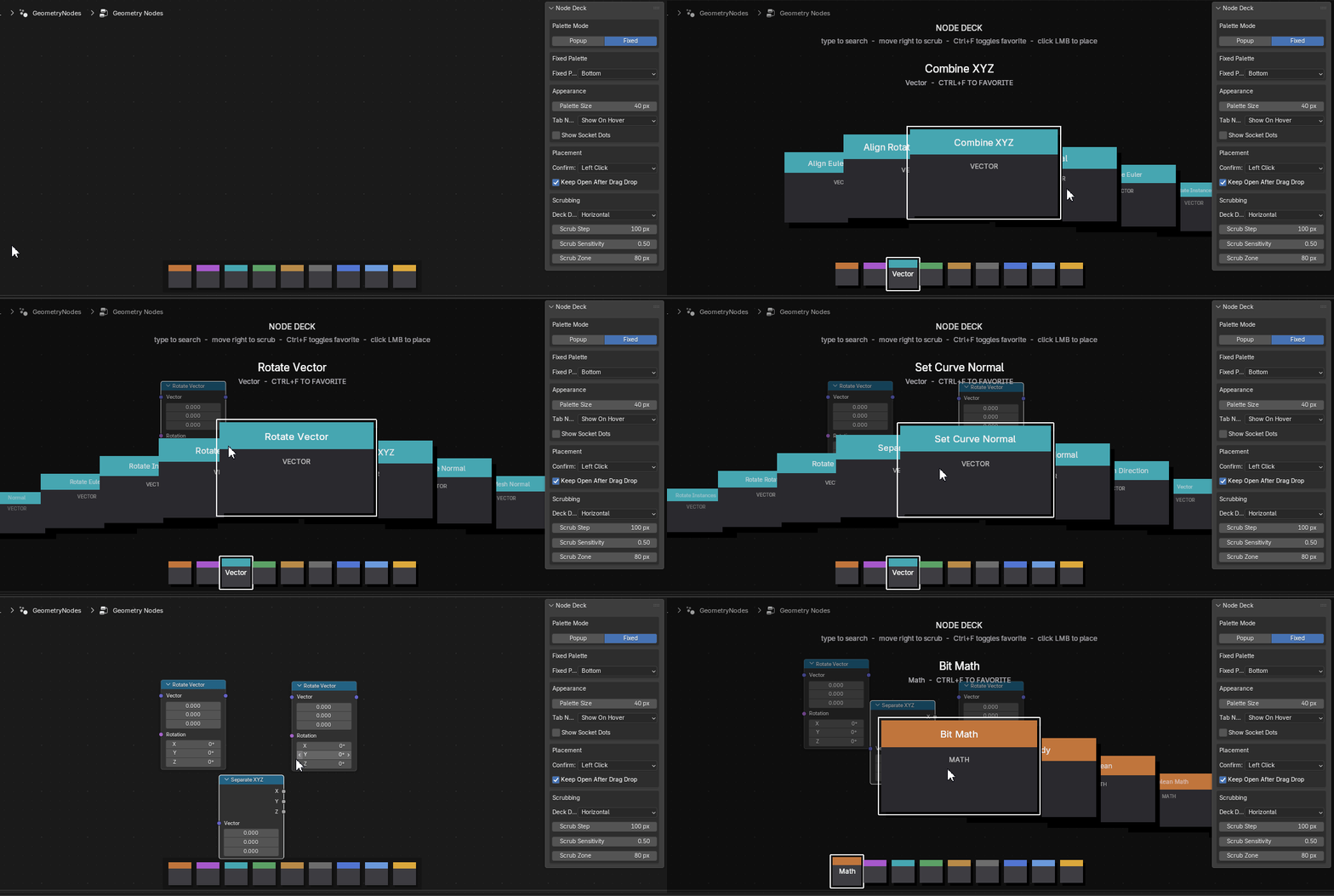
Designed for artists and technical users alike, Node Deck keeps commonly used nodes within immediate reach, helping speed up node creation and reduce interruptions while building Geometry Nodes systems.
Designed for speed
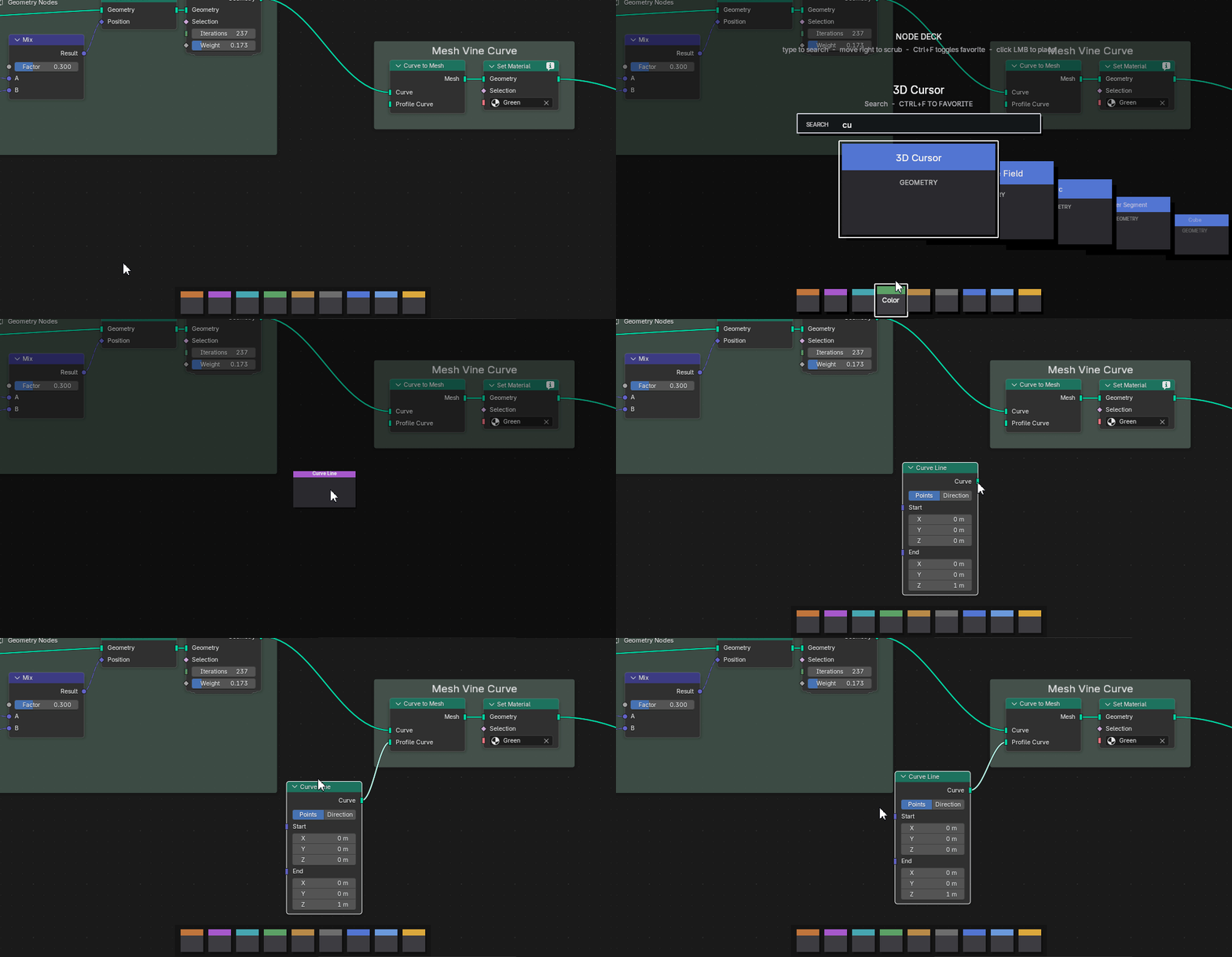
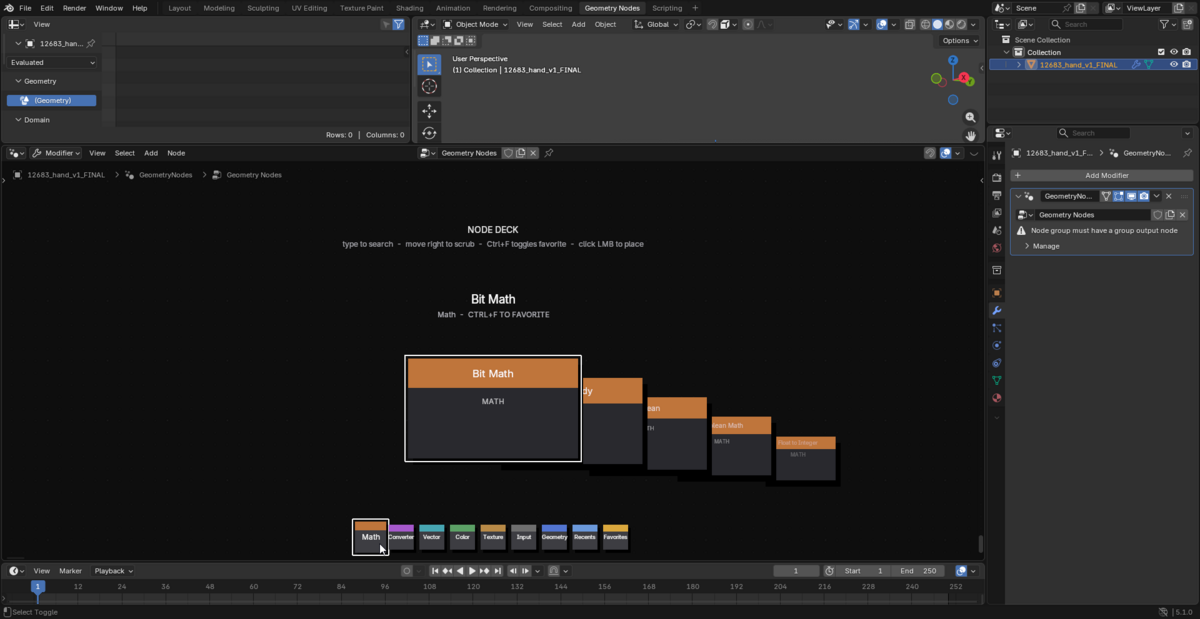
Node Deck adds an interactive node deck directly inside the Node Editor, combining visual browsing, searchable catalogs, favorites, recents, and drag-and-drop placement into a single streamlined workflow.
Use it as a fixed palette for instant access to nodes at all times, or switch to popup mode when you prefer a hotkey-driven workflow that stays out of the way until needed.
Features
Workflow
- Fixed palette mode for always-visible node access
- Popup mode with configurable hotkey
- Click-to-place node workflow
- Drag-and-drop node placement
- Keep deck open after drag/drop option
- DPI-aware drag/drop placement
Organization
- Favorites tab for frequently used nodes
- Recents tab showing recently added nodes
- Automatic Geometry Nodes-compatible node catalog
- Favorites keep their original group colors
- Recent nodes update automatically after placement
Search & Navigation
- Search filtering while typing
- Search support inside Favorites and Recents grids
- Horizontal and vertical deck scrubbing
- Adjustable scrub speed, sensitivity, and scrub zone
- Mouse-wheel grid scrolling
- Wide scrollbar for quick navigation
Customization
- Custom palette tab header colors
- Restore default palette colors
- Optional socket dots on cards
- Always-show or hover-only tab names
- Top or bottom fixed palette placement
Node Categories
- Geometry
- Input
- Texture
- Color
- Vector
- Converter
- Math
Compatibility
Designed for Blender 5.1+
Built specifically for Geometry Nodes workflows
Integrated directly into the Node Editor
Designed to make Geometry Nodes creation faster, cleaner, and more accessible.
Support: animationsvfx@gmail.com
Documentation
Node Deck
Node Deck is a fully customizable visual node explorer for Blender's Geometry Nodes editor. It adds a palette/deck interface for browsing, searching, favoriting, and placing nodes faster.
Compatibility
Blender: 5.1.0 or newer
Editor: Geometry Nodes inside the Node Editor
Installation
- Download the node_deck_v0_1.zip file.
- In Blender, go to Edit → Preferences → Add-ons.
- Click Install from Disk... and select the zip file.
- Enable the add-on by searching for Node Deck and checking the box.
Quick Start
- Open a Geometry Nodes node tree.
- Use the fixed palette at the bottom of the Node Editor.
- Hover a palette tab to open that group.
- Move over a card to select it.
- Click a card to add the node.
- Click and drag a card into the editor to drop the node at that location.
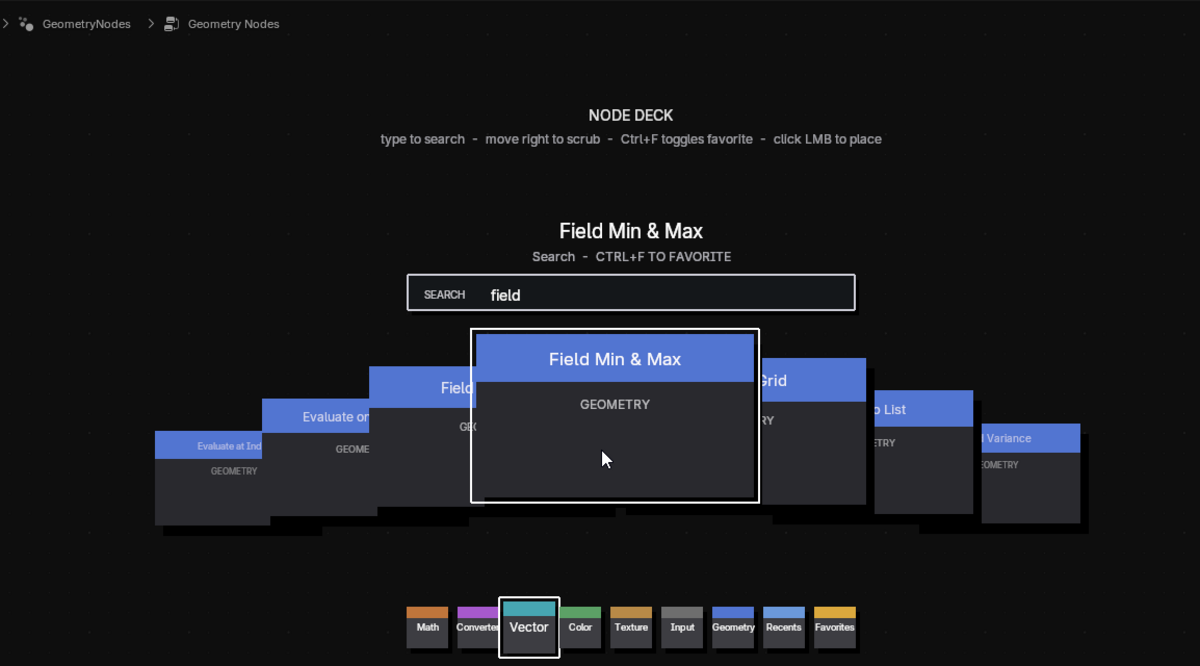
- Type while the deck is open to search.
Palette Modes
Fixed
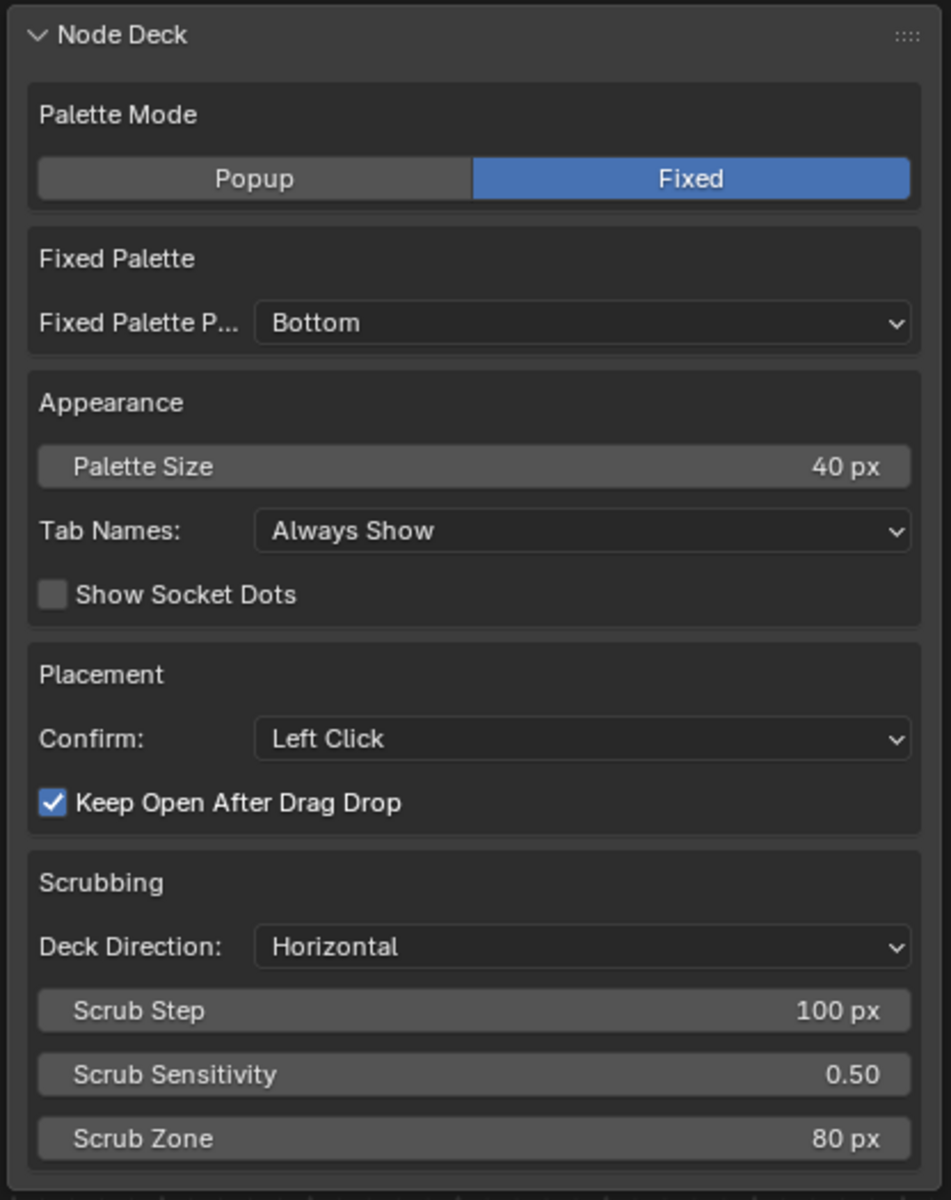
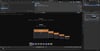
Fixed mode keeps the palette visible in the Node Editor. The default release setup uses this mode with the palette at the bottom.
Default fixed behavior:
Palette Mode: Fixed
Fixed Palette Position: Bottom
Palette Size: 40 px
Tab Names: Always Show
Show Socket Dots: Off
Popup
Popup mode opens the deck with a configurable hotkey.
Default popup hotkey:
Alt + D
Popup placement options:
Center — opens in the center of the Node Editor.
Left of Cursor — opens near the current cursor position.
Node Groups
Node Deck scans Blender for nodes that can be added to a GeometryNodeTree, then organizes them into palette groups:
- Favorites
- Recents
- Geometry
- Input
- Texture
- Color
- Vector
- Converter
- Math
Texture, image, noise, gradient, and pattern nodes are grouped under the dedicated Texture tab.
Favorites
Use Favorites for nodes you place often.
- Select or hover a card.
- Press Ctrl + F to add it to Favorites.
- Press Ctrl + F again to remove it.
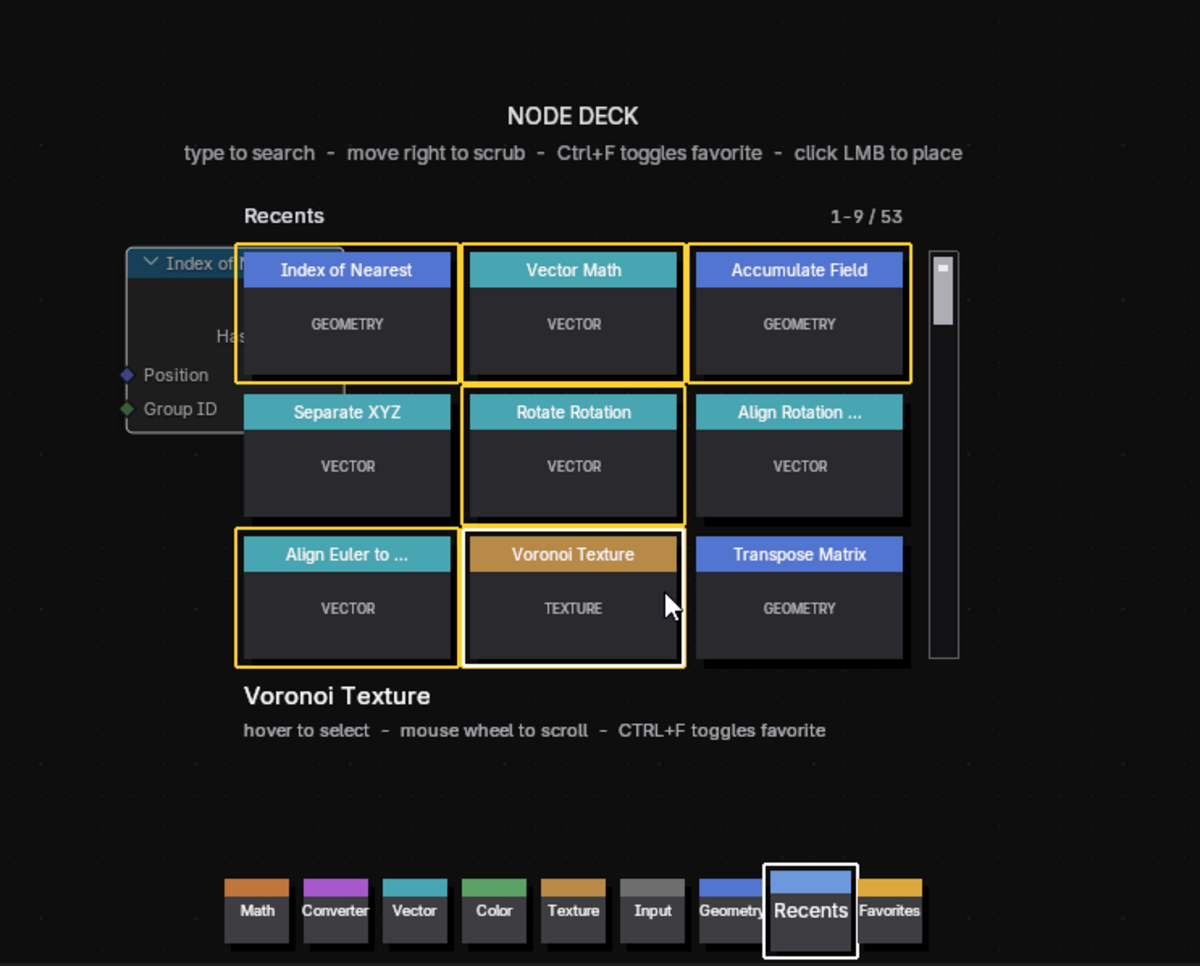
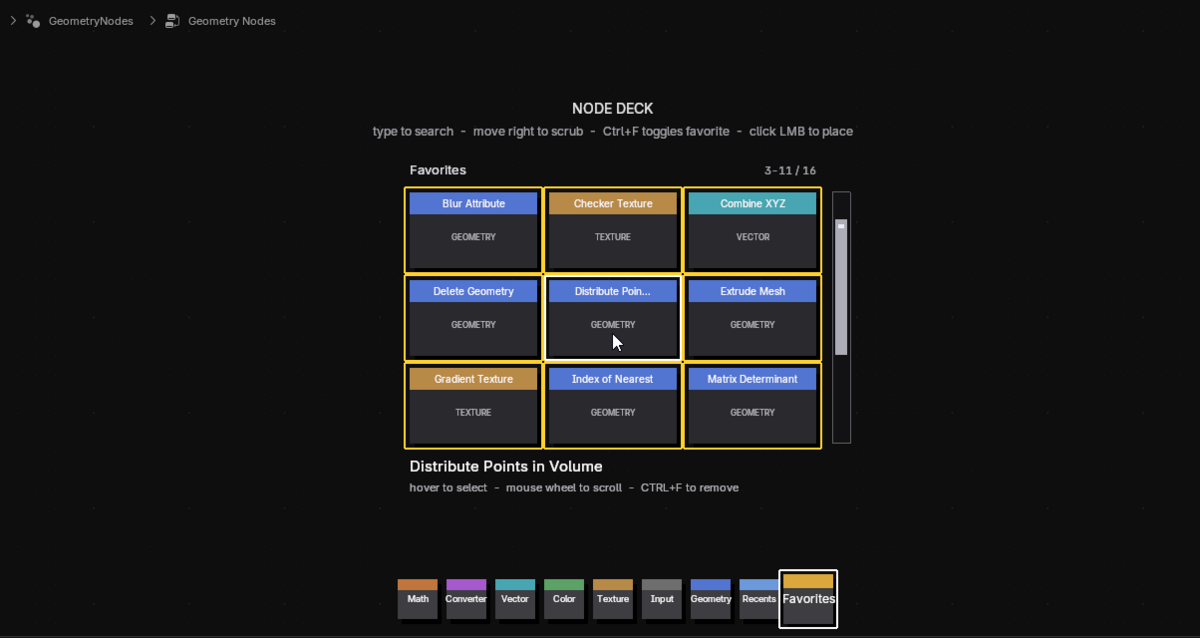
- Favorite cards always show a yellow outline.
- Hovered favorite cards also show a white outline.
Recents
The Recents tab updates automatically after placing nodes. It uses the same grid view as Favorites.
Search
Type while the deck is open to filter visible nodes.
Search checks:
- Node label
- Blender node ID
- Node group label
Search works in the regular deck and inside Favorites/Recents grids. The active search text appears in a visible search bar between the deck/grid and the card info.
Placement
Node Deck supports two placement workflows.
Click To Add
The default release behavior is Left Click.
Hover/select a card.
Left-click the card.
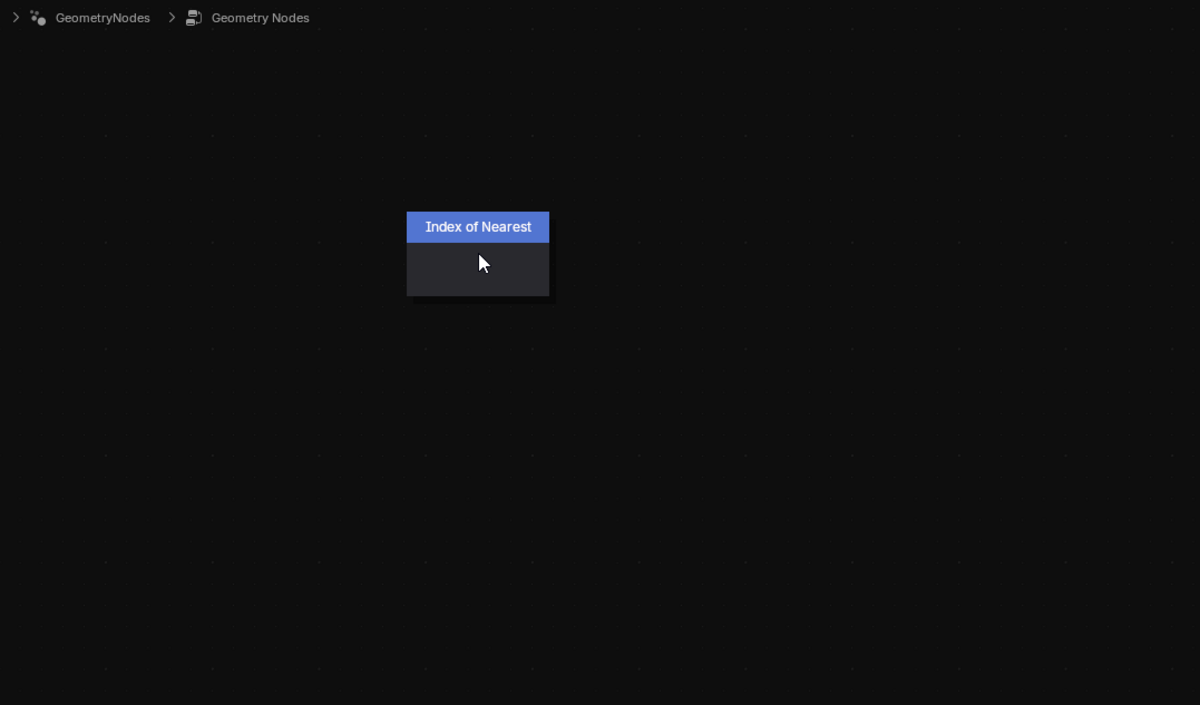
The node is added to the current Geometry Nodes tree.
Drag And Drop
Click and drag a card.
The palette hides while dragging.
Release over the node editor.
The card shrinks at the drop location.
The node is created at the dropped location.
Drag/drop placement accounts for Blender DPI scaling and node dimensions.
Scrubbing
Scrubbing controls how the deck moves through cards as the cursor moves.
Default release values:
Deck Direction: Horizontal
Scrub Step: 100 px
Scrub Sensitivity: 0.50
Scrub Zone: 80 px
Lower scrub step values move through cards faster. Higher values move through cards slower.
Grid Views
Favorites and Recents use a 3×3 grid.
Grid behavior:
Hover cards to select.
Use the mouse wheel to scroll.
Use the wide scrollbar on the right for direct scrolling.
Type to filter the grid.
Preferences
Node Deck settings are available in Blender's Add-on Preferences and the Node Editor sidebar panel.
Main preference groups:
Palette mode
Fixed palette position
Popup hotkey and popup placement
Palette size
Tab name display
Socket dot visibility
Confirm mode
Keep open after drag/drop
Deck direction
Scrub speed and sensitivity
Palette header colors
Palette header colors can be customized per tab. Use Restore Defaults to return all tab colors to the shipped defaults.
Version
Current release: 0.1