


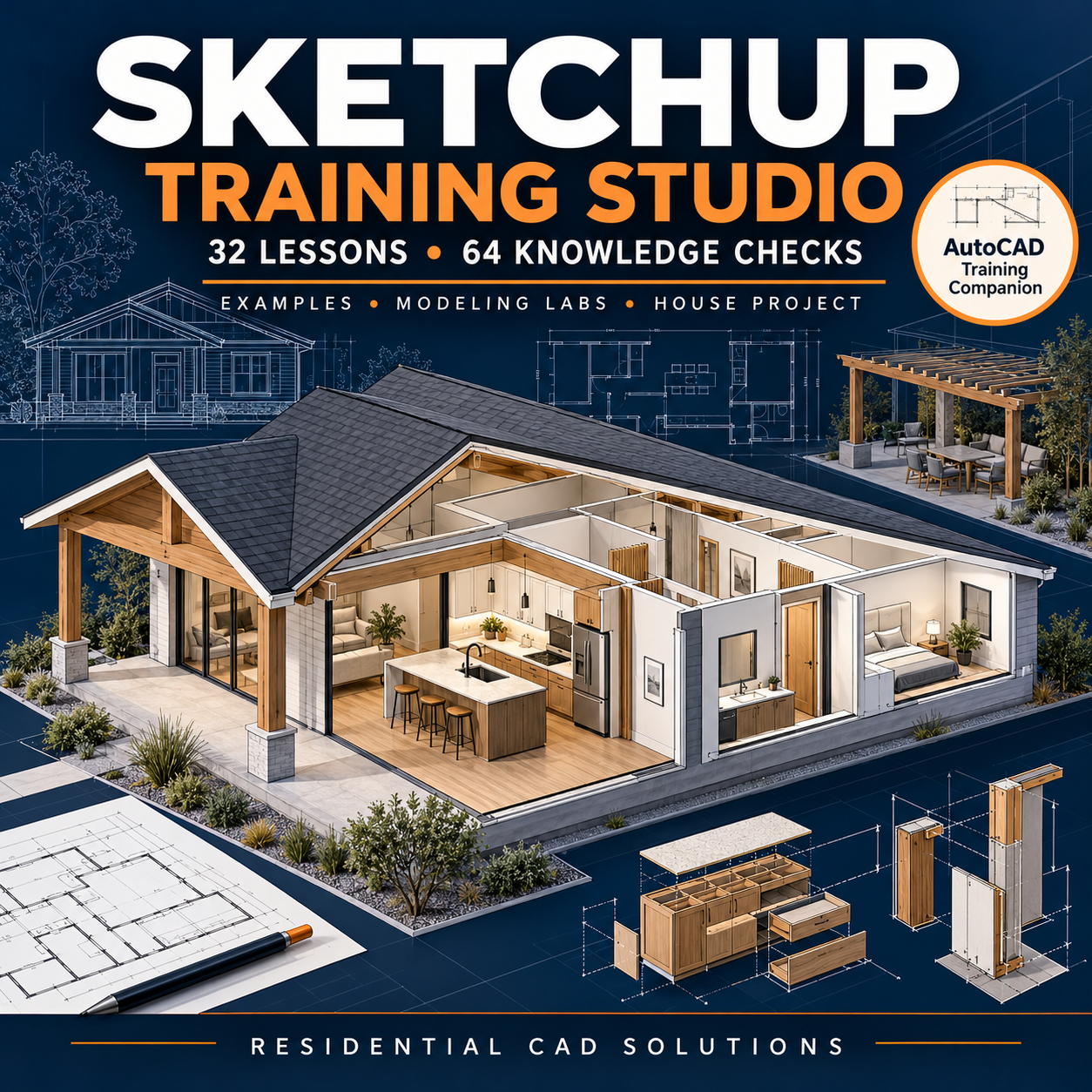
SketchUp Training Studio
Build your SketchUp skills through guided lessons, practical examples, and a complete residential modeling project.
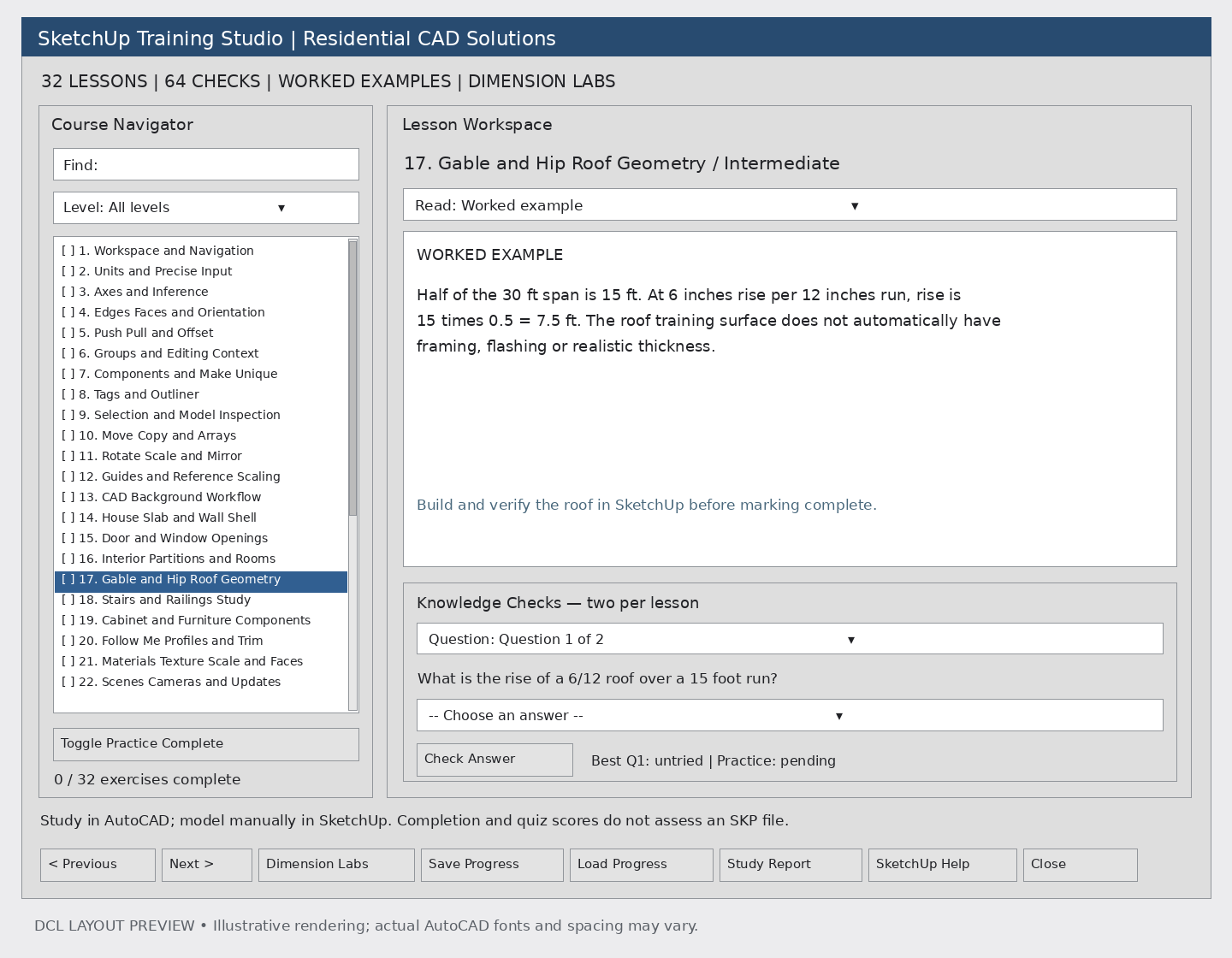
SketchUp Training Studio from Residential CAD Solutions combines an AutoLISP/DCL lesson browser with an illustrated workbook to guide learners from basic drawing tools through advanced modeling and presentation workflows.
32 structured lessons cover:
- Workspace navigation, precise dimensions, axes, and inference.
- Edges, faces, Push/Pull, and Offset.
- Groups, components, tags, and model organization.
- Moving, copying, arrays, rotation, scaling, and mirroring.
- House slabs, walls, doors, windows, and interior partitions.
- Roof geometry, stair studies, cabinets, and furniture.
- Follow Me profiles, materials, and texture scale.
- Scenes, section planes, styles, and shadows.
- Solid geometry, terrain, and pergola visualization.
- LayOut concepts, exports, cleanup, and troubleshooting.
Learn by doing
Each lesson includes a guided workflow, a worked example, a practice assignment, result checks, troubleshooting guidance, and two knowledge-check questions with explanations.
Complete a 30′ × 40′ residential capstone featuring organized building geometry, reusable components, kitchen cabinets, roof modeling, and named presentation scenes. Review your work using a ten-criterion assessment rubric.
Built-in training features:
- 64 knowledge checks with individual best-score tracking.
- Searchable lesson navigator and difficulty filters.
- Save and load learner progress.
- Exportable study reports with space for review notes.
- Four dimension labs for rectangle area/perimeter, gable roof rise, equal stair risers, and component spacing.
- Illustrated HTML workbook for browser reading and printing.
- Five standalone teaching diagrams.
Your download includes: Main LISP program, DCL interface, lesson-data file, workbook, diagrams, setup instructions, reference links, and interface previews.
How it works: Load the training interface in AutoCAD, study the lesson, then perform the modeling exercise manually in your separate SketchUp installation.
Requirements and compatibility: Windows AutoCAD with AutoLISP/DCL support and SketchUp for the modeling exercises. The interface uses classic patterns intended for AutoCAD 2002 and later; actual host compatibility testing is still required. Some exercises—including CAD import, Solid Tools, terrain tools, and LayOut—depend on your SketchUp edition and available features.
Please note: This is an independent educational companion, not a SketchUp plug-in. It does not control SketchUp or generate SKP files. Software licenses, prebuilt models, videos, and professional certification are not included. Exercise completion is self-reported, and training examples do not constitute engineering or building-code approval.