







2027 E-Ink Planner for reMarkable, Kindle Scribe, Supernote & Boox (+ Undated)
A hyperlinked 2027 planner made for e-ink tablets, not resized from an iPad planner. White pages, light gray lines so your handwriting stands out, big tabs that are easy to tap, and page shapes that fit your screen. An undated version is included too, so you can start any month, any year.
✿ WORKS ON
• reMarkable 2 and reMarkable Paper Pro
• reMarkable Paper Pro Move (its own tall version)
• Kindle Scribe, including Kindle Scribe Colorsoft
• Supernote Manta and Nomad
• Boox Note Air and other 10–11" e-ink tablets
✿ WHAT'S INCLUDED
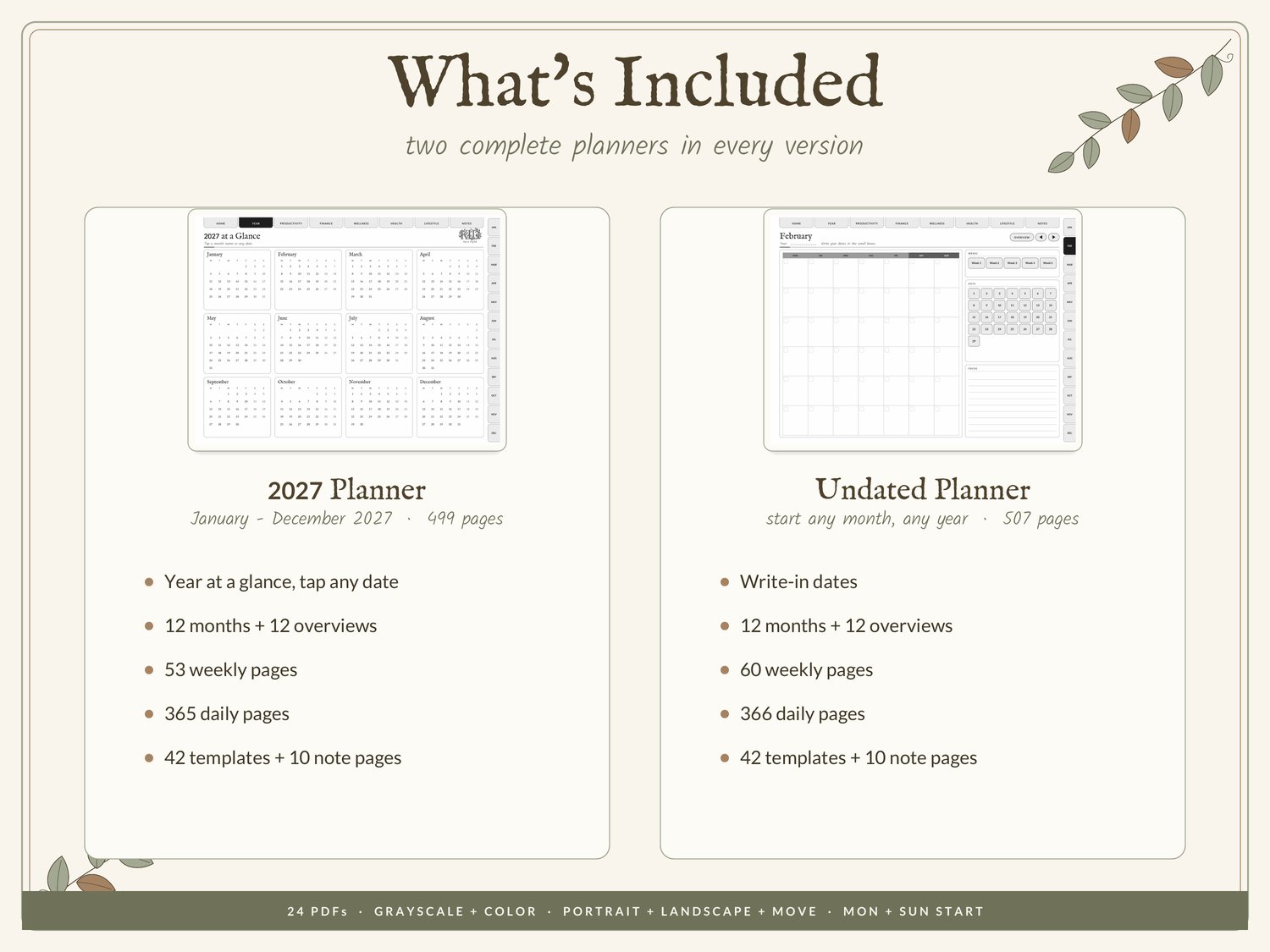
2027 PLANNER (499 pages, January–December 2027)
• Year at a glance: tap any date to open its day
• 12 monthly calendars with week numbers
• 12 monthly overviews: goals, priorities, habit tracker, important dates
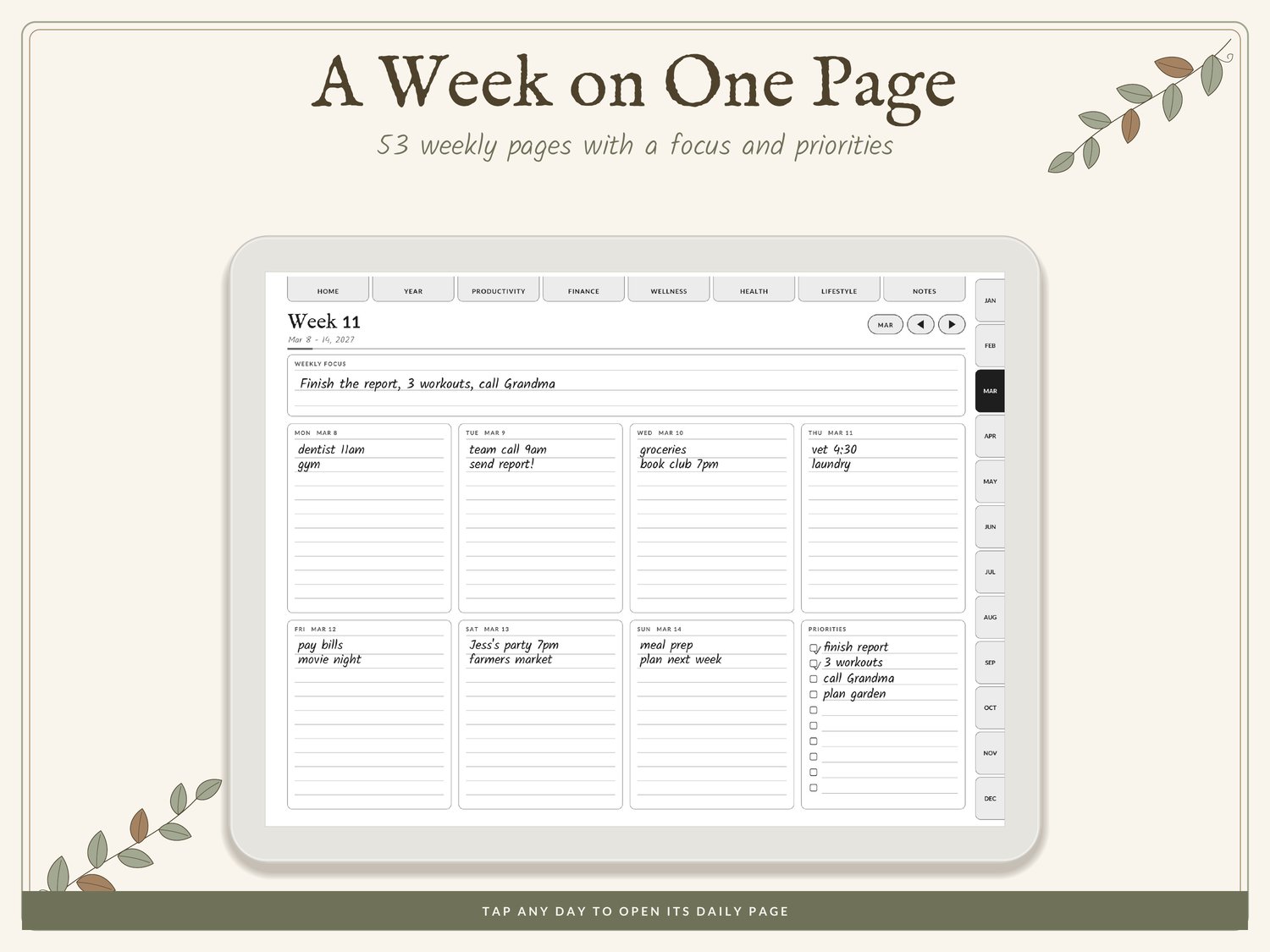
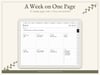
• 53 weekly pages
• 365 daily pages: top 3, to-do, schedule 6 AM–9 PM, notes, daily check-in
• 42 template pages in 5 sections: Productivity, Finance, Wellness, Health, Lifestyle
• 10 note pages: lined, dotted, grid, blank
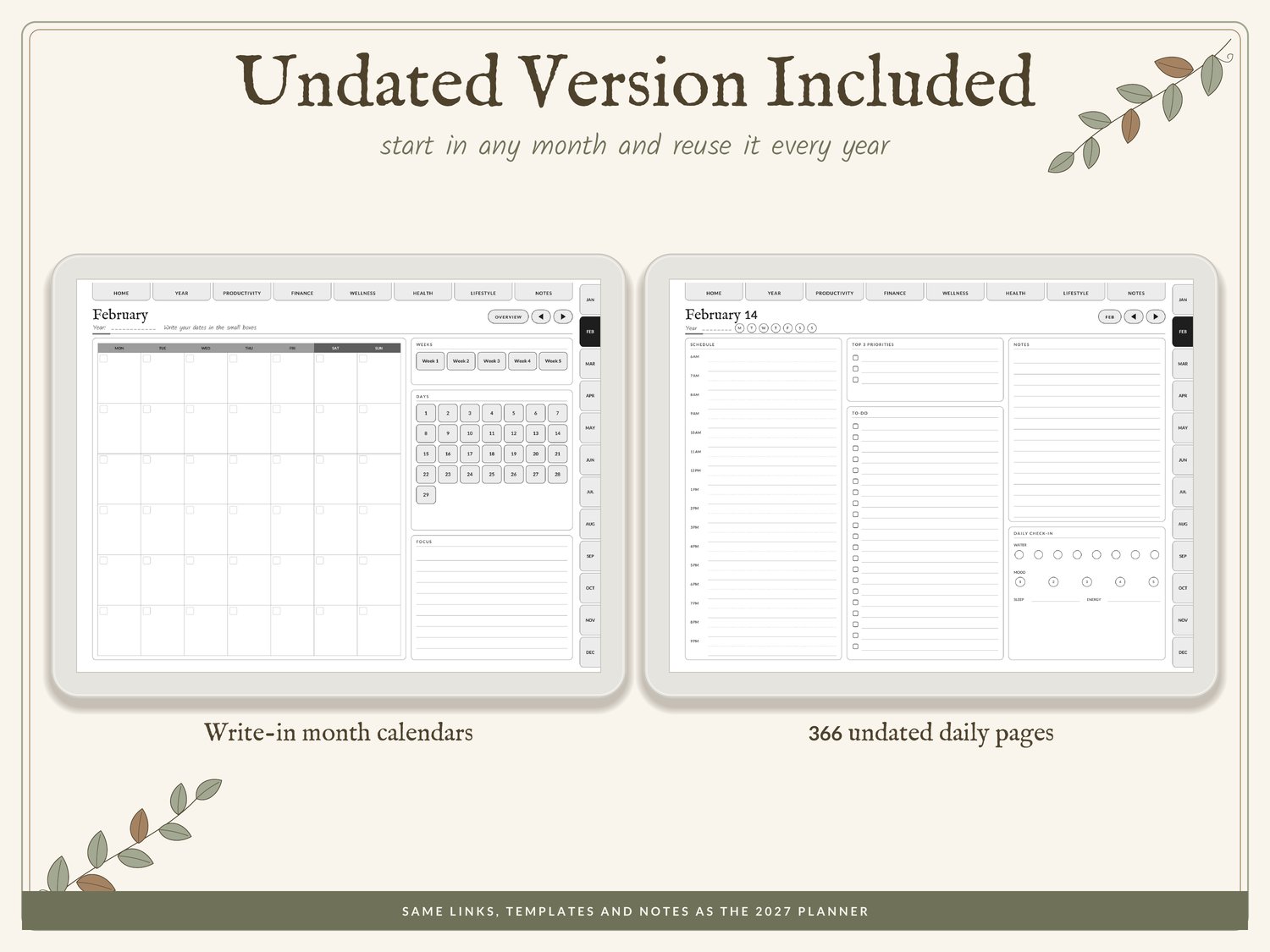
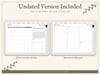
UNDATED PLANNER (507 pages)
• Same sections with write-in dates: 12 months, 60 weekly pages, 366 daily pages
• Start any month, reuse it every year
TEMPLATES
To-do list, priority matrix, goal planners, project planners, habit tracker, brain dump, meeting notes, monthly budget, expense tracker, bill tracker, savings tracker, debt payoff, subscriptions, yearly finance overview, mood tracker, sleep tracker, self-care tracker, gratitude journal, monthly reflection, workout log, meal planner, grocery list, recipe cards, cleaning schedule, chore chart, birthdays, reading log, travel planner, packing list, bucket list and more.
✿ VERSIONS (24 PDFs)
• 2027 or Undated
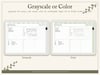
• Grayscale (all e-ink tablets) or Color (reMarkable Paper Pro, Kindle Scribe Colorsoft)
• 3:4 portrait or landscape, plus a tall portrait version for the Paper Pro Move
• Monday or Sunday start
✿ MADE FOR E-INK
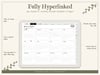
• Fully hyperlinked: top tabs, month tabs on every page, next / back arrows
• Bigger tap targets than a typical iPad planner
• Light gray lines so your handwriting is the darkest thing on the page
• Clean pages with no heavy graphics, so pages turn quickly
✿ HOW IT WORKS
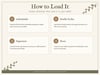
Step 1: After checkout, download the PDF instantly and tap the button inside to open the Google Drive folder (no Google account needed).
Step 2: Pick your version and download it.
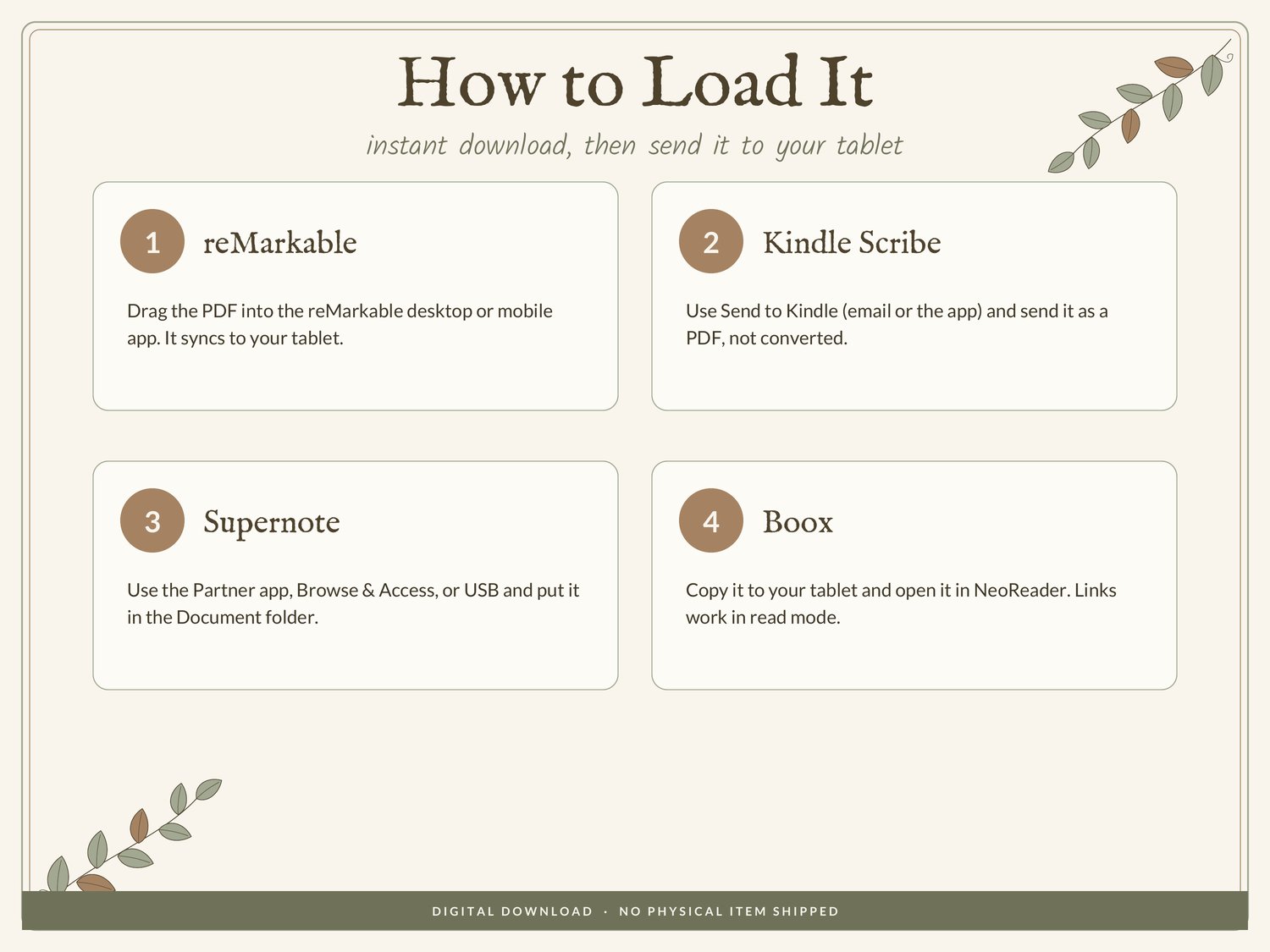
Step 3: Load it on your tablet: reMarkable (desktop or mobile app), Kindle Scribe (Send to Kindle as a PDF), Supernote (Partner app or USB into the Document folder), Boox (copy it over and open in NeoReader).
Step 4: Tap the tabs to move around and write right on the pages.
✿ PLEASE NOTE
• This is a digital download. No physical item will be shipped.
• Kindle Scribe has no back button after following a link, so use the tabs and arrows on each page.
• For personal use only. Please don't share or resell the files.
• Because of the nature of digital files, refunds aren't offered, but please email me with any problem and I'll help.
Not affiliated with reMarkable, Amazon, Supernote (Ratta) or Boox. Device names are only used to show compatibility.