
New Pet Budget Calculator Spreadsheet (Google Sheets and Excel)
An easy-to-edit New Pet Budget Calculator for Google Sheets and Excel — for the weeks before a puppy, kitten or rescue comes home and the first year after. List what you pay once, what your pet costs every month, and see the first-year total, what's still to save before bring-home day and how your pet emergency fund is growing.
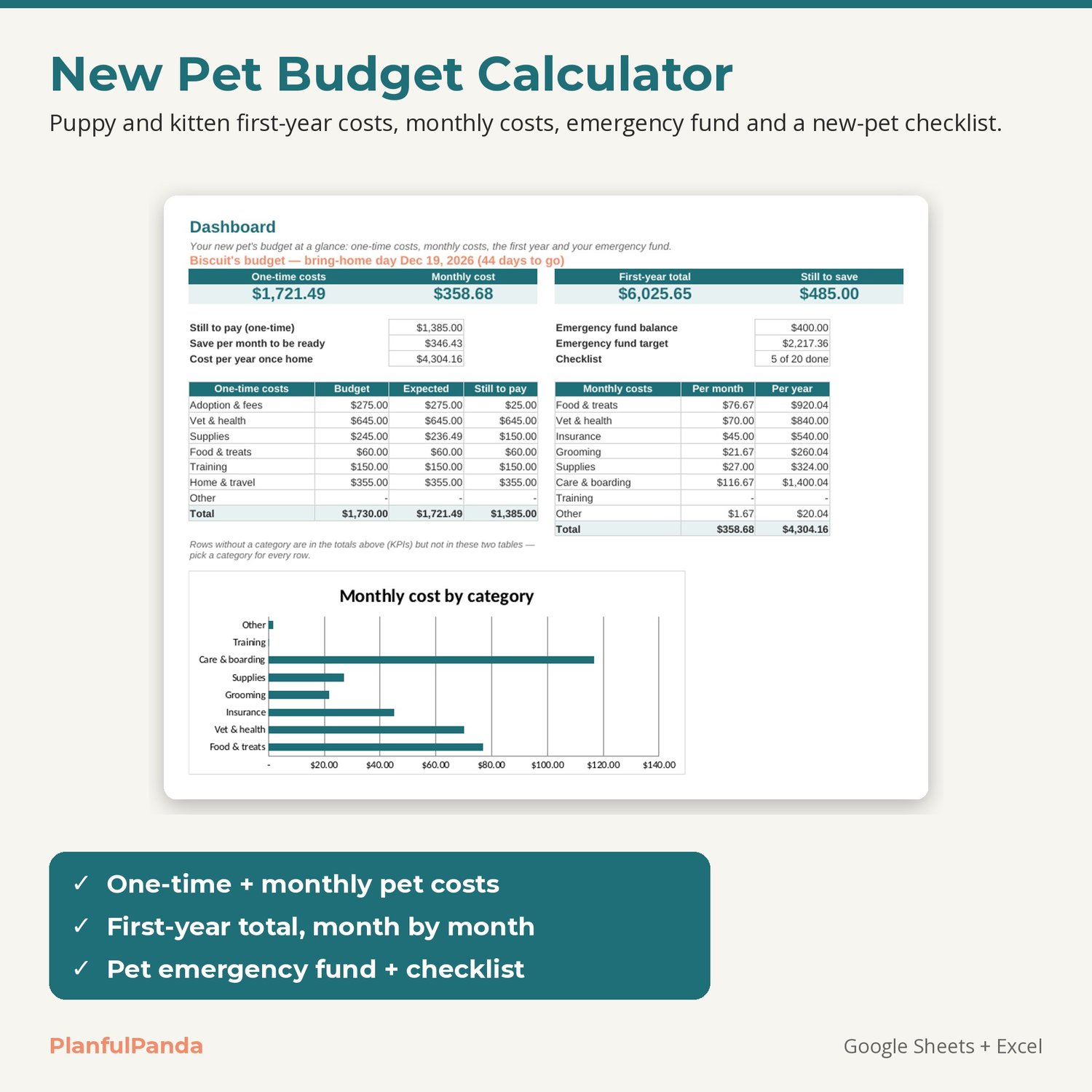
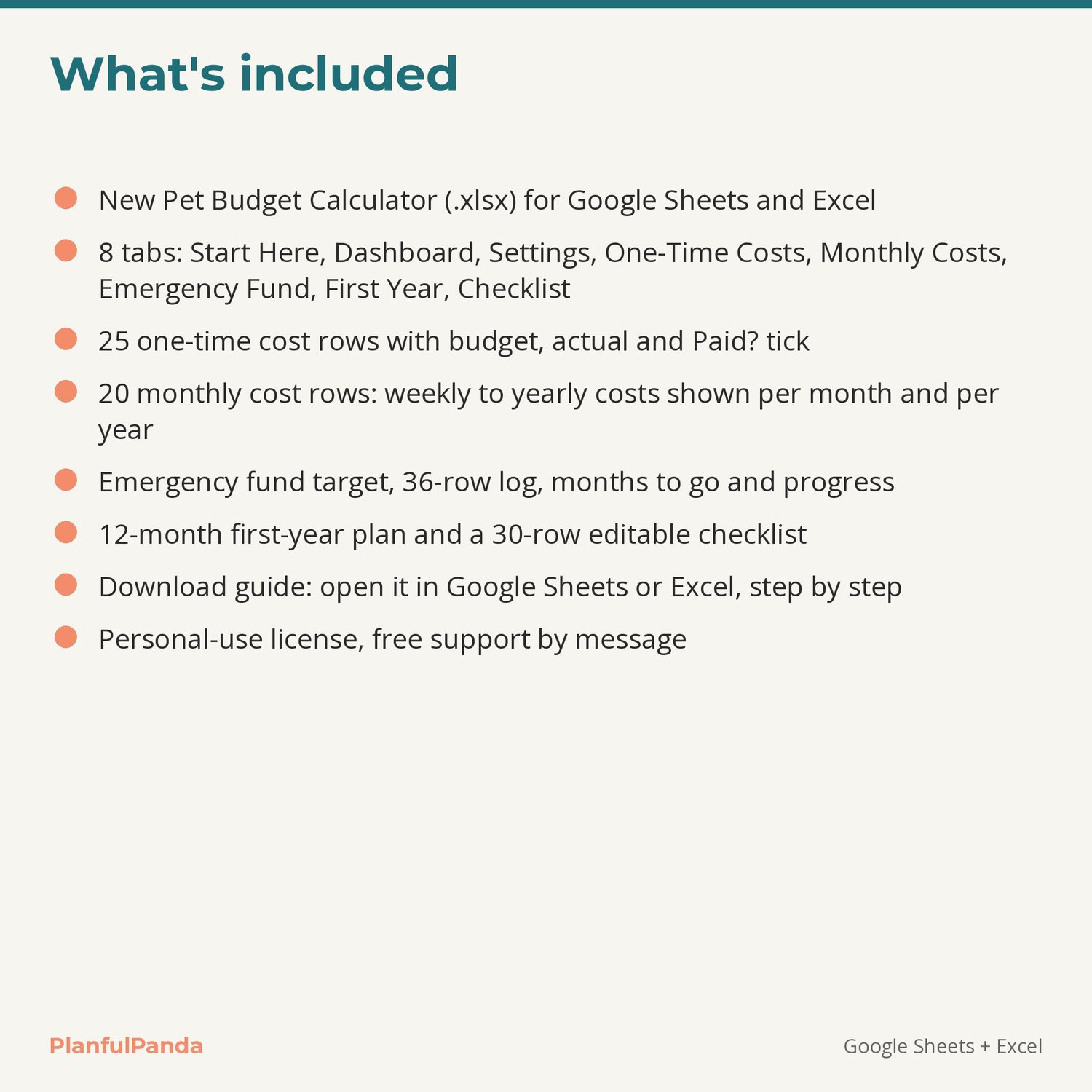
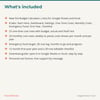
• Settings: pet's name and type, bring-home date and what you've saved so far. A summary fills in below: days to go, one-time costs, what's still to pay, how much to save per month to be ready, monthly cost and first-year total.
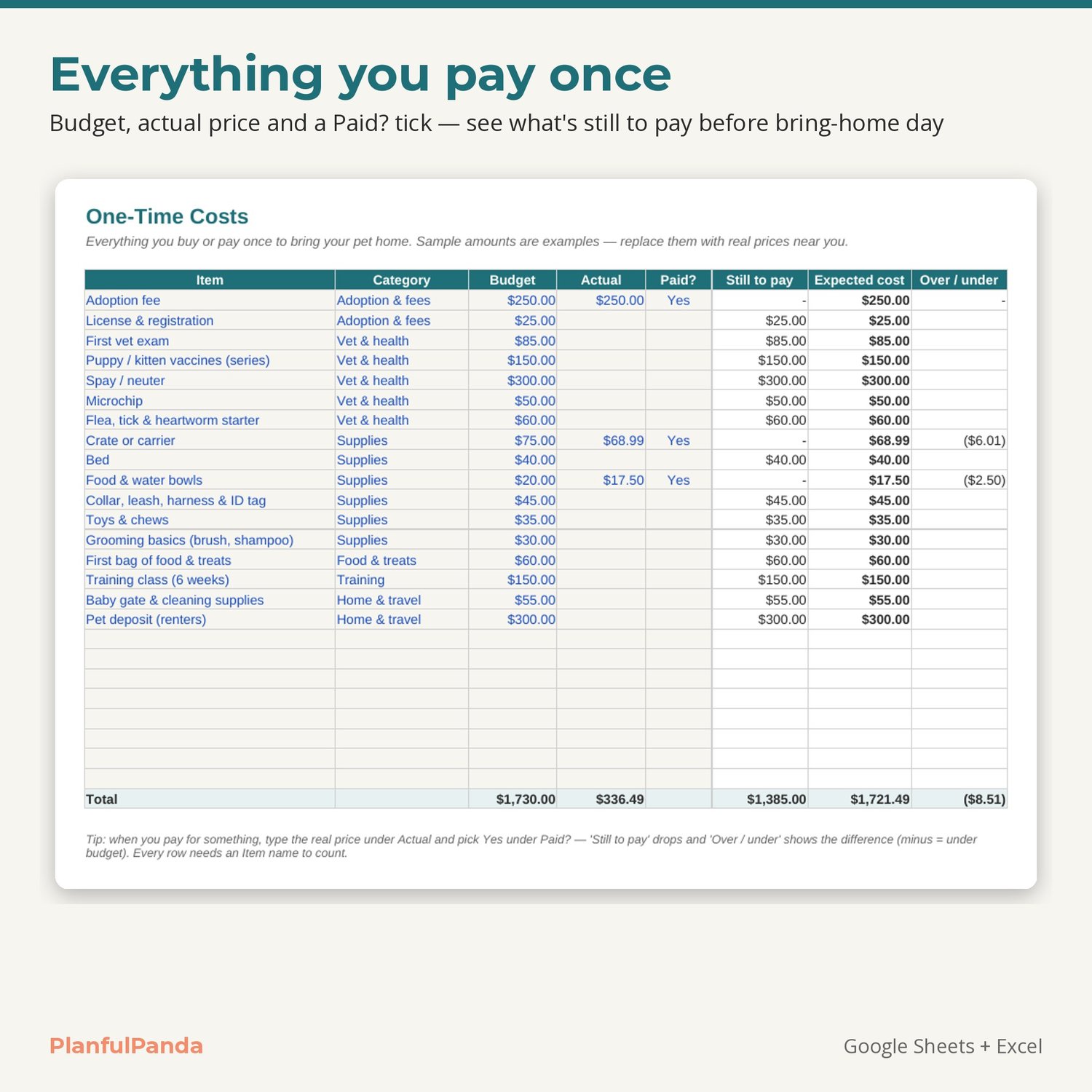
• One-Time Costs: 25 rows — item, category, budget, actual price and a Paid? tick — with what's still to pay, the expected cost and over / under budget. Starts with an editable sample list (adoption fee, first vet exam, vaccines, spay / neuter, microchip, crate, bed, bowls, leash, training class and more).
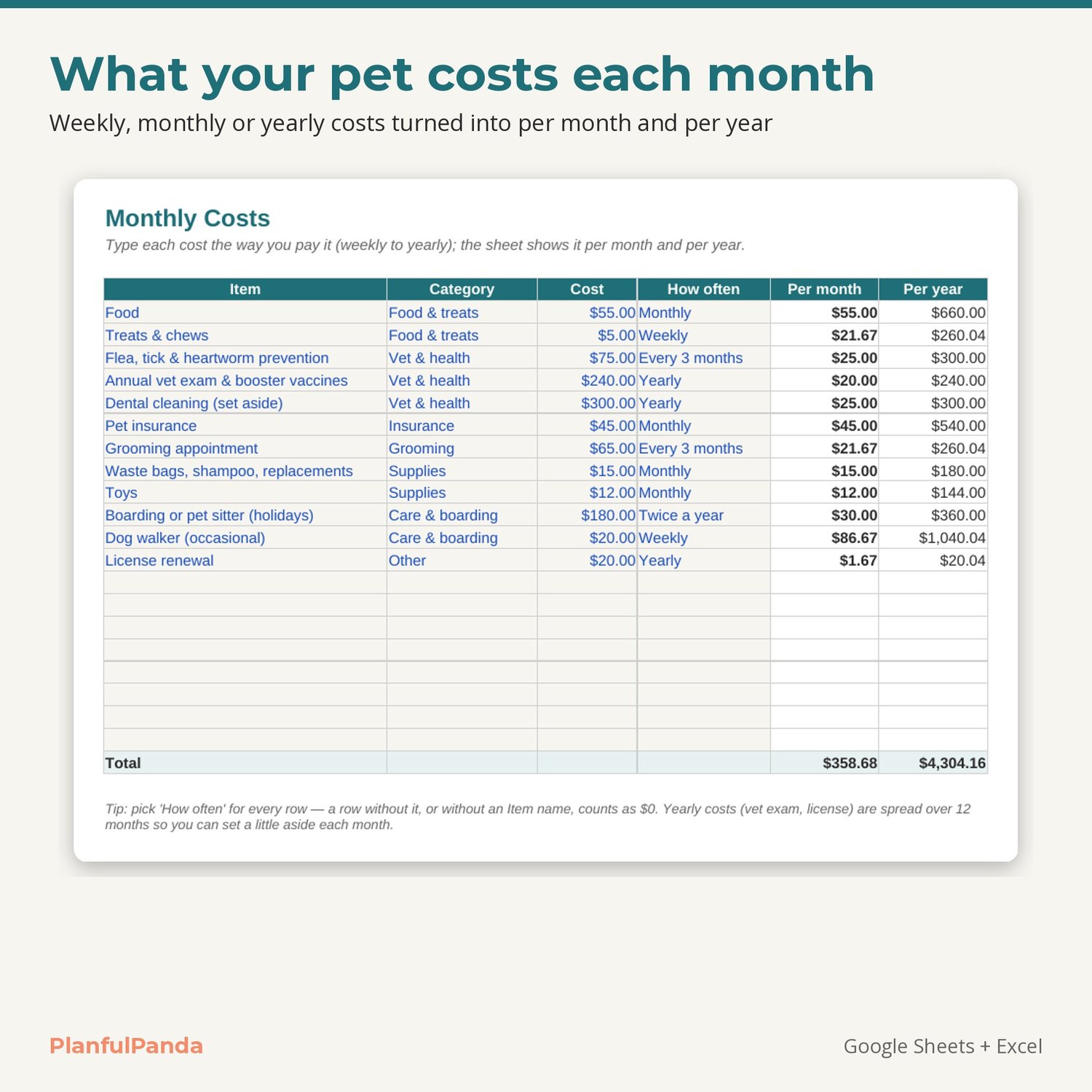
• Monthly Costs: 20 rows — type each cost the way you pay it (weekly, monthly, every 3 months, twice a year, yearly) and the sheet turns it into per month and per year.
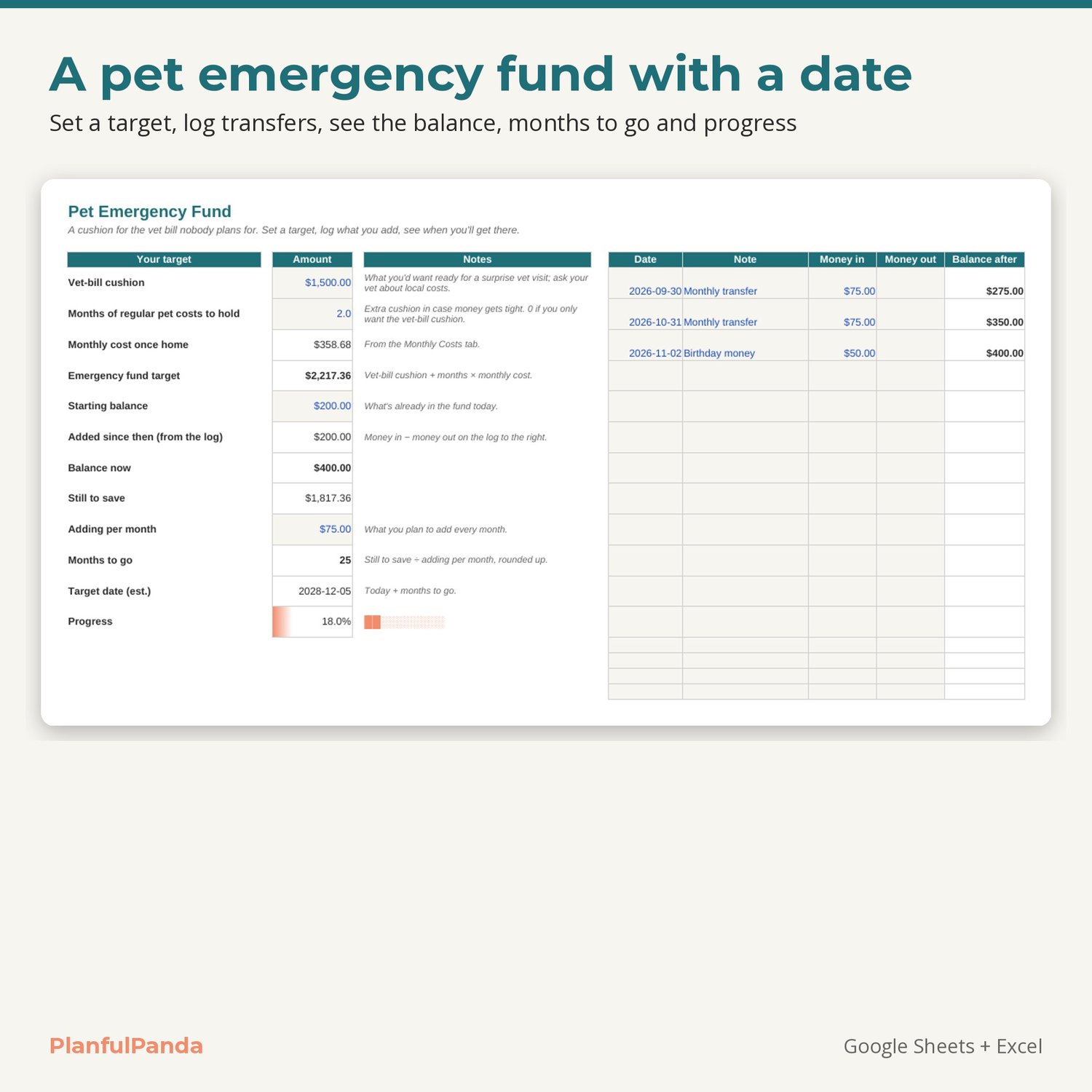
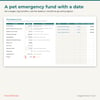
• Emergency Fund: a vet-bill cushion plus months of regular pet costs make your target; add your starting balance and a monthly amount, log each transfer (36 rows) and see the balance, months to go, an estimated date and your progress.
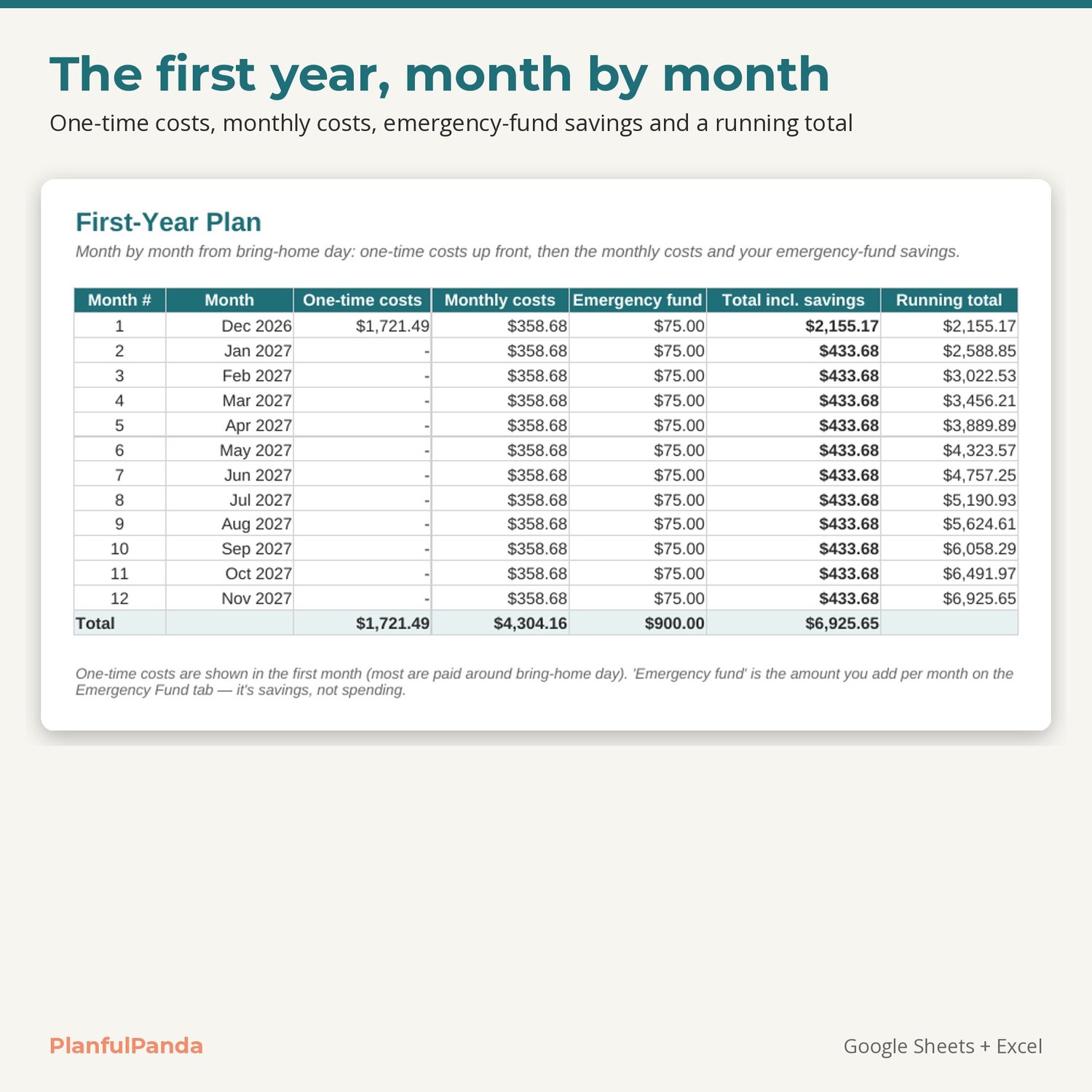
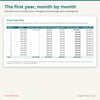
• First Year: the first 12 months, month by month from bring-home day — one-time costs, monthly costs, emergency-fund savings and a running total.
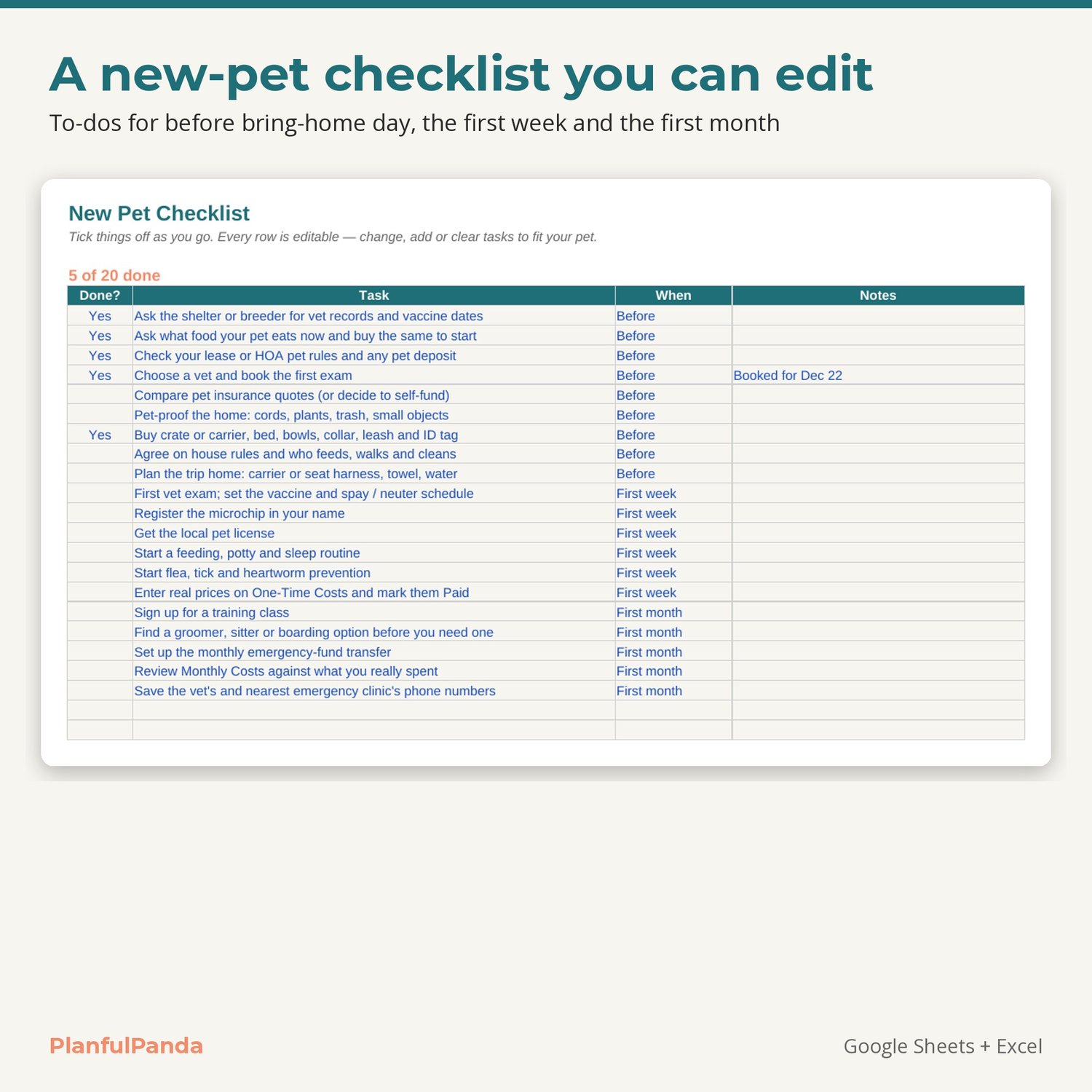
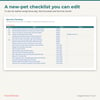
• Checklist: 30 editable rows with 20 starter to-dos for before bring-home day, the first week and the first month, and a done counter.
• Dashboard: one-time costs, monthly cost, first-year total and what's still to save, costs by category and a chart.
• Add a row by typing in the next empty cream row; remove one by clearing it. Formula cells are protected (no password).
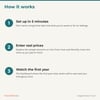
HOW IT WORKS
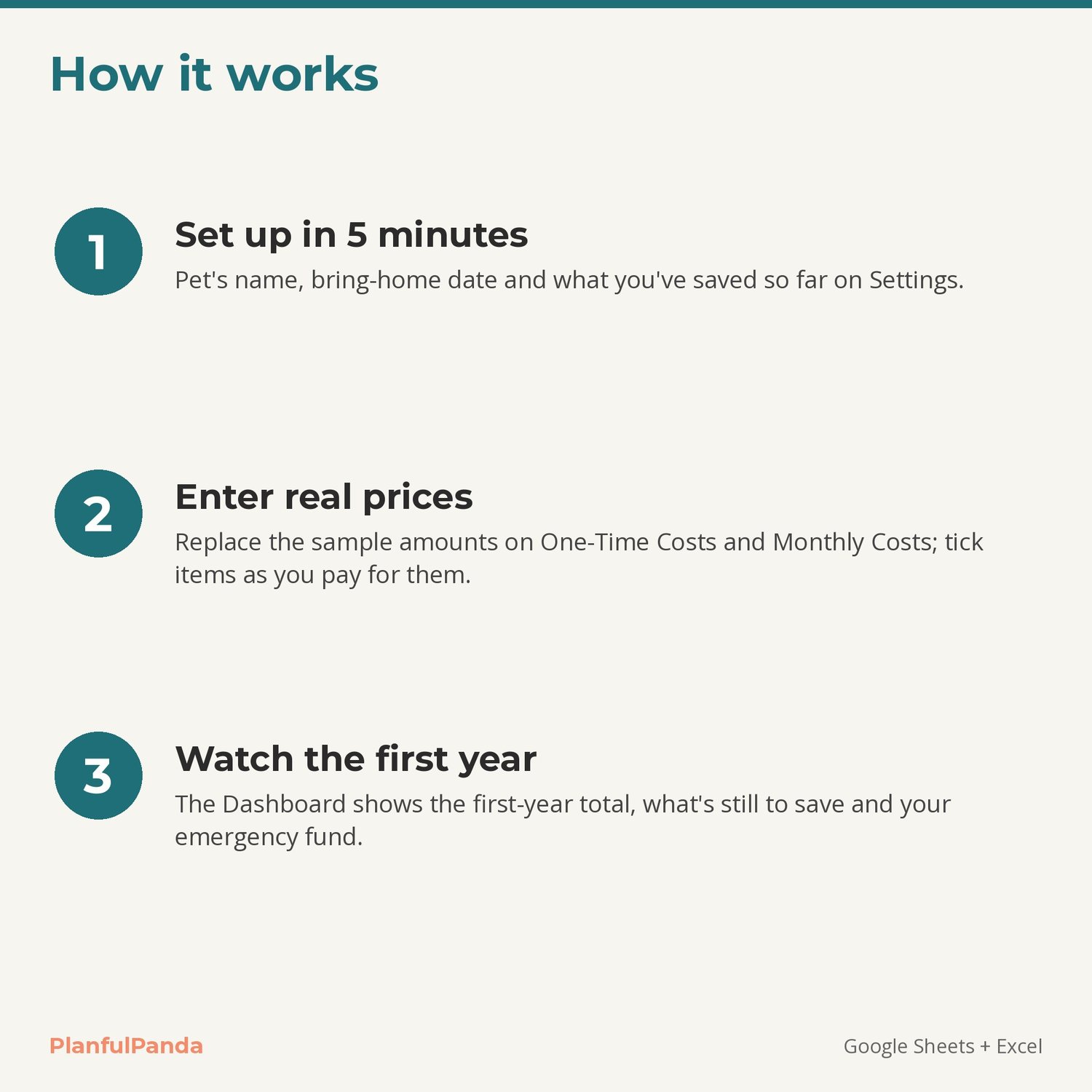
1. Download the files and open the Excel file, or use the one-click "make a copy" link in the download guide for the Google Sheets version.
2. Fill in Settings, then replace the sample amounts on One-Time Costs and Monthly Costs with real prices near you.
3. Tick items as you pay for them, log emergency-fund transfers, and check the Dashboard once a month.
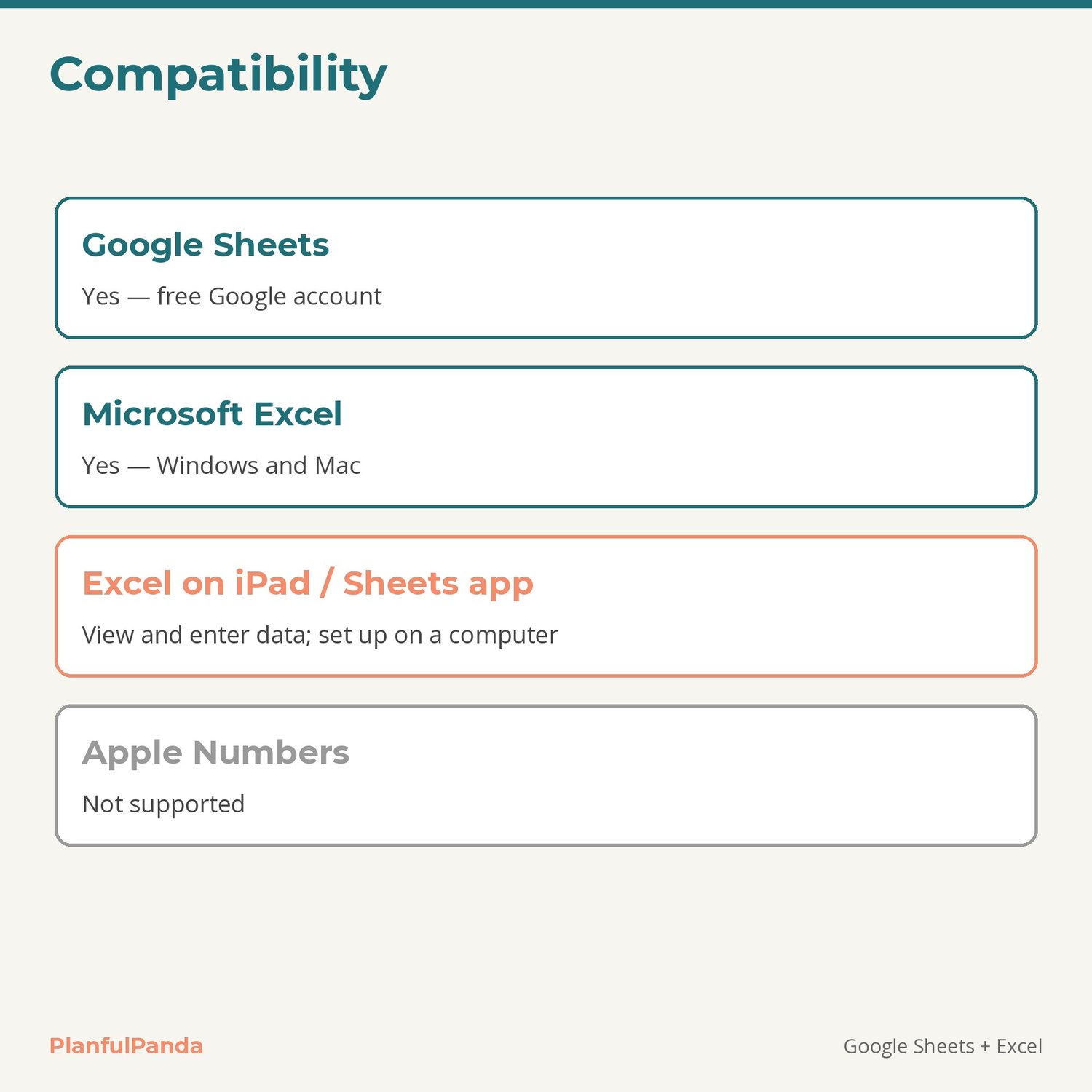
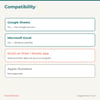
Works in Google Sheets (free account) and Microsoft Excel (Windows and Mac). Not designed for Apple Numbers.
Questions? Message PlanfulPanda through Payhip — replies within one business day.
Personal-use licence: https://www.planfulpanda.com/licence/ · Refund policy: https://www.planfulpanda.com/refunds/
Templates are budgeting tools, not financial advice. Sample amounts are examples only, not price quotes or veterinary advice. Not affiliated with or endorsed by Google or Microsoft.
Designed by PlanfulPanda with AI-assisted tools; every formula and layout is checked before listing.