
Galaxy Comet Companion — Orbiting Comet Effect for VRChat (3 Forms, Trails Behind You, Comes to Your Palm)
▶ VRChat avatar effect · PC only · needs Modular Avatar (free, from VCC) · drag-and-drop prefab
Not made for one avatar: Modular Avatar hooks the comet to your avatar's own hips and left hand at upload, so it works on humanoid avatars in general. Checked in Unity on the VRChat SDK sample avatar.
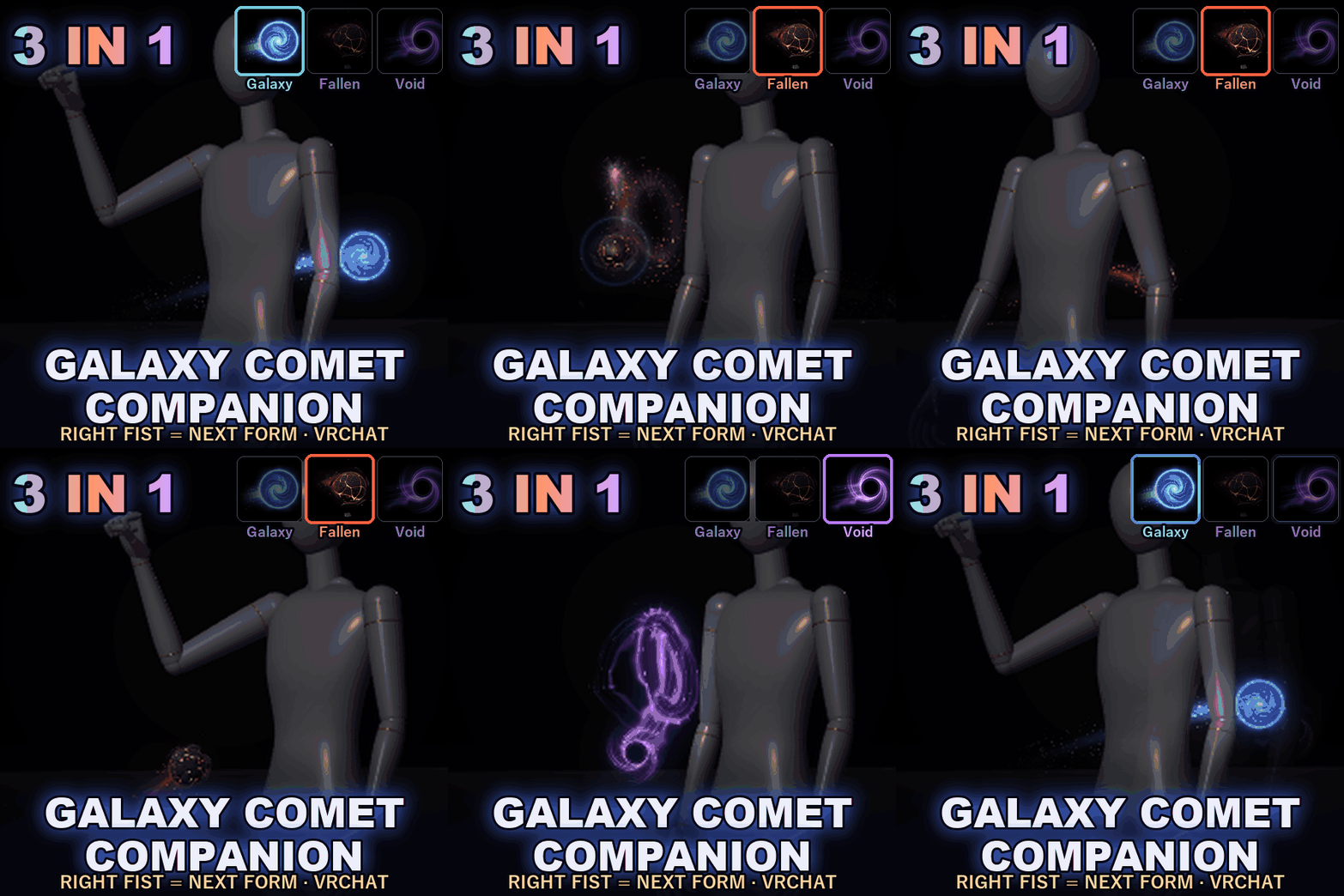
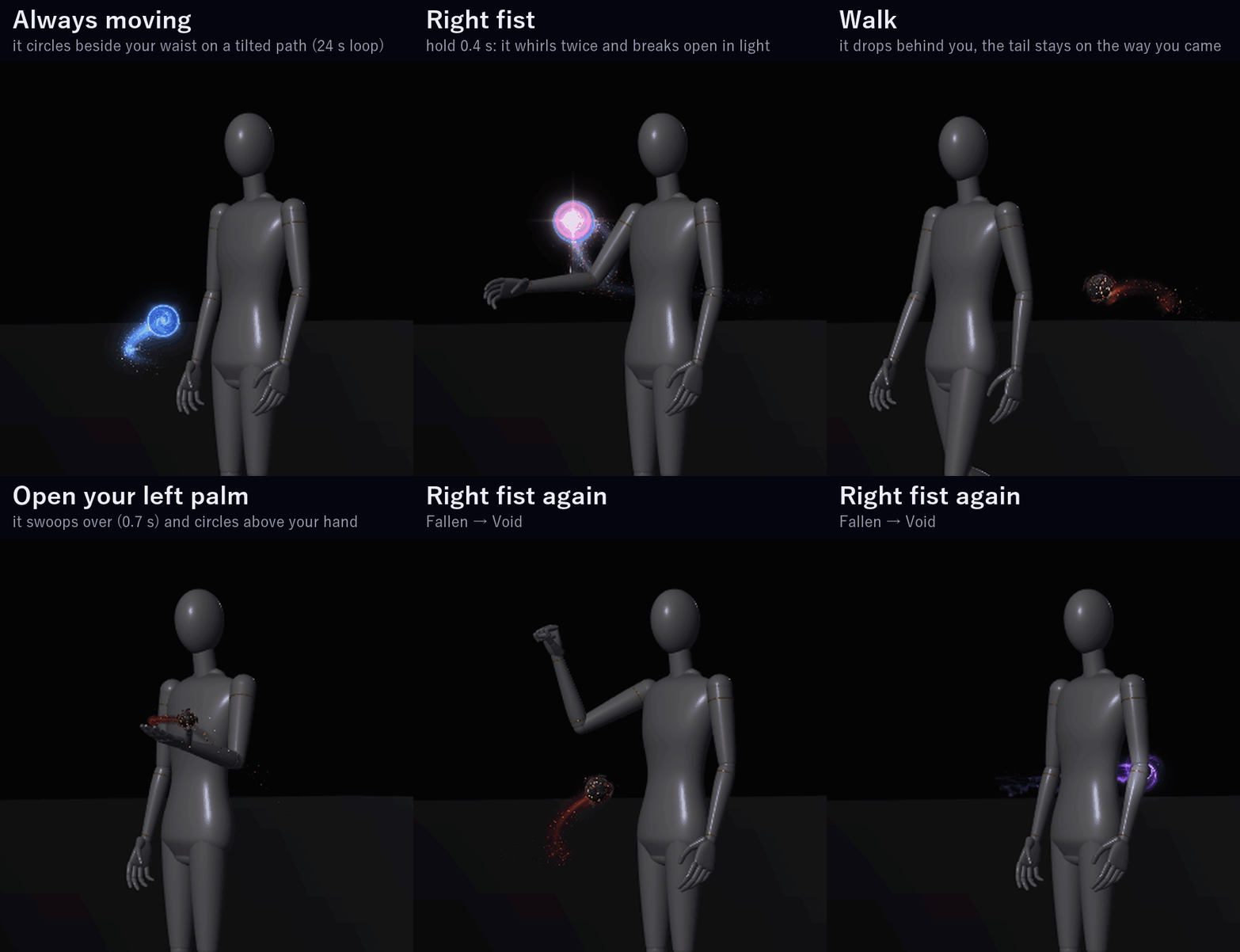
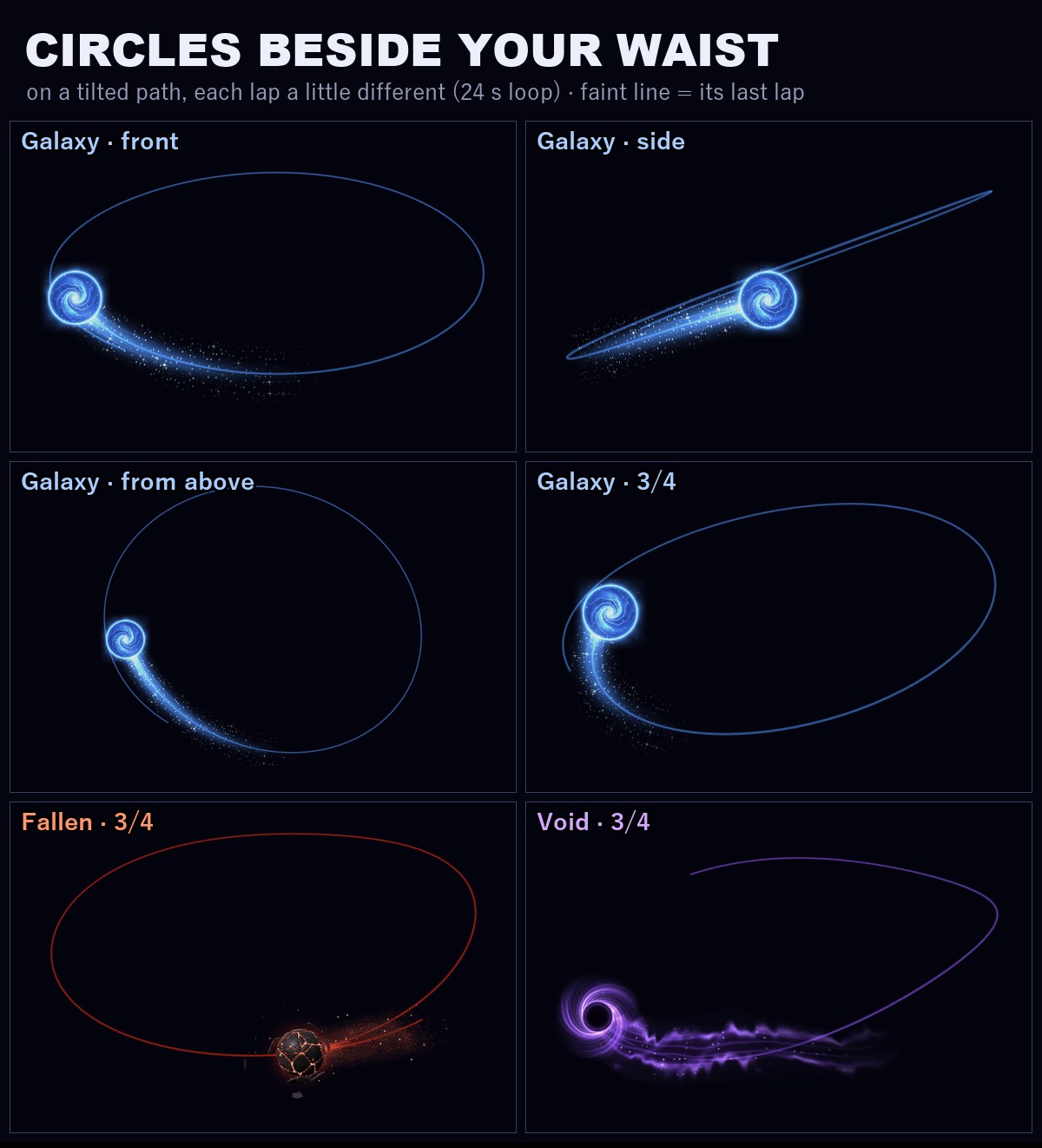
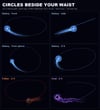
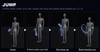
A small comet that goes everywhere with you. It circles beside your waist on a tilted path, each lap a little different. Walk and it drops behind you, leaving its tail along the way you came; run and it falls farther back and the tail stretches long and thin; jump and it dives under your feet and loops back up. Open your left palm and it flies over and circles just above your hand. Make a right fist and it breaks open in light and turns into the next comet.
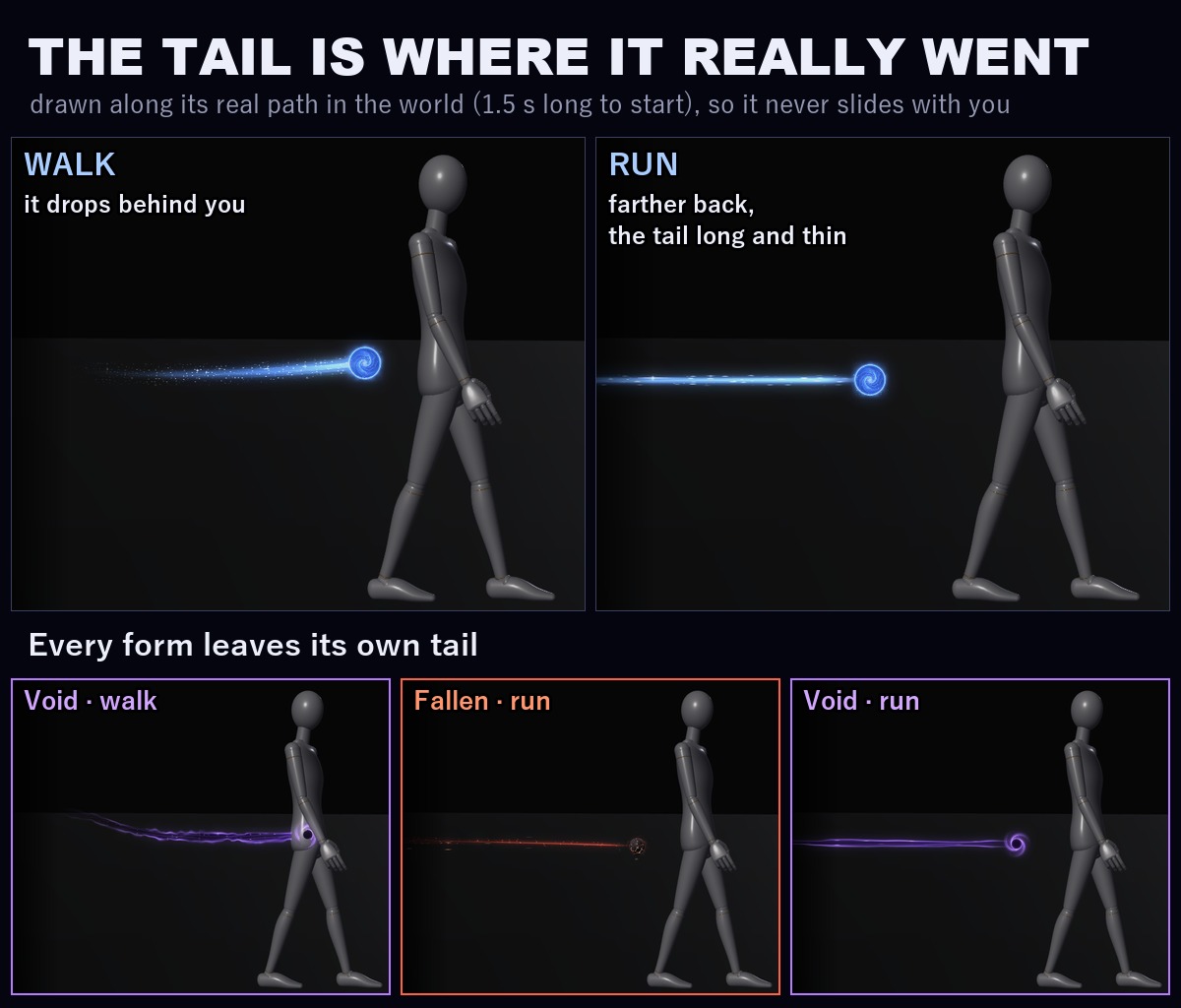
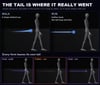
THE TAIL IS WHERE IT REALLY WENT
The tail is drawn along the comet's real path through the world (1.5 s long to start), so it never slides around with you: when you walk, it lies on the ground you covered; when you turn, it curves.
IT FOLLOWS HOW YOU MOVE
• Standing: it circles beside your waist (a 24 s loop that never repeats lap for lap)
• Walking: the orbit drifts behind you and flattens, so the comet follows a little behind
• Running: it falls farther back, and the tail stretches long and thin
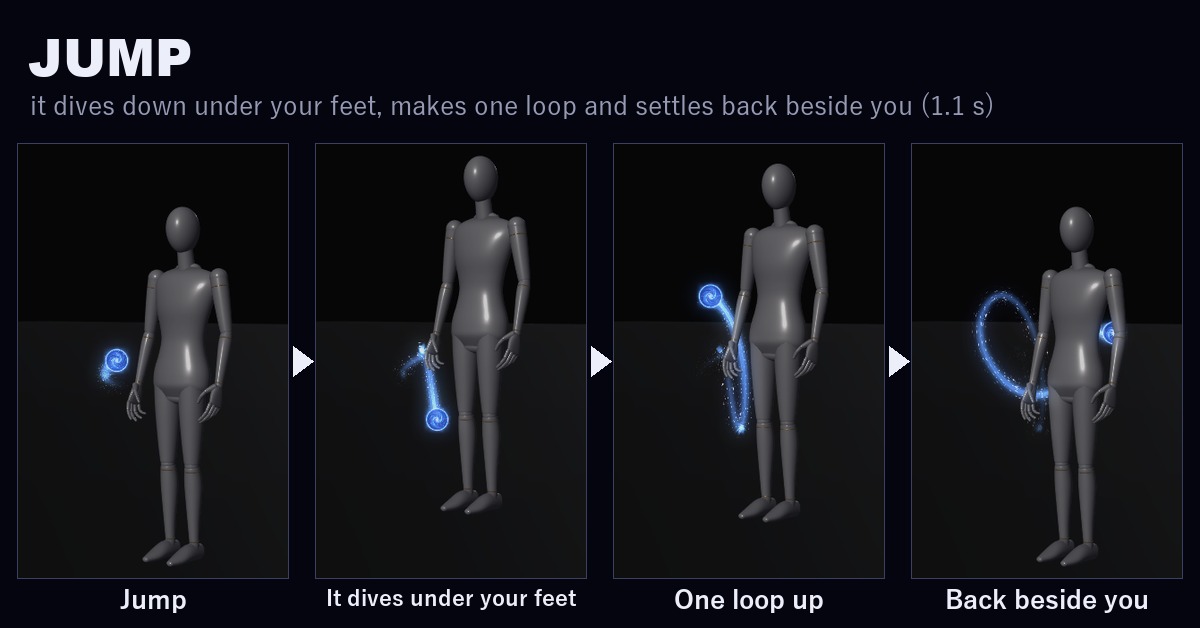
• Jumping: it dives down under your feet, makes one loop and settles back beside you (1.1 s)
TWO HAND SIGNS (they work while you walk, too)
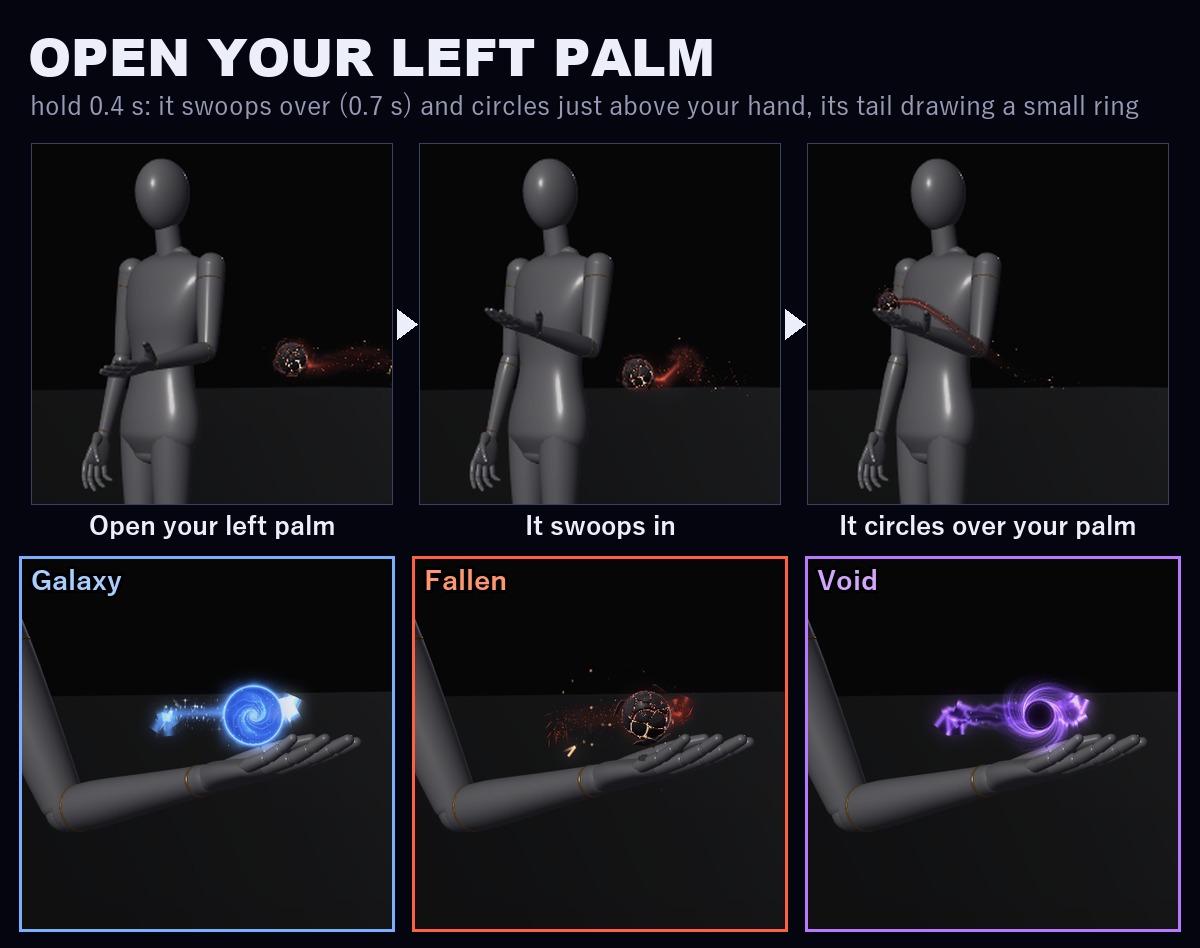
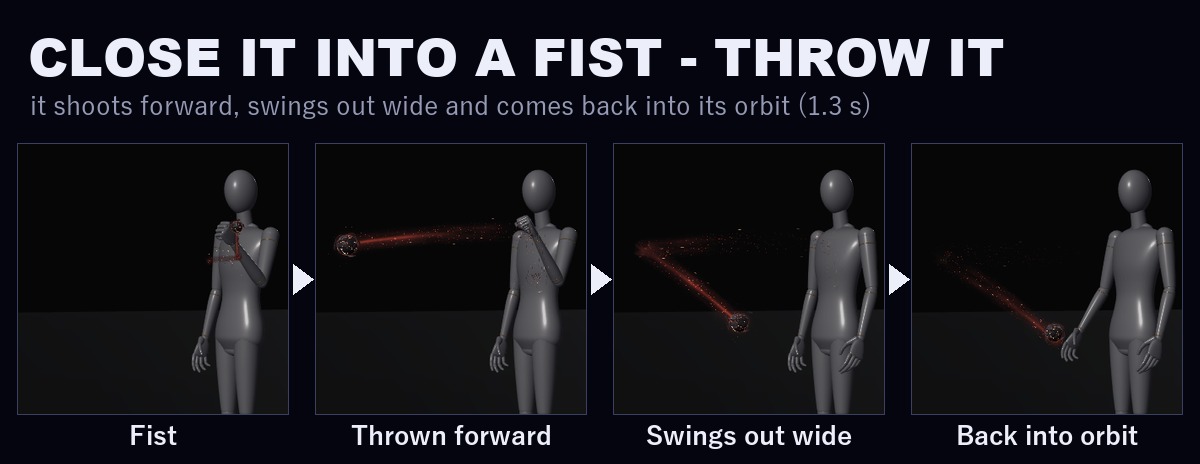
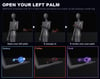
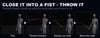
• Open your left palm and hold it for 0.4 s: the comet swoops over to your hand (0.7 s) and circles just above your palm, its tail drawing a small ring (a lap every 1.4 s). Close the hand into a fist and you throw it: it shoots forward, swings out wide and comes back into its orbit (1.3 s). Any other hand sign sends it back on its own (about 1 s).
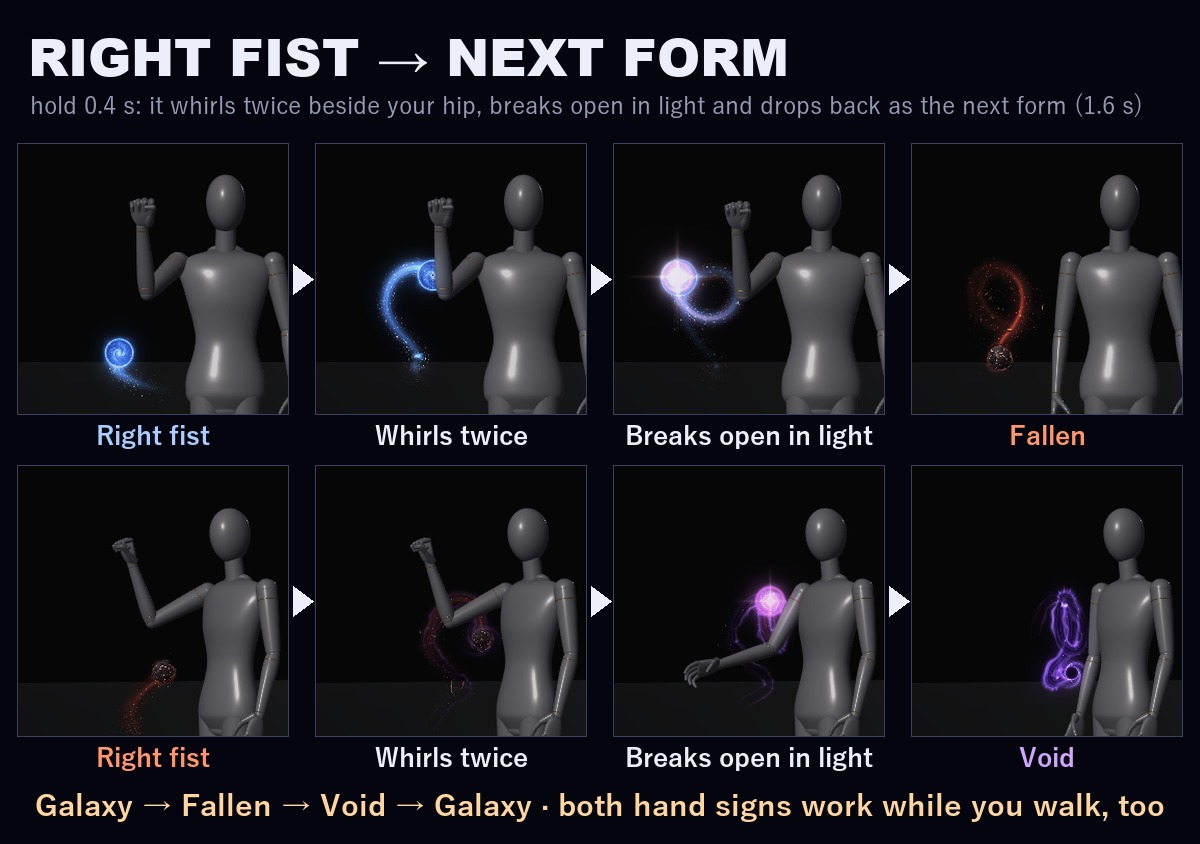
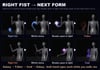
• Right fist, held 0.4 s: the next comet. It rises a little and whirls twice in a small loop beside your hip while the head breaks open in light, then drops back into its orbit as the next form (1.6 s). Galaxy → Fallen → Void → Galaxy.
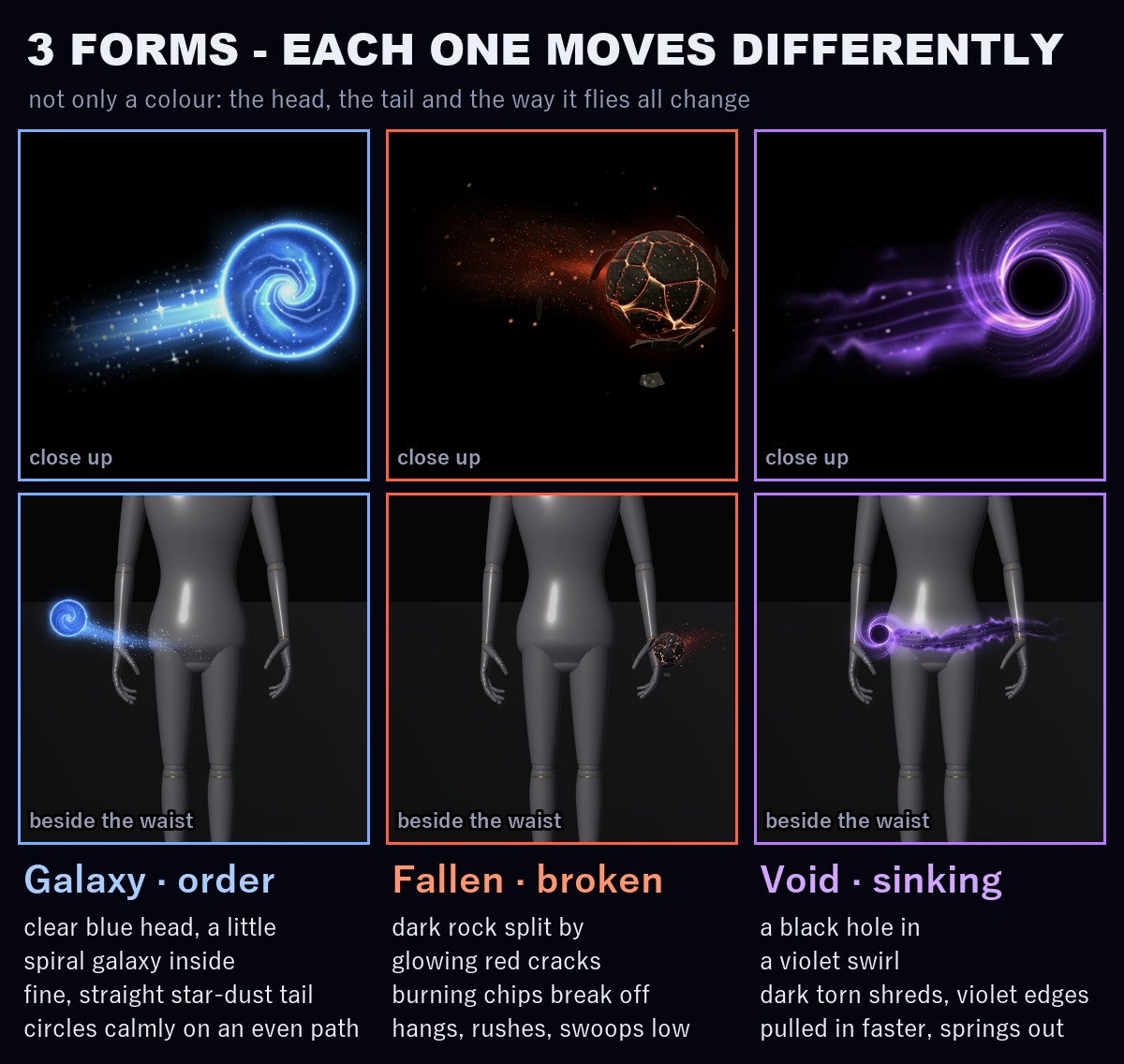
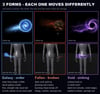
3 FORMS (each one moves differently, not only a colour)
• Galaxy (order): a clear blue head with a little spiral galaxy inside and a fine, straight star-dust tail. It circles calmly on an even, gently tilted path.
• Fallen (broken): a dark rock split by glowing red cracks, with burning chips that break off and fall away, and a smoky tail full of embers that sags. It hangs, then rushes, and swoops low once every lap.
• Void (sinking): a black hole in a violet swirl, trailing dark torn shreds with violet edges. It is drawn inward, faster and faster as it closes in, then springs back out.
MENU ("Galaxy Comet")
• Show: the comet gathers in light (0.9 s) / scatters away (0.6 s) (on to start, remembered)
• Form: Galaxy / Fallen / Void (remembered)
• Tail: on / off (on to start, remembered)
• Comet to Hand: it comes to your left palm and stays there while this is on
• Body gestures: the palm and the right-fist change on / off (on to start, remembered). Turn it off if you use those hand signs a lot.
• Adjust (all remembered): Comet size 0.5 – 2.0 · Orbit size 0.6 – 1.6 · Orbit height (lower or higher round the waist) · Tail length 0.3 – 3.0 s · Glow 0.3 – 2.0
PERFORMANCE (VRChat PC rank, measured with the VRChat SDK)
The prefab on its own: Excellent in every category. On the VRChat SDK sample avatar the overall rank stays the same; the only category that changes is Material Slots, Excellent → Good (the comet adds 2 materials).
No particle systems, no lights, no PhysBones: the head is one small mesh drawn by its own shader, and the tail is one trail.
EASY TO PUT ON
Drag one prefab onto your avatar and upload. Modular Avatar adds the "Galaxy Comet" menu, the parameters and the animator layers for you, and hooks the comet to your hips and left hand.
It is placed for the VRChat SDK sample avatar. For a much smaller or bigger avatar, use the Orbit size and Comet size dials.
WHAT'S INCLUDED
• CC_1.0.1.unitypackage: 1 prefab, 2 shaders, 2 materials, 1 mesh, menu and animator
Folder: Assets/Caligo/Galaxy Comet Companion/
• README (English and Japanese)
SPECS
• Tris: 3,364 (the comet head) + the trail
• Meshes: 1 / Skinned meshes: none / Materials: 2 / Textures: none / Lights: none / Particle systems: none / Trail renderers: 1
• PhysBones: none / Contacts: none / Constraints: 3 (VRChat constraints)
• Synced parameters: 52 bits
REQUIREMENTS
• Modular Avatar (available through VCC)
TESTED WITH
Unity 2022.3.22f1 / VRChat SDK 3.10.5 / Modular Avatar 1.18.7 / NDMF 1.14.8. The parts, the parameters, the menu and the animator steps are checked in Unity. The prefab imports into a clean project with no problems.
PC only (see-through glow shaders that bend the tail; no Quest version).
GOOD TO KNOW
• The hand signs only listen to your own hands; they never react to other players.
• People who block custom shaders in their Safety settings won't see it.
SUPPORT
If the walk / run / jump moves, the palm, the throw, the form change or anything else doesn't work as described in VRChat, message me. I'll fix it and send you the update for free.
TERMS
• OK to use on your avatar in VRChat and other platforms
• OK to stream, record, and post on social media
• Editing is fine
• Please don't redistribute or resell the files, edited or not
UPDATES
• v1.0.0 (2026-11-21): first release
• v1.0.1 (2026-11-23): richer surfaces and detail (the fallen rock is now lumpy stone with relief: raised plates, sunken glowing cracks, grain and pits that catch the light, and twelve broken stone slabs with real depth and bevelled edges circling it; nebula and stars in the galaxy head; a wider, denser star-dust tail; a fuller void disc with a thin ring)
Updating from v1.0.0? v1.0.1 uses new internal file IDs, so importing it over v1.0.0 creates duplicate files. Delete the Assets/Caligo/Galaxy Comet Companion folder first, then import v1.0.1 and drag GalaxyCometCompanion onto your avatar again. New installs and future updates: just import.