

Search & Replace Utility - Win10/11
Search & Replace Utility – Win10/11
Money Back Guarantee
Free Lifetime Support
Perfect for: Developers, Localization (L10n) & Internationalization (i18n) Engineers, Web Developers, Data Analysts & Scraping Engineers, CAD Users, QuickBooks Users, SEO Specialists, Documentation Engineers, Technical Writers, Legacy System Maintainers, and IT Administrators who need to perform surgical, global updates on text files, code, CSV lead lists, or web documents across every version of Windows.
This versatile utility eliminates the frustration of manual editing by allowing you to instantly search and replace text across thousands of files simultaneously.
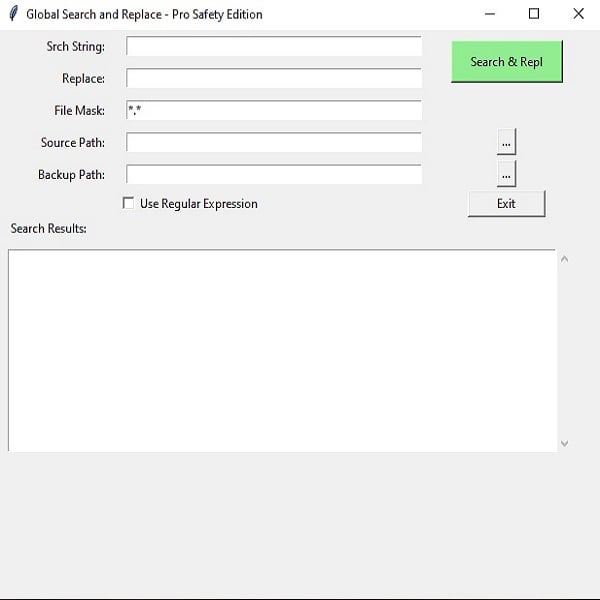
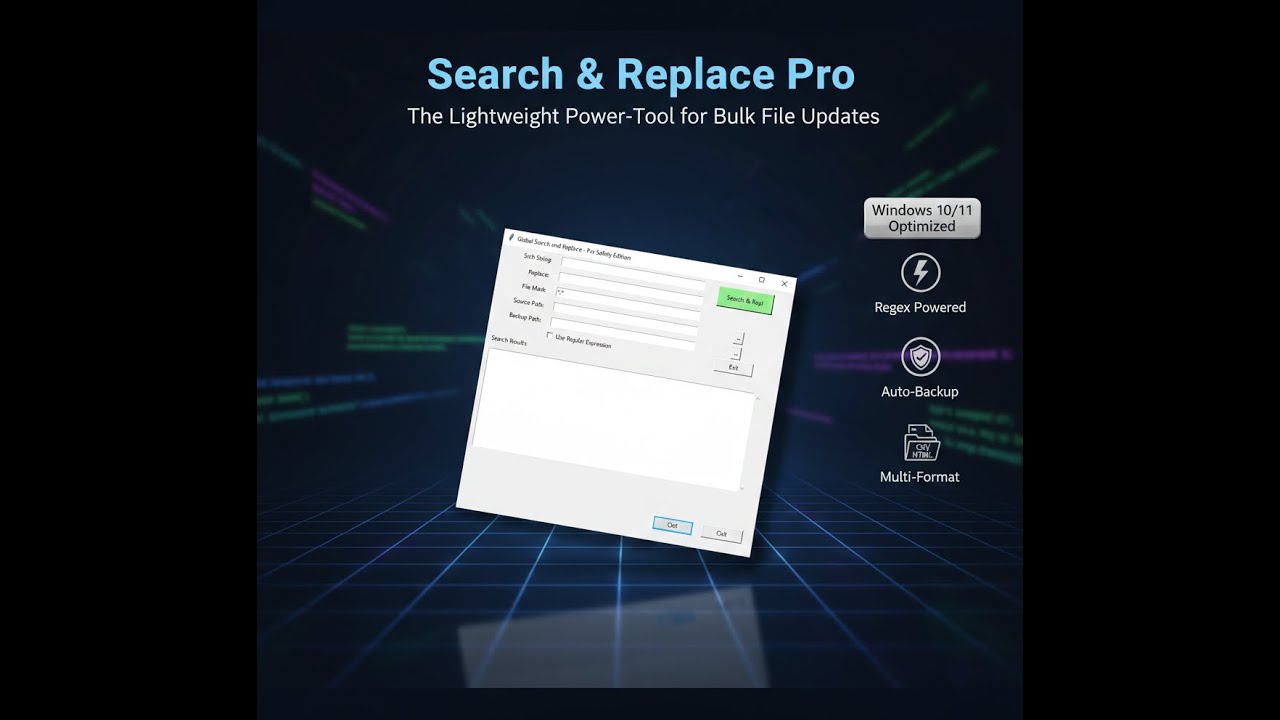
Example: Search "901-999-9999" and Replace With "800-999-9999". Select the folder of the files you want to do the replace on, then enter the file type: *.txt [where * is ALL text files]. Click "Search & Rpl" button. DONE! All text files in that folder will have that string replaced.
- Requirements: Windows 10 and Windows 11 (64-bit)
- Key Features: Regular Expression support, Subdirectory searching, and File Masking.
- Supported Formats: APP, ASP, ASPX, CLS, COMPONENT, CONF, CONFIG, CSS, CSV, EVT, GETTEXT, HTM, HTML, INI, INTF, JS, JSON, JSX, LSP, LUA, MD, MNU, PAGE, PHP, PHTML, PY, RB, RPP, SCSS, SCR, SQL, TRIGGER, TS, TSX, TXT, XML, YAML, YML, PY
Don’t work harder. Work faster. Get the utility that makes data management effortless.
- Bulk Processing: Point the tool at a directory, set your Srch String, and hit Srch & Repl to process your entire project in one click.
- No Spreadsheet Needed: Edit .csv and .txt files directly without the slow loading times of heavy office apps.
- Powerful Filtering: Search by file type or specific naming conventions using the built-in file mask.
- Optional Backup Directory: If you're uncertain you've made the correct change, set a backup directory to write original files
INCLUDED:
Search-Replace.zip
- search-replace.EXE file - place anywhere on your PC and click to run. No other files necessary. Lightweight. Virus-Free.
- RegularExpressions.PDF - tells you how to run special codes that can remove all HTML tags out of a file, for example.