

Home Renovation & Remodel Budget Planner – Kitchen/Bath Remodel Budget, Contractor Quotes, Timeline & Change Orders Excel Template
Plan a kitchen remodel, bathroom remodel, DIY project or whole-house renovation in one spreadsheet: what it will cost, what is already spent, which contractor to hire, what to do each phase, what materials to order and which change orders eat your contingency. Made for US and UK homeowners and first-time buyers.
What's inside (9 tabs):
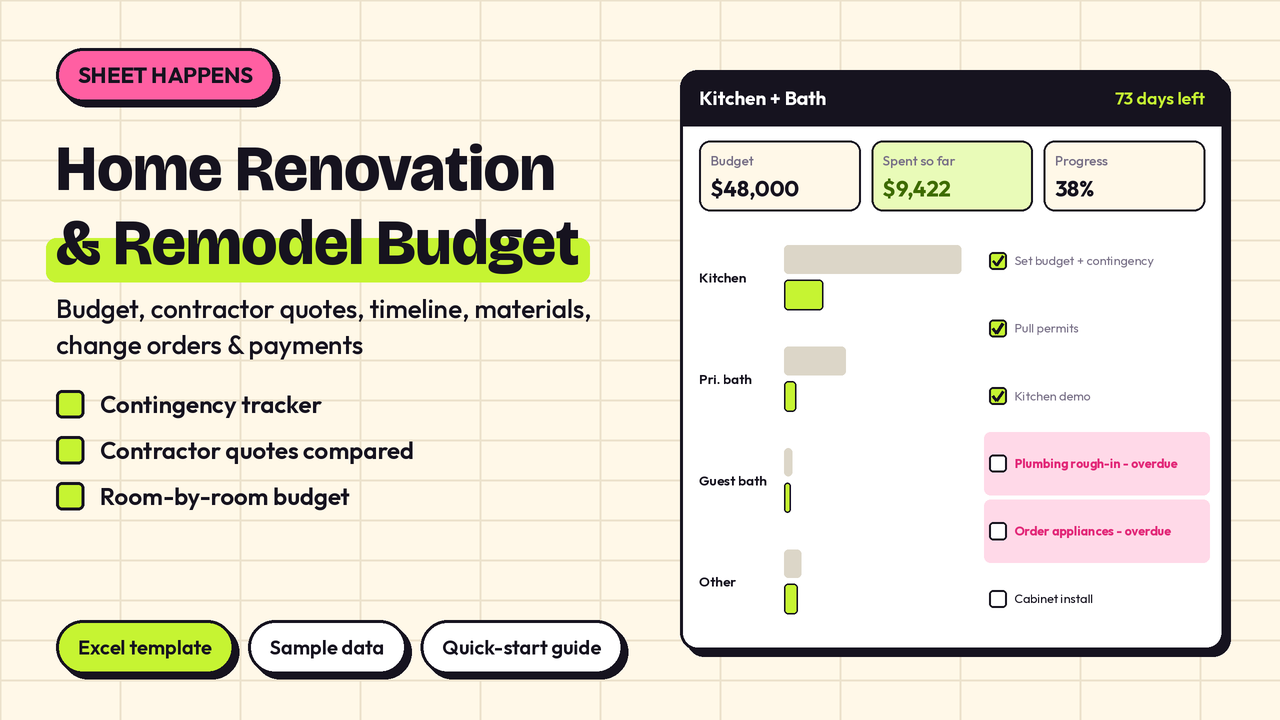
- Dashboard: days left to target finish, total budget vs estimated vs actual, remaining and % spent, contingency reserve / used / left, projected total and projected left, project progress %, paid vs still owed on the payment schedule, overdue payments and overdue tasks, materials received %, chosen contractor; a per-room estimated vs actual vs projected table + chart; budget by cost category; timeline % by phase + chart; the next 6 payments due; the next 8 tasks (overdue first); cheapest, best rated and chosen contractor.
- Settings: project name, start and target finish dates, optional address, currency symbol, total renovation budget, contingency %, rooms/projects list and cost categories with a suggested % split you can change.
- Budget & Expenses: every remodel cost by room and category (150 rows) — demolition, materials, labor, permits, fixtures, appliances, finishes, disposal, design fees and more. Estimated vs actual, deposit, due date, ✓ when paid. Status shows Paid, Due in X days or OVERDUE.
- Contractor Quotes: compare up to 8 contractors or trades side by side: scope, quote, inclusions, timeline (weeks), license / insurance / references checked ✓, rating, quote expiry. Cheapest and best rated are flagged automatically.
- Project Timeline: phases from plan & design through close-out, with start/end dates, DIY vs Pro owner, ✓ when done. Overdue tasks turn red; a simple Gantt-style bar shows each task relative to your project dates.
- Materials & Shopping: qty × unit price = line total, store, link/SKU, lead time, ✓ ordered and ✓ received, with shopping progress on the right.
- Change Orders: approved changes and their cost impact. Approved totals roll into contingency used on the Dashboard.
- Payment Schedule: deposits and progress payments with due dates and ✓ paid. Next payments surface on the Dashboard.
- Start Here guide.
Comes with a made-up sample kitchen + bath remodel so you can see it working straight away. Clear the shaded cells and plan your own.
Planning tool only — not construction, legal or financial advice. Check local permit rules, HOA requirements and building codes before you start. Hire licensed trades where required.
Built for Excel 2016+ (Windows and Mac), Excel mobile, WPS and LibreOffice. No macros. Every formula was recalculated and checked in LibreOffice, with the sample data and with all inputs cleared. Google Sheets: the file only uses standard functions that Google Sheets also supports, so it should work there, but it has not been tested in Google Sheets itself; charts and colors may look slightly different.
What you get: 1 × .xlsx file (9 tabs) + a quick-start guide (.txt). Instant download.
License: personal use. Please don't resell.