
Presets
On Sale
$1.00
$1.00
MY PRESETS
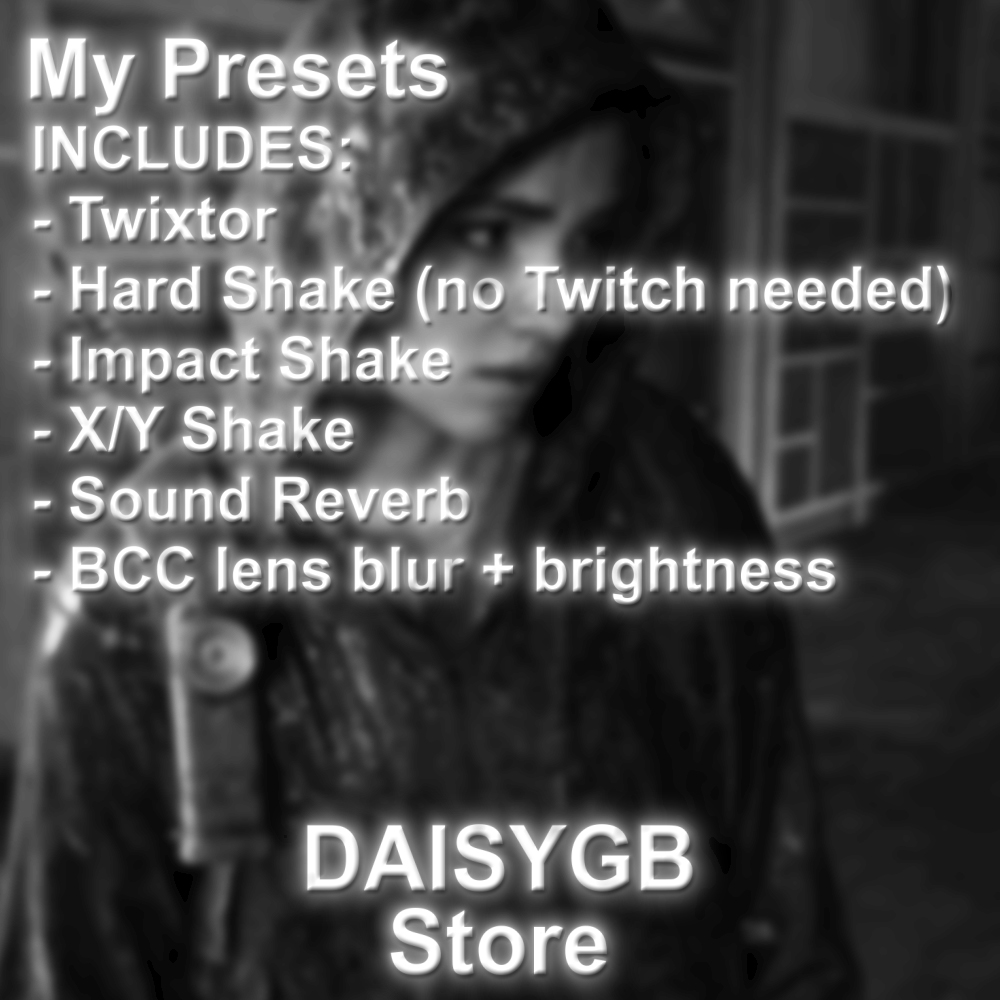
INCLUDES:
- Twixtor
- Hard Shake (no Twitch plugin needed)
- Impact Shake
- X/Y Shake
- Sound Reverb
- BCC lens blur + brightness
Plugins needed:
- Twixtor
- BCC
- Sapphire
HOW TO INSTALL:
Way 1
Step 1) Unzip daisygbPresets.zip by double clicking on it
Step 2) In AE, click on "Animation" tab on the top
Step 3) Click "Apply Animation Preset"
Step 4) Navigate to the daisygbPresets folder and click on the preset you want to use
Way 2
Step 1) Unzip daisygbPresets.zip by double clicking on it
Step 2) In Finder, navigate to '/Applications/Adobe After Effects 20xx/Presets' and drag the unzipped folder into it
For Windows, search up how to install presets but im pretty sure you just right click on after effects open program file and open presets folder