
Making Tax Digital Spreadsheet 2026/27 | UK Sole Trader & Landlord
Keep your 2026/27 income and expenses in one spreadsheet, with quarterly year-to-date totals worked out for you. For UK sole traders, landlords and the self-employed who want their Making Tax Digital records in order without buying accounting software.
A record-keeping tool, not tax advice, and not connected to HMRC. Please read the full disclaimer at the bottom of this page before you buy.
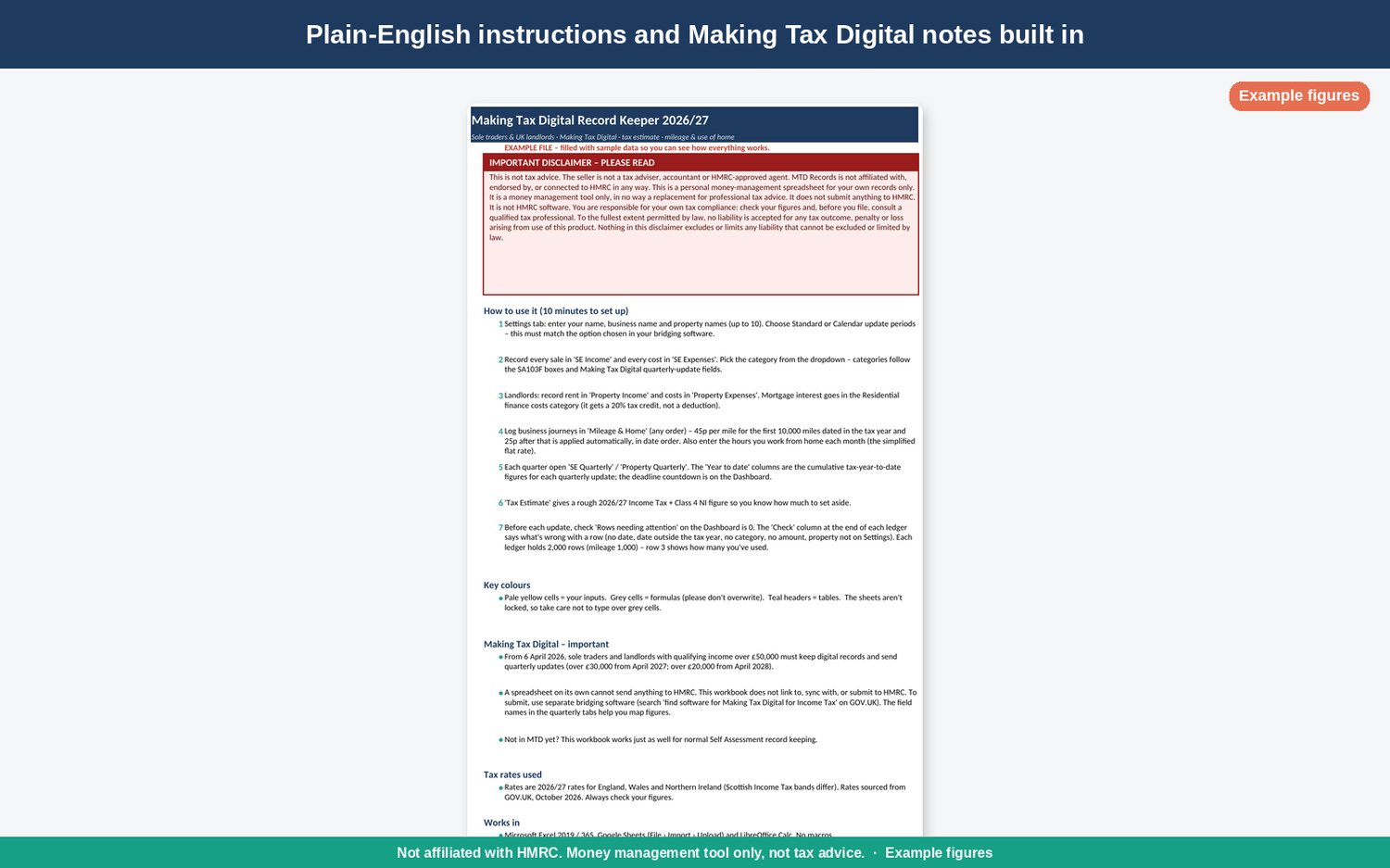
Keep your digital records for Making Tax Digital for Income Tax in a spreadsheet you understand, built for the 2026/27 tax year.
Since 6 April 2026, sole traders and landlords with qualifying income over £50,000 have had to keep digital records and send quarterly updates. The threshold drops to £30,000 from April 2027. Lots of people would rather keep using a spreadsheet than move to a full accounting package. This workbook is laid out for that: your income and expenses are sorted into the standard expense categories from the Self Assessment forms, and year-to-date totals for each quarter are worked out for you.
What's inside
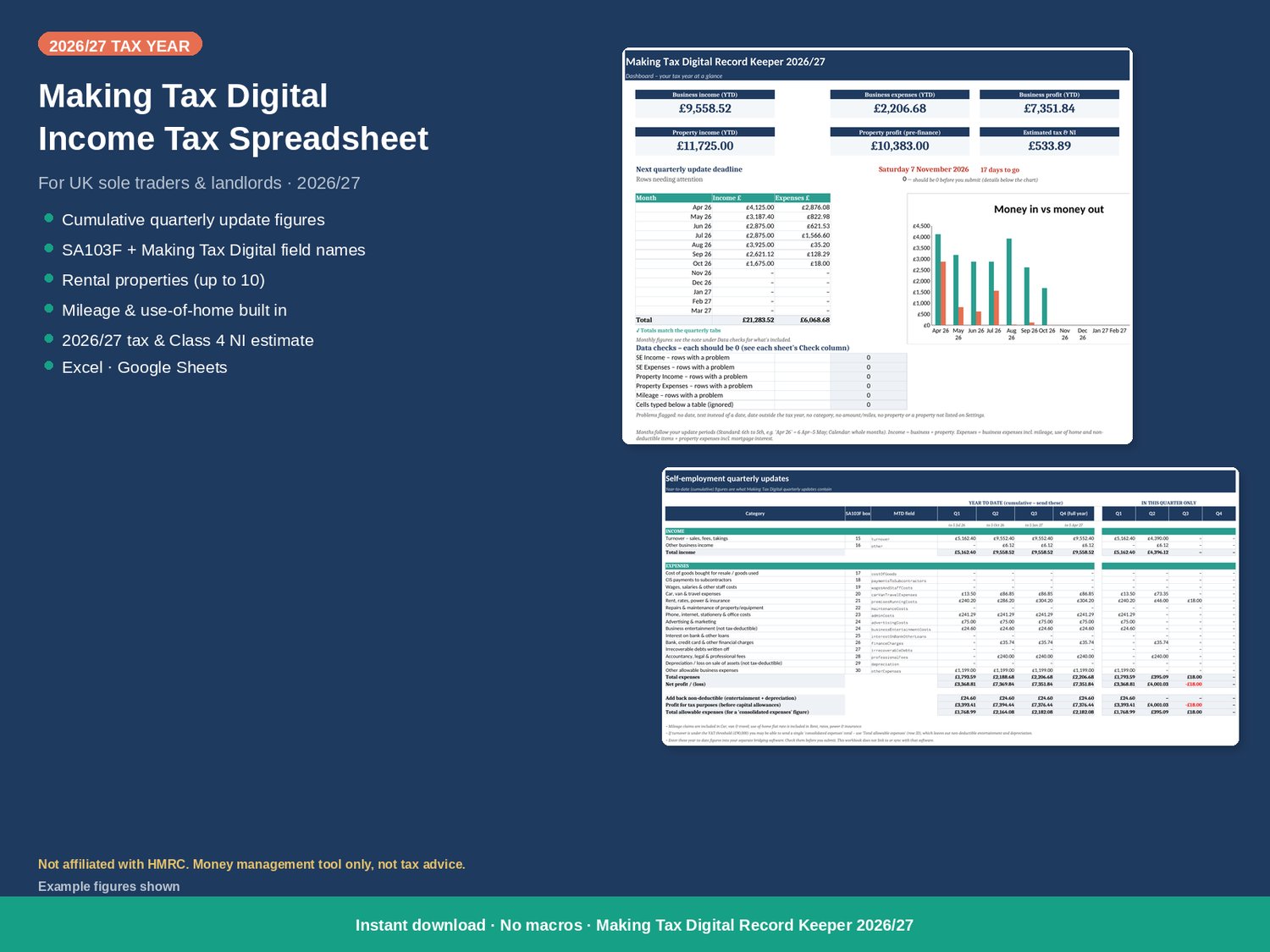
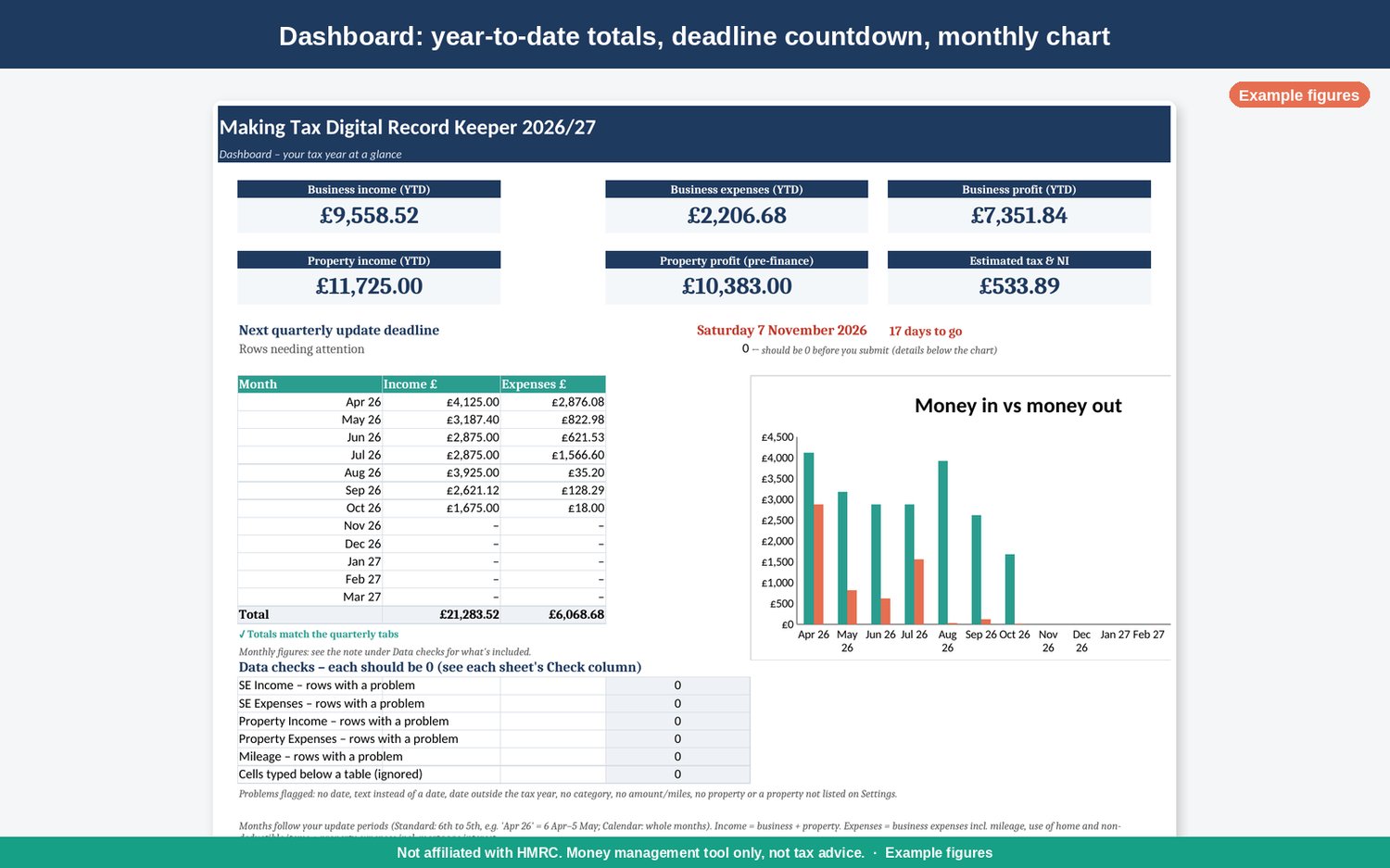
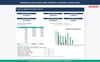
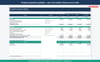
• Dashboard: year-to-date income, expenses and profit, your next quarterly deadline with a countdown, a monthly money-in/money-out chart, and a check that flags rows with no category.
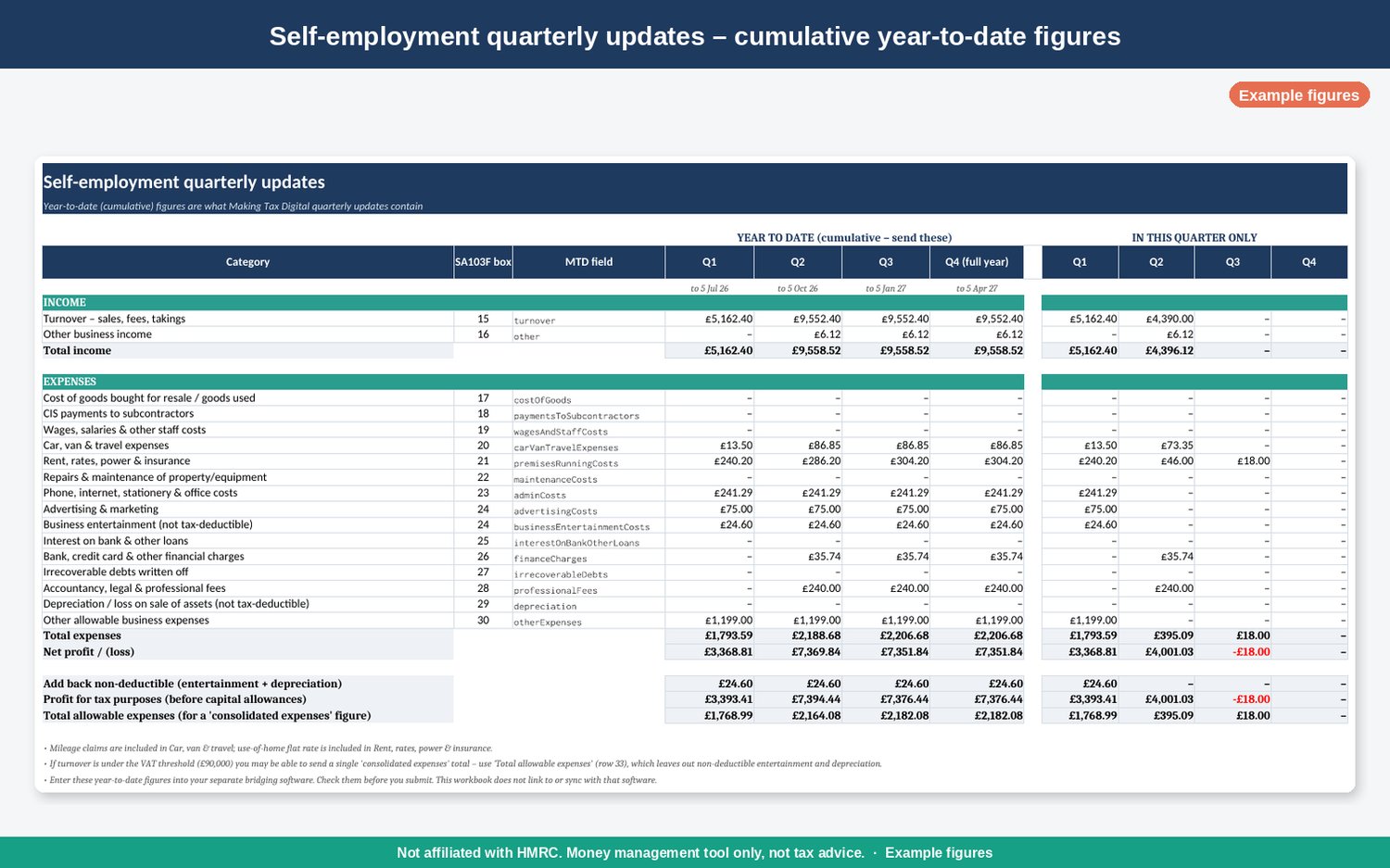
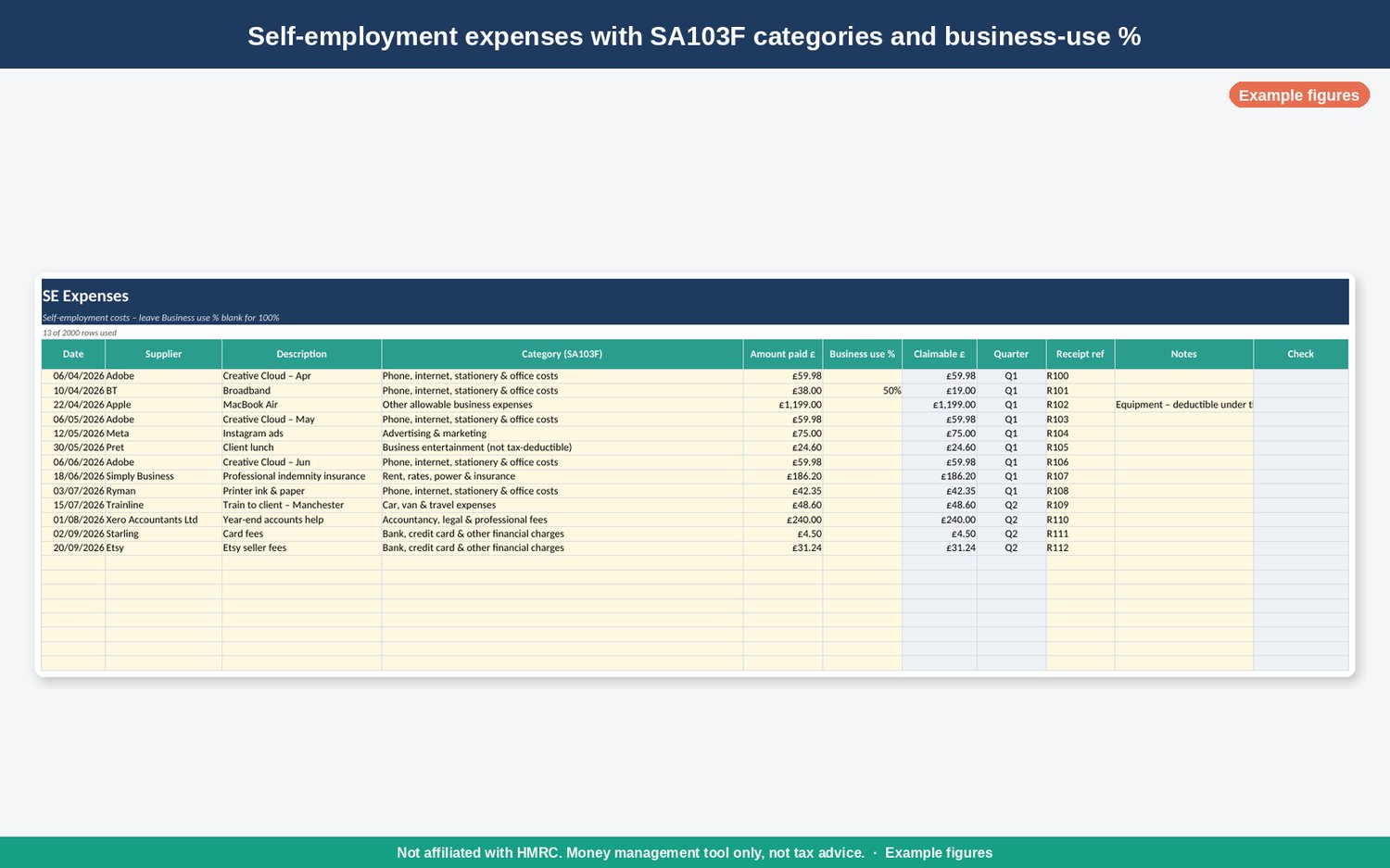
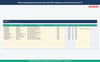
• Self-employment ledgers: income and expense tabs with dropdown categories that follow the SA103F boxes 15–30 and the Making Tax Digital quarterly-update fields. There's a business-use % column for items you use partly for personal reasons, like phone or broadband.
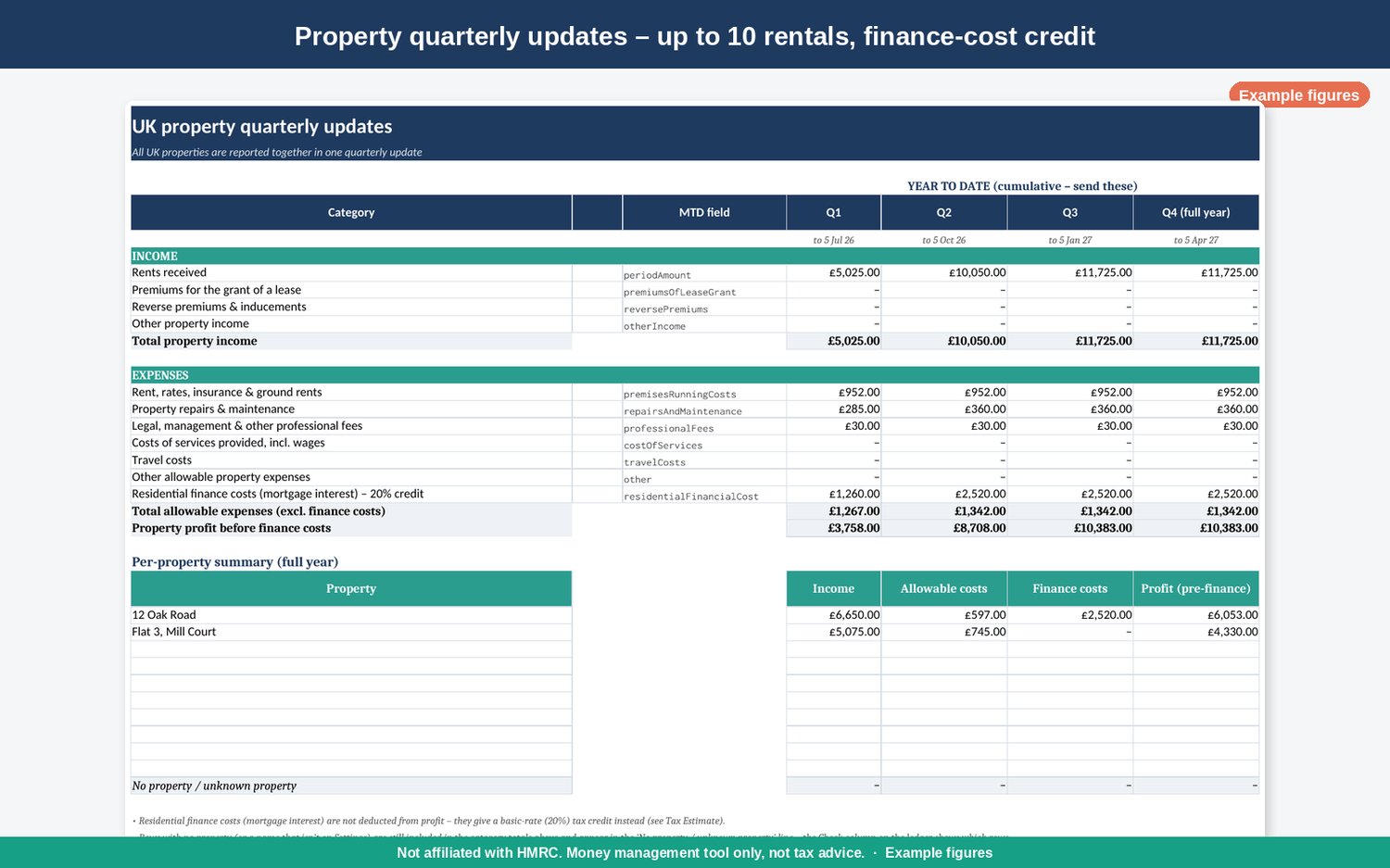
• UK property ledgers: for up to 10 rental properties, with a per-property profit summary. Mortgage interest is handled correctly: you get a 20% tax credit for it rather than a deduction.
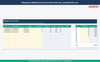
• Quarterly update tabs: cumulative (tax-year-to-date) totals for Q1–Q4, shown as running tax-year-to-date figures, plus "this quarter only" figures. You can choose standard (6 Apr–5 Apr) or calendar (1 Apr–31 Mar) update periods.
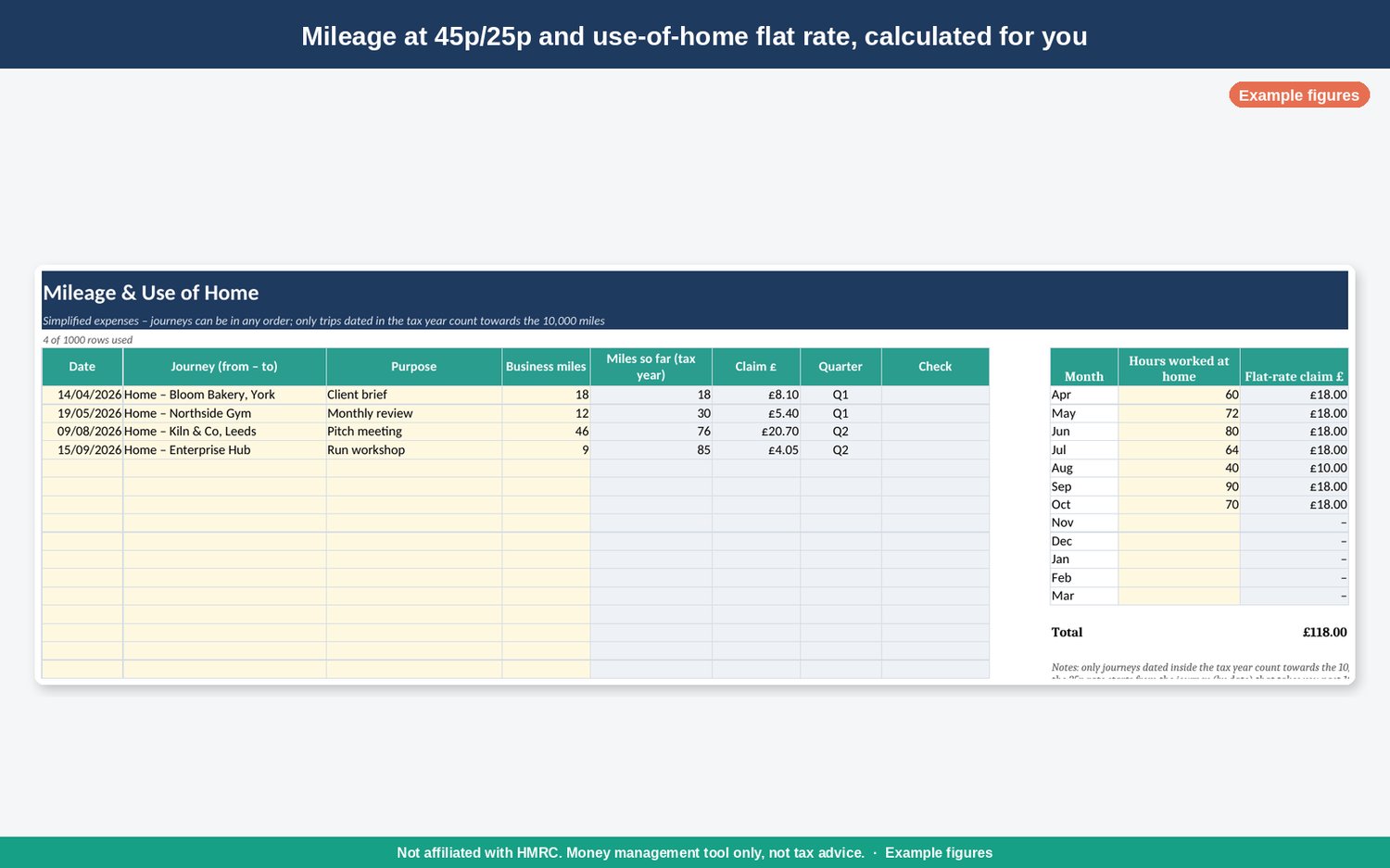
• Mileage & use of home: the 45p/25p mileage rates and the simplified flat rate for working from home are worked out for you and added to the right categories.
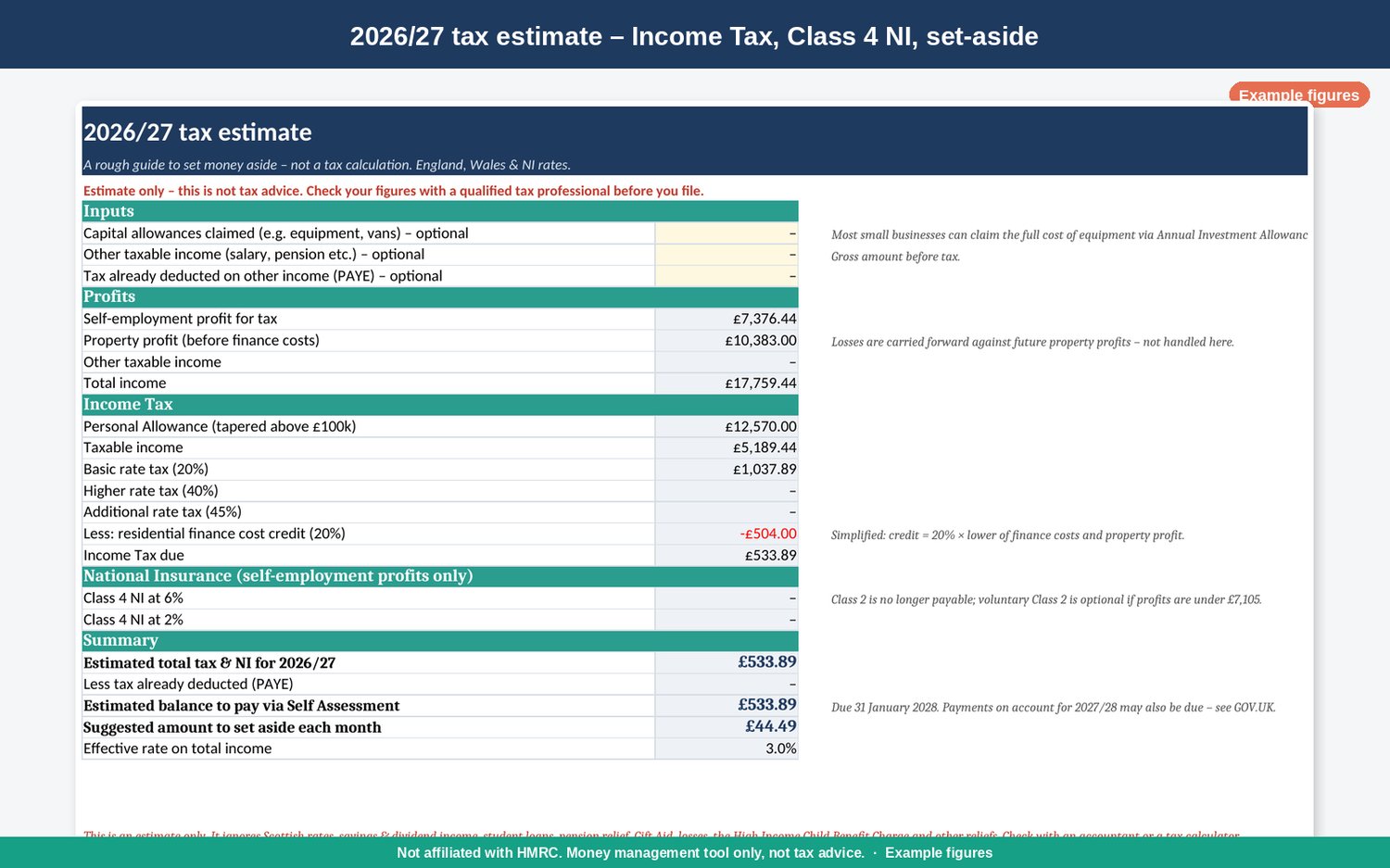
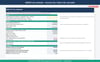
• 2026/27 tax estimate: Income Tax (with the Personal Allowance tapered above £100k), Class 4 NI at 6%/2%, the finance-cost credit, and a suggested amount to set aside each month.
• Plain-English "Start Here" tab with the key Making Tax Digital dates and deadlines (7 Aug, 7 Nov, 7 Feb, 7 May).
Works in Microsoft Excel 2019/365, Google Sheets (File › Import) and LibreOffice Calc. No macros.
Important disclaimer
Please read this before you buy.
• This is not tax advice. Nothing in this product or this listing is tax, legal or financial advice.
• The seller is not a tax adviser, accountant or HMRC-approved agent.
• It is a record-keeping and calculation tool only. It helps you organise your records and work out totals. It is not HMRC software and has no connection to HMRC systems.
• It does not submit anything to HMRC. If you're in Making Tax Digital for Income Tax, you'll need separate bridging software to send your quarterly updates; GOV.UK lists bridging products, some of them free. This spreadsheet does not link to, sync with, or replace any of them.
• The tax estimate is a rough guide only. It uses 2026/27 rates for England, Wales and Northern Ireland. Scottish Income Tax bands are different. It is meant to help you set money aside, not to work out your final tax bill, and it doesn't cover savings or dividend income, student loans, losses or the High Income Child Benefit Charge.
• You are responsible for your own tax compliance. That means keeping accurate records, checking your figures, and filing and paying on time. Before you file, consult a qualified tax professional.
• Liability. To the fullest extent permitted by law, we accept no liability for any tax outcome, penalty or loss arising from your use of this product. Nothing in this disclaimer excludes or limits any liability that cannot be excluded or limited by law.
Instant digital download: a .zip with the blank workbook and a README. Licensed for personal or single-business use. Please don't resell or share it.
Speak to an accountant if you're unsure.