




Reseller Expense Tracker | Google Sheets Template
Reseller Expense Tracker for Google Sheets
Keep your reseller business spending organized in one simple Google Sheets system.
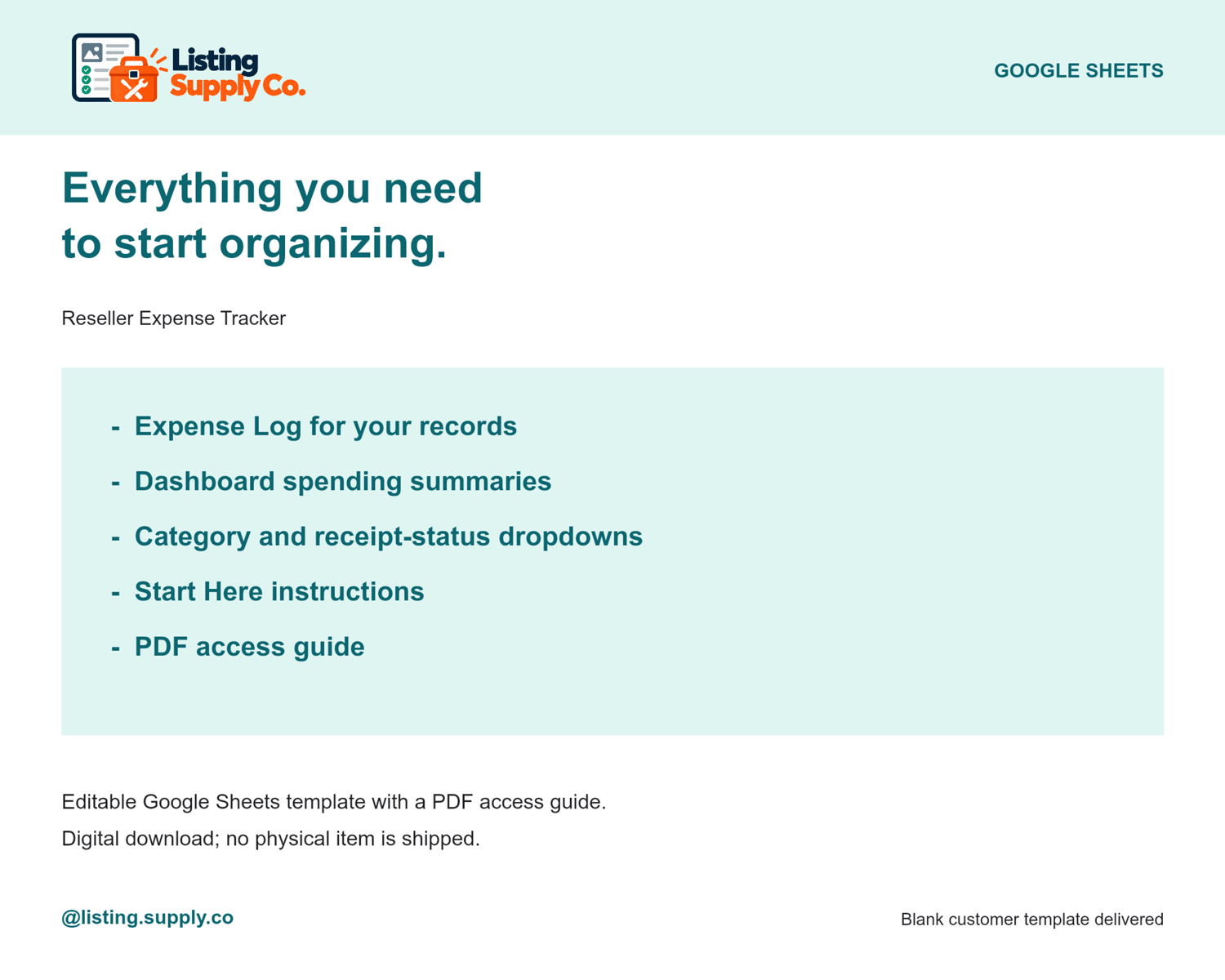
The Listing Supply Co. Reseller Expense Tracker helps you record business expenses, organize spending by category, track receipts, and review monthly and yearly spending from one easy-to-use dashboard.
What’s included
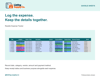
• Reseller Expense Log
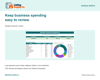
• Expense Dashboard
• Start Here Guide
• Expense category dropdowns
• Payment method dropdowns
• Receipt status tracking
• Automatic month organization
• Category spending breakdown
• Monthly expense summaries
• Yearly spending highlights
• Spending by Category chart
• Monthly Business Expenses chart
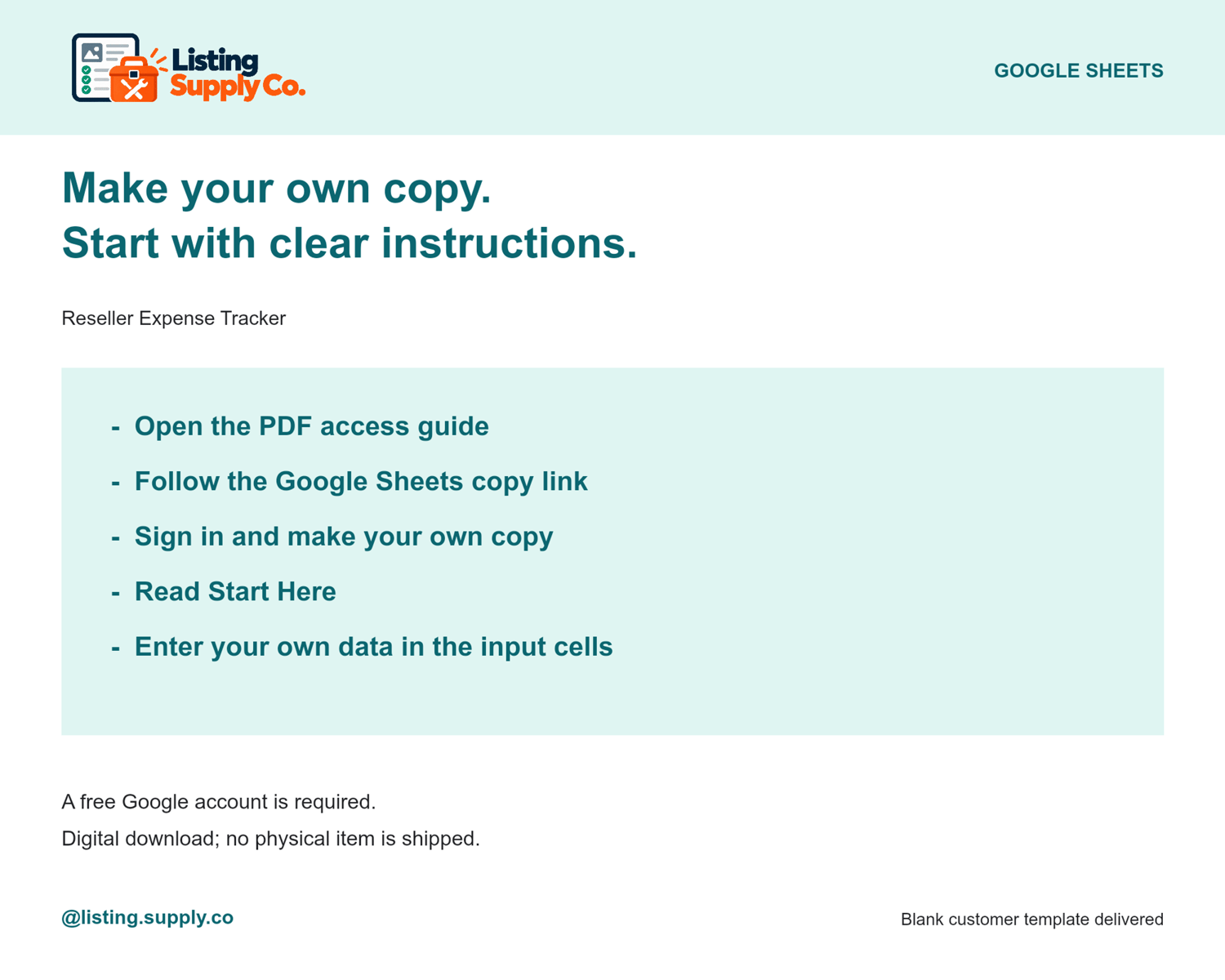
• Google Sheets access instructions
Track every expense
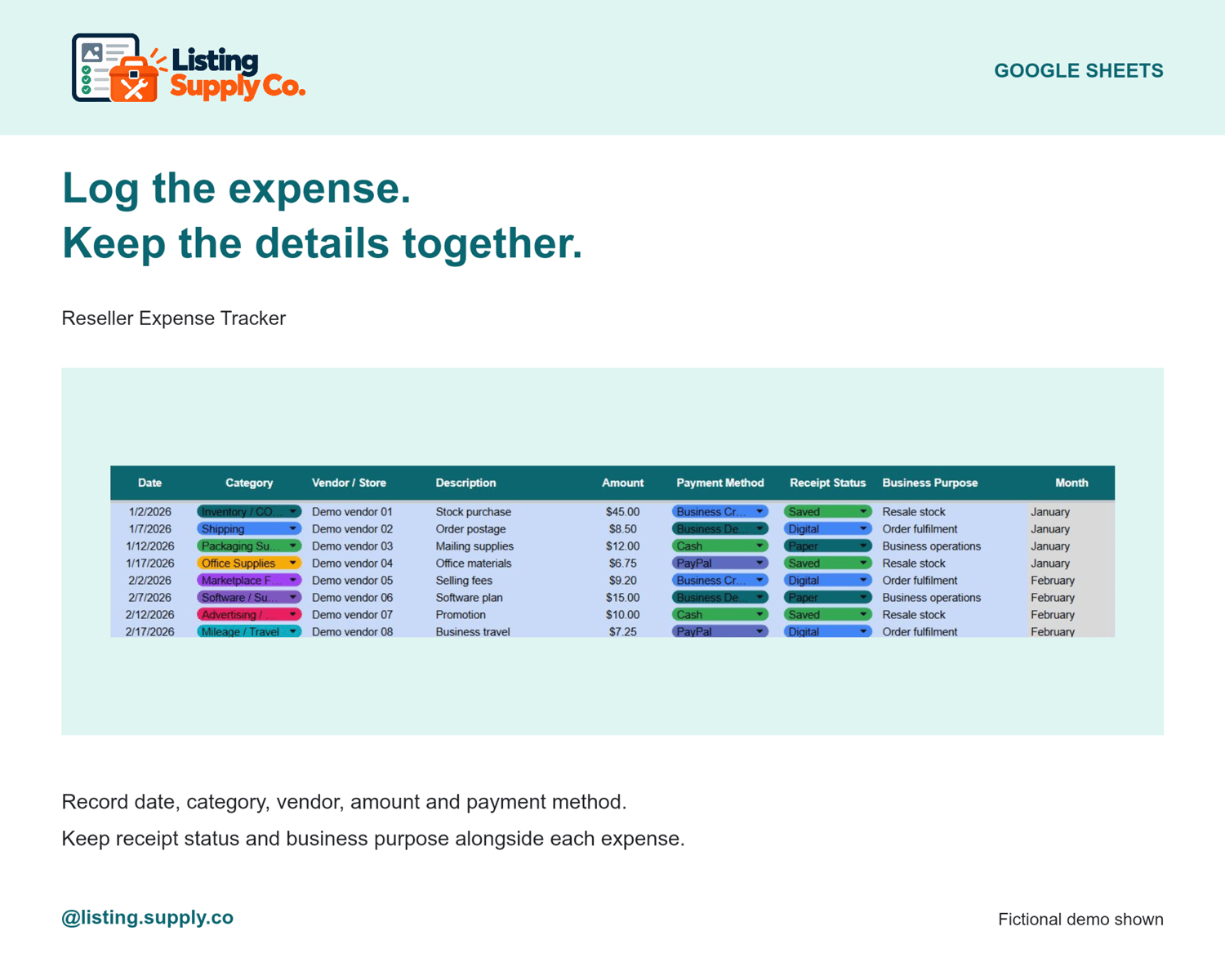
Record:
• Date
• Category
• Vendor or store
• Description
• Amount
• Payment method
• Receipt status
• Business purpose
• Notes
The Month column updates automatically based on the expense date.
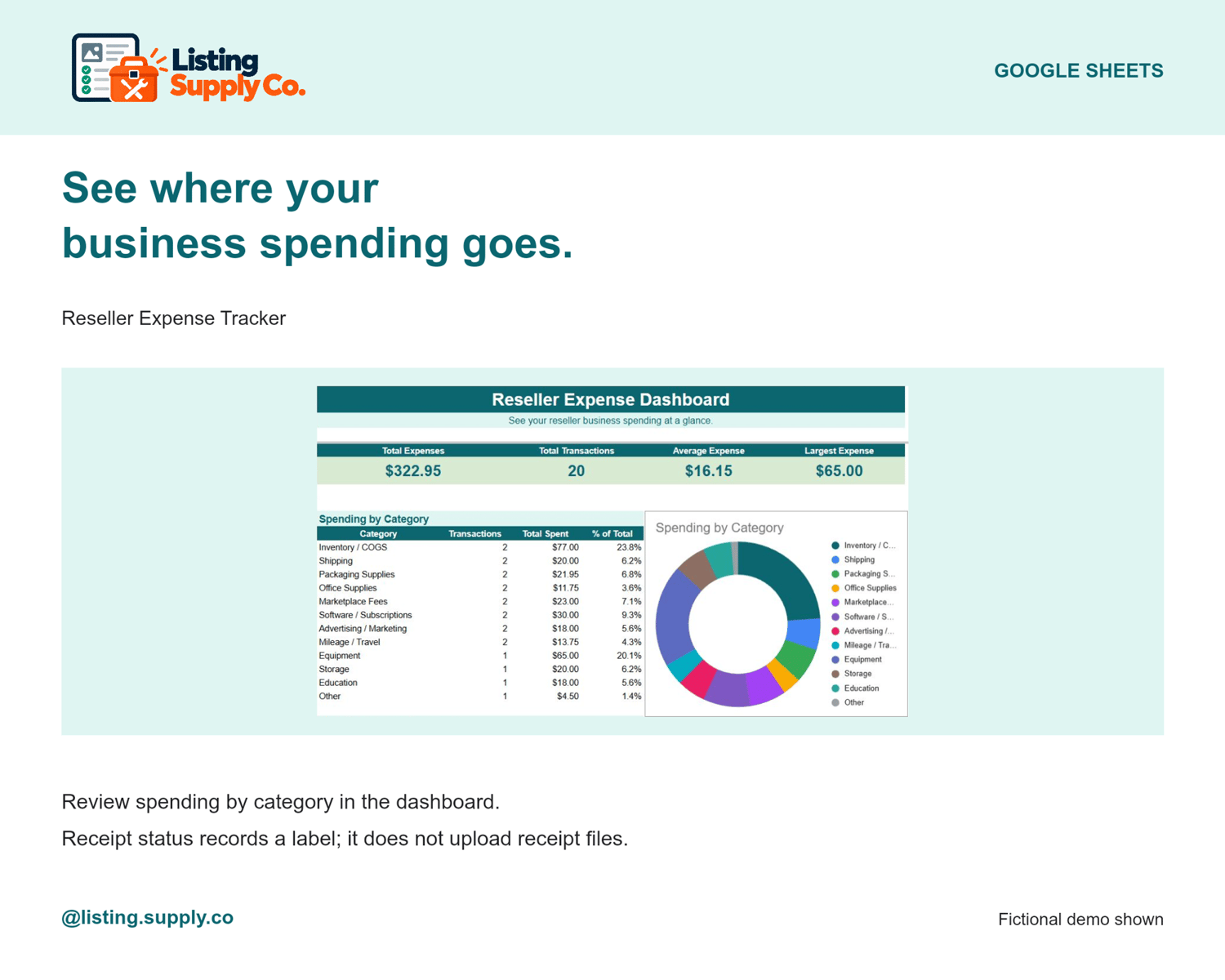
Organize spending by category
Built-in categories help you track common reseller expenses such as:
• Inventory / COGS
• Shipping
• Packaging supplies
• Office supplies
• Marketplace fees
• Software / subscriptions
• Advertising / marketing
• Mileage / travel
• Equipment
• Storage
• Education
• Other
See your spending at a glance
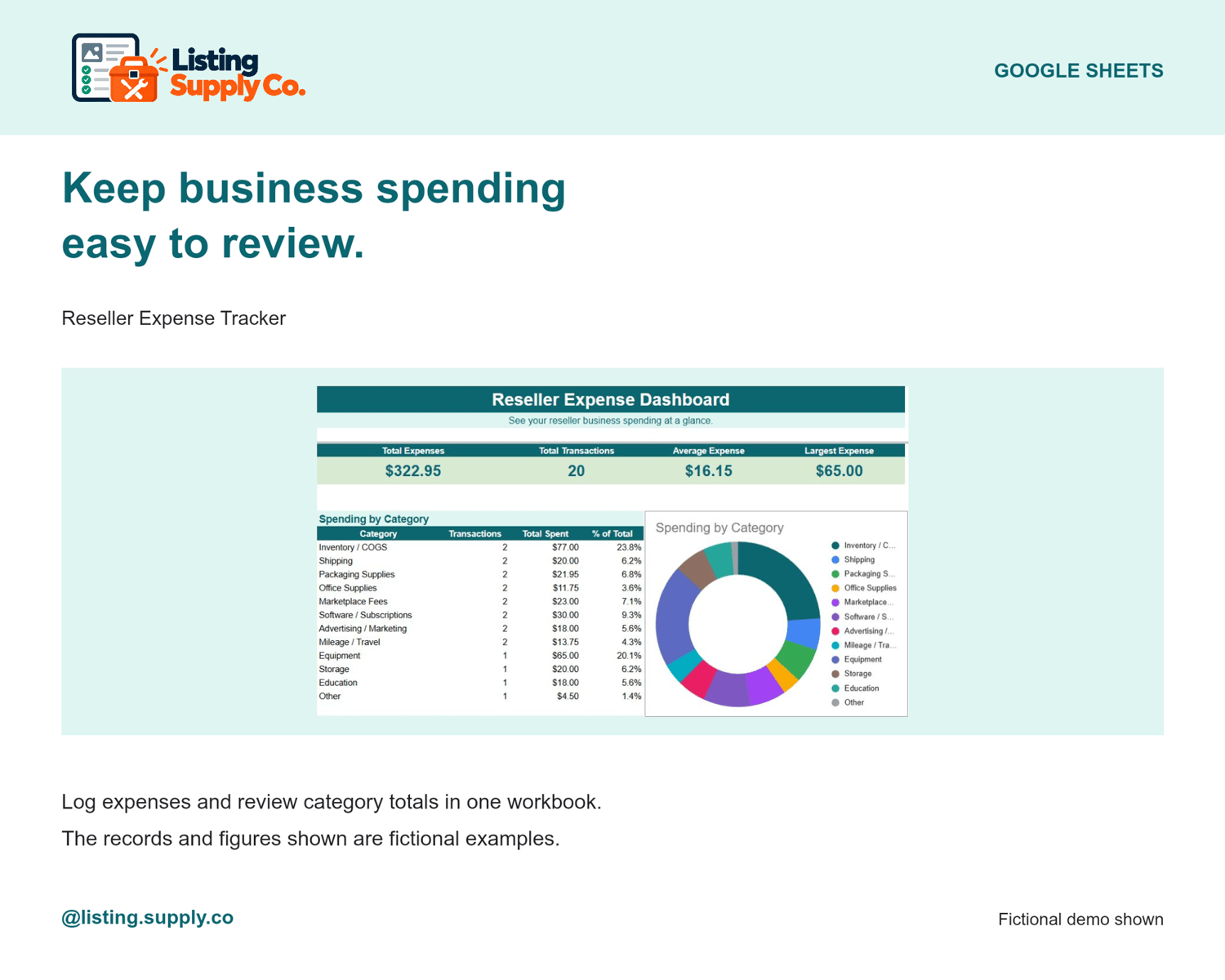
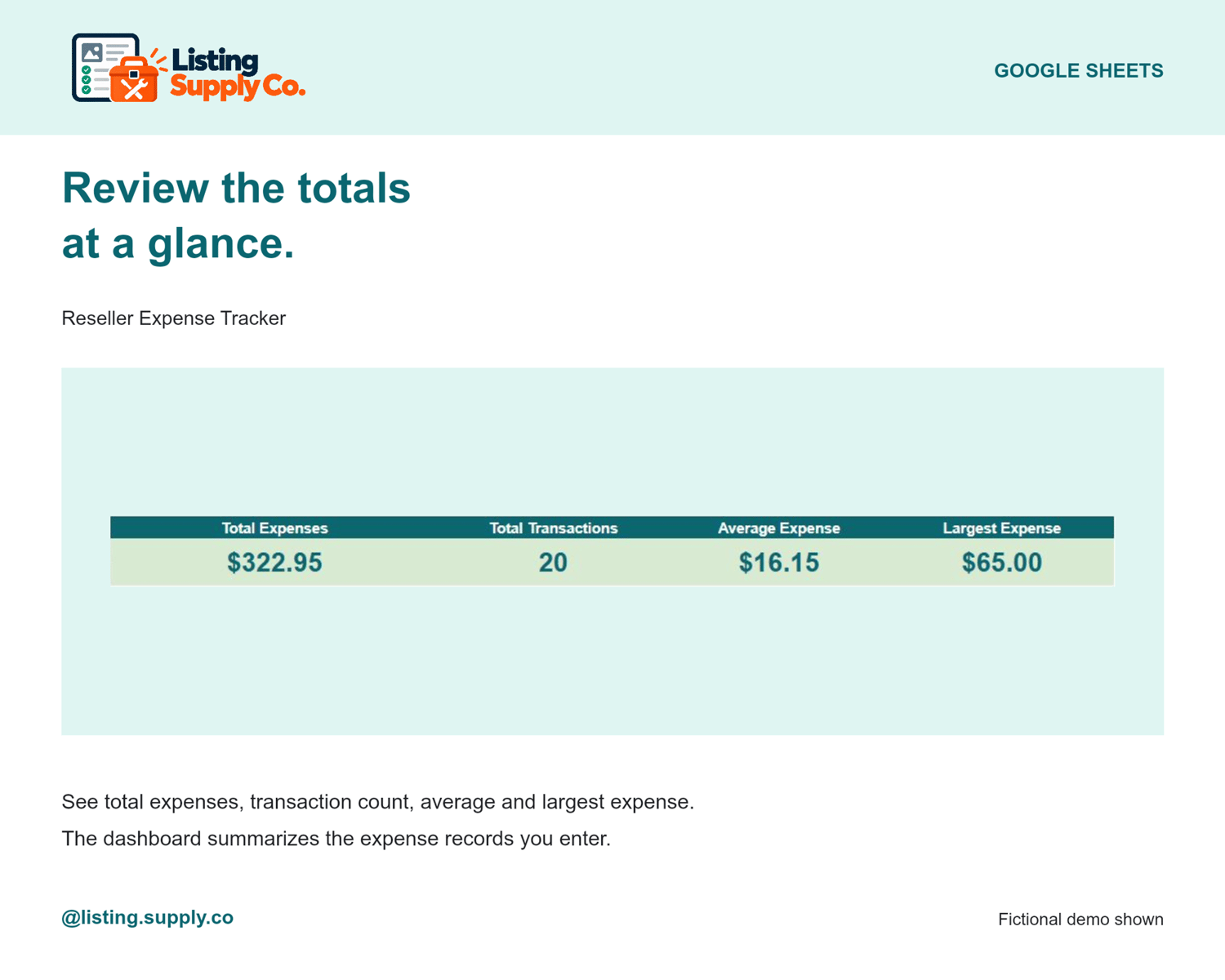
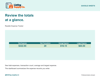
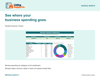
The Dashboard automatically shows:
• Total expenses
• Total transactions
• Average expense
• Largest expense
• Spending by category
• Monthly spending
• Yearly spending totals
• Highest spending month
Track receipts too
Use the Receipt Status dropdown to mark expenses as Saved, Digital, Paper, Missing, or Not Needed.
Built for resellers
Great for tracking expenses from sourcing, shipping, marketplace fees, software, advertising, packaging, storage, supplies, and other reseller business costs.
Beginner friendly
Blue cells show where to enter your information.
Gray cells calculate automatically.
Simple dropdowns keep your records organized without complicated spreadsheet setup.
How delivery works
This is a digital product. After purchase, you’ll receive a PDF containing your private access link and instructions for creating your own editable copy of the Google Sheets template.
Requirements
• Free Google account
• Internet access
• Google Sheets
Please note
• Digital product only — no physical item will be shipped.
• Sample expenses shown in product images are for demonstration purposes only.
• Expense categories and dashboard summaries are for organization and tracking purposes.
• Always confirm current tax treatment and deductible expenses with official guidance or a qualified tax professional.
• For personal/business use by the purchaser.
• The template may not be resold, shared, or redistributed.
Made with AI