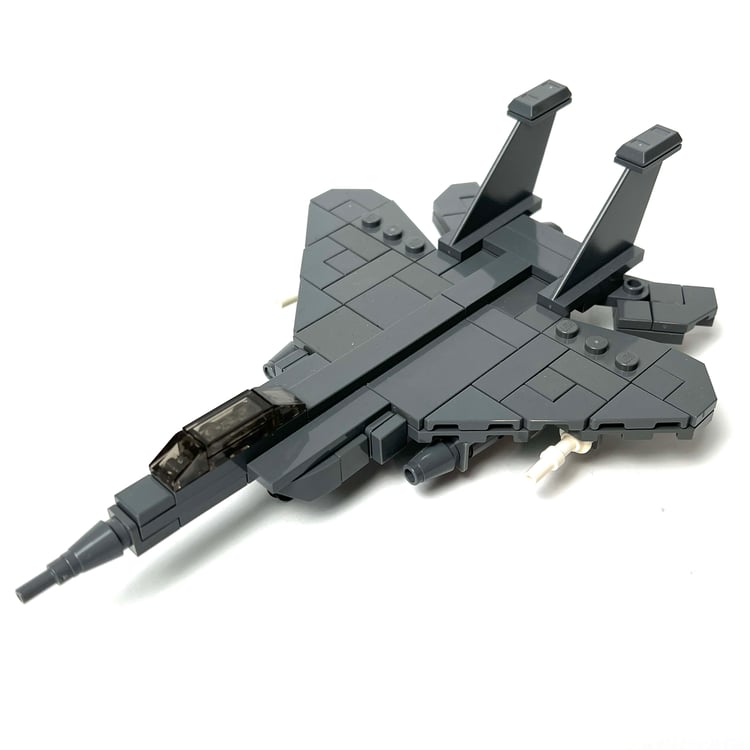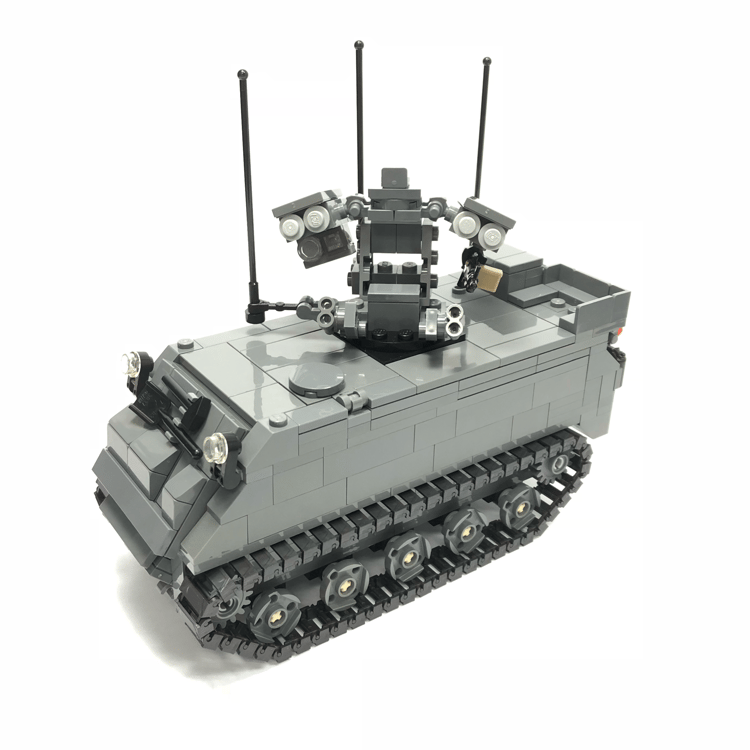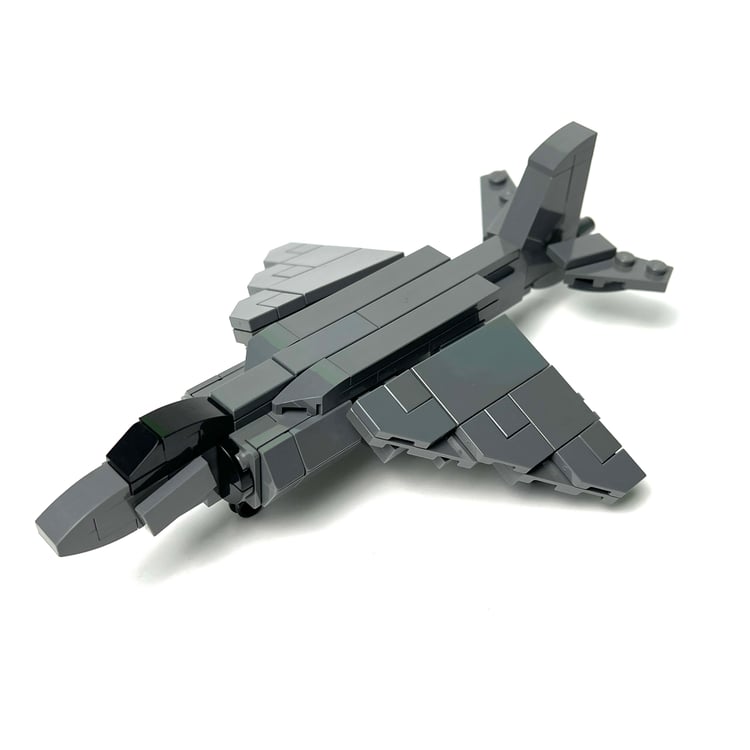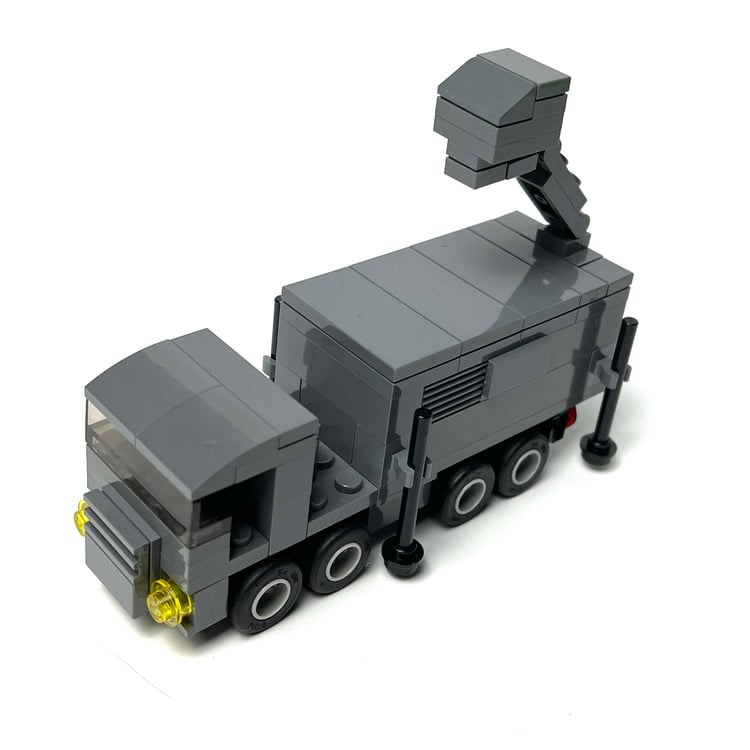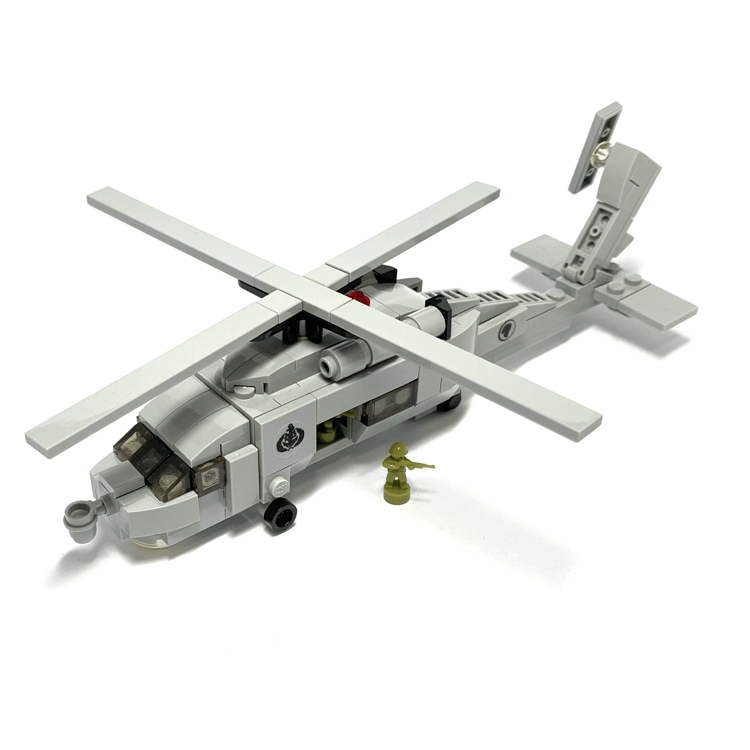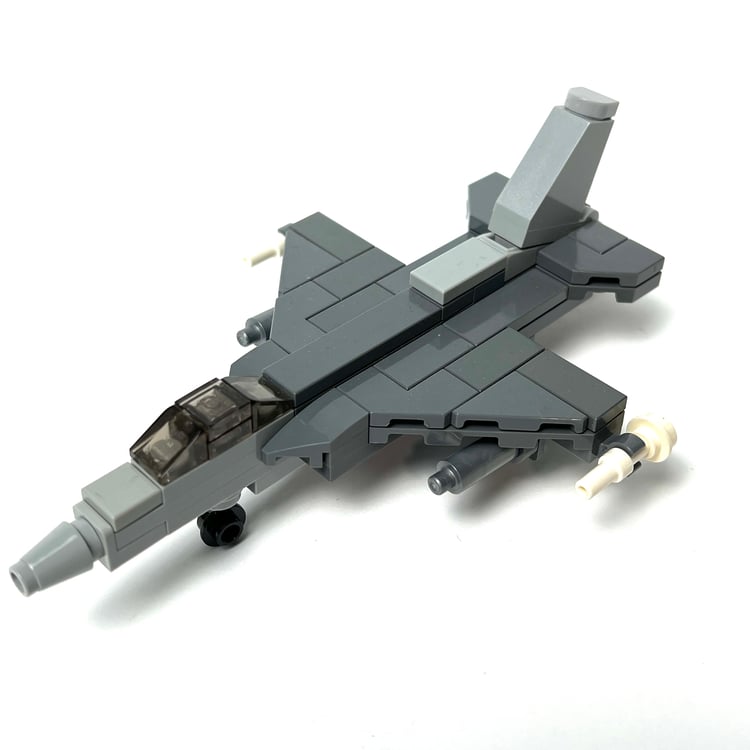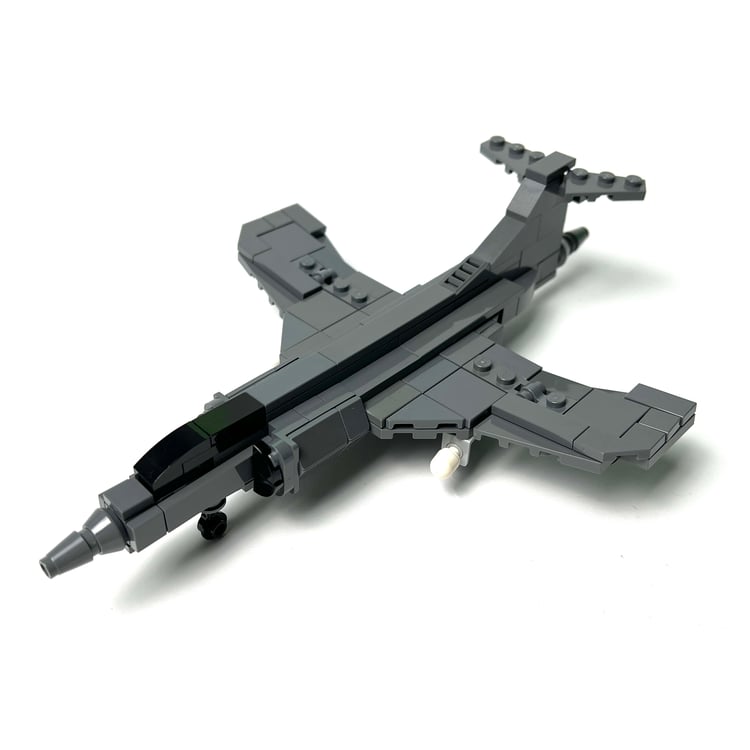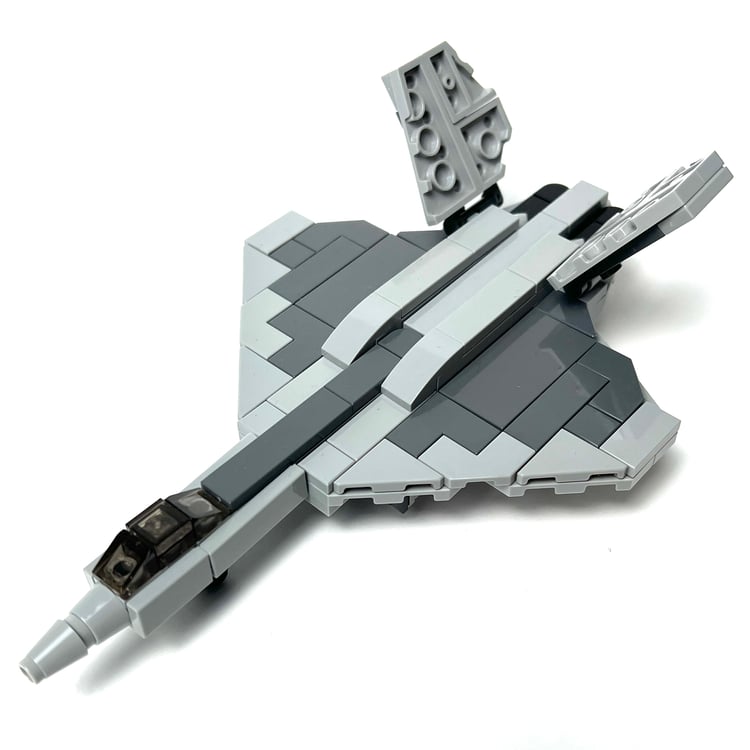

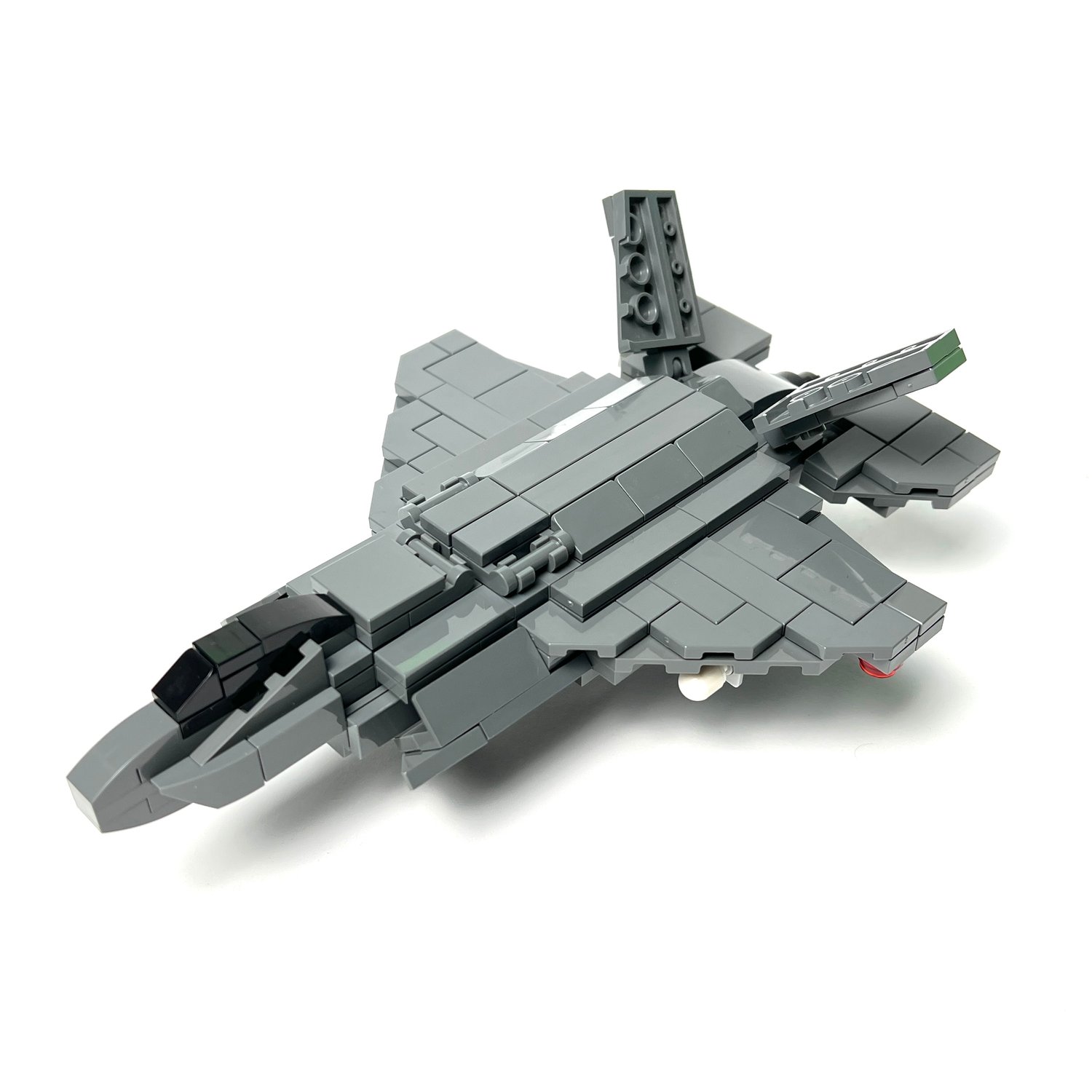
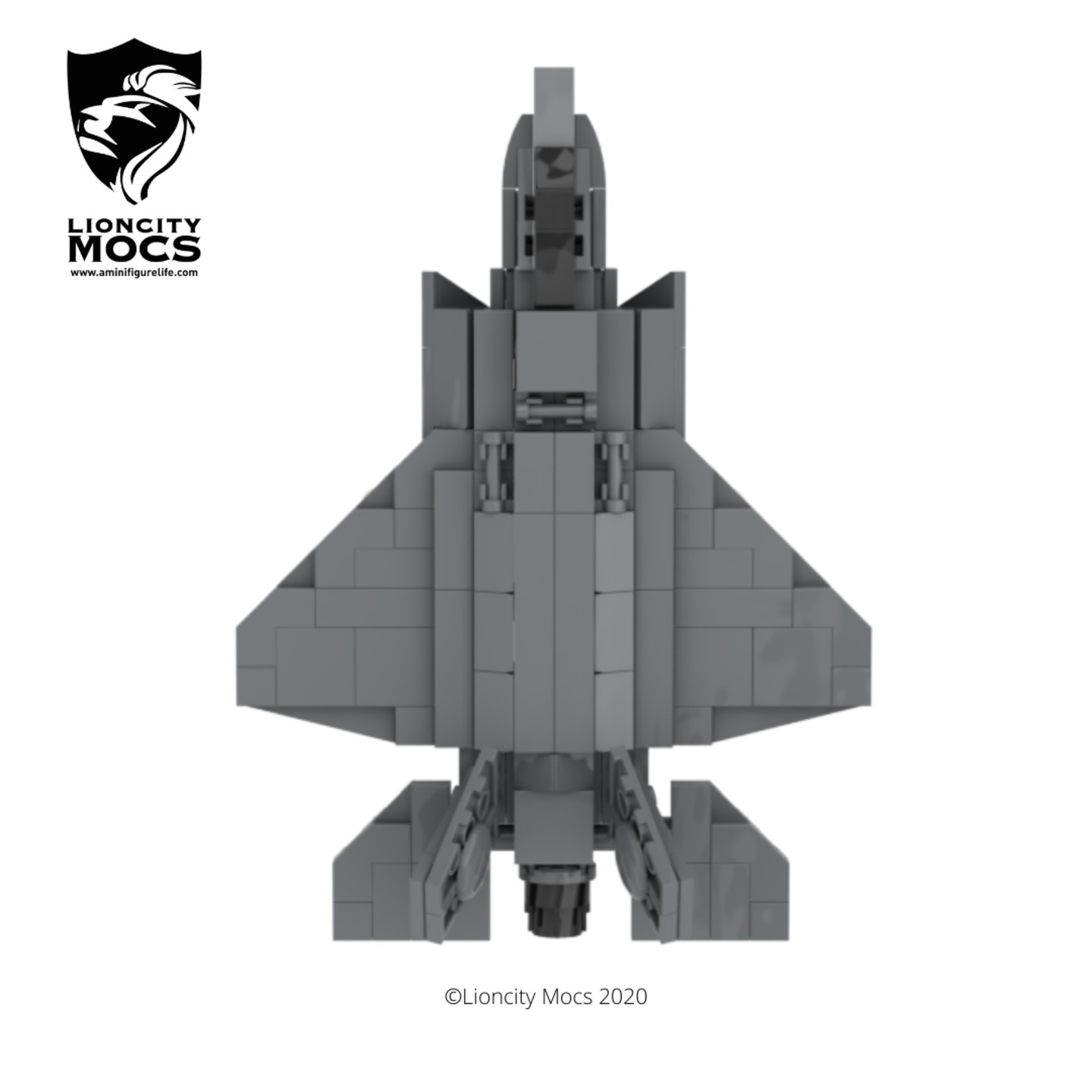
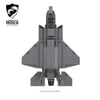
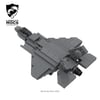
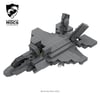
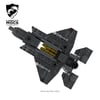
F-35B Lighting II(1:90)(PDF Instructions & XML File)
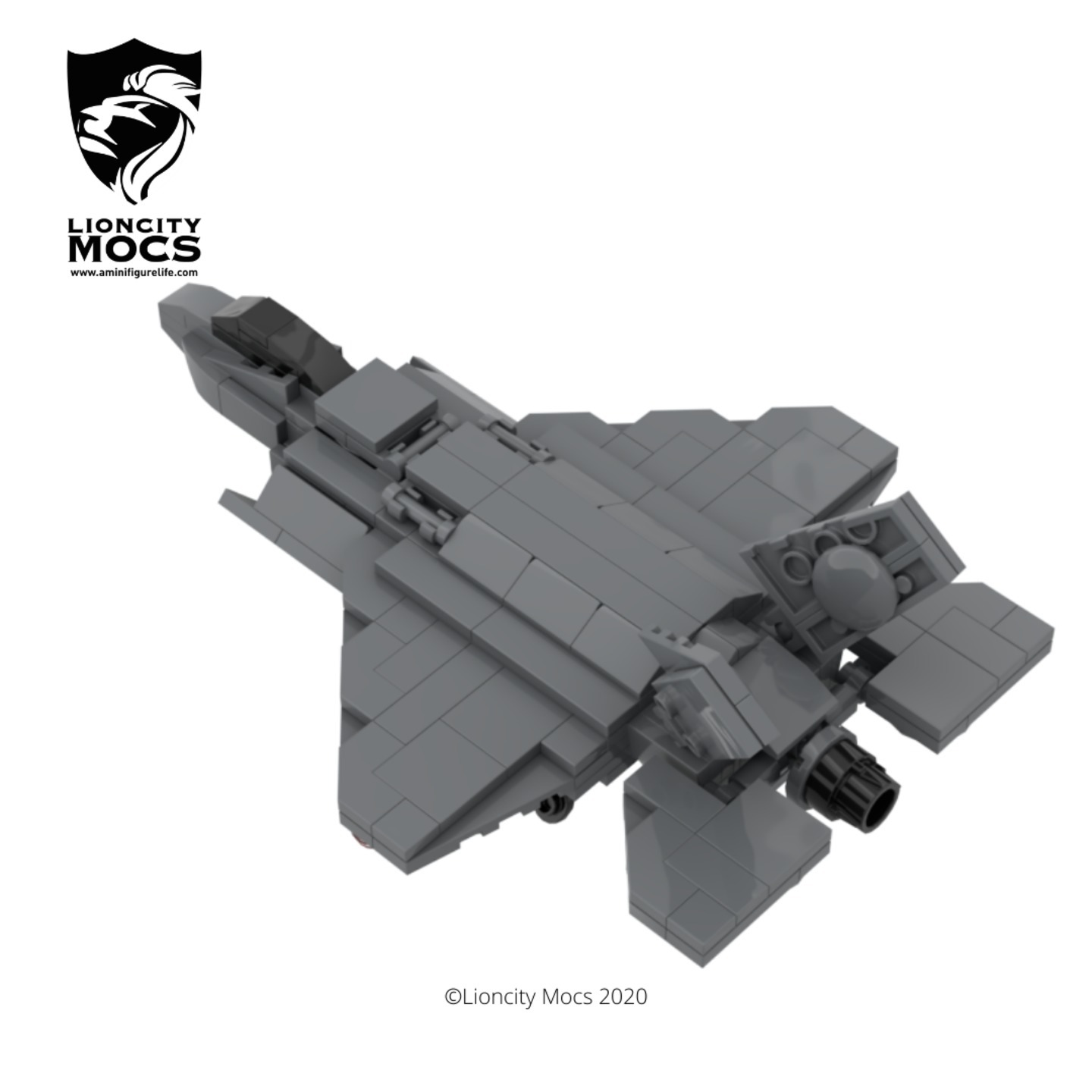
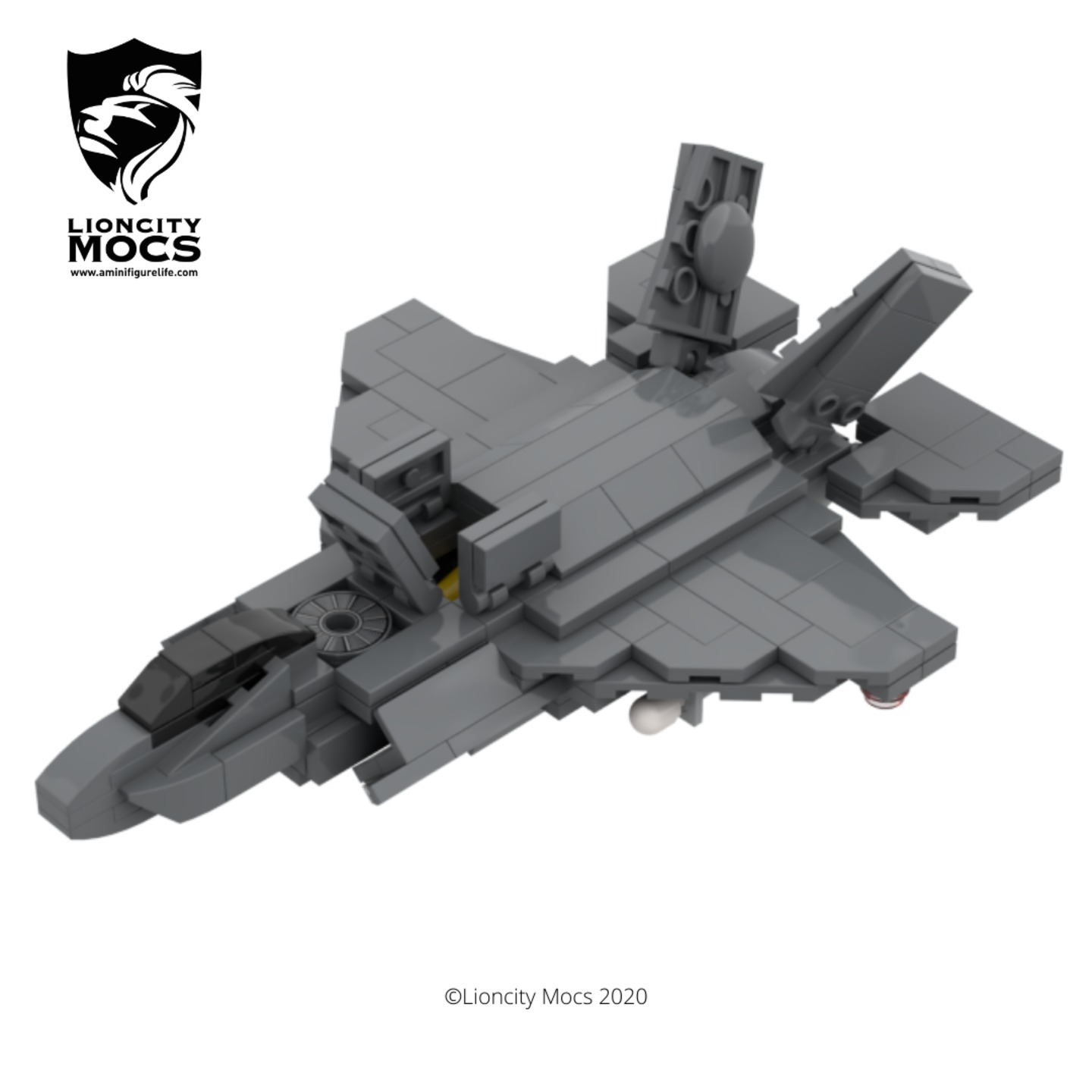
The F-35 Lighting II is a single seat, fifth generation stealth fighter that is utilised for air superiority and strike missions. There are three variants of the aircraft, the conventional takeoff and landing F-35A, the short takeoff and vertical-landing F-35B and the carrier-based F-35C.
I decided to make my favourite version which is the F-35B model.
This model took me very long to figure out because I wanted to make it in a small scale and still include all it’s working functions, so I went through at least five different iterations before arriving at this final one.
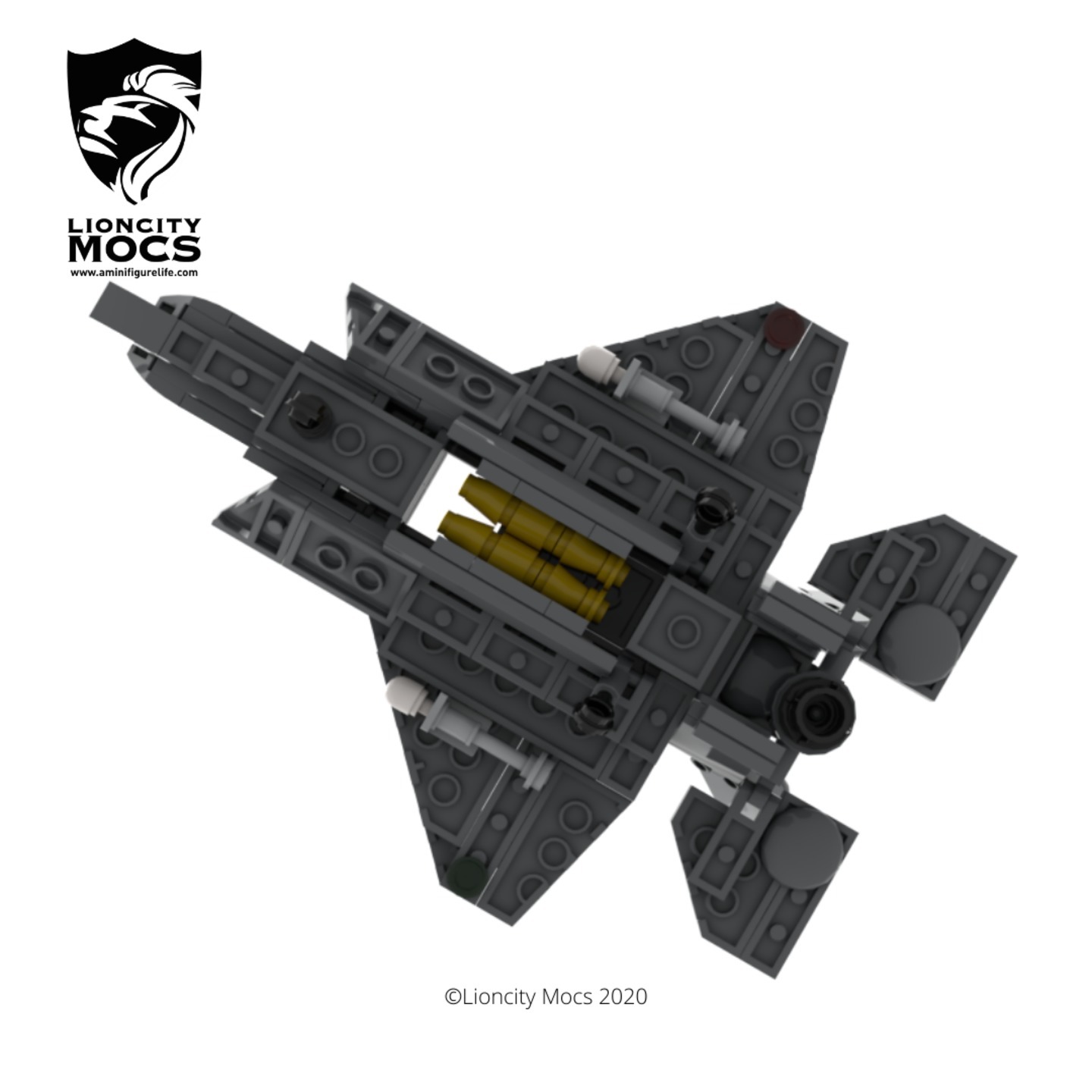
I’ve included several features such as the swivel nozzle, which can face downwards, opening hatches for the lift fan, air intake, and bottom cover of the nozzle. The stabilizers can turn to simulate flight movements and the internal stations can open to put two-four payloads inside. Missiles can also be mounted on the underside of the wings at a few points, and I've included two in this build.
I believe this will be an enjoyable build for both adults and kids.
How to Buy Parts from Bricklink:
1. Go to bricklink.com and log into your account. If you don't have one, create a free account first.
2. In the top menu, go to My BrickLink → Wanted List. This is where you'll upload your parts list(XML file).
3. Inside your Wanted List, click Upload at the top. Select Upload BrickLink XML, then choose your exported .xml file. Bricklink will parse every part automatically and populate your wanted list.
4. Once your wanted list is populated, click Buy All at the top. Bricklink will scan all current store inventories and suggest the most cost-efficient combination of sellers to source every part in your list.
5. Review the suggested stores, adjust if needed, and proceed to checkout with each seller individually.