
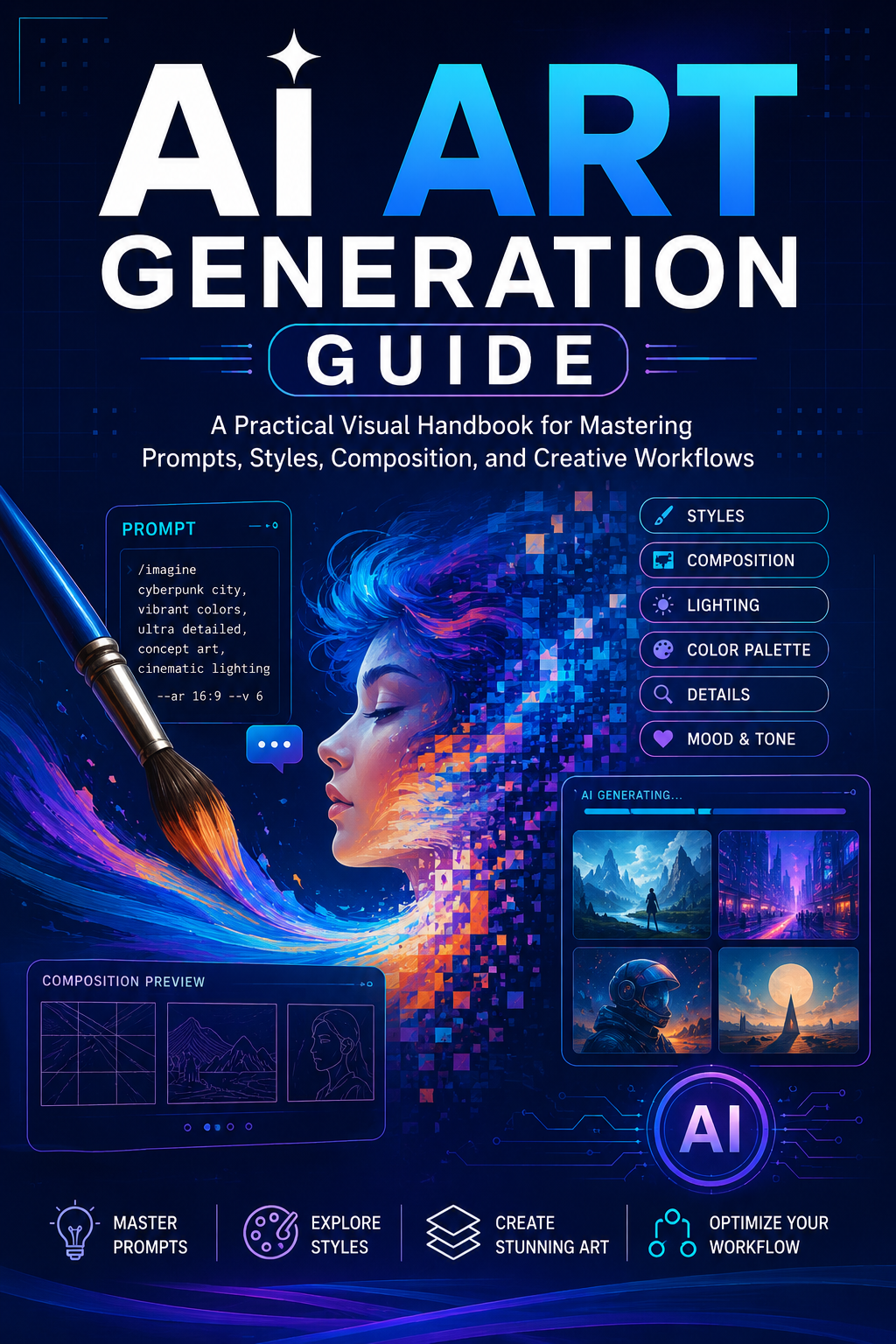
Ai Art Generation Guide
AI ART GENERATION GUIDE
Create Stunning AI Artwork, Master Better Prompts, and Turn Your Ideas Into Incredible Visuals
Have you ever had an amazing idea for an image but didn't know how to turn it into a great AI-generated artwork?
Maybe you want to create fantasy characters, cinematic scenes, portraits, product concepts, social-media graphics, book covers, illustrations, digital art, or eye-catching content—but your results never quite look the way you imagined.
The difference often isn't the AI tool.
It's the prompt.
AI Art Generation Guide is designed to help you understand how to communicate your creative vision to AI image generators and build prompts that produce more intentional, consistent, and visually compelling results.
Instead of simply giving you random prompts to copy and paste, this guide helps you understand the building blocks behind effective AI art prompts so you can create your own.
🎨 WHAT YOU'LL LEARN
Inside this guide, you'll discover how to structure prompts using important visual elements such as:
- Subject and character descriptions
- Appearance and clothing
- Poses and body language
- Facial expressions
- Locations and environments
- Lighting and atmosphere
- Camera angles
- Composition
- Perspective
- Color and mood
- Art styles
- Photography styles
- Cinematic direction
- Details and textures
- Backgrounds
- Time periods and themes
- Aspect ratios and framing
- Negative prompts and exclusions
- Consistency techniques
- Prompt refinement and iteration
You'll learn how to take a simple idea and gradually transform it into a much more detailed creative direction.
✨ FROM SIMPLE IDEA TO DETAILED PROMPT
Instead of:
"A woman in a futuristic city."
You can learn how to think more like a creative director:
Who is she?
What is she wearing?
Where is she standing?
What does the environment look like?
What time of day is it?
What is the lighting doing?
What mood should the image create?
What camera perspective should be used?
What details make the scene unique?
That approach gives you much greater creative control.
🖼️ EXPLORE DIFFERENT AI ART STYLES
Experiment with a wide variety of creative directions, including:
🎨 Digital art
📸 Photorealistic imagery
🎬 Cinematic scenes
👗 Fashion editorials
🌌 Fantasy worlds
🚀 Science fiction
🏰 Medieval and historical settings
🌸 Anime-inspired aesthetics
🧚 Magical and whimsical scenes
👻 Horror and Halloween concepts
🎄 Holiday artwork
🏙️ Futuristic environments
🌿 Nature and landscape imagery
🧸 Children's illustration concepts
💎 Luxury visual concepts
📱 Social-media content
The goal is not to limit your creativity—it is to help you communicate your ideas more effectively.
🧠 LEARN THE PROMPT-BUILDING PROCESS
A strong AI art prompt can be built like a creative blueprint.
You'll learn how different components work together so you can create prompts for your own projects instead of relying entirely on pre-written prompts.
Think of it as:
IDEA → SUBJECT → DETAILS → ENVIRONMENT → LIGHTING → CAMERA → STYLE → MOOD → REFINEMENT
Once you understand the framework, you can apply it to countless creative concepts.
🔥 PERFECT FOR BEGINNERS & CREATIVE EXPLORERS
This guide is suitable for anyone who wants to explore AI-assisted visual creation, including:
- Beginners learning AI image generation
- Digital artists
- Content creators
- Social-media creators
- Bloggers
- Authors
- Self-publishers
- Entrepreneurs
- Designers
- Marketers
- Print-on-demand creators
- Creative hobbyists
- AI enthusiasts
You don't need to consider yourself an artist to start experimenting.
You simply need an idea and the willingness to explore.
🚀 TURN YOUR IDEAS INTO VISUAL CONCEPTS
AI art can be used for much more than creating pretty pictures.
Explore ways to develop visual concepts for:
- Social-media posts
- Pinterest content
- Blog graphics
- Marketing concepts
- Character development
- Storytelling
- Creative projects
- Book-cover concepts
- Mood boards
- Brand inspiration
- Digital products
- Personal projects
- Visual experiments
Your imagination becomes the starting point.
💡 LEARN TO IMPROVE YOUR RESULTS
Your first generation may not be perfect—and that's completely normal.
One of the most important skills in AI art generation is learning how to refine your prompts.
This guide helps you understand how to:
Generate → Evaluate → Adjust → Regenerate → Refine
Small changes to a prompt can dramatically change the resulting image.
You'll learn how to identify what isn't working and make more intentional adjustments instead of simply starting over.
🎯 STOP RANDOMLY GUESSING WHAT TO TYPE
AI image generation can sometimes feel like a guessing game.
You type a prompt.
Generate an image.
Something looks wrong.
You change a few words.
Generate again.
Still not right.
Repeat.
AI Art Generation Guide helps replace that trial-and-error approach with a more structured creative process.
The more you understand how prompts work, the more confidently you can experiment.
🎨 YOUR IMAGINATION IS THE STARTING POINT
You don't need to wait for inspiration.
You don't need to be a professional artist.
And you don't need to know every technical term before you begin.
Start with a simple idea.
Build it.
Describe it.
Experiment with it.
Refine it.
Then see where your creativity takes you.
CREATE. EXPERIMENT. REFINE. REPEAT.
AI Art Generation Guide is your practical introduction to thinking about AI image generation as a creative process rather than simply typing a sentence into an image generator.
Your next incredible image could start with a single idea.