


How to finish a thoughtful thank-you batch after gifts or practical help
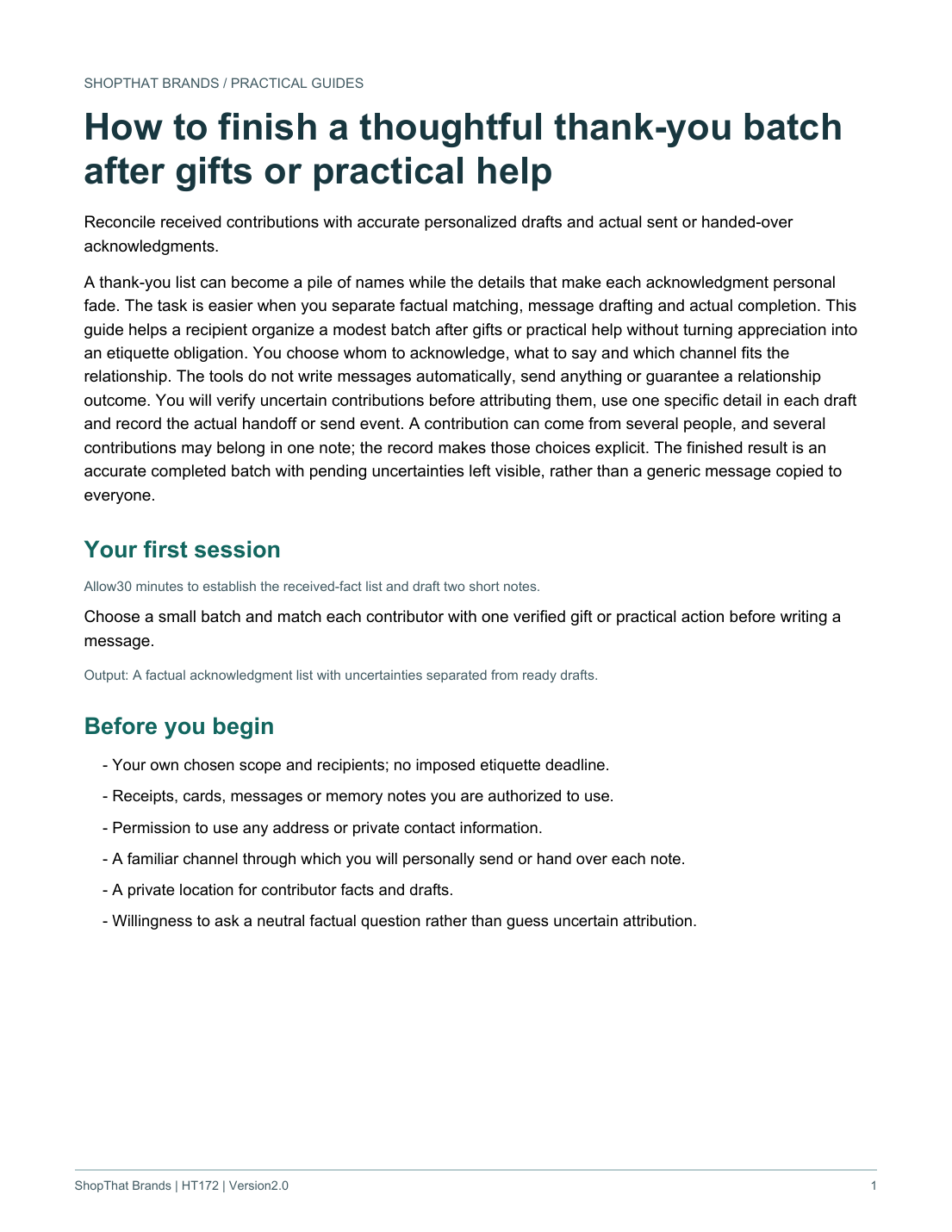
Names and details can fade while a thank-you list remains unfinished. This guide helps a recipient choose a manageable batch, verify who contributed what and keep personal drafting separate from actual sending or handover.
Eight steps cover scope, factual attribution, neutral clarification, one specific appreciation detail, channel choice, proofing, actual completion and private closeout. The fictional example maps five contribution events involving six people to five intentional notes, with an addressed envelope kept ready until it is actually posted.
Four tools include the received contribution/attribution register, contact/permission check, personal note outline/proof and acknowledgment completion/pending queue. Each provides field help and a coherent completed example. Use the PDF for instructions and offline HTML or editable TXT records for your own choices and drafts. The tools do not generate or send messages automatically.
Troubleshooting addresses joint contributors, repeated favors, copied details, uncertain addresses and unsent drafts. The product does not impose etiquette deadlines, rank gratitude or promise relationship benefits. You choose whom to acknowledge and use your own voice. The finished outcome is an accurate personally completed batch with honest pending or delivery-unverified statuses and unnecessary contact copies removed.
Included files: PDF guide, offline HTML guide, 4 distinct editable tools in HTML and TXT. Extract the ZIP before use. No paid software is required to read this guide or edit its supplied tools. Third-party services discussed may have their own costs. No XLSX, Canva, Notion or video files are included.
Text and template wording were generated with AI and reviewed for clarity and consistency.
License: Personal or internal business use only. You may edit the templates for that use; do not redistribute or resell the supplied files or templates.
HTML tools do not autosave. Use Save filled copy before closing to download and keep your completed entries.