


Ceiling Light & Fixture Layout Pro
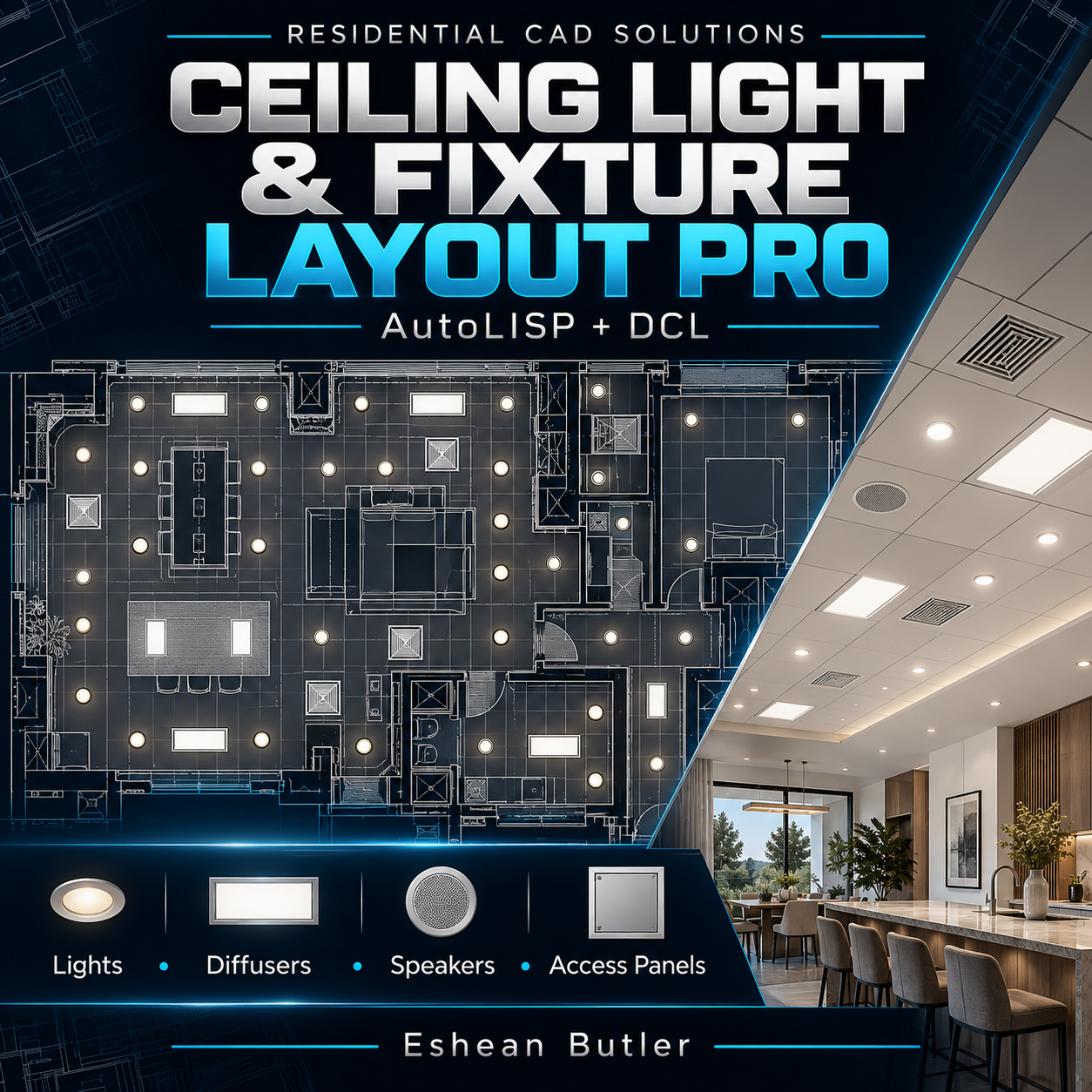
Ceiling Light & Fixture Layout Pro — AutoLISP + DCL
Create organized ceiling fixture layouts with adjustable spacing, alignment, and quantity reports.
Ceiling Light & Fixture Layout Pro helps architectural drafters and designers place schematic ceiling fixtures in rectangular rooms—including rotated rooms—through a convenient DCL interface.
Six Fixture Symbols Included
- 2′ × 4′ panel lights
- 2′ × 2′ panel lights
- Round downlights
- Supply diffusers
- Ceiling speakers
- Access panels
Layout Controls
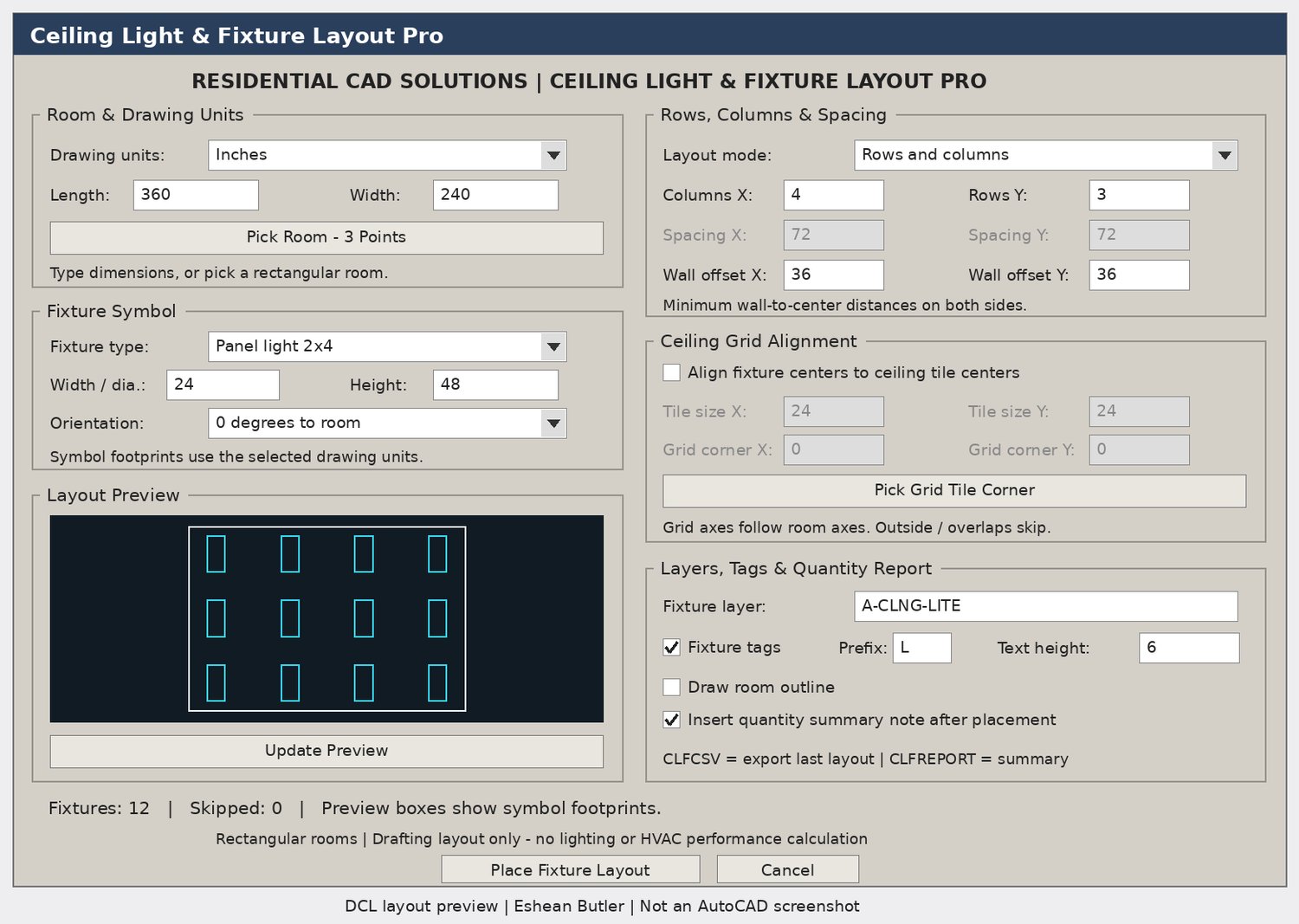
- Pick Room — 3 Points: Capture room dimensions and orientation directly from the drawing.
- Rows & Columns: Distribute fixtures evenly with adjustable wall offsets.
- Fixed Spacing: Set center-to-center spacing and center the array within the room.
- Ceiling Grid Alignment: Optionally align fixture centers to tile centers using your supplied module dimensions and grid origin.
- Adjustable Symbols: Change fixture dimensions and rotate them 0° or 90° relative to the room.
- Layout Preview: Review fixture footprints and placement counts before insertion.
- Placement Checks: Skip proposed positions that overlap other fixtures in the same run or fall outside the allowed room offsets.
Drawing Organization & Reports
Choose an output layer, add numbered fixture tags, draw an optional room outline, and insert a quantity summary. Export the most recent layout’s fixture list and placement coordinates to CSV.
Your Download Includes
AutoLISP routine, matching DCL dialog, installation instructions, user guide, verification checklist, Payhip cover, and gray DCL preview.
Commands: CLFPRO · CLFCSV · CLFREPORT
Compatibility & Scope
Intended for Windows AutoCAD with AutoLISP, DCL, and ActiveX support. Source-level layout checks passed; testing inside your AutoCAD release is still required.
This version places one fixture type per run in rectangular rooms. It creates drafting layouts and quantity reports; it does not calculate lighting performance, airflow, electrical loads, or code compliance, or detect collisions with existing drawing objects.
Residential CAD Solutions | Eshean Butler