

1099 Healthcare Worker Cash Flow Dashboard
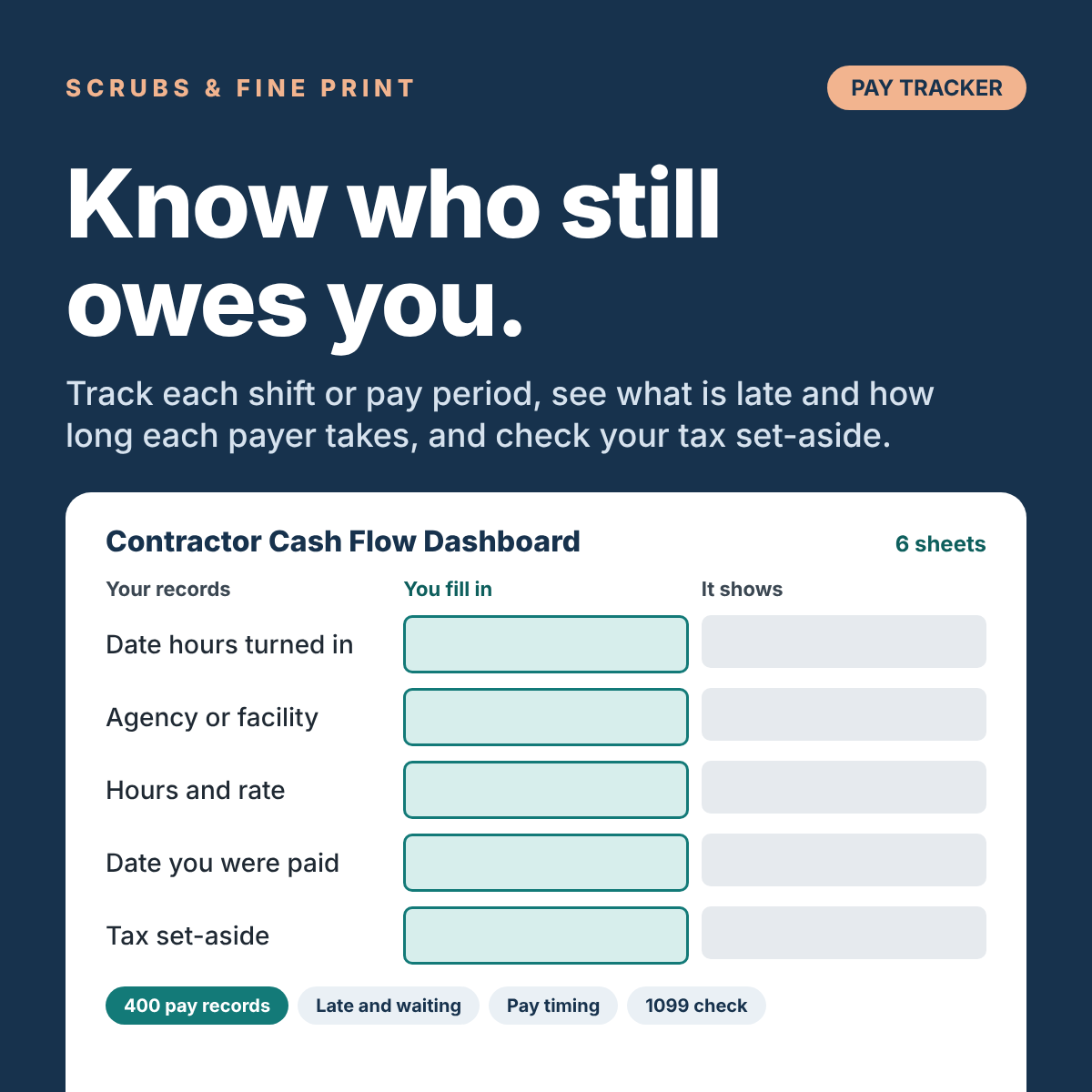
This workbook keeps a record of each shift or pay period in one list. It shows what is late and how long each payer takes. It adds up what you received this year, and checks whether the money you set aside for taxes is keeping up.
When you work 1099, nobody pays you on a schedule. Hours you turn in can sit unpaid for weeks. Different agencies and facilities pay on different timelines. And no tax comes out of any of it.
What you get
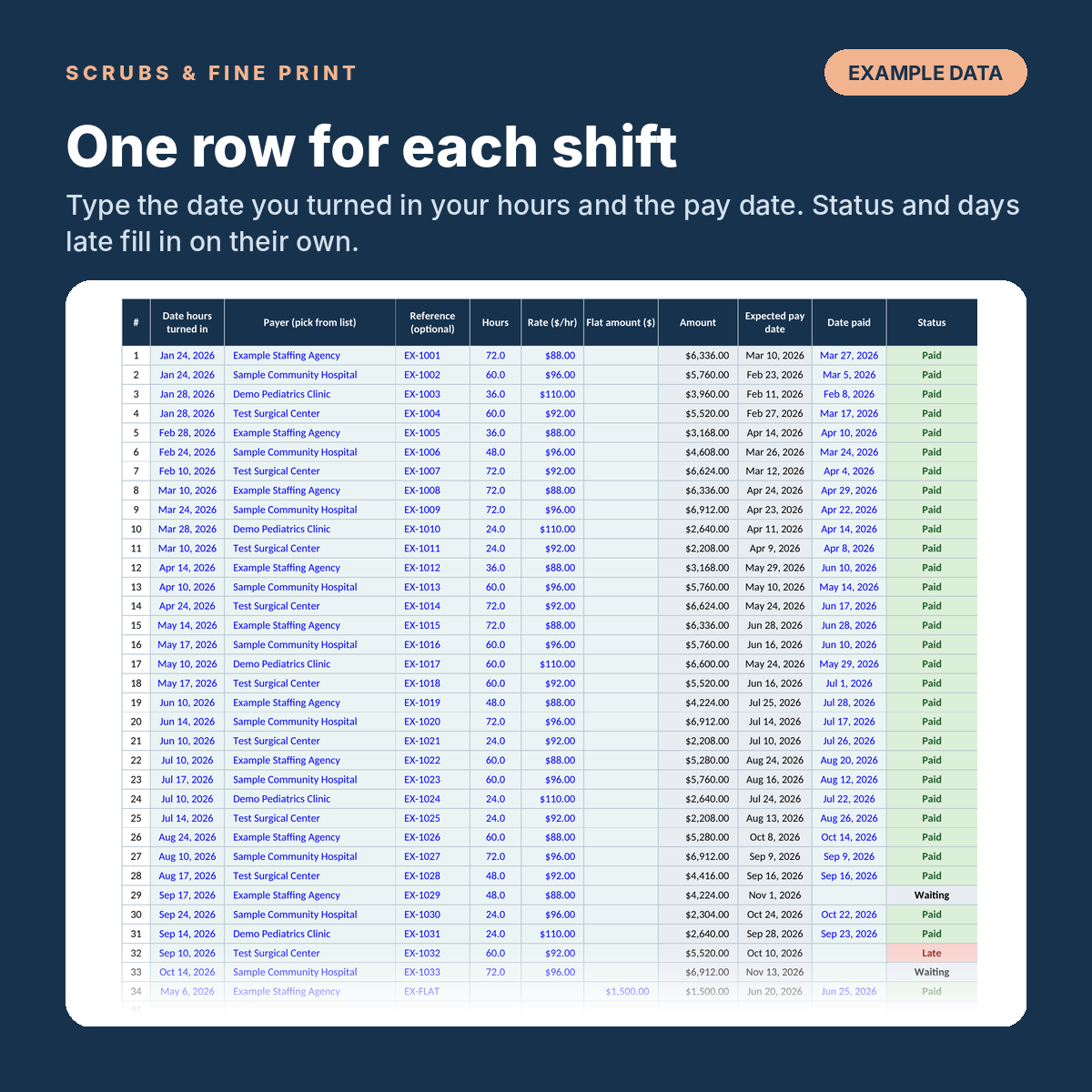
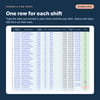
- Pay Records: one row for each shift, timesheet or pay period (room for 400). Type the date you turned in your hours, the hours and rate, and the date you were paid. Status (Waiting, Due soon, Late or Paid), days to pay and days late fill in on their own.
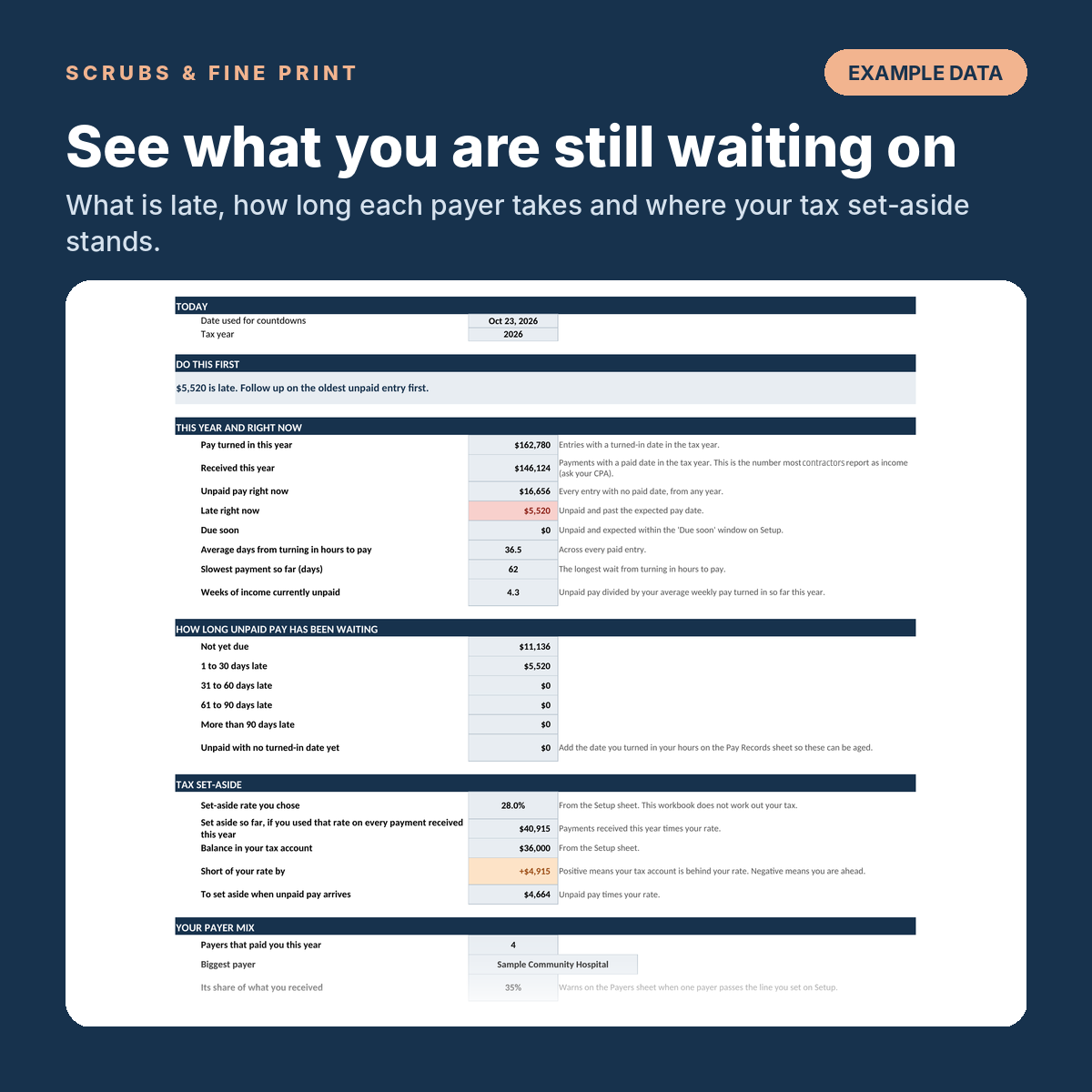
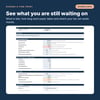
- A Dashboard: pay turned in and received this year, unpaid pay right now, how much is late, how long unpaid pay has been waiting, your biggest payer's share, how many months your savings could cover, and a monthly chart.
- A Payers sheet: every agency or facility that pays you, with its pay timing in days, what each has paid and what it still owes.
- A Setup sheet: your tax year, your set-aside percentage (you choose it), the pay timing you usually get, and your monthly spending and savings.
- A 1099 Check sheet: compare each 1099 form you receive with what your own records say you were paid.
You receive a one-page access PDF: open it and tap the button to load the Cash Flow Dashboard as a Google Sheets template, then choose "Make a copy" to save your own editable copy. No Excel needed, and it works with a free Google account.
Who this is for
Healthcare workers paid on 1099 contracts, especially anyone working for more than one agency or facility, where pay arrives on different timelines and it is hard to tell what is still owed. It is a companion to the Spreadsheet Pack, not a replacement. The Pack handles your tax-year records. This dashboard watches the pay itself.
How it works
Fill in Setup once: tax year, your set-aside percentage, your usual pay timing.
Add each agency or facility on the Payers sheet with its pay timing.
Log each shift or pay period in Pay Records when you turn in your hours, and mark the date paid when the money lands.
Check the Dashboard each week, or each time a payment arrives. Use 1099 Check when your forms come in.
Good to know: it does not work out your tax. The set-aside percentage is yours to choose, and a CPA can help you pick it. It does not send reminders; open the Dashboard each week or each time a payment arrives. The numbers in the preview images are made-up examples. If you also own the Spreadsheet Pack, its Quarterly Tax Estimator can suggest a set-aside percentage to type on Setup.
How long did your last payment take to come in?
Try the free calculator too: https://1099-healthcare-calculator.pages.dev
The Cash Flow Dashboard is $19.99. You get a one-page access PDF that opens the Cash Flow Dashboard as a Google Sheets template; choose "Make a copy" to save your own editable copy. No Excel needed, and it works with a free Google account.
From Scrubs & Fine Print, the makers of the free True Rate Calculator.
Please talk to a CPA. This workbook is an educational planning tool to help you keep track of your pay, your cash and your tax set-aside. It is not tax, legal or financial advice, and Scrubs & Fine Print is an education business, not a CPA firm or law firm. Every number in it comes from what you type. The set-aside percentage is yours to choose: this workbook does not work out your tax. Tax rules change every year and depend on your whole situation: your filing status, your state, your other income, your deductions and credits. Before you rely on any figure, make an estimated tax payment or file a return, have a licensed CPA, enrolled agent or other tax professional review your numbers.
For educational purposes only. Not financial or tax advice. Consult a CPA for your specific situation.