

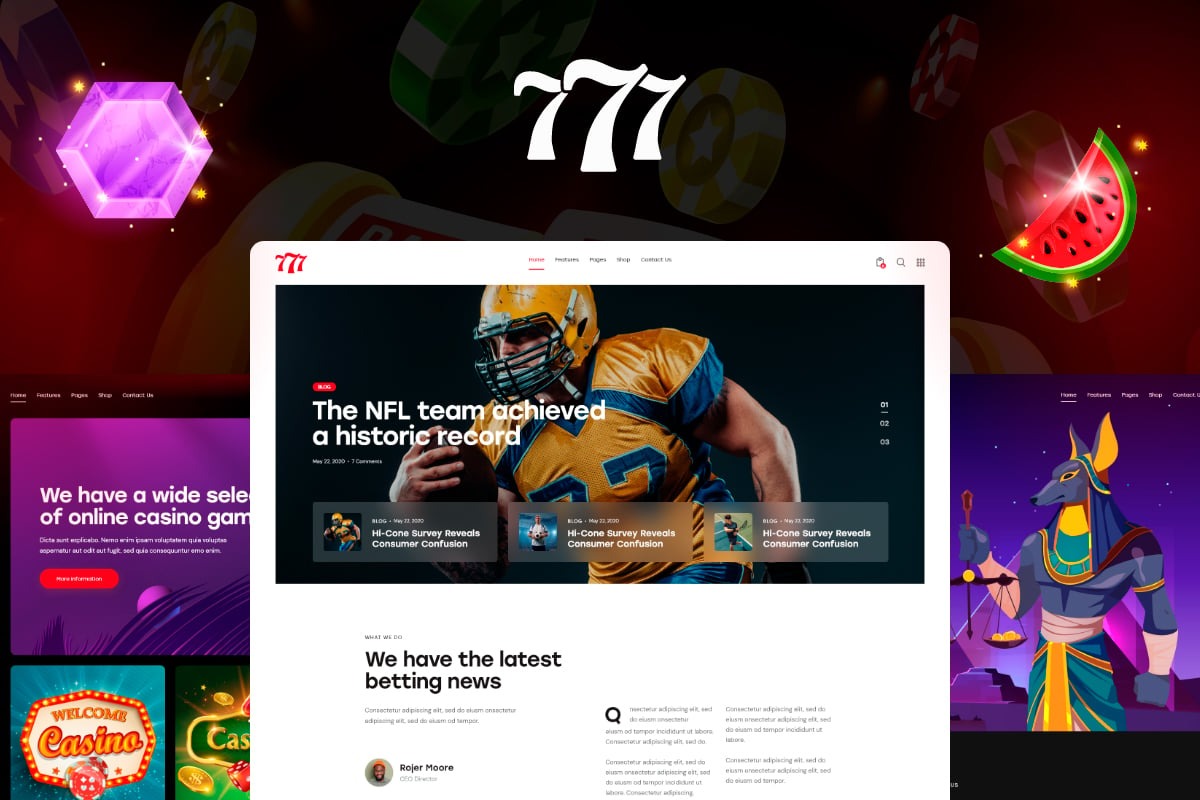
777 Game Theme
On Sale
$5.00
$5.00
Introducing 777, a splendid online presentation theme designed for casino, croupier, roulette, slot games, and sports betting websites. This full-featured theme comes with a collection of powerful shortcodes and widgets, making it easy to use and customize. With the premium drag-and-drop page builder Elementor, customization is quick and effortless.
Features:
- Premade Pages:
- Home
- About
- Online Store
- Contact Forms
- Beautiful Gallery & Blog Post Layouts:
- Gallery
- Blog
- Awesome Easy-to-Use Shortcodes:
- Accordion
- Banner
- Blog Carousel
- Button
- Client Carousel
- Contact Form
- Contact Info
- Countdown
- Counter
- Call to Action
- Showcase
- Fancy Box
- Fancy Box Carousel
- Google Maps
- Heading
- Image Gallery Carousel
- Image Gallery Grid
- Single Image
- List
- Newsletter
- Portfolio Carousel
- Portfolio Grid
- Pricing
- Progress Bar
- Recent News
- Separator
- Service Carousel
- Service Grid
- Social
- Empty Space
- Team Carousel
- Team Grid
- Testimonial Carousel
- Testimonial Grid
- Text Editor
- Typing Out
- Video Player
- And More...
Required Plugins:
- Elementor
- Elementor Pro: Required for some templates and features (not included).
How to Use Template Kits:
- Install and Activate the Digital Products Bazar Plugin:
- Go to Plugins > Add New in WordPress.
- Install and activate the "Digital Products Bazar" plugin.
- Download your kit file and do not unzip it. If you use Safari, ensure "Open safe files after downloading" is disabled in the browser preferences.
- Go to Elements > Installed Kits and click the Upload Template Kit button.
- Before importing a template, ensure the Install Requirements button is clicked to activate required plugins.
- For best results, do not import more than one template at a time.
- Go to Pages and create a new page, then click Edit with Elementor.
- Click the gear icon at the lower-left of the builder to view page settings and choose Elementor Full Width and hide page title.
- Click the gray folder icon to access My Templates tab and then import the page you'd like to customize.