

Customer Follow Up and Sales Tracker
Customer Follow Up and Sales Tracker
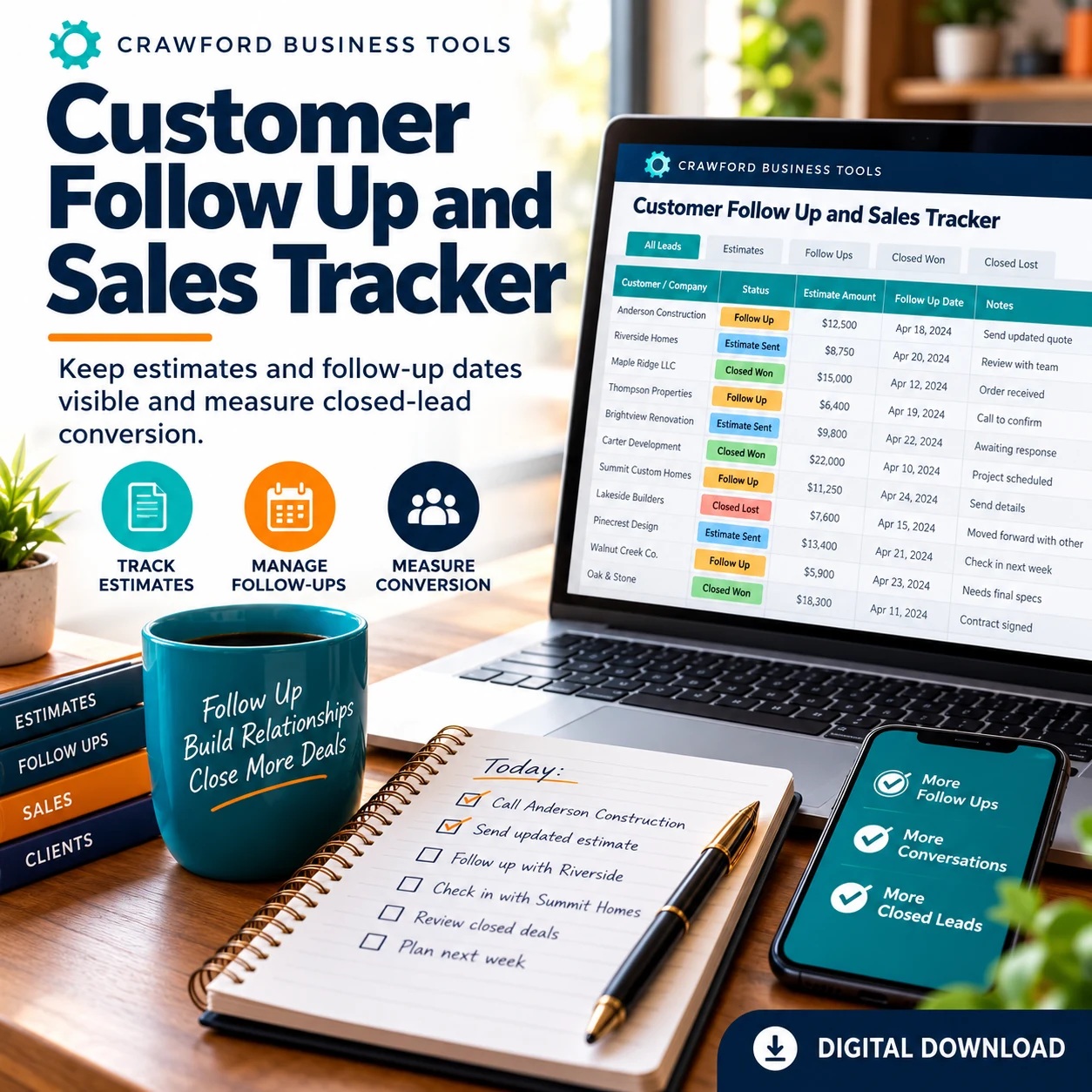
Keep estimates and follow-up dates visible and measure closed-lead conversion.
WHAT YOU RECEIVE
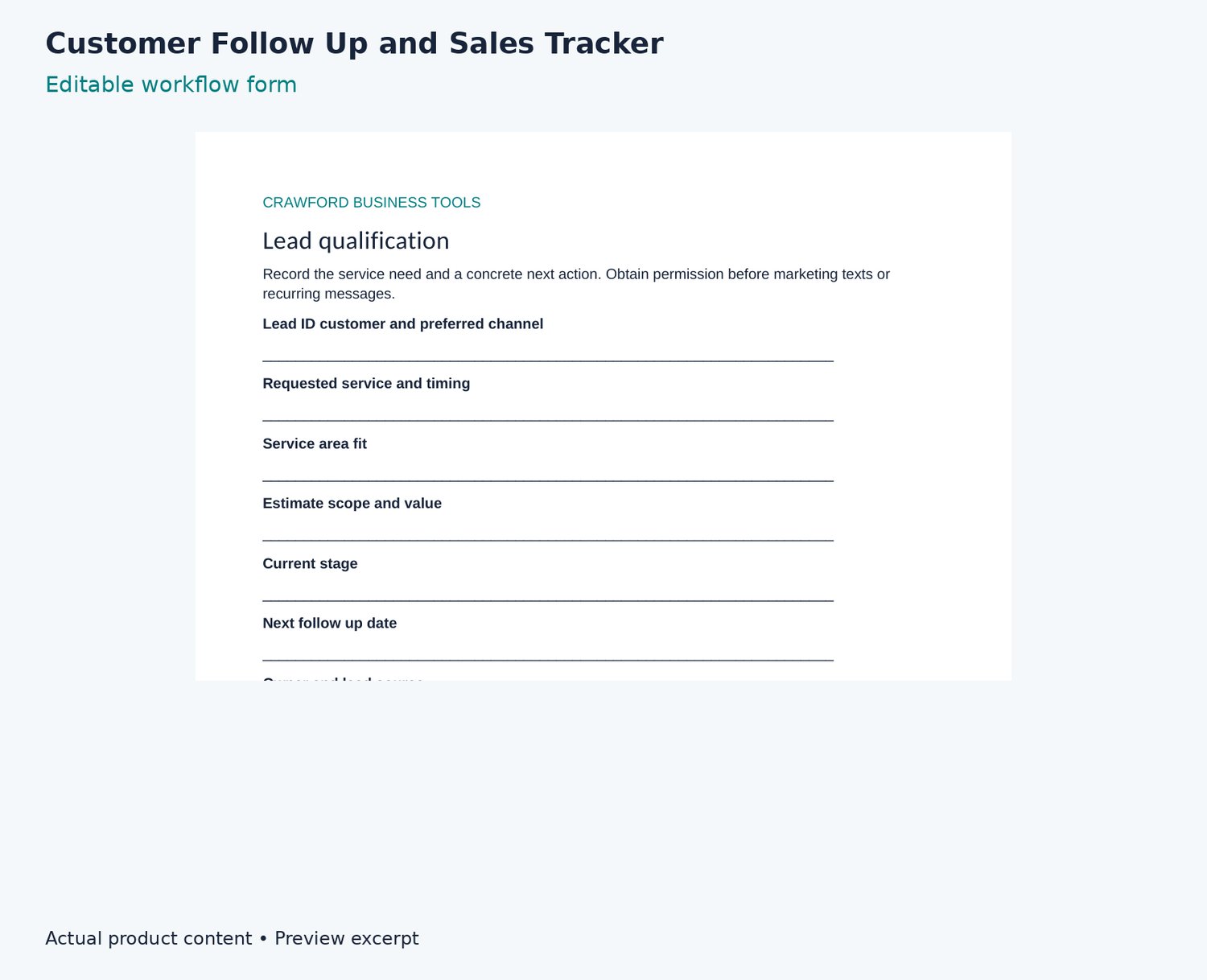
- Lead qualification
- Estimate follow up messages
- Review and referral messages
- Sales review
WORKING TOOL
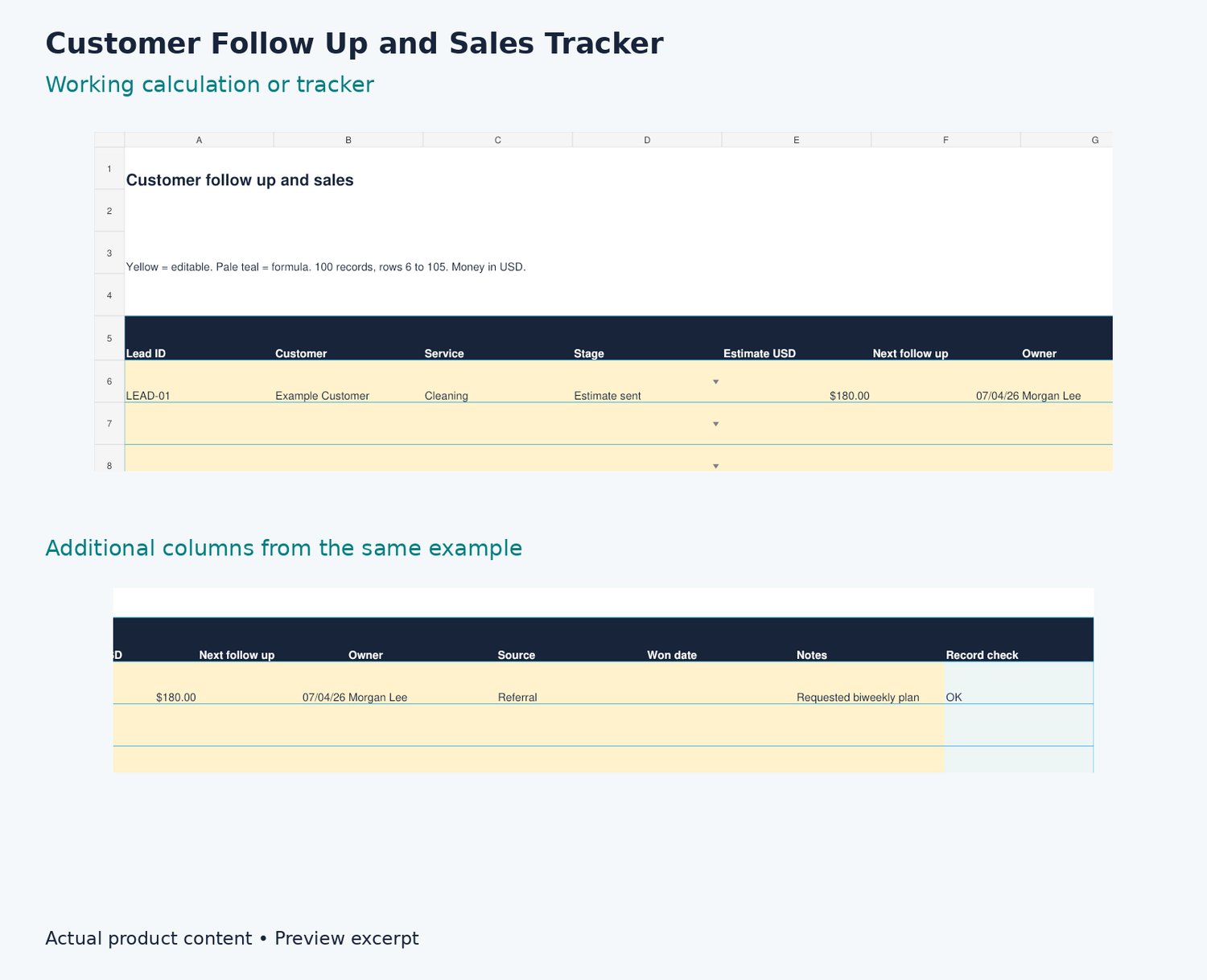
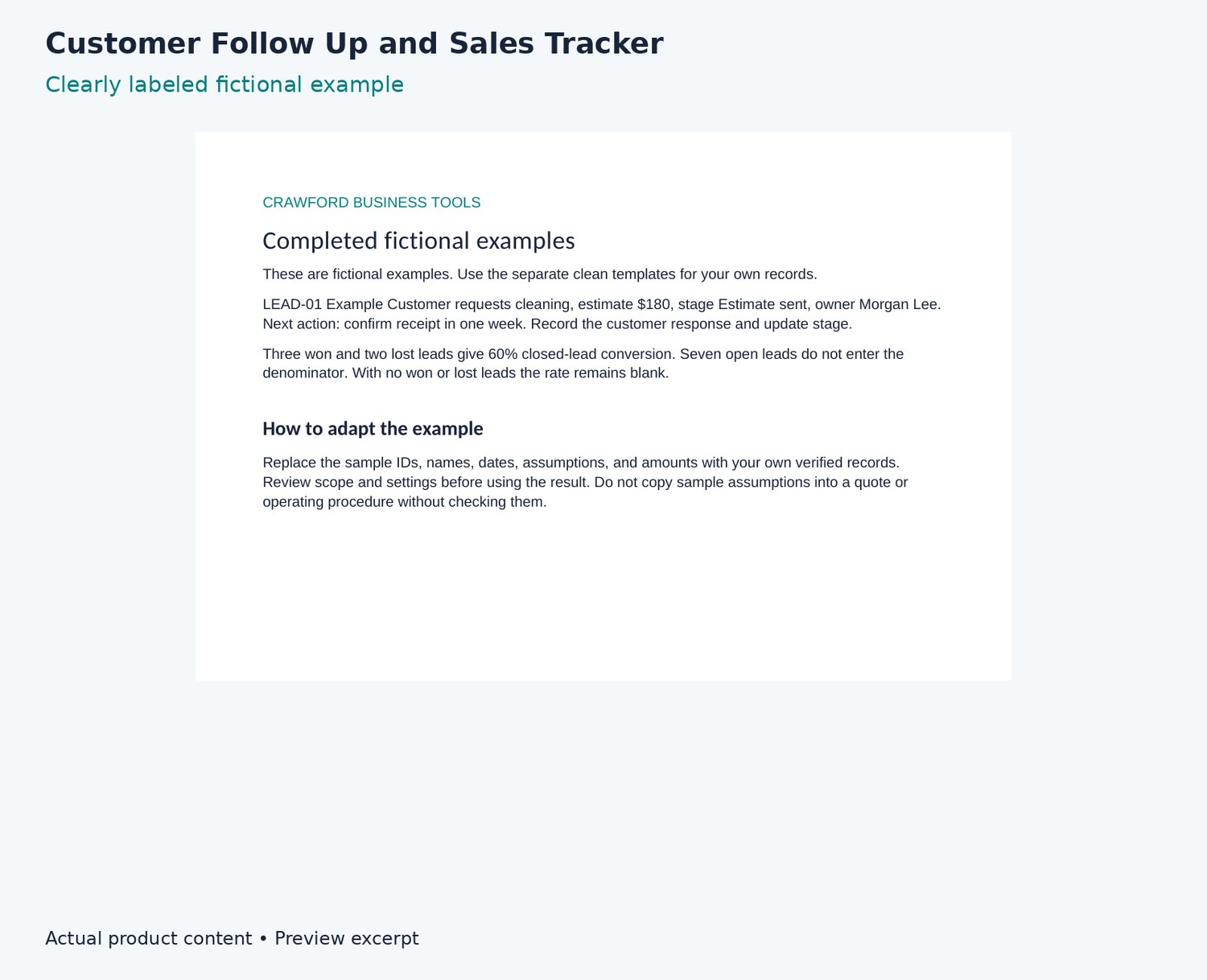
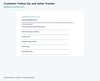
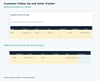
Create one lead ID per opportunity and choose a stage. Set a next follow-up date and owner. Log contacts in Communications and referrals separately. Dashboard counts stages through the lead table. Closed-lead conversion = Won / (Won + Lost), excluding open leads. A blank rate means no closed leads. Adapt scripts and honor communication preferences.
FORMATS AND COMPATIBILITY
Excel XLSX, editable Word DOCX, printable and fillable PDF forms, quick-start instructions, clean templates, and separate fictional examples. Extract the ZIP before opening files. Money is shown in USD. Excel workbooks use standard formulas without macros or unexplained external links. Google Sheets live import is untested; import instructions are supplied, and no live make-a-copy templates are claimed. Android can open the files, but wide workbooks are easier on a larger screen. Use a PDF app that supports saving form fields.
HOW TO USE
Read the quick start, save a working copy from Templates, and use Examples as a separate fictional reference. Configure assumptions and adapt scope to your business.
LICENSE AND DELIVERY
Single business or household use. Customize internally and provide completed customer forms to the relevant customer. No resale, sublicensing, redistribution, or public template sharing. Purchase covers this edition; future products are not promised. Digital download only, no physical shipping. Payhip supplies the download after completed checkout. General planning resources without guaranteed business results or claims of legal, safety, tax, regulatory, or employment-law compliance.
SUPPORT
support@crawfordbusinesstools.com
Crawford Business Tools is a venture of Crawford Group Holdings, LLC.