
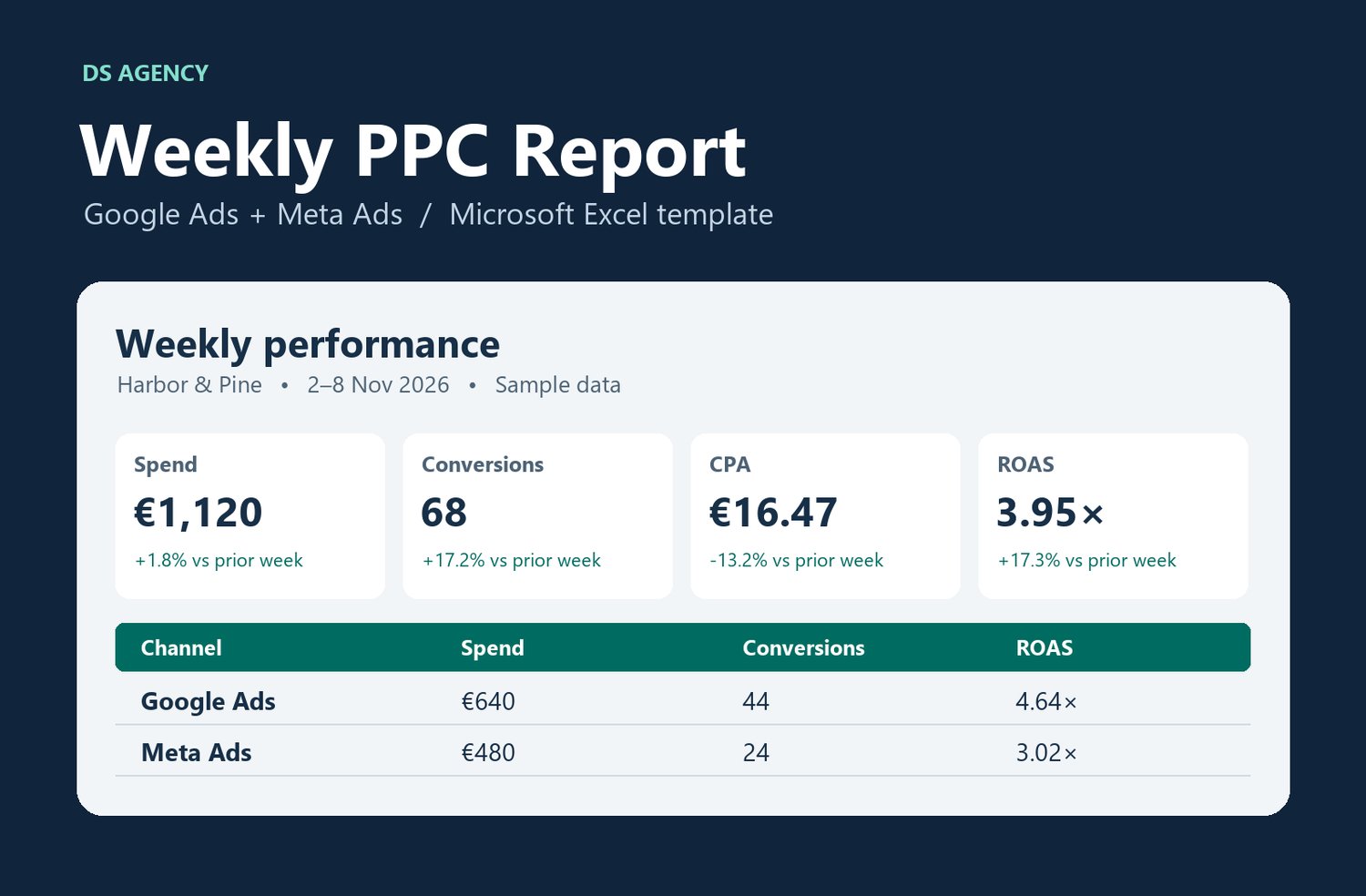
Weekly PPC Report for Excel — Google Ads & Meta Ads
Send a one-page PPC report every week. Enter your weekly Google Ads and Meta Ads totals in Excel to compare results with the prior week, add client notes and export a PDF.
WHAT YOU GET
• An editable Excel workbook with weekly inputs, a print-ready report and a quick-start guide.
• A worked example with two weeks of sample data.
• Calculated spend, clicks, impressions, conversions, revenue, CTR, CPC, CPA and ROAS, with week-over-week comparisons.
• Checks for missing values, invalid dates and duplicate entries.
HOW IT WORKS
Save a copy for each client. Enter one weekly total per platform in a single currency. Choose the reporting week and export the Report tab as a PDF. Revenue is optional.
REQUIREMENTS AND LICENSE
Microsoft Excel. You enter the totals manually. The file uses no macros and requires no access to your ad accounts. Use the workbook for your own business and share finished reports with clients. Redistribution or resale of the workbook requires permission from DS Agency.
INSTANT DOWNLOAD
After checkout, download the ZIP from Payhip or use the link in your receipt. The ZIP contains the blank template and the worked example.