
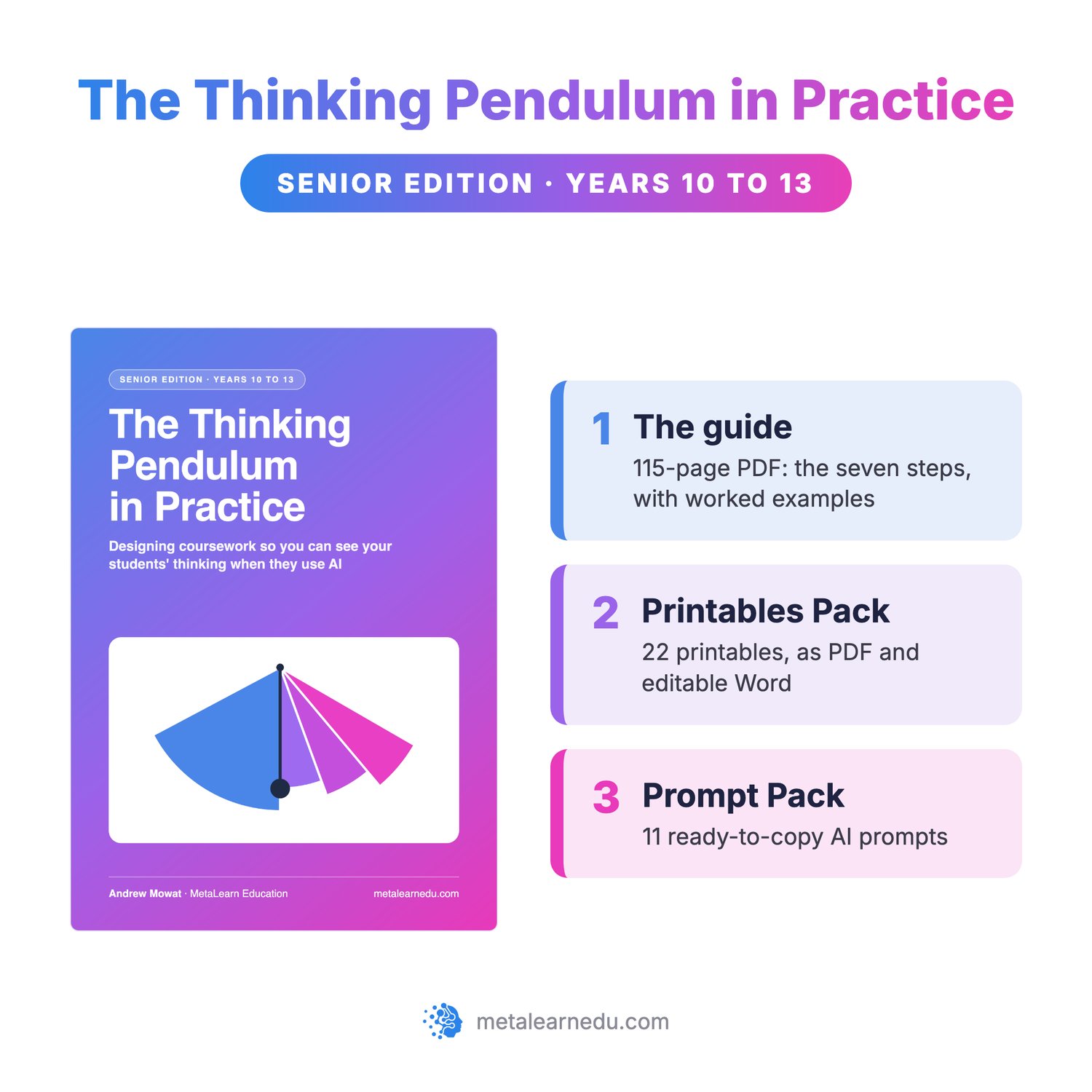
The Thinking Pendulum in Practice: Senior Edition (Years 10 to 13)
You’re marking a piece of coursework. It reads well, it’s well structured, and you can’t tell whether your student did the thinking or AI did.
Detectors can’t settle it, and the IB, Cambridge and JCQ don’t rely on them. They ask you to confirm the work from what you’ve seen of how it developed. That’s hard to do when the task never showed you.
This guide is about designing coursework so you can see your students’ thinking when they use AI. It’s written for teachers of Years 10 to 13 working with IGCSE, MYP, IB Diploma and A-level classes, and it works with the coursework you already set.
What’s in the download
- The guide (115-page PDF). The Thinking Pendulum in depth, then seven steps you can plan, teach and assess, each with a 20-minute setup. There are worked examples from a Year 12 History investigation, A-level English comparative coursework and an IB Biology internal assessment, plus a fair process for the conversation when a piece of work doesn’t add up.
- Printables Pack. 22 printables as PDF and editable Word, including the AI Pedagogy Reference Rubric for Years 10 to 13, a prompt log, a reconstruction card and micro-defence question cards.
- Prompt Pack. 11 prompts ready to copy into ChatGPT, Claude, Gemini, Copilot or your school’s own tool. The Task Planner interviews you about your class before it drafts anything.
Everything you need to run it is included. Each of the seven steps comes with its own printables and an adaptation prompt, so you aren’t building forms or writing prompts from scratch. One purchase gives you the guide, 22 printables, 11 prompts and five years of updates.
The seven steps
- Say which stages
- Shape the question
- Make thinking visible
- Check it’s theirs
- Push back on AI
- Defend the thinking
- Personalise the task
You don’t need all seven. The guide helps you find the one or two that fit your class, and you start there.
What is the Thinking Pendulum?
The Thinking Pendulum is a model, developed by Andrew Mowat, of how students think when they use AI. In Mode 1, the vending machine, they press the button and take the result. In Mode 2, the thinking partner, AI pushes their own thinking through three zones: sense checking, outcome determining and problem shaping. Choosing the right mode for the moment is the skill being taught.
Who wrote it
Andrew Mowat has spent 42 years in education, in roles from the classroom to school leadership, and has been training teachers on AI since April 2023. He works with international schools across Asia on how students learn and think.
Five years of updates
AI in classrooms is changing fast, and this guide will change with it. Your copy is yours to keep, and you’ll get every update for five years at no extra cost: at least once a year, and whenever the exam boards change their rules on AI.
Two more editions on the way
The Senior Edition is the first of three. Lower Secondary and Upper Primary editions come next, built the same way for younger students. Join the waitlist at metalearnedu.com to hear when each one is ready.
Licence
This is a single-teacher licence: print and copy the printables for your own classes. To cover every teacher at your school, across all campuses, book a conversation about a school licence at metalearnedu.com.
Each step has a 20-minute setup, so you could try the first one with a class this week.