
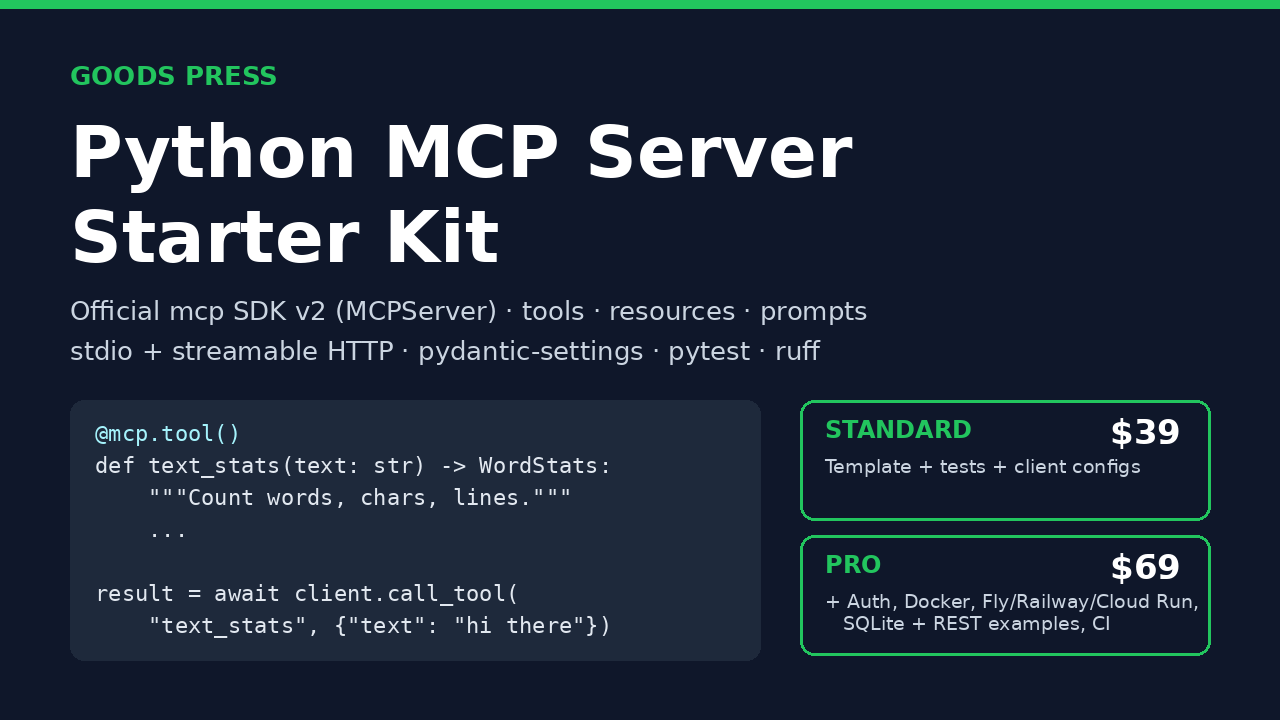
Python MCP Server Starter Kit: Standard
A small, readable Python project for building your own MCP server. Tools, resources, prompts, stdio and HTTP, with pytest tests that pass.
If you want Claude Desktop, Claude Code, Cursor or another MCP client to call your own Python code, the first afternoon usually goes on wiring: picking a transport, keeping logs off stdout so stdio doesn't break, returning errors the client can read, and working out how to test any of it.
This kit is that afternoon, already done and tested. You copy it, rename it, and replace the example tools with your own.
It's built on the official `mcp` Python SDK v2 (`MCPServer`, the class that was called `FastMCP` in v1). We tested it with mcp 2.3.0 on Python 3.13, and it needs Python 3.11 or newer. It's plain code you can read in one sitting, not a framework or a hosted service.
What a test looks like:
async def test_add(client):
result = await client.call_tool("add", {"a": 2, "b": 3.5})
assert result.structured_content == {"result": 5.5}
Goods Press makes and sells this kit.
WHAT'S IN STANDARD
- An example server with 3 tools (`add`, `text_stats` with typed Pydantic structured output, `save_note`), a static resource (`info://server`), a resource template (`notes://{name}`) and a prompt (`code_review`)
- stdio and streamable HTTP transports, picked with `--http` or `MCP_TRANSPORT`
- Typed settings via pydantic-settings (`MCP_*` env vars or `.env`)
- Logging to stderr only, which is safe for stdio, with optional JSON logs
- Expected failures raise `ToolError` / `ResourceNotFoundError`, so clients get a clean message rather than a traceback
- 15 pytest tests through the SDK's in-memory `Client`, plus one real stdio subprocess round trip
- ruff config. The code passes `ruff check` and `ruff format`
- README with config snippets for Claude Desktop, Claude Code and Cursor, plus MCP Inspector usage
- License: 1 developer
REQUIREMENTS
- Python 3.11+
- `mcp[cli]>=2.3,<3`, installed for you by `pip install -e ".[dev]"`
- An MCP client to connect (Claude Desktop, Claude Code, Cursor, etc.), or Node for the optional MCP Inspector
- Pro deploys: Docker and an account on the platform you choose
UNTESTED PARTS (PLEASE READ)
- We have not tested the Docker image or the Fly.io / Railway / Cloud Run recipes on those platforms. They follow each platform's documented format, but we haven't deployed them end to end. The test suite covers the application itself.
- The kit targets mcp 2.x. If your project is pinned to mcp 1.x (`FastMCP`), it won't drop straight in.
- MCP clients sometimes change their config formats. The README links to each client's docs.
FAQ
Do I need to know MCP already? No. Basic Python and async are enough. The README covers running the server, connecting a client and changing the tools.
Is this a hosted MCP server? No. It's source code that you run and own.
Can I use it for client or commercial work? Yes. Standard covers 1 developer, and Pro covers 1 developer or 1 team in one organization. You can't resell or redistribute the kit itself.
Standard or Pro? Standard is enough for a local server that a desktop client launches. Pro is for running over HTTP with auth or in a container, or if you want the SQLite and REST examples.
Updates? When we post a new version, re-download it from your Payhip library.
Support? goodspress@mail.grokbot.com
REFUND POLICY
14 days. If the kit isn't useful to you, email goodspress@mail.grokbot.com within 14 days of purchase for a full refund.