

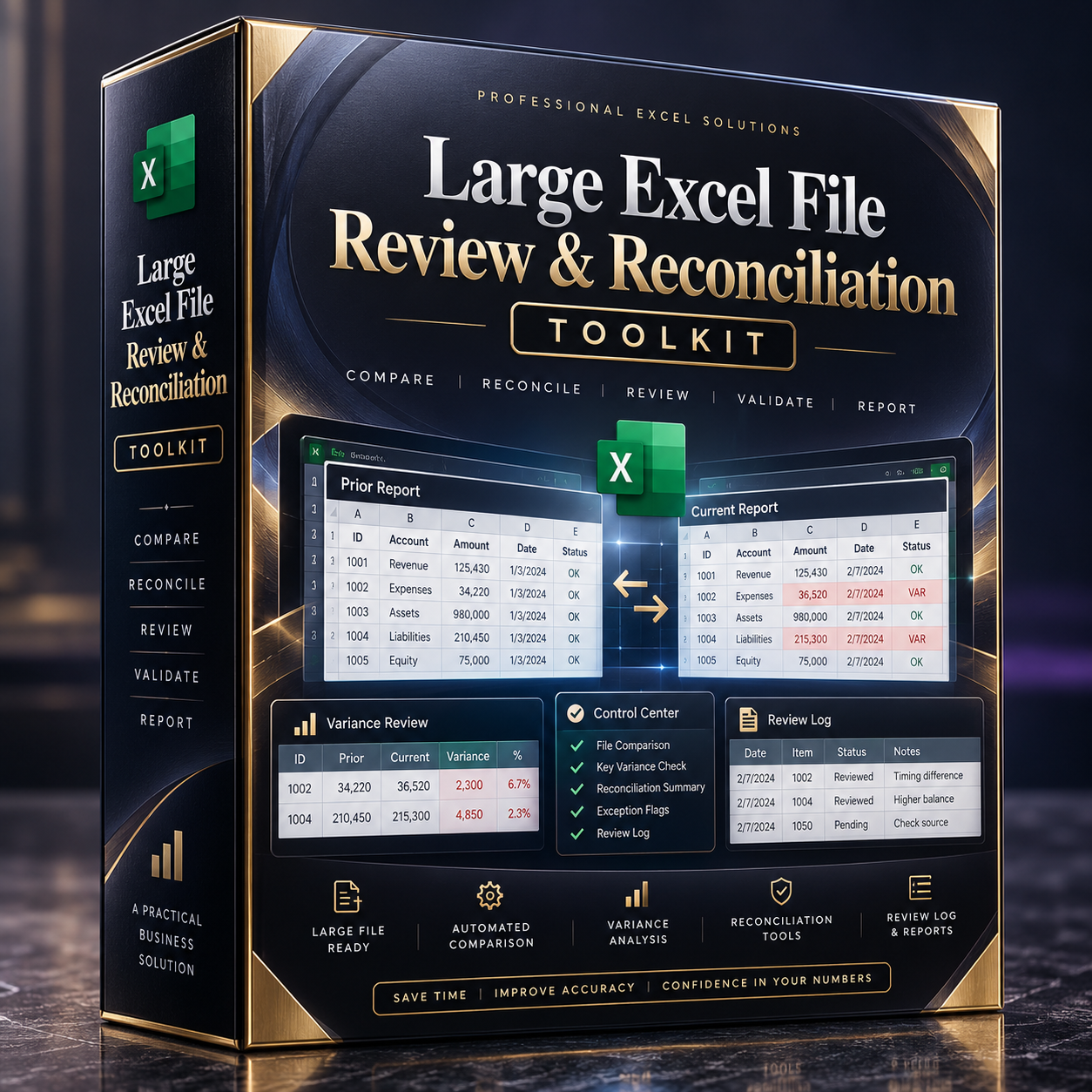
Large Excel File Review & Reconciliation Toolkit — Compare Reports Faster
Payhip Description
Review and reconcile large Excel reports without constantly jumping between rows, tabs, and files.
The Large Excel File Review & Reconciliation Toolkit is a reusable monthly workflow designed for finance, sales operations, inventory reporting, analytics, and back-office teams.
Paste your previous-period and current-period data, then use one structured workbook to compare results, identify important changes, document findings, and prepare the file for handoff.
Control Center
Instantly monitor:
- Current Rows
- Prior Rows
- Current Revenue
- Prior Revenue
- Revenue Variance
- Significant Revenue Changes
- Margin Changes
- High-Priority Review Items
- Logged Review Issues
Current vs Prior Variance Engine
Automatically compares:
- Units
- Revenue
- Revenue Change
- Revenue Change %
- Margin %
- Margin Change
- Review Status
- Priority
Large changes are automatically classified as HIGH, MEDIUM, or LOW priority.
Built for Large-File Review
The workbook is designed around the same Excel workflow shown in the tutorial:
- Freeze Panes for persistent headers and identifiers
- Split for distant-section review
- New Window
- View Side by Side
- Synchronous Scrolling
Review Log
Record:
- Issue
- Priority
- Owner
- Decision
- Action
- Status
This creates a simple audit trail for your monthly review.
QA & Handoff Checklist
Before sending your report, verify:
- row counts
- large revenue variances
- margin changes
- unresolved issues
- review ownership
- side-by-side comparison
- final handoff readiness
Supports up to 500 prepared rows.