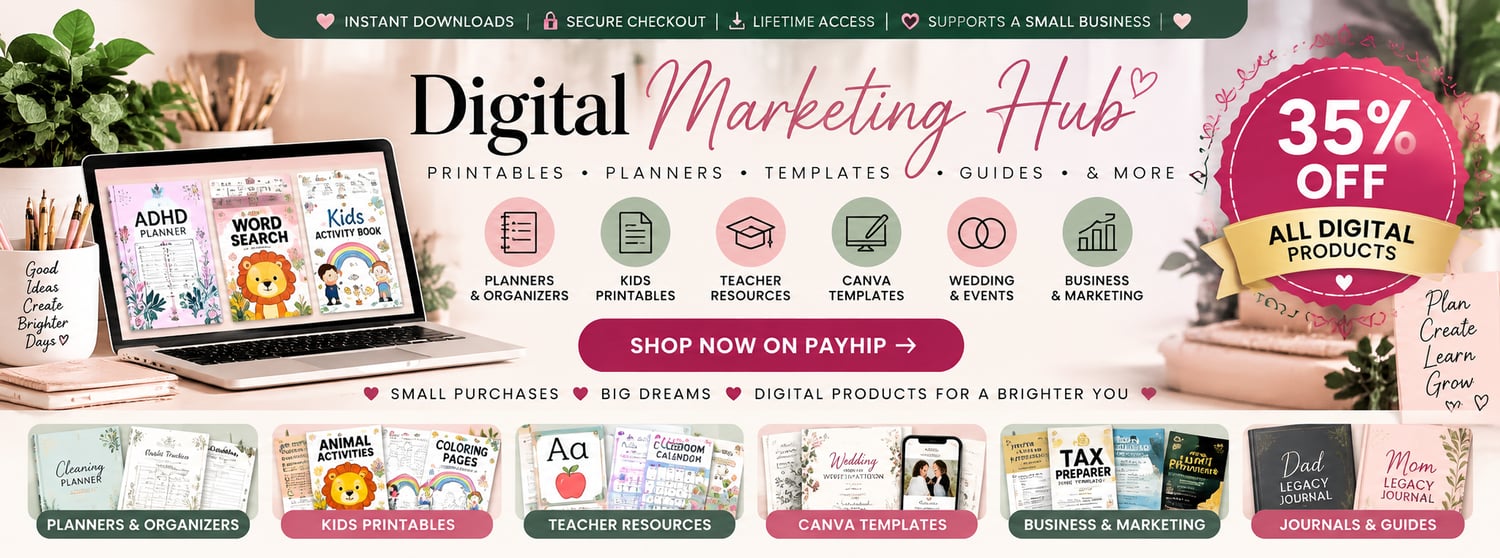


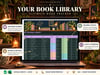





Book Tracker Spreadsheet for Google Sheets & Excel, Day & Night Reading Planner, Digital Bookshelf, Reading Log & Series Tracker
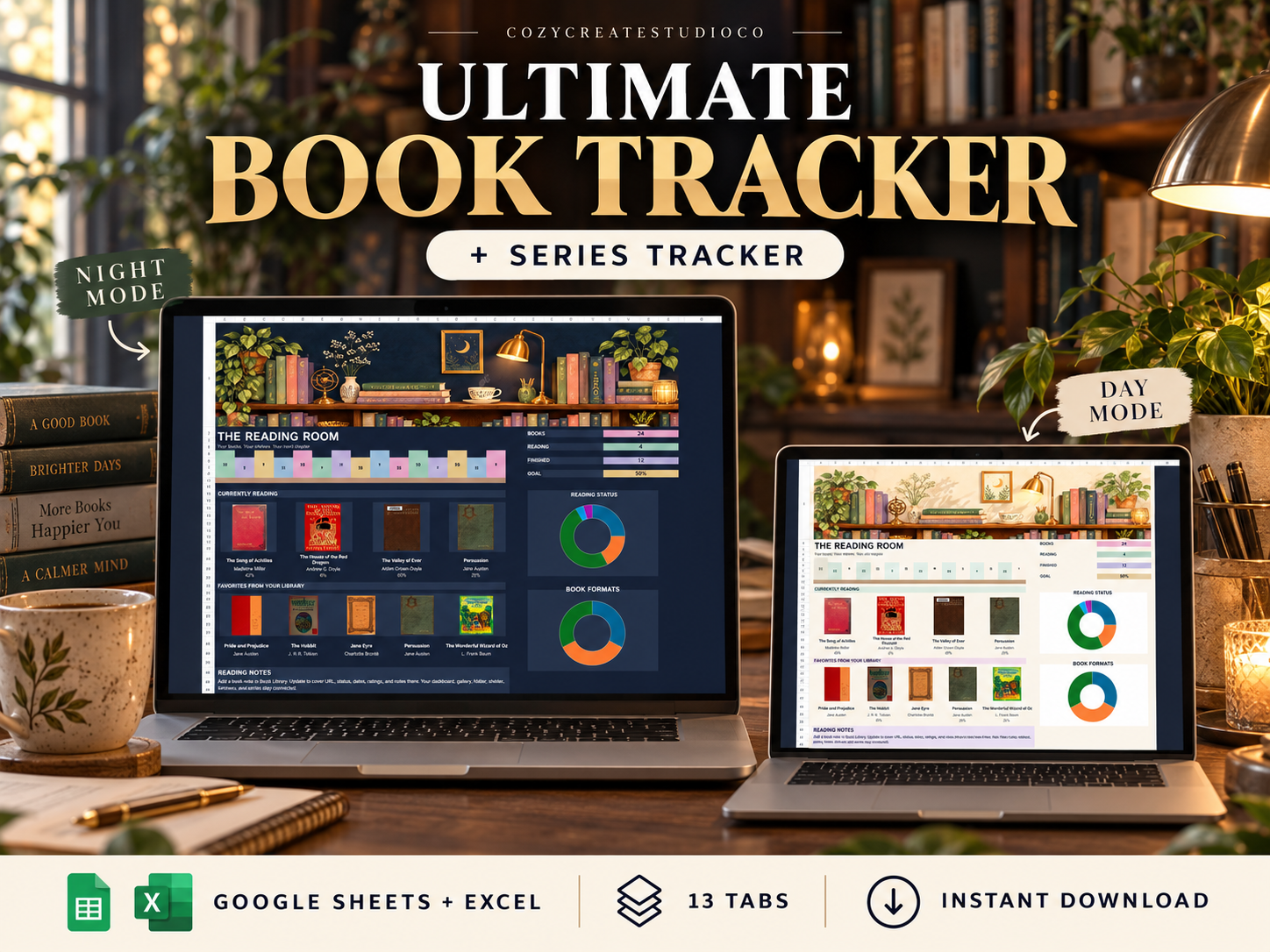
Organize your reading life with the Ultimate Book Tracker—a cozy spreadsheet planner with matching Day and Night editions for Google Sheets and Excel.
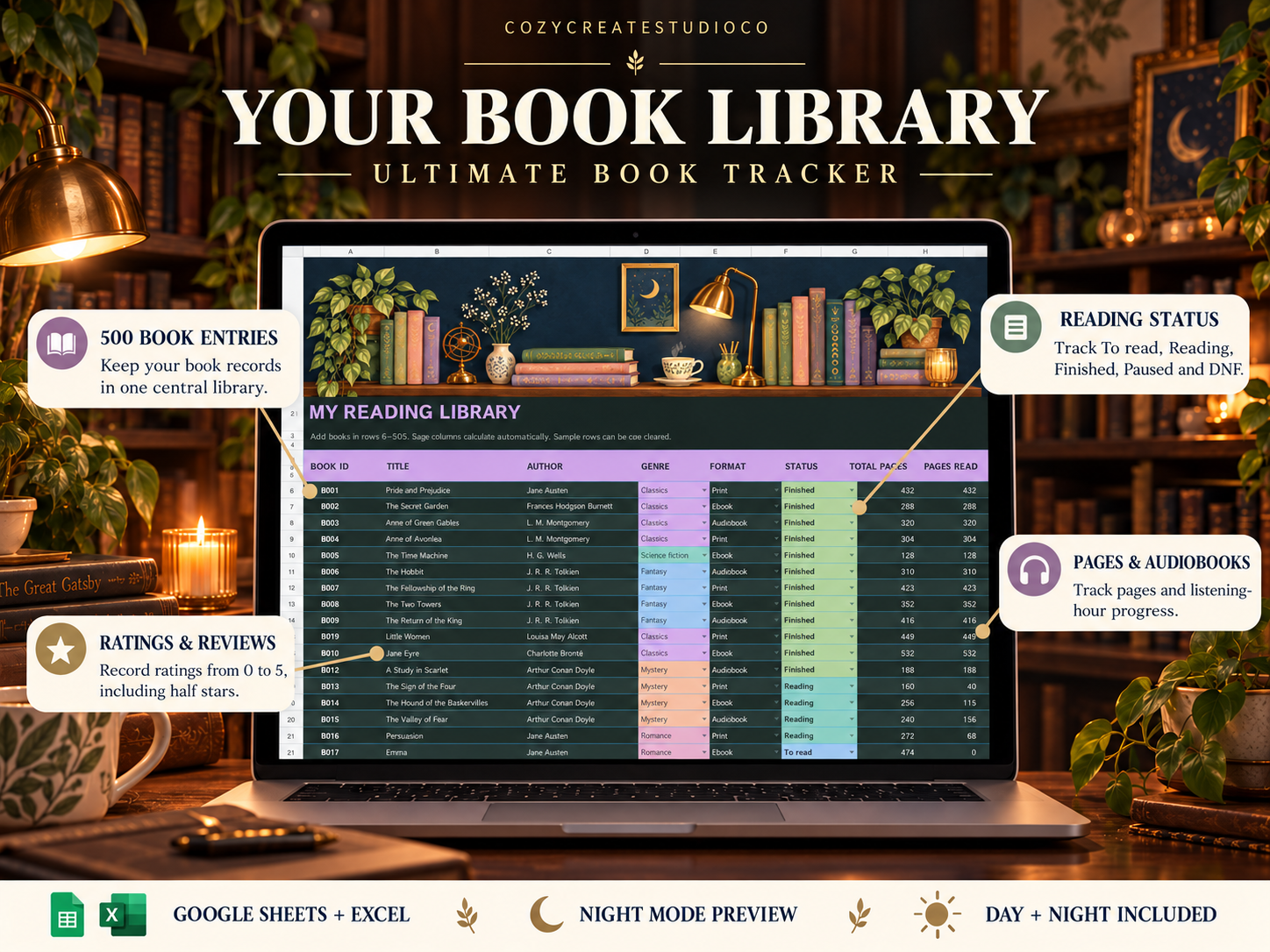
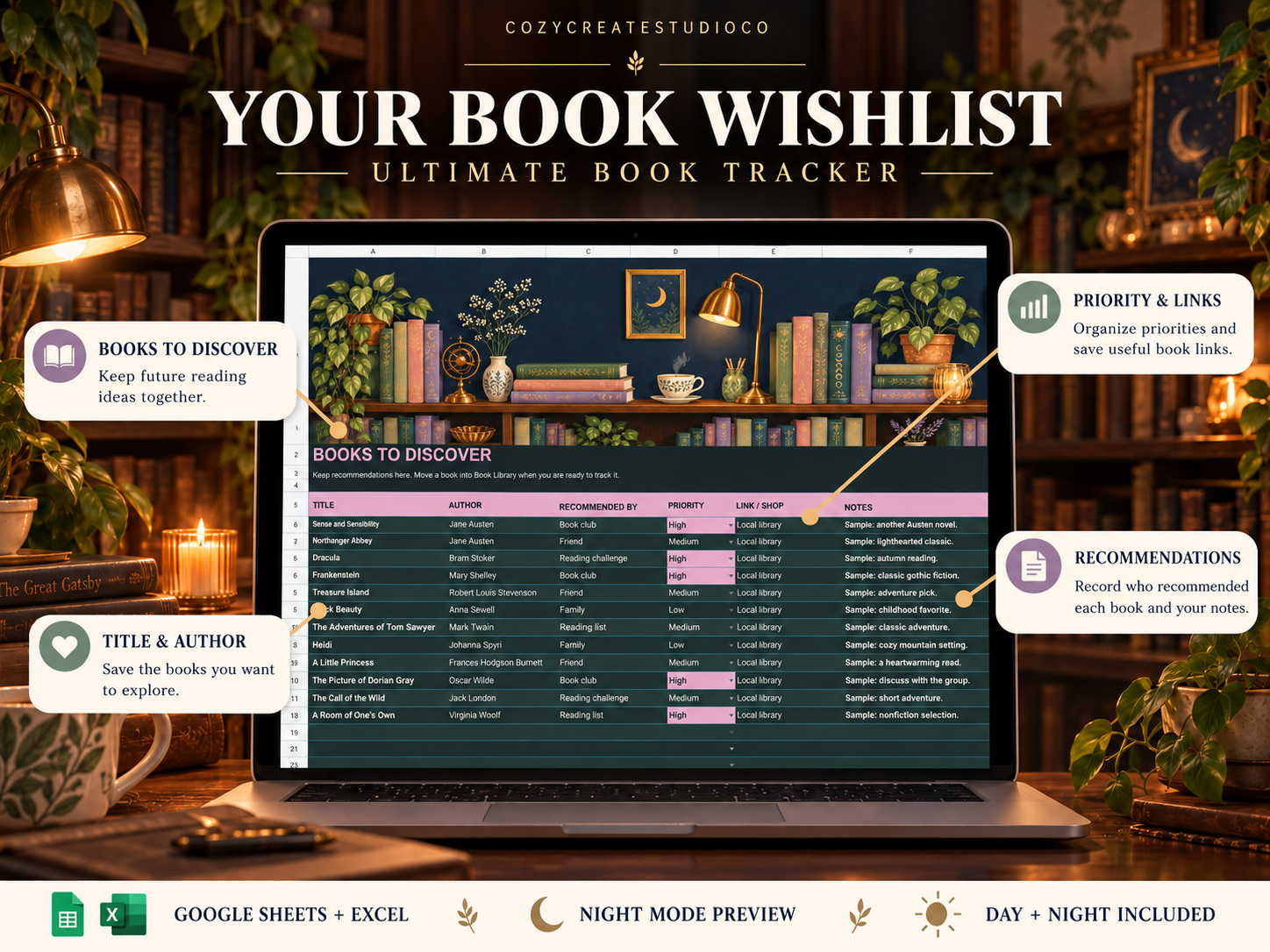
Keep your books, reading progress, reviews, series, wishlist and goals together across 13 connected tabs. Illustrated bookshelf banners, colorful tables and dashboard charts make your personal library easy to explore.
WHAT YOU RECEIVE
• Two editable Excel workbooks: Day and Night editions
• One PDF with links to both Google Sheets editions
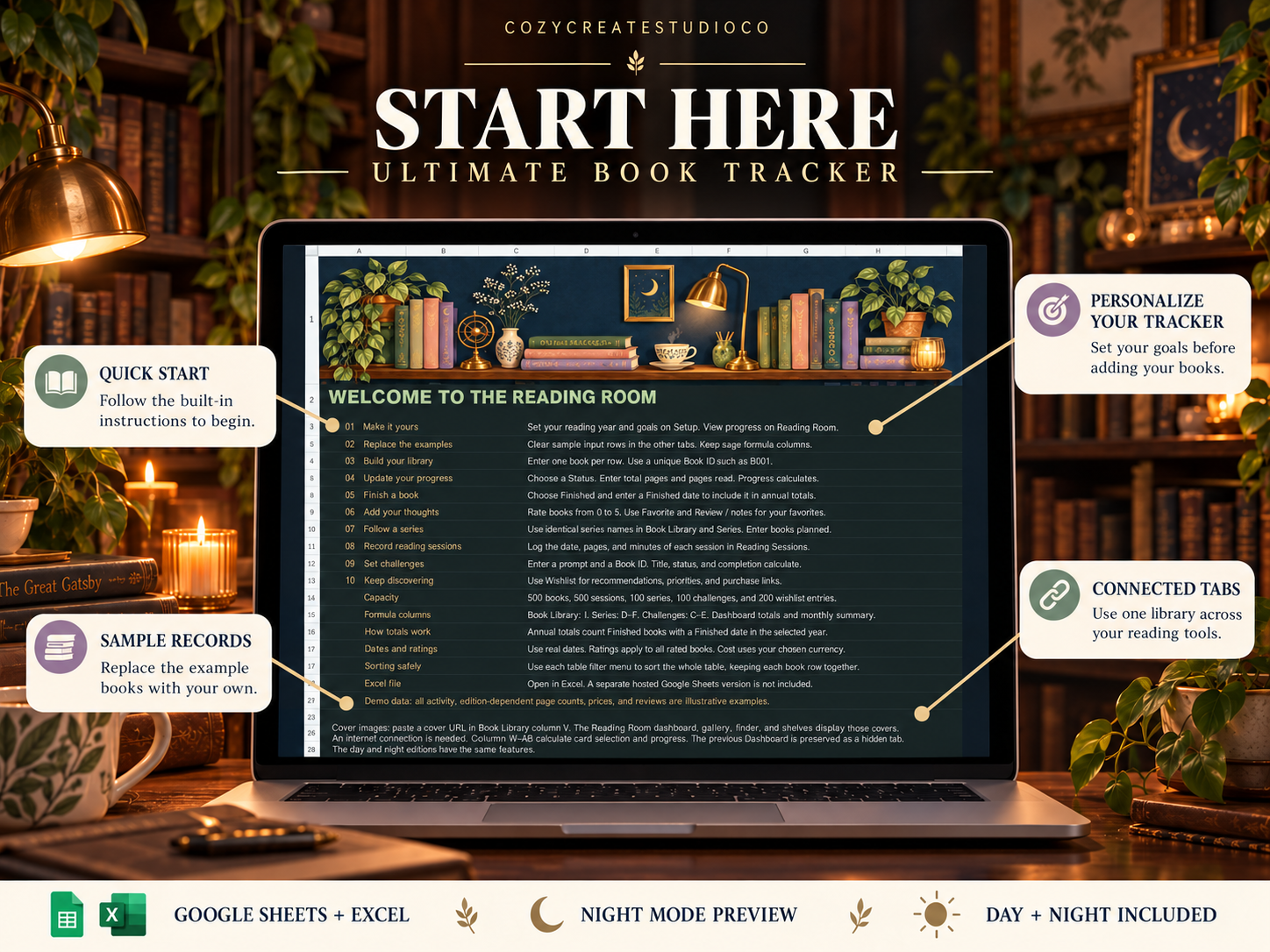
• Setup instructions inside the tracker
• 24 sample book records to help you get started
13 TABS INCLUDED
- Start Here
- Setup
- Reading Room Dashboard
- Book Library
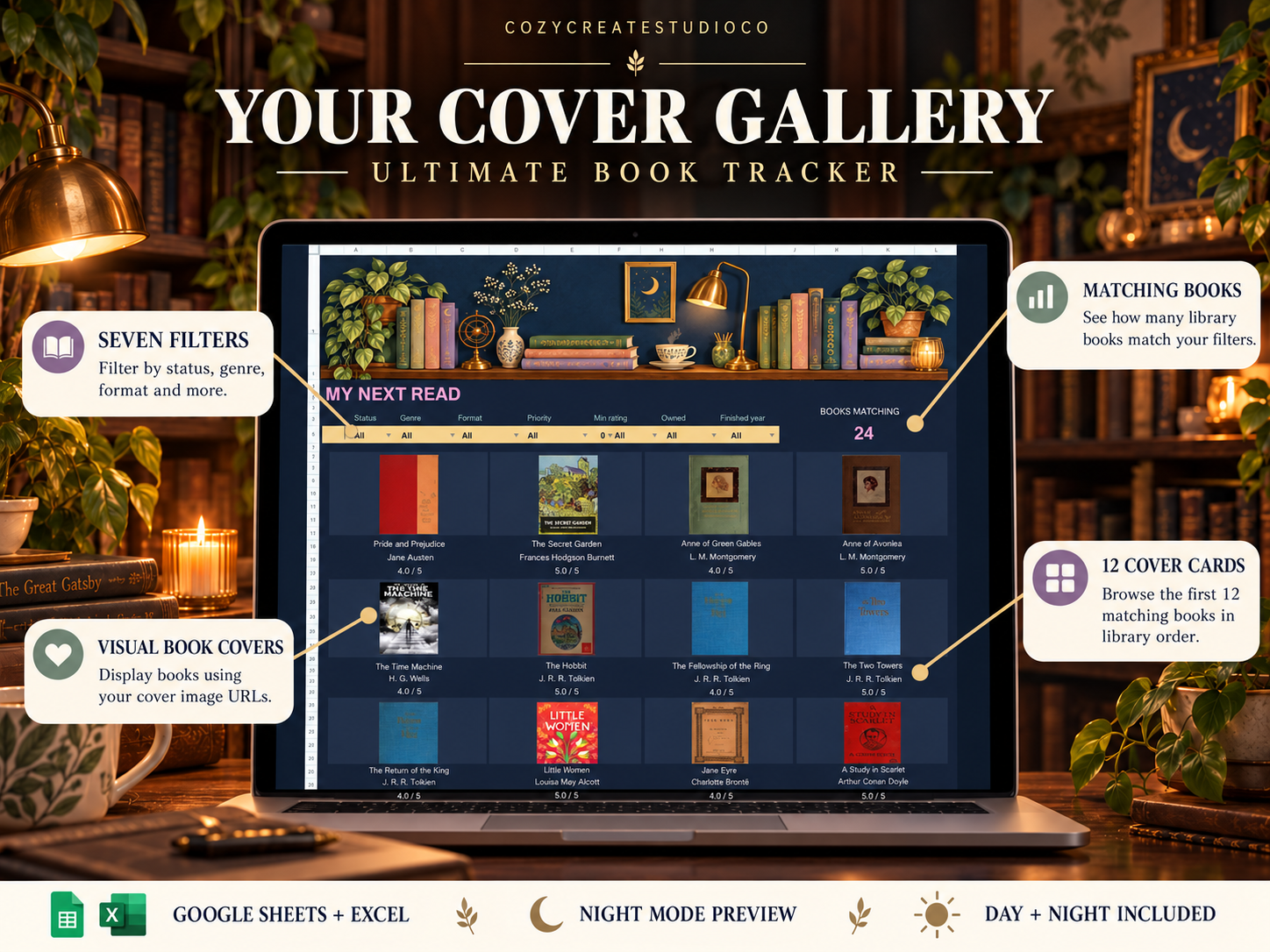
- Cover Gallery
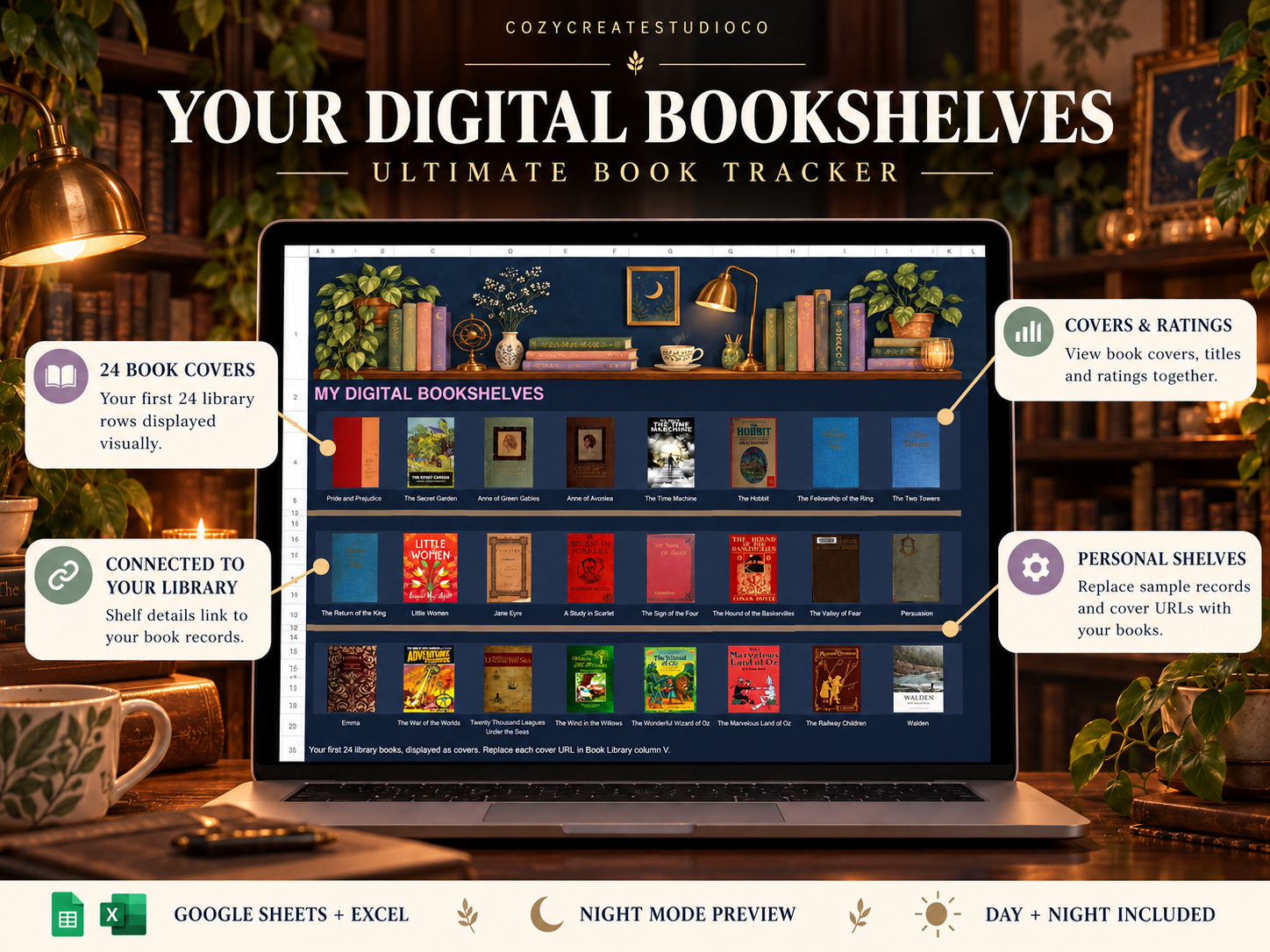
- Digital Bookshelves
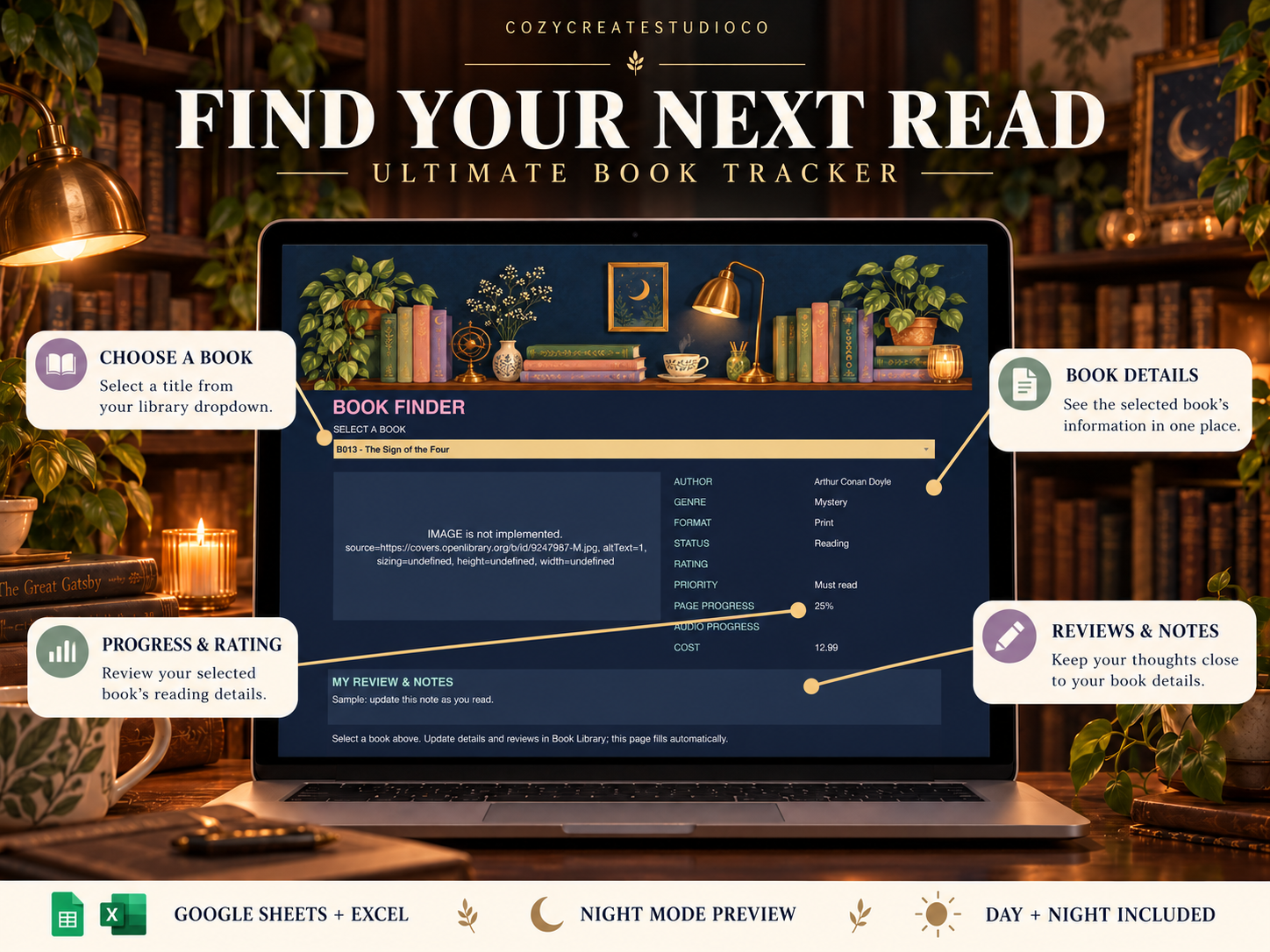
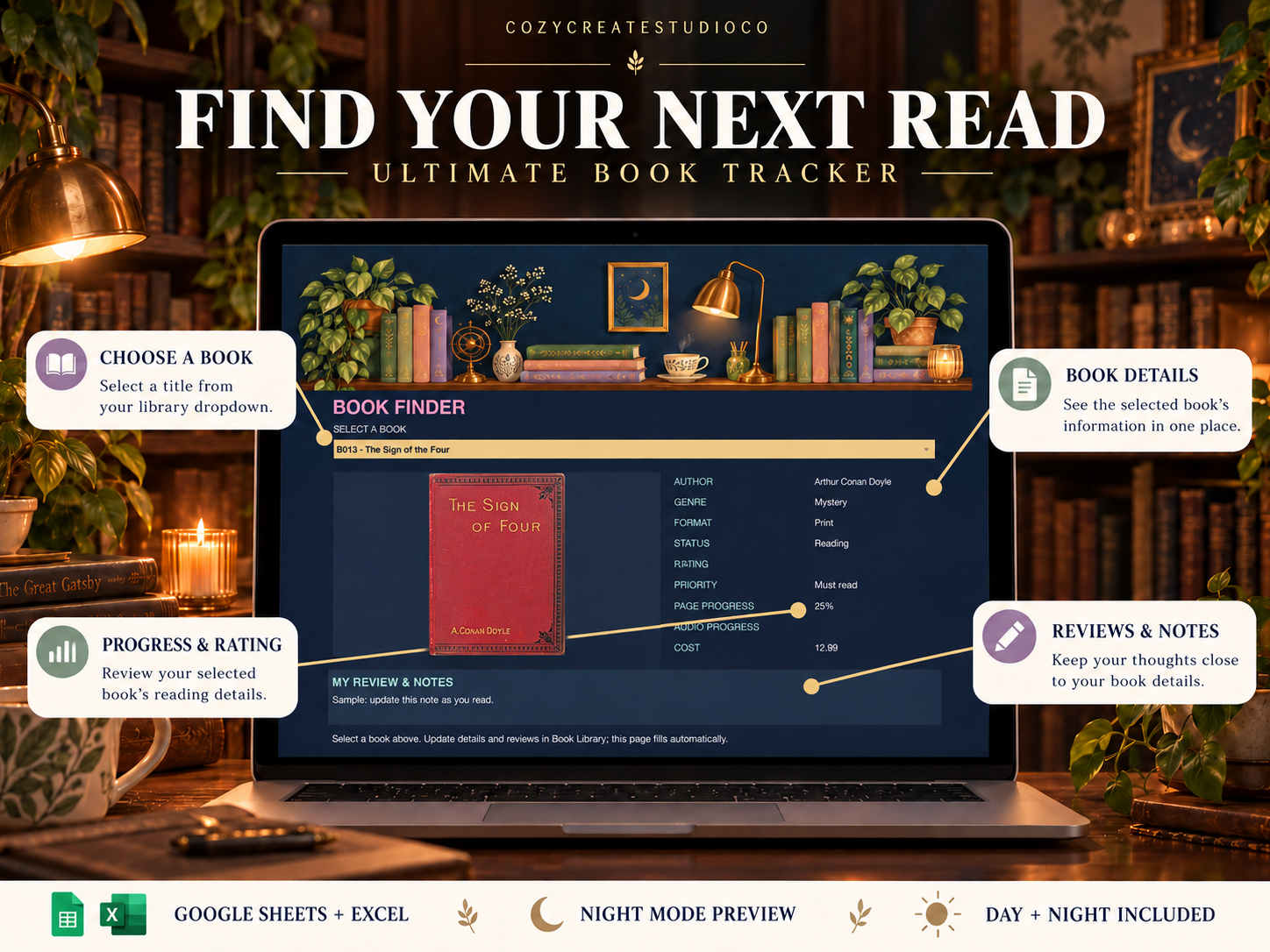
- Book Finder
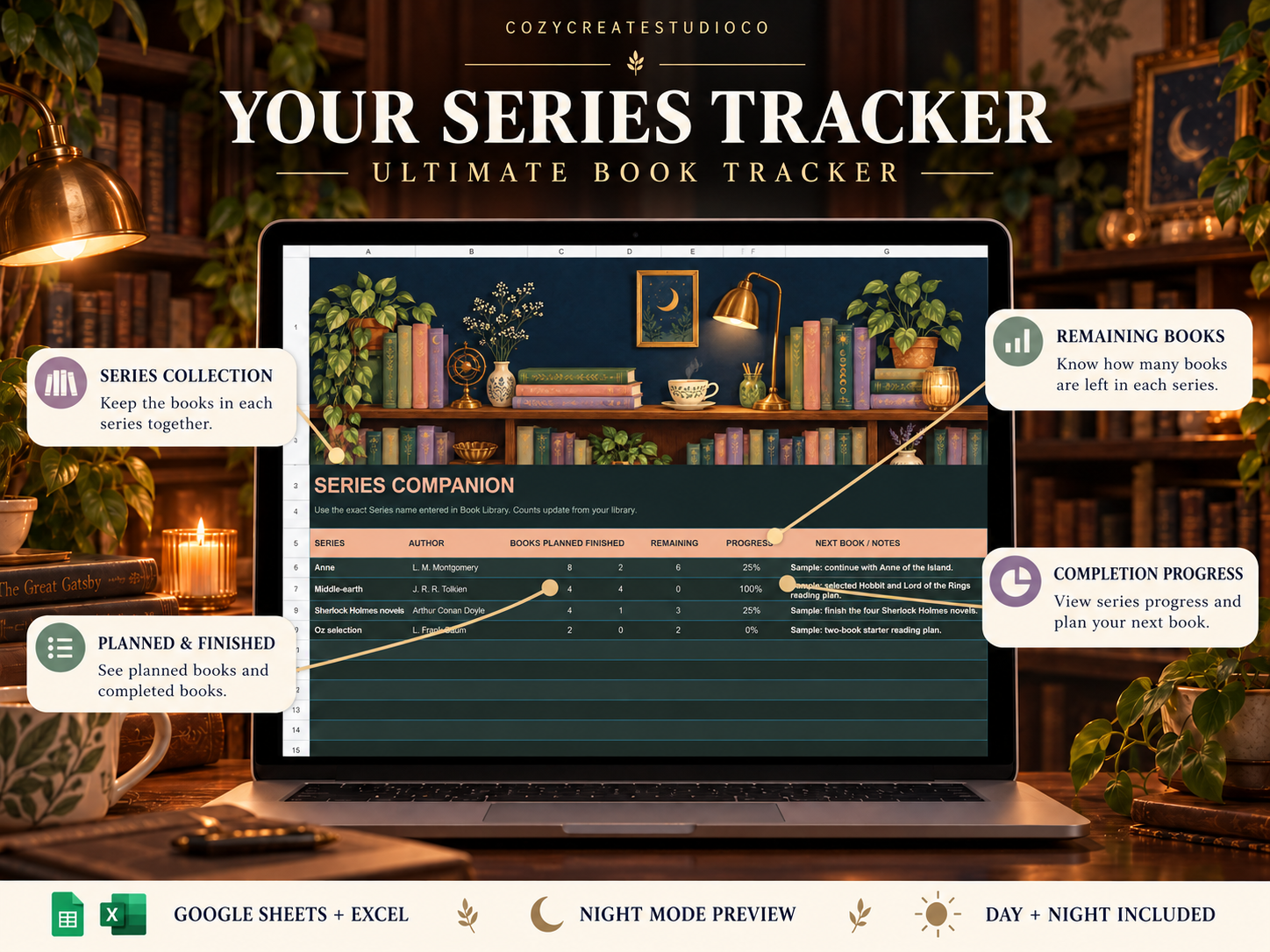
- Series Tracker
- Reading Sessions
- Reading Habit
- Reading Challenges
- Calendar
- Wishlist
TRACK YOUR BOOKS
• Space for 500 book records and 500 reading sessions
• Track To read, Reading, Finished, Paused and DNF status
• Organize print books, ebooks and audiobooks
• Record ratings from 0–5, including half-star ratings
• Track pages read, listening hours, reviews and favorites
• Follow series completion and remaining books
• Set annual reading goals and daily reading targets
• Plan book returns, releases and book-club dates
EXPLORE YOUR LIBRARY
Your dashboard summarizes your reading progress with connected totals and charts.
The Cover Gallery offers seven filters and displays the first 12 matching books in library order. Digital Bookshelves display the first 24 library records, while Book Finder brings together the details of your selected book.
DAY + NIGHT INCLUDED
Choose the warm ivory Day edition or the navy Night edition. Both include the same tracking features and cozy bookshelf artwork.
HOW TO START
- Download your files.
- Open an Excel workbook, or open a Google Sheets link from the PDF.
- In Google Sheets, choose File → Make a copy.
- Set your reading year and goals in Setup.
- Replace the sample records with your own books and begin tracking.
COMPATIBILITY
Google Sheets requires a Google account. Excel cover displays require a current Excel version supporting the IMAGE function. Internet access is needed to load book covers.
Add covers by pasting suitable image URLs into your book records. Cover availability depends on the image provider. This tracker does not automatically search for covers or sync with Goodreads.
PLEASE NOTE
This is a digital download. No physical product or books will be shipped. Sample records are included for demonstration. A video tutorial is not included.
For personal use only. Please do not resell or redistribute the template files or access links.
Designed by CozyCreateStudioco. AI-assisted artwork was used for decorative illustrations and listing mockups.