
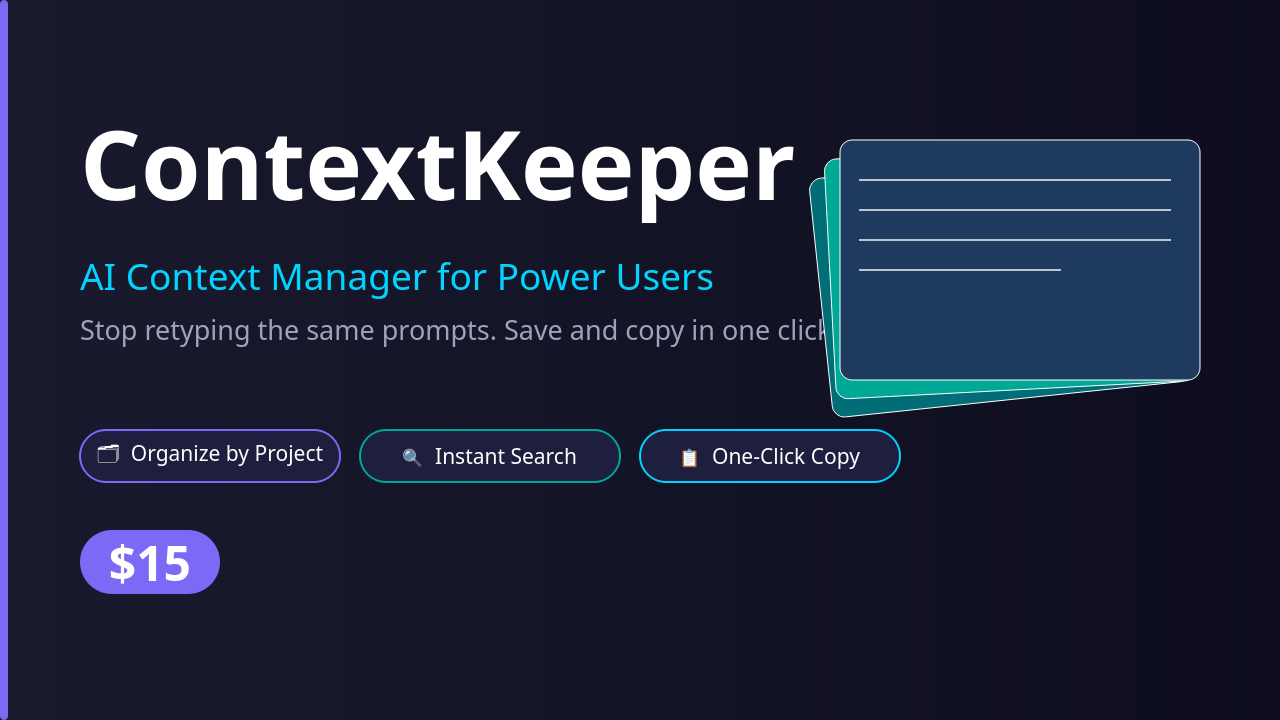
ContextKeeper App
On Sale
$15.00
$15.00
If you use Claude, ChatGPT, or any AI tool regularly, you already know the problem.
You spend 5 minutes crafting the perfect prompt. It works great. Then next session it is gone. You are digging through old chats, notes apps, random text files trying to find it again.
ContextKeeper fixes that.
It is a lightweight desktop app that lets you save, organize, and instantly copy your best prompts, context blocks, and AI instructions so you never lose a good one again.
How it works:
- Create a Project - Organize by client, workflow, or topic. Freelance writing, coding, research, customer replies. Keep everything separate and clean.
- Save your blocks - Add any reusable text, system prompts, persona instructions, background context, boilerplate. Give it a title and save it.
- One-click copy - Click any block, hit Copy to Clipboard, paste directly into Claude, ChatGPT, or anywhere else. Done in 2 seconds.
Who this is for:
- Freelancers using AI to write content or code
- - Developers who reuse system prompts across projects
- - Power users who want their AI workflows fast and organized
- - Anyone tired of losing their best prompts
What you get:
- Standalone Linux desktop app, no browser, no terminal, no setup required
- - Unlimited projects and context blocks
- - Instant search across all your blocks
- - One-click copy to clipboard
- - Dark theme, clean UI
- - Your data stays local, nothing sent to any server
System requirements: Linux (Ubuntu 20.04+ recommended), 64-bit x86 processor
How to install: Download and unzip the file, double-click ContextKeeper to launch. No installation required.