
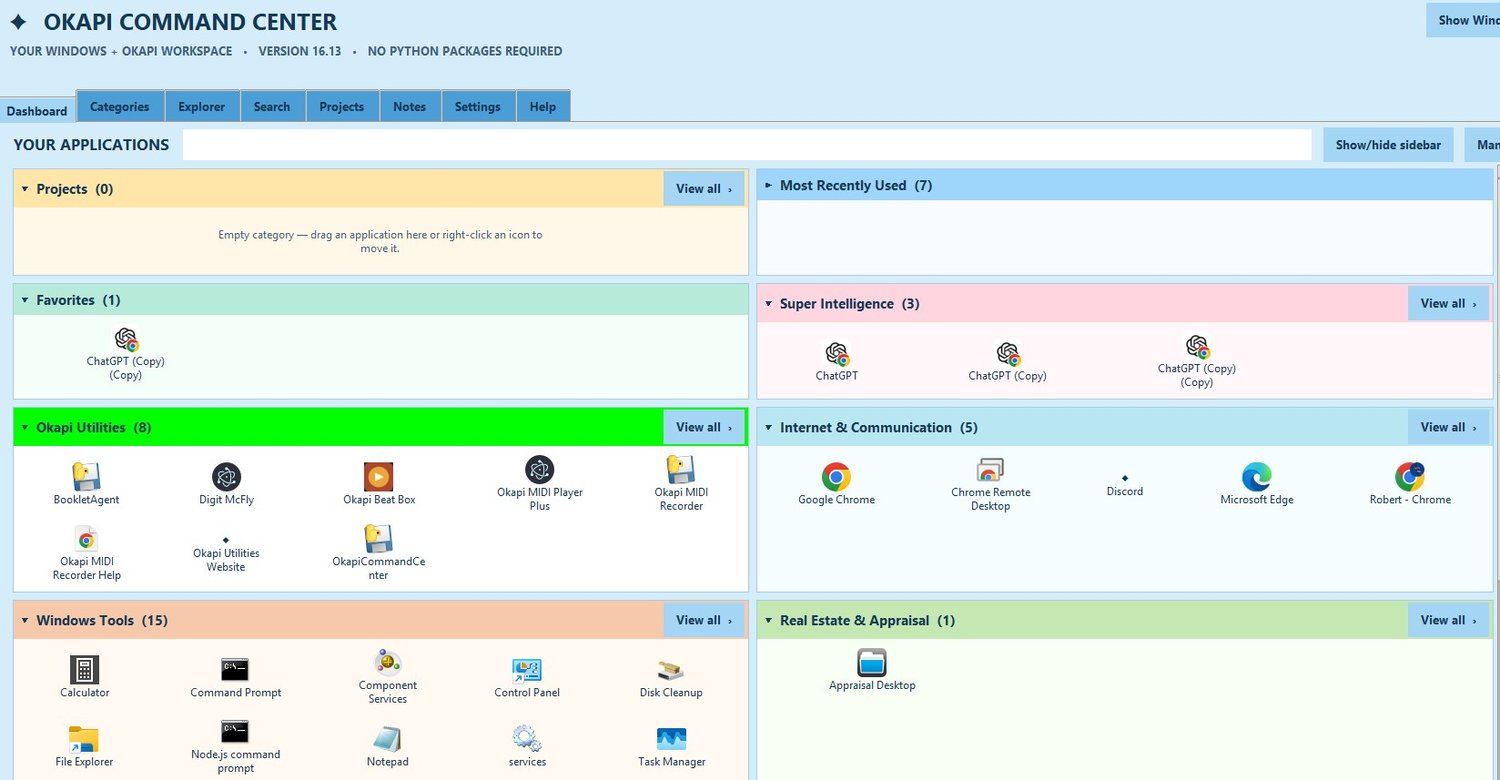
Okapi Command Center V16.13
On Sale
$3.99
$3.99
Installation Instructions
- Download the ZIP file after purchase.
- Right-click the ZIP and select Extract All.
- Open the extracted folder.
- Double-click Okapi_Command_Center_Setup_16_13.exe.
- Follow the installation instructions.
System Requirements: Windows 10 or Windows 11 (64-bit). No separate Python installation required.
Security Notice: This installer is not digitally signed. Windows Smart App Control or other security settings may block installation on some computers. If you want the Command Center to open when windows starts, look for the settngs within the Okapi programs and check the boxes to launch at startup and maximize to full screen.