

voting_management_system.zip
On Sale
$10.00
$10.00
This Voting Management System (VoteHub) is a high-end, modern administrative platform designed for digital democracy. It combines a Glassmorphism 2.0 aesthetic with a robust functional core to manage the entire lifecycle of an election.
Below is a detailed breakdown of the system and its features:
🎨 1. Design & Visual Identity
- Glassmorphism UI: Every panel uses backdrop-blur and translucent backgrounds (oklch colors with opacity) to create a "frosted glass" effect.
- Democratic Depth: The interface uses deep purple-to-blue radial gradients to signify authority and trust, paired with glowing borders and soft shadows.
- Curved Ergonomics: A consistent 12px–16px border-radius is applied across all cards, modals, and buttons for a modern, friendly feel.
- Motion Physics: Smooth spring-based animations for page transitions, modal entries, and progress bar fills.
- Header Theme Indicator: The header explicitly displays a "Dark" theme indicator with a moon icon, confirming the high-contrast professional environment.
📊 2. Dashboard (The Command Center)
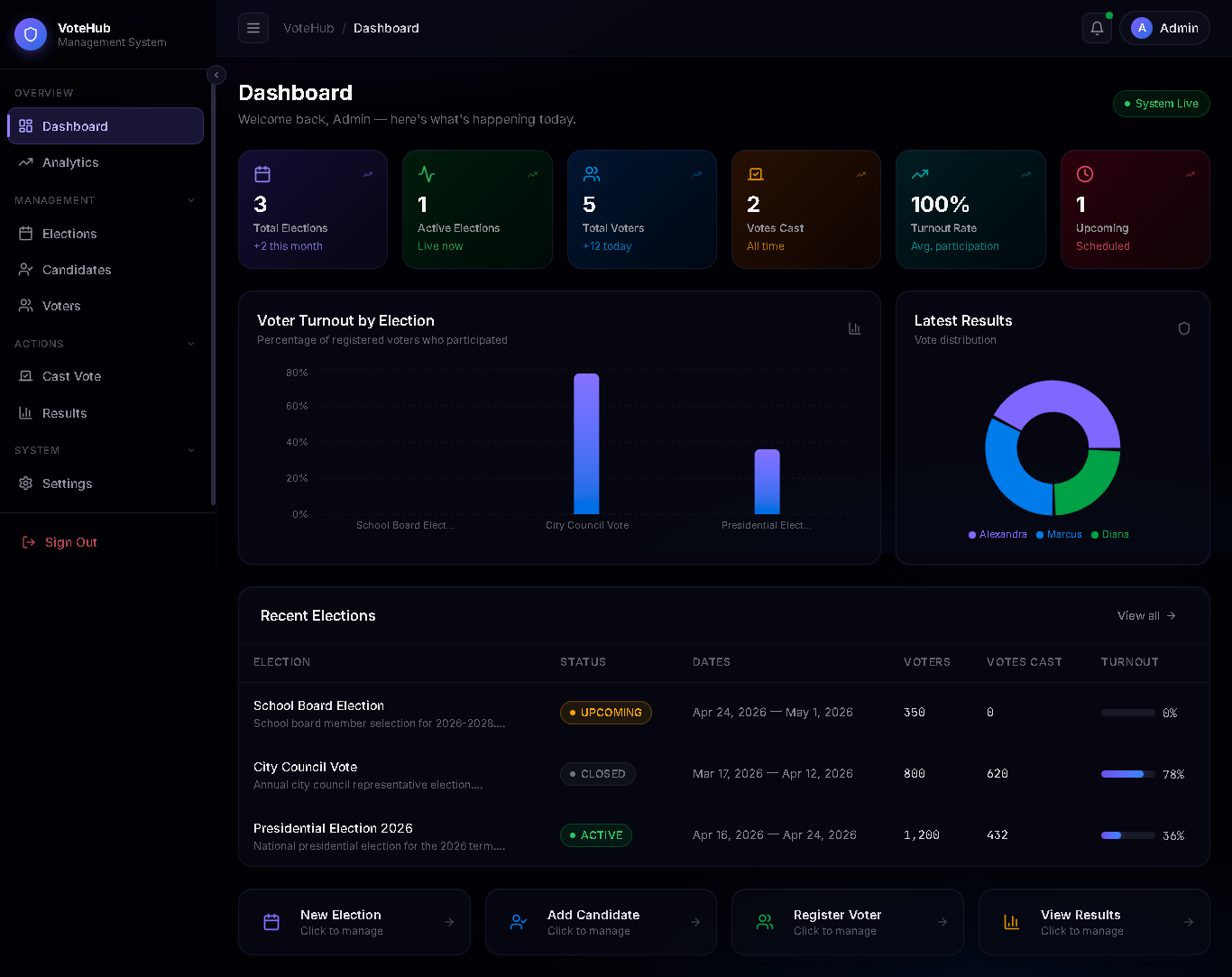
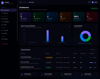
- Real-time KPIs: Six dynamic stat cards tracking Total Elections, Active Polls, Registered Voters, Total Votes, Turnout Rate, and Upcoming Events.
- Interactive Visualizations:
- Voter Turnout Bar Chart: Compares participation rates across different elections.
- Latest Results Pie Chart: Shows the current lead in the most recent active election.
- Quick Actions: One-click shortcuts to create elections, add candidates, or register voters.
🗳️ 3. Election Management
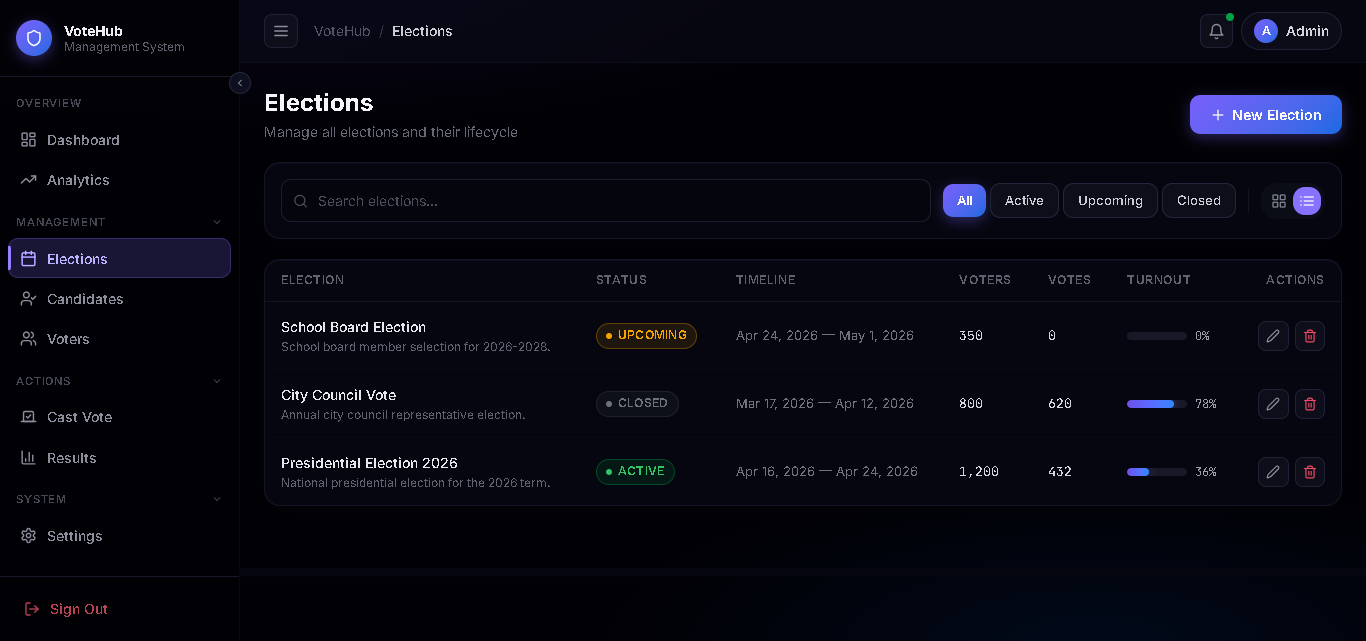
- Lifecycle Tracking: Automatic status switching between Upcoming (scheduled), Active (live), and Closed (archived) based on system dates.
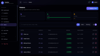
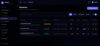
- Dual View System: Toggle between a Grid View (visual cards with progress bars) and a List View (data-dense table for bulk management).
- Full CRUD Modals: Pop-up forms to create or edit election titles, descriptions, timelines, and registration quotas.
- Integrity Protection: Deleting an election triggers a cascade delete of all associated candidates and votes to maintain database consistency.
👤 4. Candidate & Voter Management
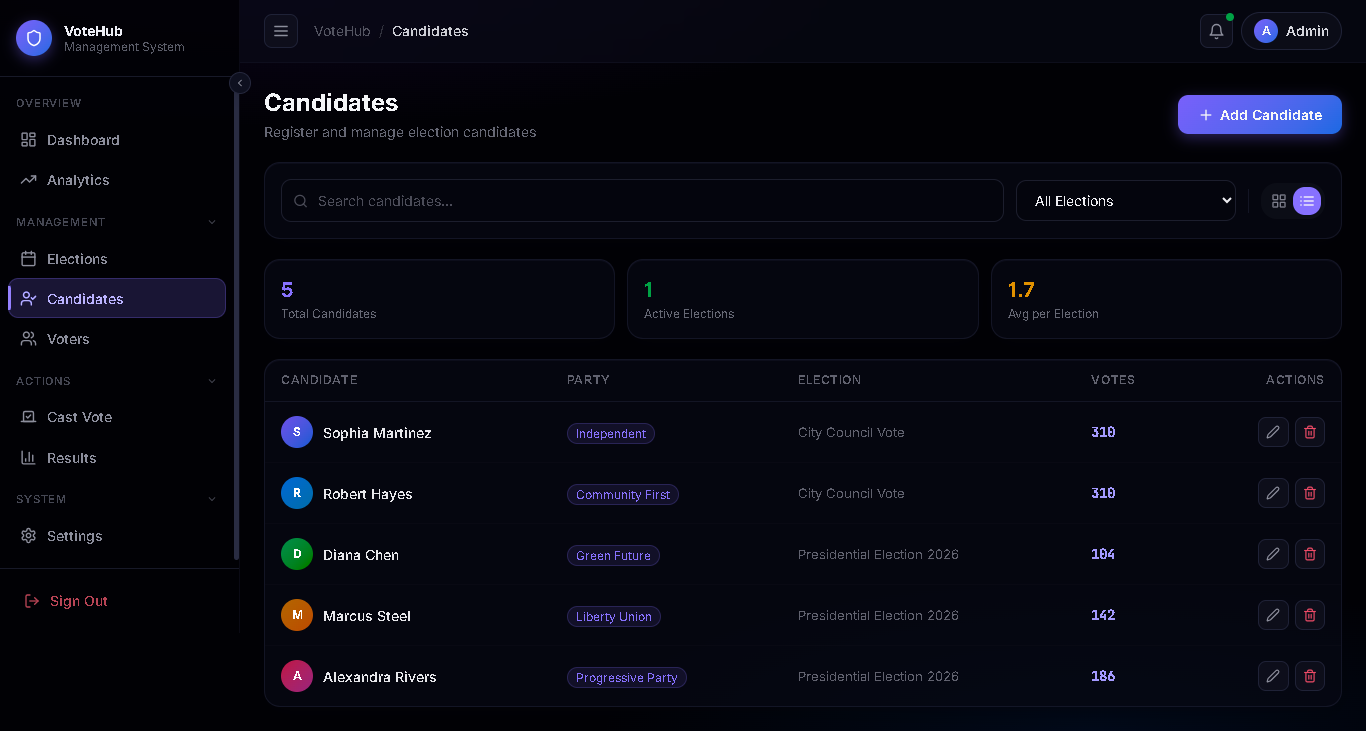
- Candidate Profiles: Track names, party affiliations, and biographies. Candidates are tied to specific elections to prevent cross-pollination.
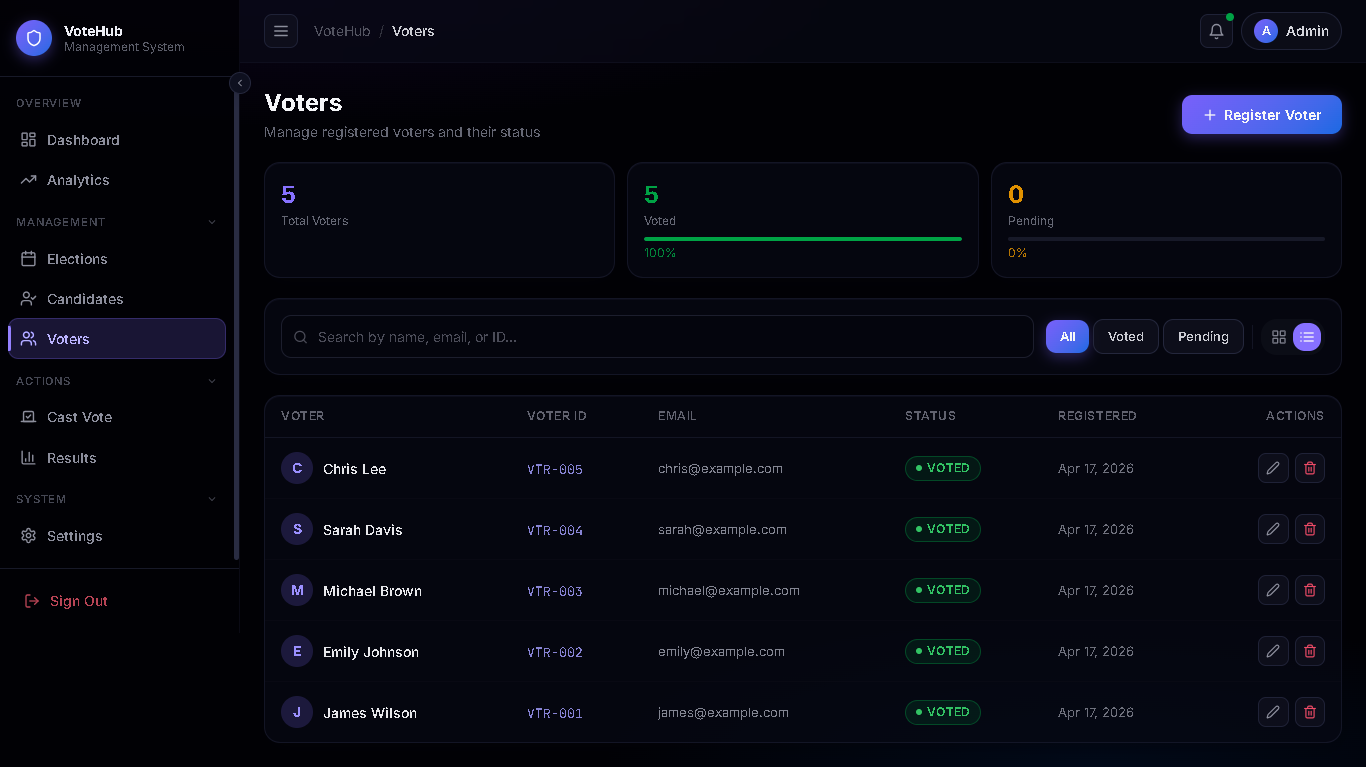
- Voter Registry:
- Auto-ID Generation: Automatically generates unique VTR-XXXX IDs.
- Voter Status: Tracks "Eligible" vs. "Voted" states in real-time.
- Search & Filter: Instantly filter lists by name, ID, email, or election affiliation.
🏗️ 5. The Guided Voting Process (Cast Vote)
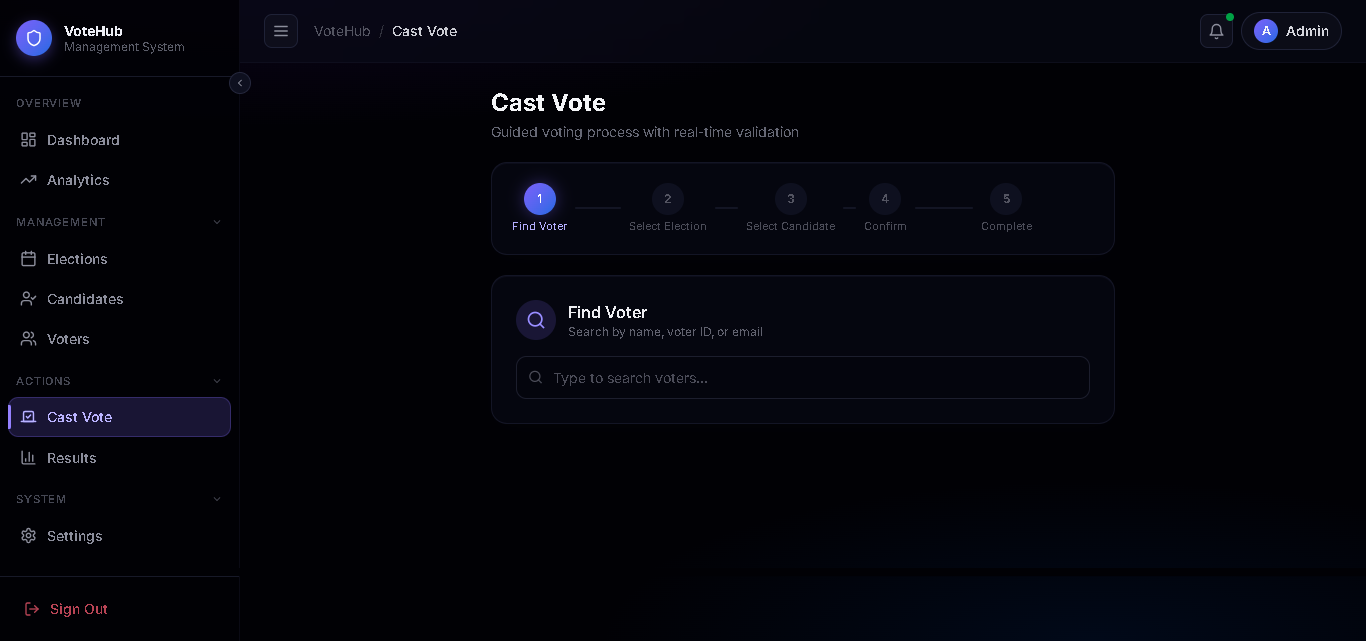
- 5-Step Workflow: A fail-safe stepper that guides the admin through the voting process:
- Find Voter: Search the registry for an eligible voter.
- Select Election: List only currently Active elections.
- Select Candidate: Display candidates specific to that election.
- Confirm: A final review screen with "Irreversible Action" warnings.
- Success: A pulse-glow confirmation screen once the vote is encrypted and stored.
📈 6. Results & Analytics
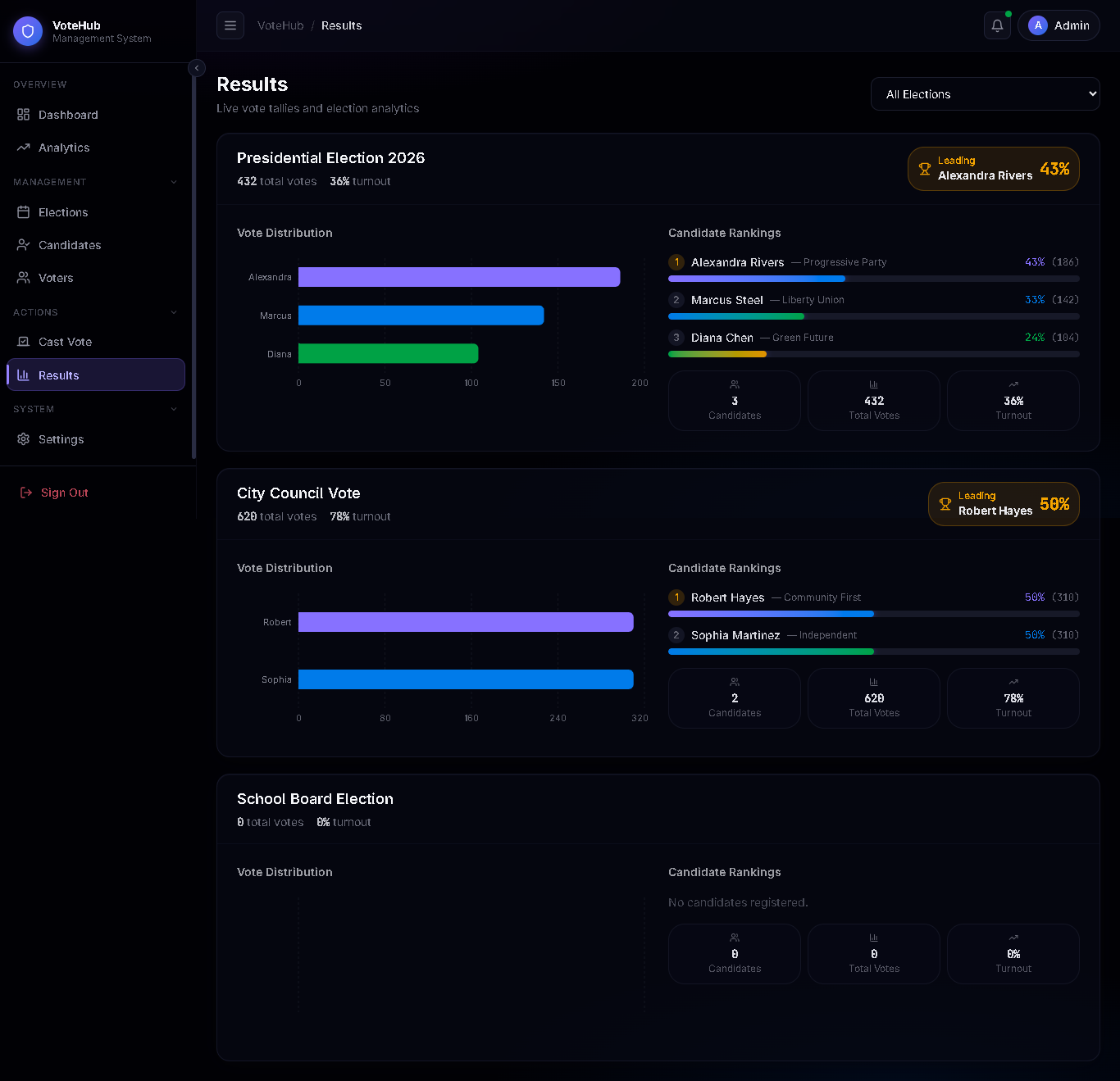
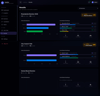
- Live Results: Displays vote tallies and percentages for every election.
- Winner Identification: Automatically highlights the leading candidate with a Trophy Badge.
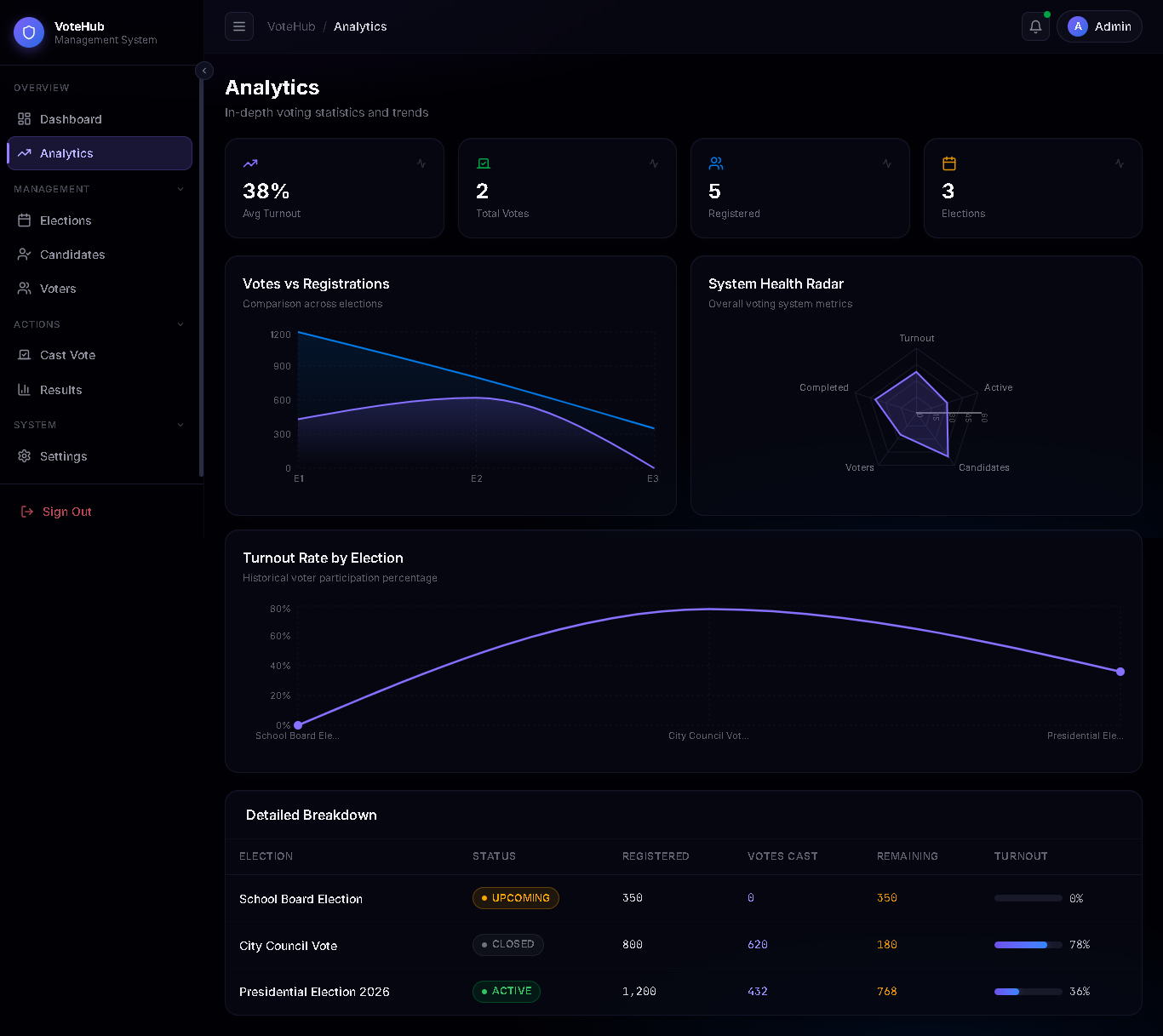
- Analytics Deep-Dive:
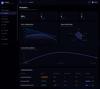
- System Health Radar: Visualizes system performance (turnout vs. registration).
- Trend Area Charts: Tracks the growth of the voter base over time.
⚙️ 7. System Architecture
- SQLite-style Local Storage: A simulated relational database stored in the browser's localStorage. It features relational mapping between voters, candidates, and votes.
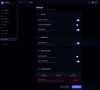
- Collapsible Sidebar: A multi-state sidebar (expanded/collapsed) with grouped navigation. Groups like "Management" and "Actions" can be independently collapsed to save space.
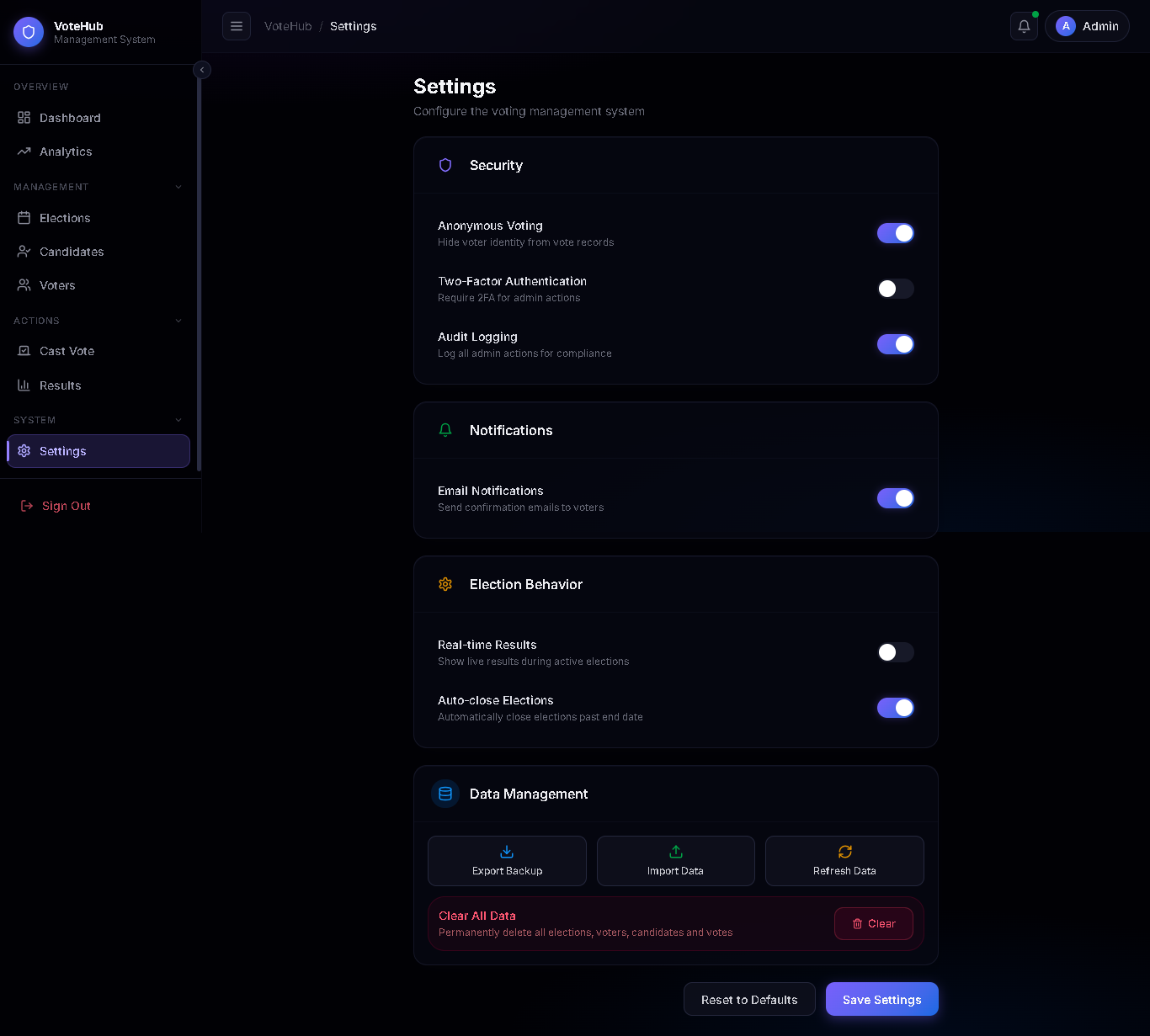
- Data Portability: Settings page includes Export/Import features to backup the entire voting database as a JSON file.
- Factory Reset: A secure "Clear All Data" function with a double-confirmation modal to reset the system for a new season.
📱 8. Responsiveness
- Mobile-First Design: The sidebar converts into a hidden drawer on mobile, and the header labels (like "Dark") hide to ensure the UI remains clean and functional on any device.