

52 Week Savings Challenge & 100 Envelope Tracker - Sheets & Excel
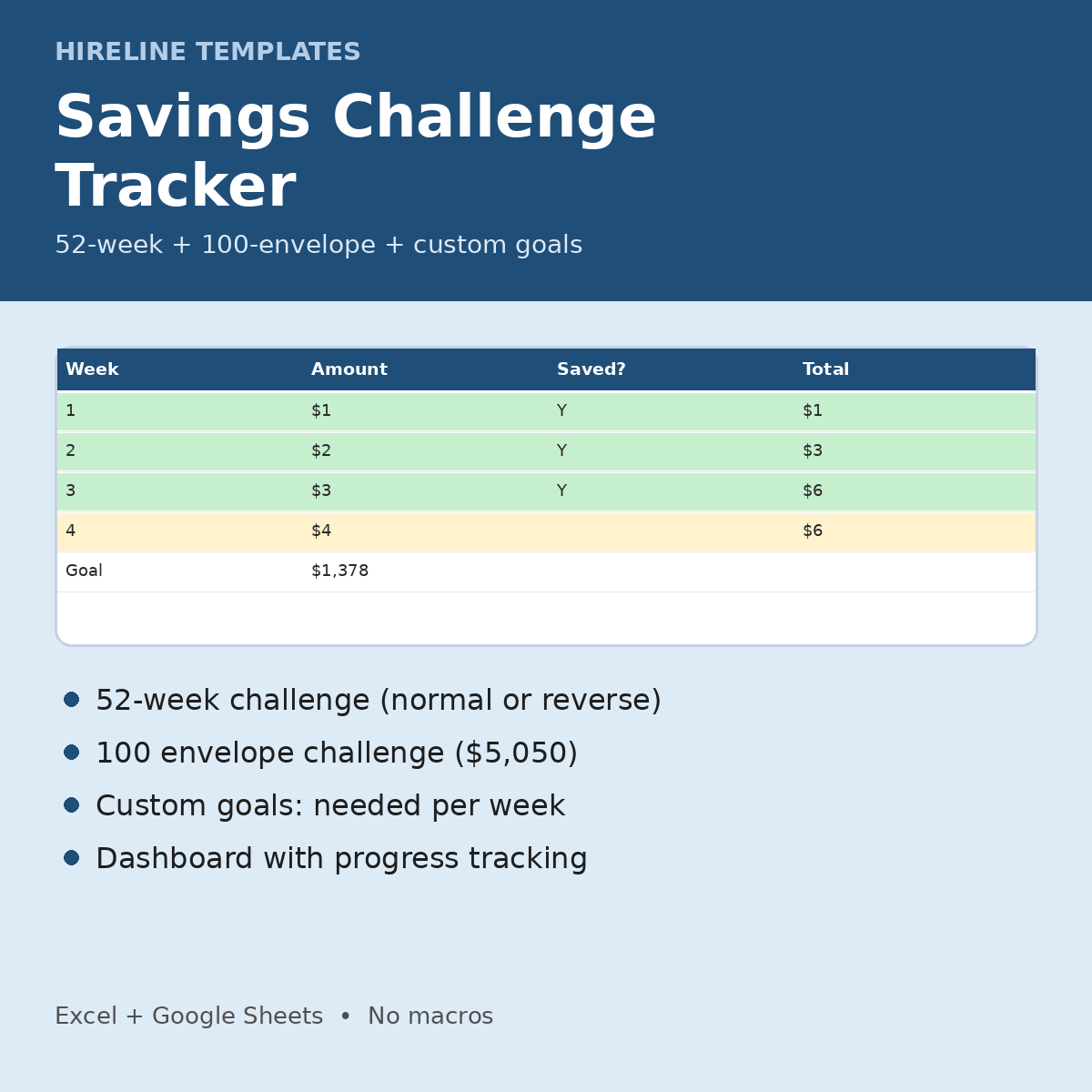
For savers doing the 52-week or 100 envelope challenge: tick off each week or envelope and watch your totals add up automatically.
What you get
- 52-Week Challenge: set the week-1 amount, start date and normal or reverse order. Type Y when a week is saved and the row turns green; missed weeks turn yellow. Running total included.
- 100 Envelope Challenge: a 1-100 grid ($5,050 total). Type Y under each envelope you fill and it turns green, with an envelopes-filled count and progress.
- Custom Goals: target, target date and saved so far, giving remaining, weeks left, needed per week and per month, and progress bars
- Dashboard: saved vs. goal for each challenge and in total, weeks missed so far, and a chart
- Instructions tab + 1-page Start Here PDF. Fictional DEMO rows (highlighted yellow) show how it works. Delete them to start.
How it works
1. Open the .xlsx in Excel or save it as a Google Sheet.
2. Set the week-1 amount and start date for the 52-week challenge.
3. Type Y each time you save.
4. Check the Dashboard for your total.
Works in Excel and Google Sheets (upload the .xlsx to Google Drive, then File > Save as Google Sheets). No macros, scripts or add-ons. A file you keep: no subscription or app account.
Who it's for: savers, cash stuffers, and anyone starting a 2027 savings challenge.
FAQ
- Printable? It is a spreadsheet, designed for on-screen use. It is not a printable PDF.
- Is it a subscription? No. You pay once.
- Questions? hirelinetemplates@mail.grokbot.com
Job hunting too? Track every application free with the Job Application Tracker Lite: https://payhip.com/b/2HqLW