


CER Builder
CER Writing Response Builder
Interactive Claim, Evidence, and Reasoning Support for Students
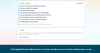
Help students turn a question into a clear, evidence-based written response—without having AI write the answer for them.
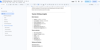
The CER Writing Response Builder guides students step by step through Claim, Evidence, and Reasoning using structured prompts, sentence starters, examples, automatic carry-forward support, a built-in Writing Coach, accessibility tools, and a final response checklist.
Students complete the thinking and writing themselves. The organizer simply makes the process easier to understand, manage, and revise.
What Is CER?
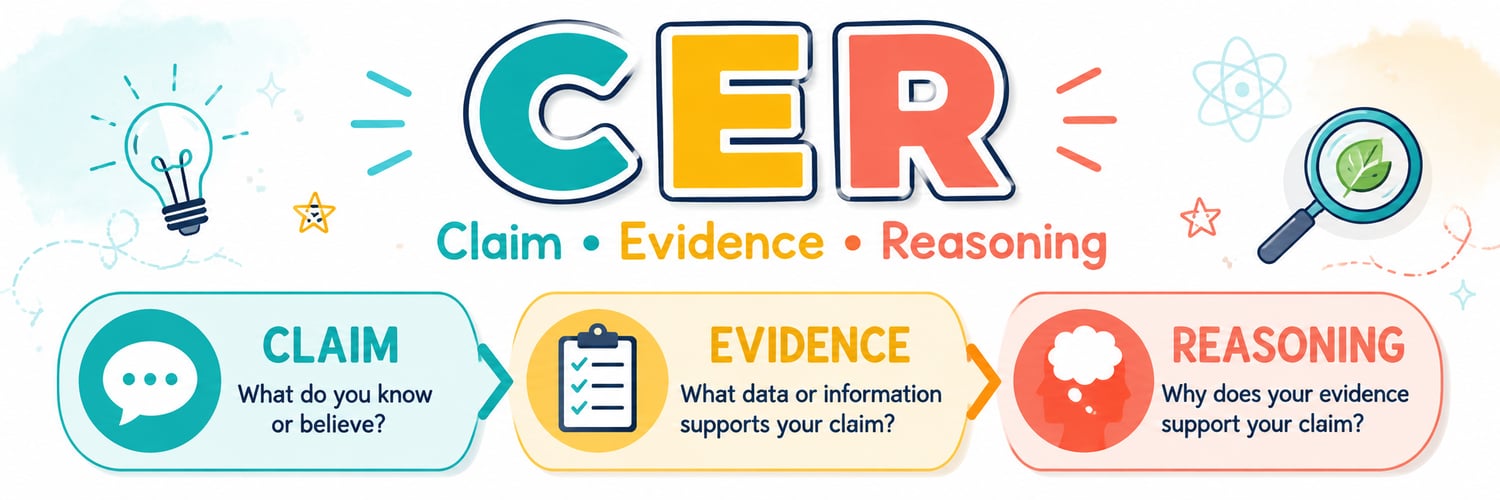
CER is a structured writing strategy that helps students explain their thinking using three connected parts:
Claim
Students restate the question as a statement and provide a clear answer, conclusion, or position.
Evidence
Students support their Claim with a relevant quotation or detail from the text or source.
Reasoning
Students explain how and why the Evidence supports the Claim.
The organizer keeps each step visible and connected so students are not expected to remember, copy, or retype their previous work.
Built-In Student Support
Claim: Restate + Answer
The Claim section helps students:
- review the original question
- identify important words and ideas
- turn the question into a statement
- add a clear answer or conclusion
- create a Claim that makes sense even without the original prompt
Evidence Support
Students add relevant source evidence using built-in sentence starters and reminders.
The Evidence Writing Coach checks for:
- missing quotation marks
- unmatched opening or closing quotation marks
- missing ending punctuation
- capitalization concerns
- informal academic language
- contractions and casual wording
- common spacing and grammar issues
Reasoning Support
Students see their Claim and Evidence while writing their Reasoning.
The Writing Coach helps identify:
- reasoning that repeats the Evidence
- reasoning that repeats the Claim
- missing explanation language
- short or incomplete explanations
- possible run-on sentences
- informal or unclear academic language
Writing Coach
The built-in Writing Coach gives students immediate, supportive feedback without rewriting their work.
It checks for common concerns a teacher may notice, including:
- capitalization and ending punctuation
- missing spaces around punctuation
- repeated words
- informal use of I, me, my, you, we, or our outside quotations
- contractions
- vague or casual language
- common subject-verb agreement errors
- possible run-on sentences
- missing quotation marks
- weak or repetitive Reasoning
Students must decide how to revise their own writing.
This is not AI-generated writing. The tool supports students through the writing process but does not create Claims, Evidence, Reasoning, or completed responses for them.
Automatic Carry-Forward
Students do not need to repeatedly scroll, copy, or remember what they wrote.
- The Claim appears while students write Evidence.
- The Claim and Evidence appear while students write Reasoning.
- Claim, Evidence, and Reasoning are automatically combined into a complete CER response.
- Students may revise the final response directly before submitting or exporting it.
Accessibility Features
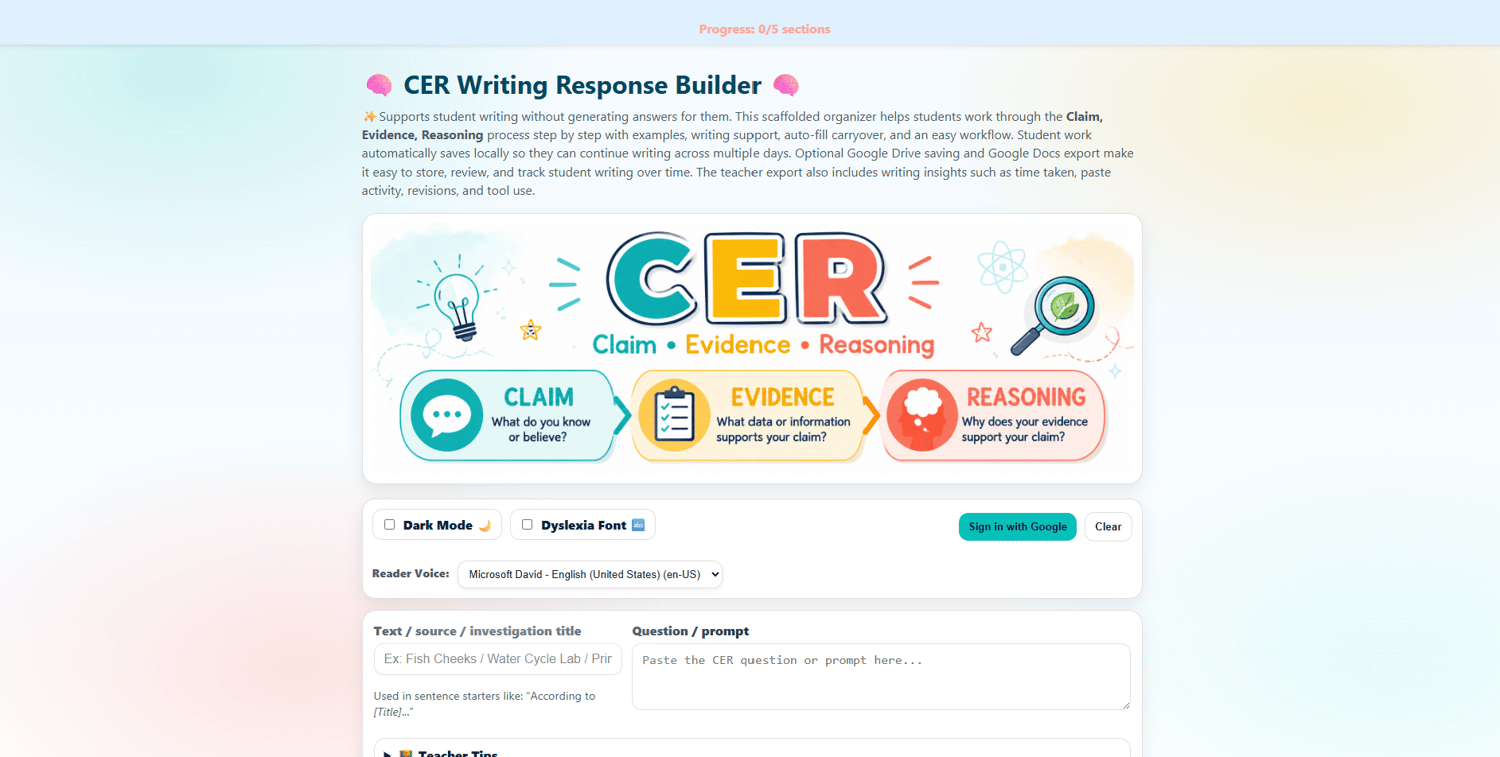
The CER Builder includes:
- read-aloud buttons for each writing section
- read-aloud support for the completed response
- selectable browser reader voices
- dyslexia-friendly font option
- dark mode
- clear visual organization
- sentence starters
- concrete examples
- progress tracking
- student-friendly instructions
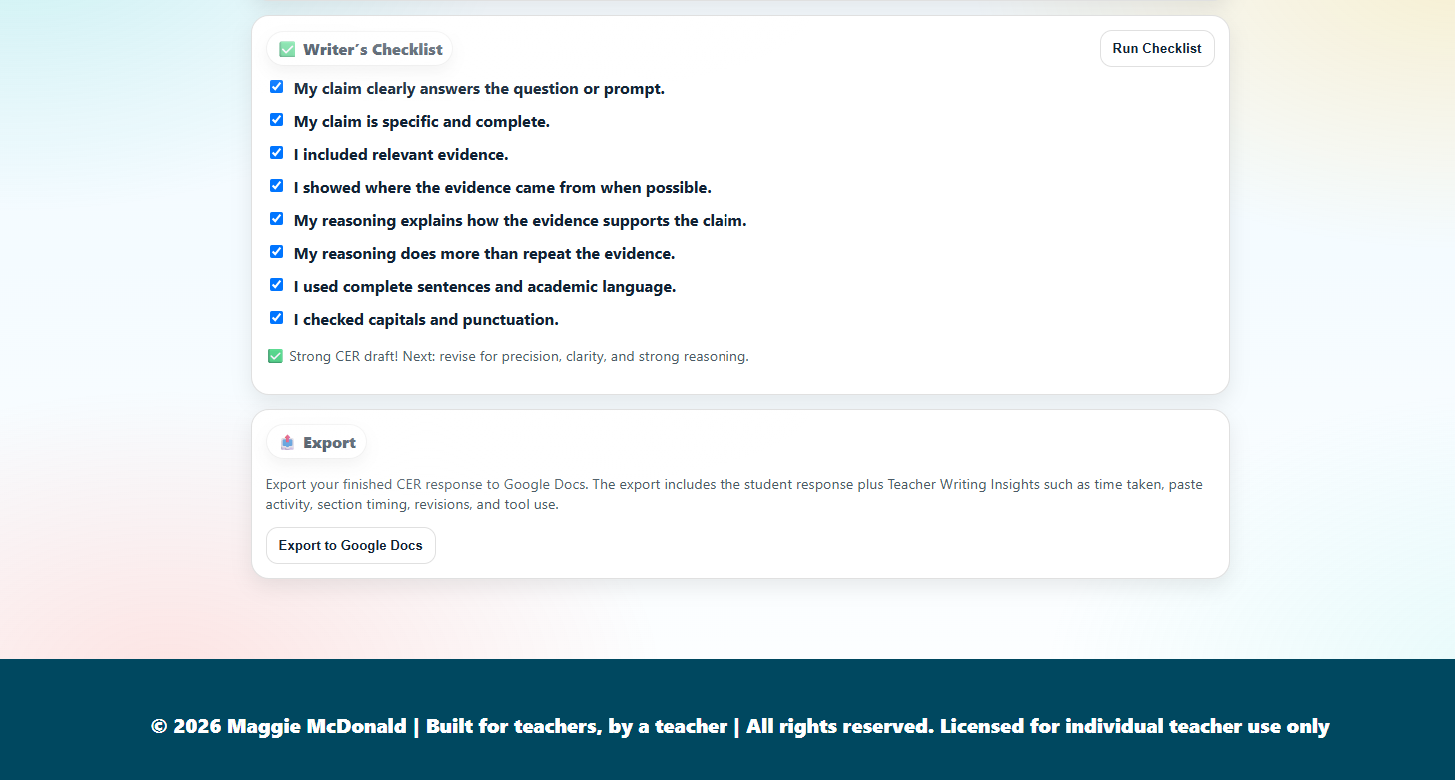
- final Writer’s Checklist
Save, Resume, and Export
Student work automatically saves locally in the browser.
Students may also sign in with Google to:
- save their work to Google Drive
- continue a response across multiple sessions
- export the finished CER response to Google Docs
The exported Google Document includes:
- the assignment title or source
- the original question or prompt
- the student’s Claim
- the student’s Evidence
- the student’s Reasoning
- the complete Final CER Response
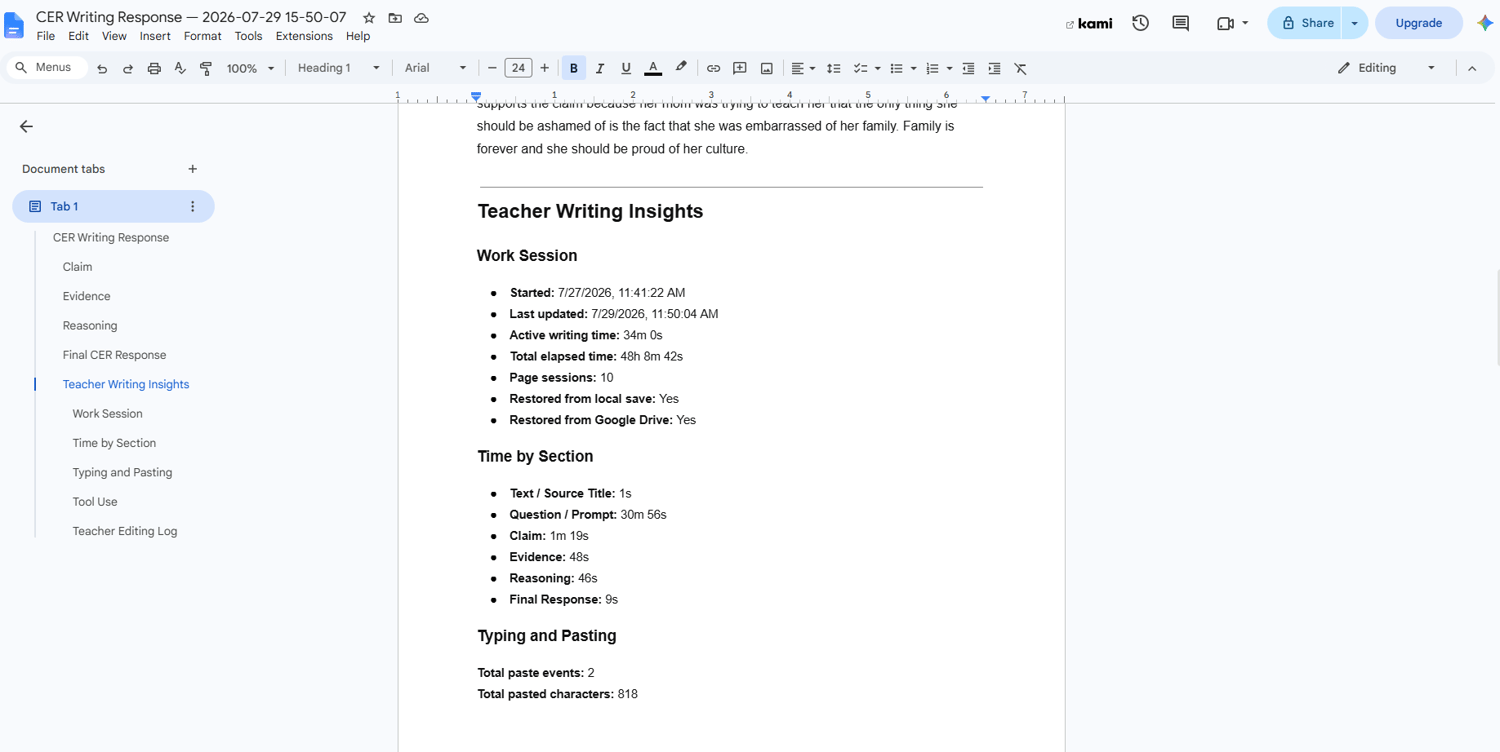
- Teacher Writing Insights
Teacher Writing Insights
The Google Docs export provides teachers with additional information about how the response was developed.
Teacher Writing Insights may include:
Time and Sessions
- active writing time
- total elapsed time
- time spent in each writing section
- number of page sessions
- whether saved work was restored
Paste Activity
- number of browser paste events
- section where each paste occurred
- number of pasted characters
- number of pasted words
- approximate pasted amount compared with the final response
Tool Use
- Writing Coach checks
- sentence starter use
- checklist runs
- read-aloud use
- copy and export actions
- whether the final response was edited directly
Editing Log
The exported document also includes a chronological activity log showing when students entered sections, used support tools, pasted text, restored work, revised the final response, or exported the assignment.
Important: Paste tracking does not prove that a student used AI. The organizer records that a browser paste event occurred, but it cannot determine where the text came from. Teachers should use this information as one piece of context alongside the student’s writing, classroom observations, and normal academic-integrity procedures.
Cross-Curricular Use
The CER Builder can be used across multiple subjects.
ELA
- text-dependent responses
- literary analysis
- character analysis
- theme
- author’s purpose
- paired passages
- short constructed responses
Science
- lab conclusions
- scientific explanations
- observations
- data-based claims
- investigation results
- phenomenon analysis
Social Studies
- primary source analysis
- historical claims
- cause-and-effect explanations
- document-based responses
- evidence-based conclusions
Perfect For
- upper elementary students
- middle school students
- high school students who need writing support
- special education classrooms
- inclusion and resource classes
- writing intervention
- small-group instruction
- independent practice
- test preparation
- cross-curricular writing
- students who need the writing process broken into manageable steps
Your Purchase Includes
- one school year of access to the interactive CER Writing Response Builder
- Claim, Evidence, and Reasoning writing sections
- Claim Restate + Answer guidance
- sentence starter buttons
- concrete student examples
- built-in Writing Coach
- quotation-mark and conventions checks
- automatic carry-forward support
- final CER response compilation
- Writer’s Checklist
- local browser autosave
- optional Google Drive saving
- Google Docs export
- Teacher Writing Insights
- read-aloud support
- dyslexia-friendly font
- dark mode
- CER Builder access instructions
Access Information
This product provides access for one school year.
After purchase, you will receive the access instructions needed to open and use the CER Writing Response Builder.
New access information may be issued at the beginning of a new school year.
License
This purchase includes a personal classroom license for one teacher.
You may use the CER Builder with your own students during the licensed school year.
Access links, codes, files, and materials may not be shared publicly, posted online, resold, redistributed, or shared with other teachers who have not purchased their own license.
For schoolwide or district access, please contact Made by Maggie for licensing options.
Built for Teachers, by a Teacher
The CER Writing Response Builder was created by a certified special education teacher to make evidence-based writing more accessible, manageable, and meaningful.
The goal is not to replace student thinking.
The goal is to give students the structure and confidence they need to become stronger, more independent writers.