




BOMDOXI Freelancer Business Toolkit v1.4.6 — Offline Invoice, Expense, Project & Quote App (US · UK · AU)
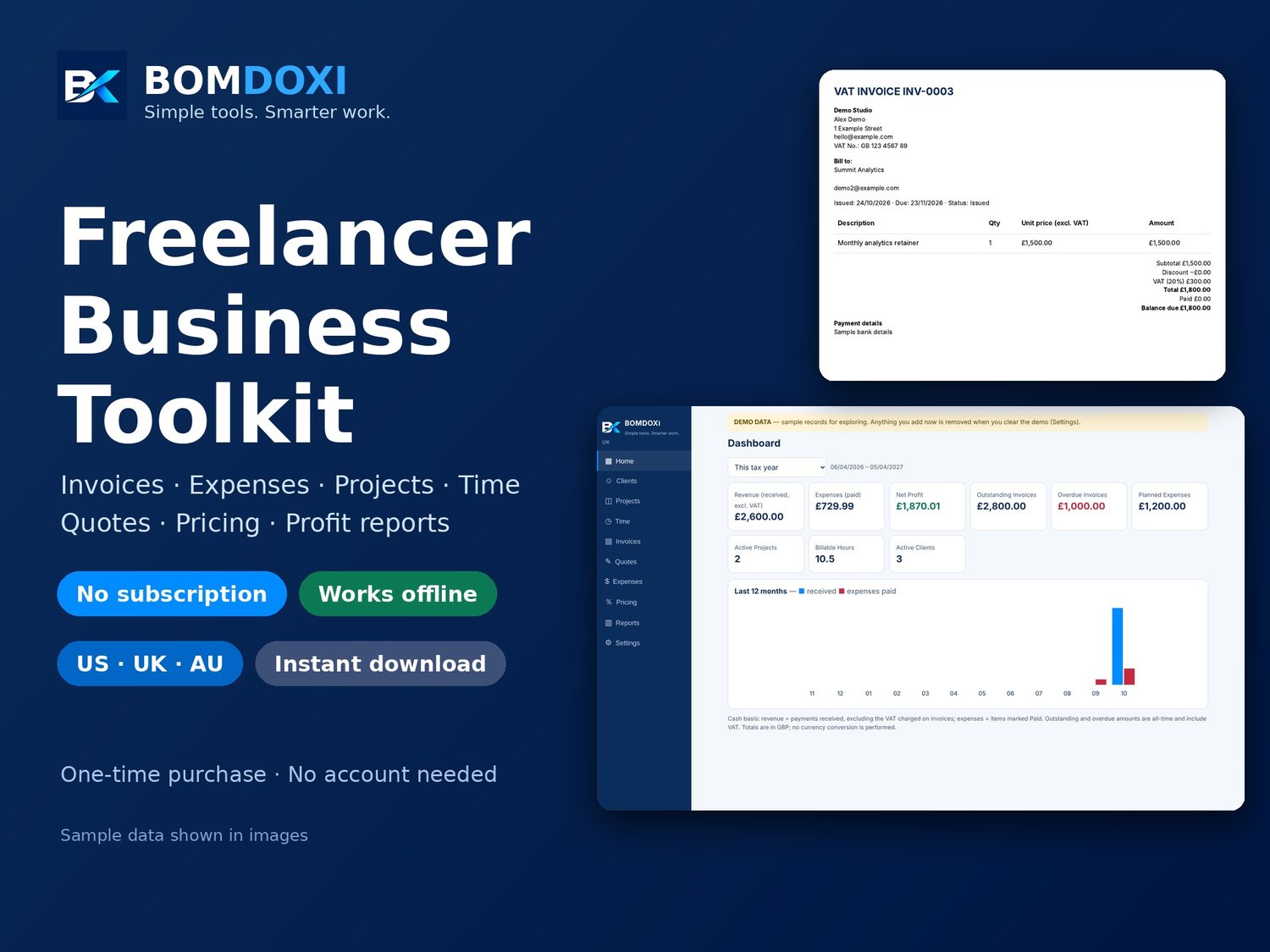
Run your freelance business from one simple, offline app. BOMDOXI Freelancer Business Toolkit runs in your computer's web browser (Chrome or Edge recommended): track clients, create invoices, record payments and expenses, follow projects and hours, write quotes, price your work and see your profit, all in one place.
NO SUBSCRIPTION. NO ACCOUNT. YOUR DATA STAYS ON YOUR DEVICE. Records are stored in your browser on your computer. Nothing is uploaded to a server, and the app works without an internet connection.
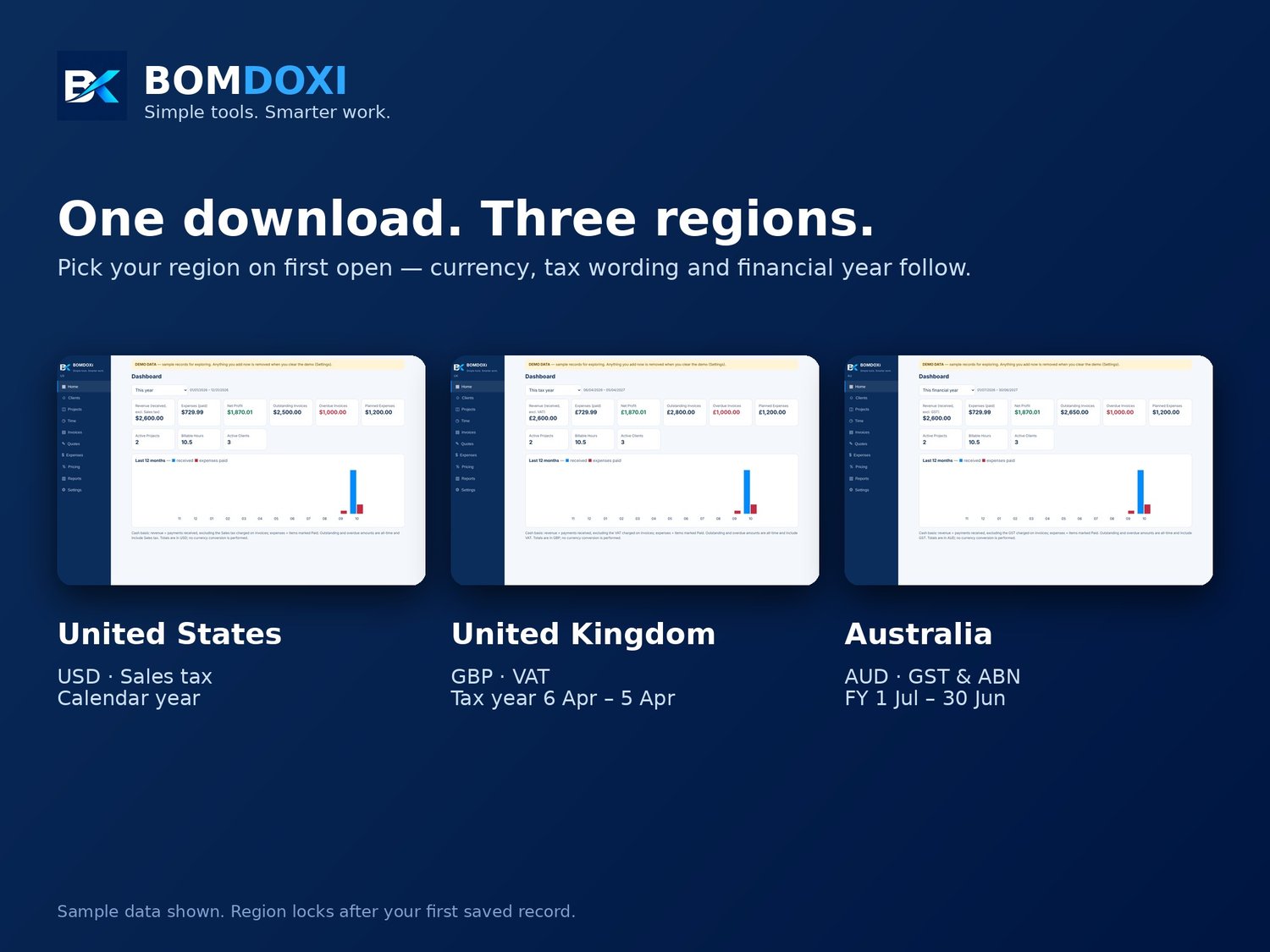
CHOOSE YOUR REGION WHEN YOU START: United States (USD, sales tax, calendar year), United Kingdom (GBP, VAT, tax year 6 April to 5 April) or Australia (AUD, GST and ABN, financial year 1 July to 30 June). The region sets currency, date format, tax wording, financial year and invoice layout.
WHAT YOU CAN DO
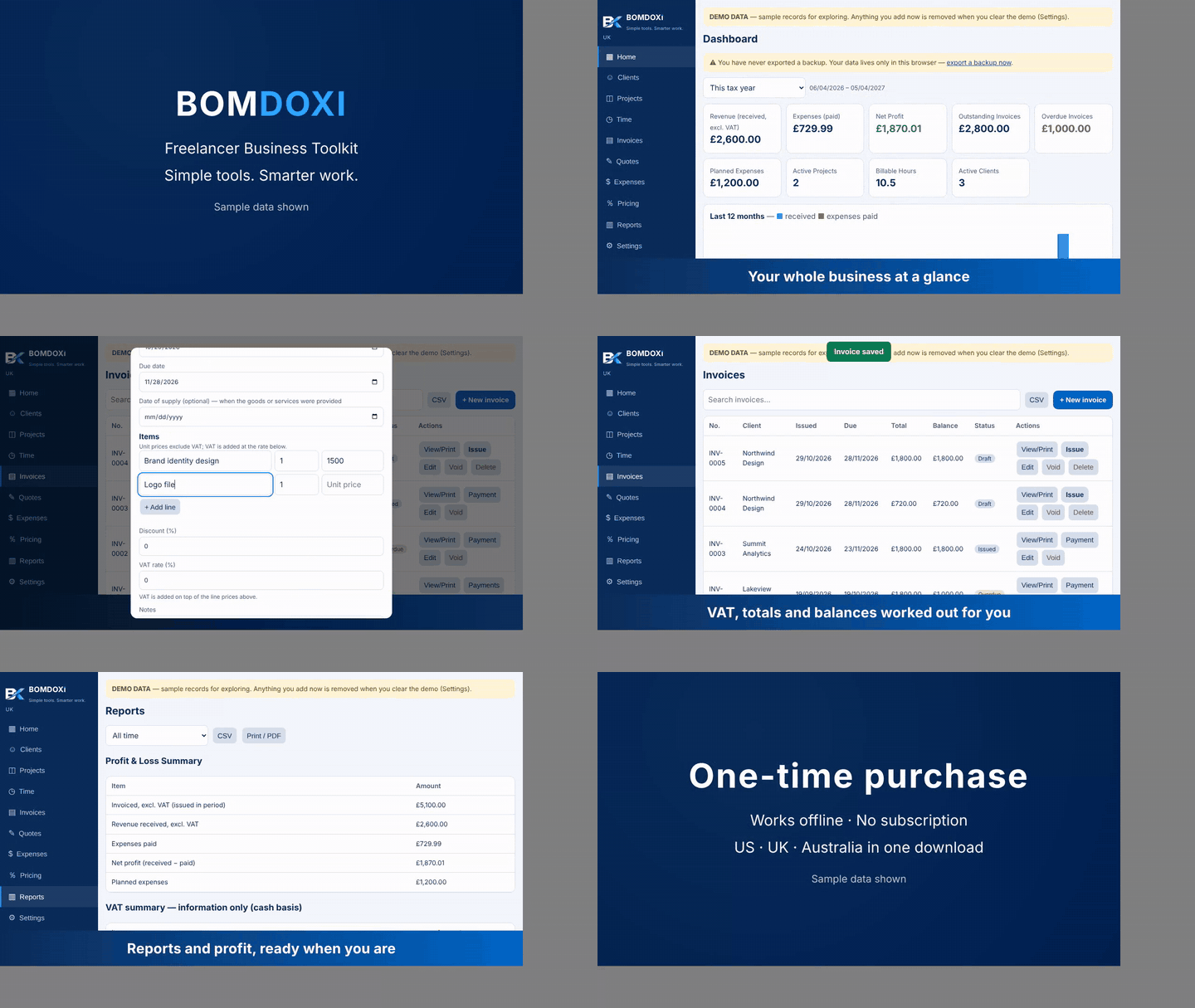
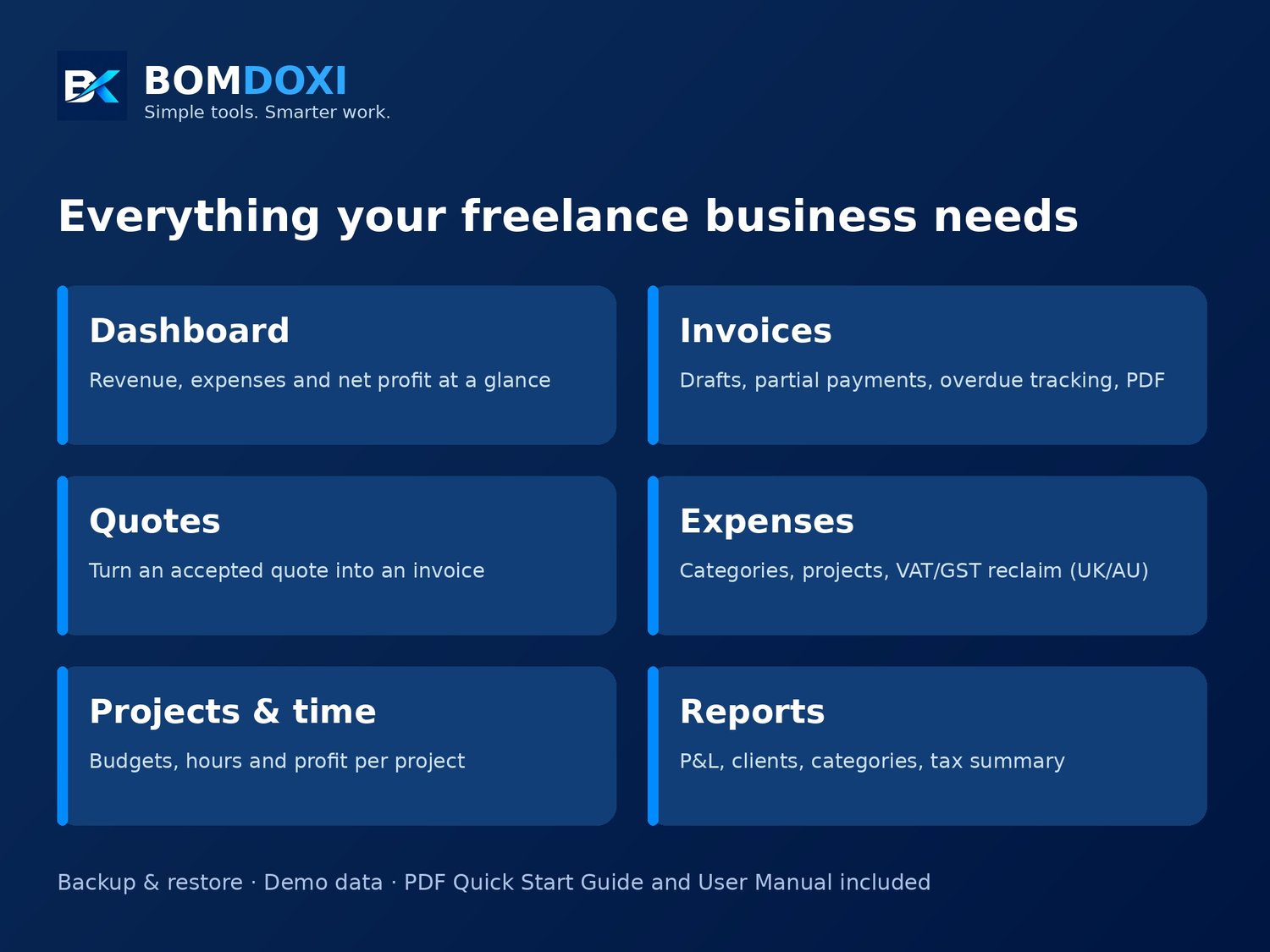
- Dashboard: revenue (excluding tax), expenses, net profit, outstanding and overdue invoices, active projects, billable hours and a 12-month chart.
- Clients: contact details, search, archive, and what each client has paid.
- Invoices: multi-line invoices with discount and tax rate, automatic numbering, drafts you issue when ready, partial payments, overdue detection, void, print or save as PDF, CSV export.
- Quotes: proposals with a validity date, duplicate, print as PDF, and turn an accepted quote into a draft invoice in one click.
- Expenses: custom categories, paid or planned, linked to projects. UK and Australia: record the VAT/GST included and choose whether to reclaim it.
- Projects and time: budgets, deadlines, hours, billable rates, estimated and realised profit per project.
- Pricing calculator: find the price that reaches your target margin after fees and estimated taxes.
- Reports: profit and loss, client revenue, expenses by category, project profitability, outstanding invoices, and a tax summary for information.
- Backup and restore: export everything to one file and restore it any time, with safety checks on import.
- Demo data: explore with sample records first, then clear them with one click.
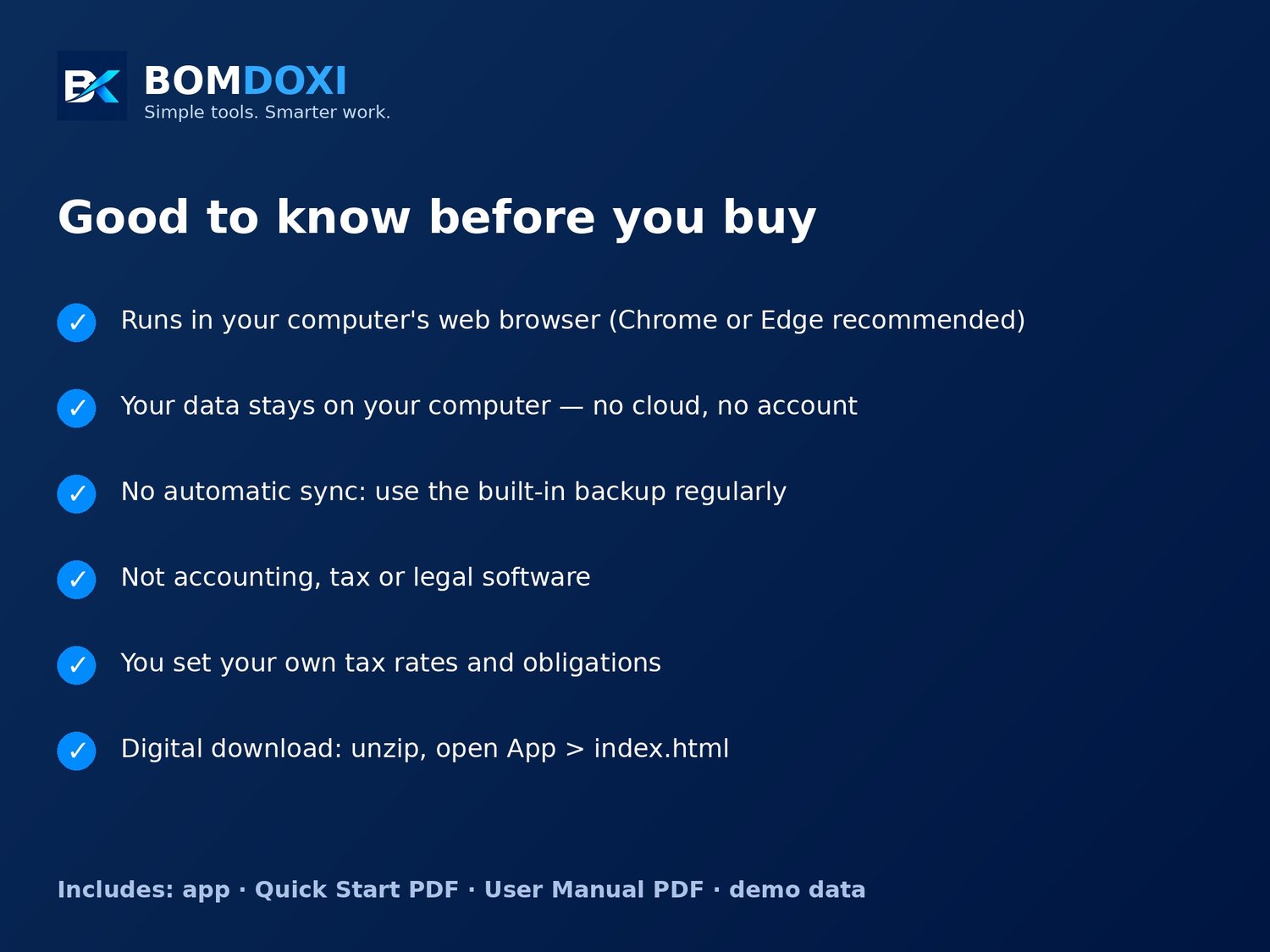
HOW IT WORKS: download the ZIP, unzip it, open App/index.html in Chrome or Edge. A Quick Start Guide and a User Manual (PDF) are included.
PLEASE READ BEFORE BUYING
- Your data is stored in your browser on the computer you use. There is NO automatic sync and no cloud copy. Use the built-in backup export regularly. If browser data is cleared and you have no backup, records are lost.
- This is a billing and business-tracking tool. It is NOT accounting, tax or legal software. Invoices are not guaranteed to meet the requirements of any country or tax authority. You set your own tax rates and are responsible for your tax obligations.
- Designed for computers (desktop or laptop browsers). Automated testing was done in Chromium (the Chrome/Edge engine). Other browsers have had less testing. Not sold as a phone or tablet app.
- One currency per workspace; amounts are never converted. The region is locked after you save your first record; to use another region, export a backup and start again.
- Digital product: nothing is shipped. Images show sample data.
- Created by BOMDOXI with the assistance of AI tools for code and design.
- Refund policy: If the app does not work on your computer and we cannot fix it, message us within 14 days of purchase for a full refund. Please tell us your computer, browser and what happened, so we can try to help first. Refunds are not offered for change of mind after the file has been opened, or for use on unsupported devices such as phones or tablets.