
Secure Excel Transformer Tool 엑셀 데이터 정제 및 보안 처리 도구
엑셀 데이터 정제 및 보안 처리 도구
Secure Excel Sanitizer & Transformer Tool
A utility for secure reading and writing of Excel files.
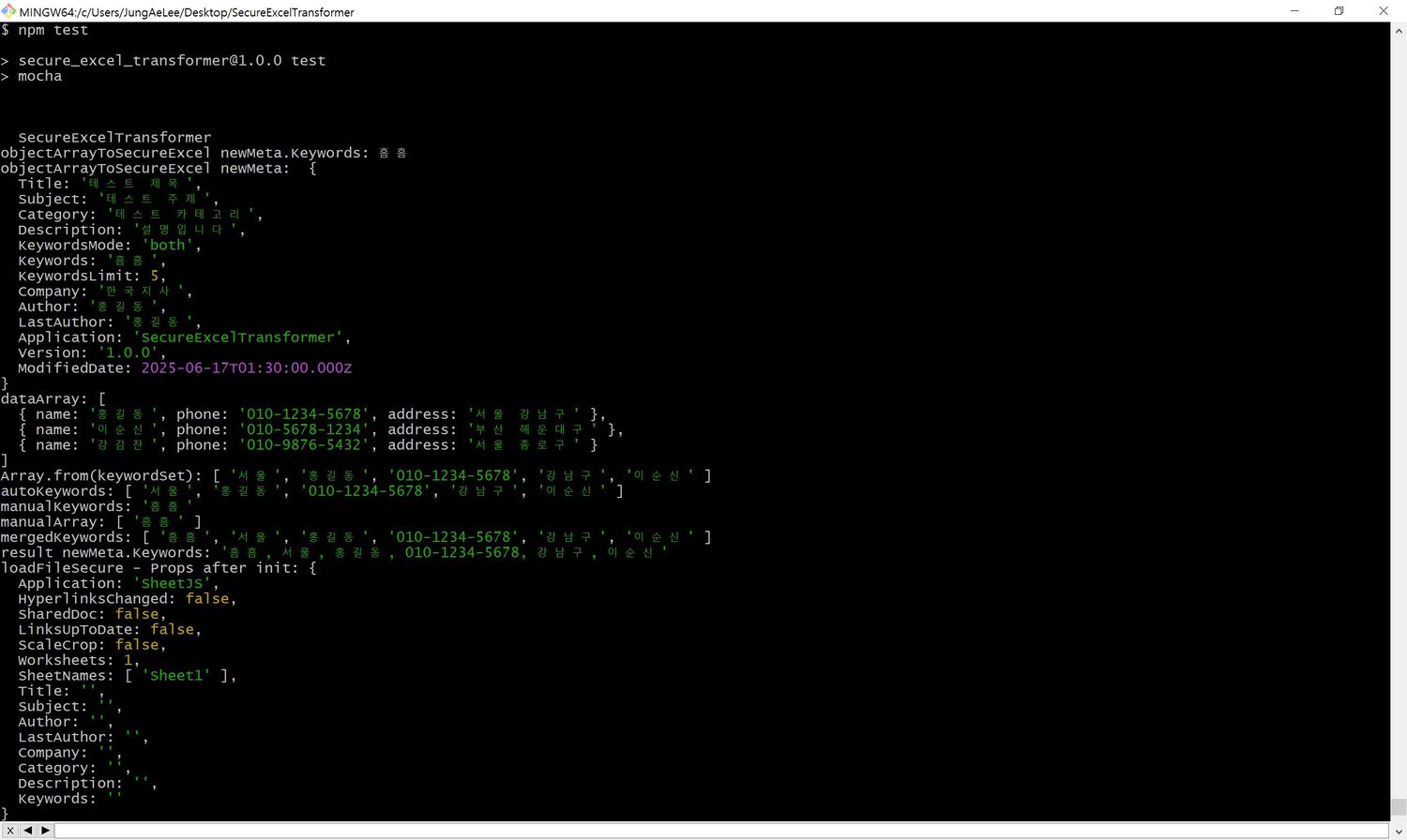
Provides metadata sanitization, automatic keyword extraction, sheet transformation, and secure Excel file generation — with colorized console output.
Based on an object array, the tool generates a secure Excel file, sanitizes sensitive metadata, and embeds new metadata. Each step is modular, allowing flexible use — metadata insertion can be skipped if not needed. For metadata keywords, the tool analyzes the most frequent terms in the dataset and inserts the top N in descending order of frequency.
보안을 고려한 Excel 파일 입출력 유틸리티입니다.
다양한 메타데이터 정제 및 키워드 자동 추출, 시트 변환, 안전한 엑셀 생성 기능을 제공하며, 콘솔 출력은 컬러로 제공됩니다.
객체 배열을 바탕으로, 안전한 엑셀 파일을 생성하고, 민감한 메타데이터를 정제하고, 메타데이터를 삽입합니다. 이 과정에서의 모든 명령은 개별적으로 사용할 수 있고, 메타데이터 삽입이 불필요하다면 생략하면서 사용하실 수 있습니다. 메타태그의 키워드의 경우에는 내가 원하는 키워드의 개수만큼을, 가장 많이 사용된 단어의 횟수를 자동으로 분석해서 내림차순으로 삽입해줍니다.
주요 기능 / Features
- 엑셀 데이터에서 보안 정제된 객체 배열 추출
Extract a sanitized object array from Excel data
- 전체 객체배열의 데이터를 분석하여 가장 많이 사용된 단어를 메타데이터의 키워드로 자동삽입 (상위 N개)
Automatically insert top-N most frequent terms as metadata keywords
- SheetJS 방식의 메타데이터 삽입 및 확인
Embed and inspect metadata using SheetJS-compatible format
- 보안 키 필터링 (예: XSS 방지, 포맷 제한, 불필요한 키 제거)
Security-based key filtering (e.g., XSS prevention, format constraints, unwanted key removal)
- 민감한 개인정보는 true 또는 false 값을 받아서 원하는대로 정제
Sensitive fields (e.g., author/company) can be selectively deleted based on user preference
메타데이터 중, 민감한 개인정보 선택
Company, Author, LastAuthor 필드를 보존할지 삭제할 지 여부를 결정
Choose whether to preserve or remove sensitive fields like Company, Author, and LastAuthor.
메타데이터 중, 키워드 생성방식의 선택
KeywordsMode 를 'auto', 'manual', 'both' 중 선택해서 자동삽입을 할지, 수동지정을 할지, 자동+수동으로 합산할지 결정
Set KeywordsMode to 'auto', 'manual', or 'both' to control keyword extraction:
- 'auto': use only data analysis
- 'manual': use only user-defined keywords
- 'both': combine both sources
디렉토리 구조 / Directory Structure
SecureExcelTransformer/
├── index.js # 주요 기능 모듈 / Main logic
├── node_modules
├── test/
│ └── test.js # 테스트 코드 / Test code
├── package.json
├── README.md
└── LICENSE.txt # 라이선스 안내 / License info
라이선스 / License
해당 도구는 구매자에게 1 프로젝트당 1 라이선스로 제공됩니다.
본 도구의 무단 복제, 배포를 금합니다.
Each purchase grants one license per project.
Unauthorized redistribution is prohibited.
문의 / Contact
- 이메일 / Email: from202502@gmail.com, postinsight@naver.com