

How to transfer a Photo Collection Between Cloud Services and Verify the Result
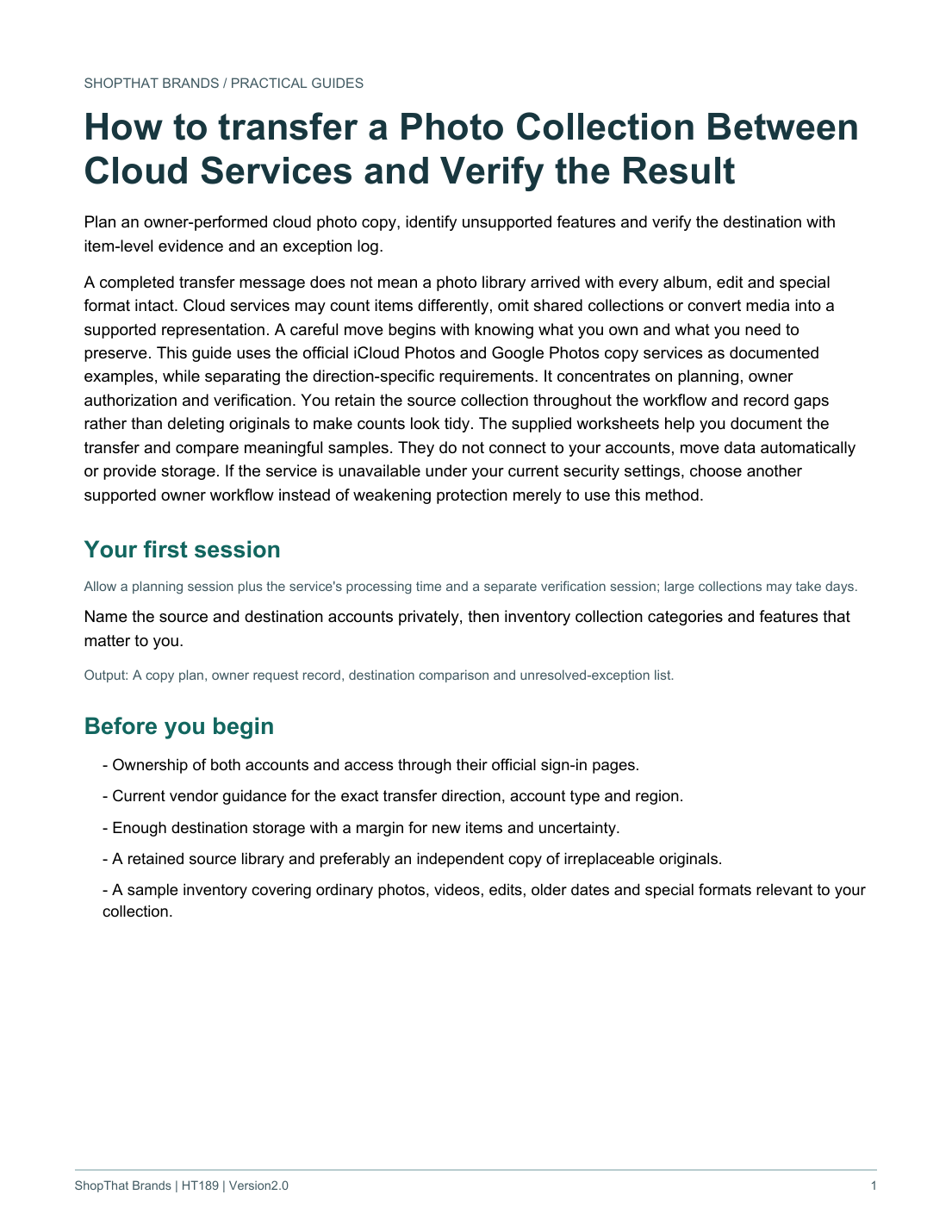
A transfer-complete message is the beginning of verification. This guide helps photo-library owners prepare a copy between supported cloud services, understand direction-specific limits and document what actually arrived.
Eight explained steps cover a clear goal and cutoff, source preservation, media categories, representative test items, current route compatibility, destination capacity, owner authorization, status monitoring, item-level comparison and exception resolution. Official Apple guidance for iCloud-to-Google and Google-to-iCloud provides the documented examples. The workflow keeps those directions separate and does not recommend weakening account protection to enable a service.
Four practical tools capture the copy scope, owner request/capacity, media comparison and unresolved exceptions. Each includes specific field help and a coherent filled example. A complete fictional collection shows why 130 source items and 128 destination items need evidence-based reconciliation rather than automatic assumptions about loss or duplicates. Videos, albums and special categories receive separate checks.
Delivered as a PDF guide, offline HTML companion and TXT worksheets. You perform all account actions and provide storage and retained originals. This product does not transfer data, connect accounts or delete source files. It helps you reach an honest decision about the tested copy while keeping preservation gaps visible.
Included files: PDF guide, offline HTML guide, 4 distinct editable tools in HTML and TXT. Extract the ZIP before use. No paid software is required to read this guide or edit its supplied tools. Third-party services discussed may have their own costs. No XLSX, Canva, Notion or video files are included.
Text and template wording were generated with AI and reviewed for clarity and consistency.
License: Personal or internal business use only. You may edit the templates for that use; do not redistribute or resell the supplied files or templates.
HTML tools do not autosave. Use Save filled copy before closing to download and keep your completed entries.