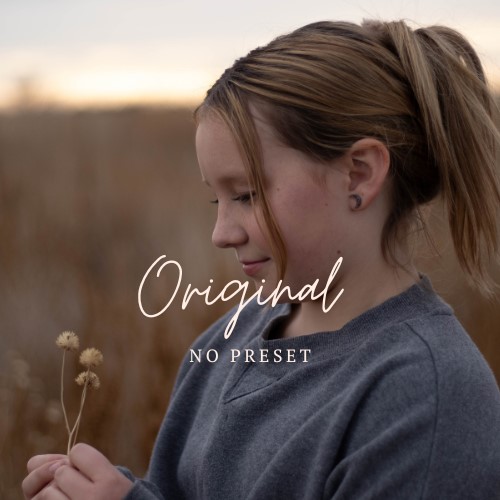
These presets are perfect for adding pops of color to your images without distorting the subjects skin tone. I also paired these fall presets with my classic moody film black and white presets.
Once you have downloaded your presets, please follow these instructions to upload them into your lightroom workspace.
- From the menu bar, choose File > Import Profiles & Presets.
- In the Import dialog that appears, browse to the required path and select profiles or presets that you want to import.
- Click Import.
It is important to note that you may have to do some light editing after applying any preset, as your lighting and camera settings change. However, these presets are a great base to achieve the look above.