



QET Markdown Editor - Professional Desktop Application (Windows) - Privacy-First Offline Markdown Editor with Professional Export to PDF, DOCX, HTML & MD
Transform Your Markdown Workflow with QET Markdown Editor
QET Markdown Editor is a professional desktop application designed for privacy-conscious writers, developers, and content creators who demand powerful features without compromising their data security.
🔒 Privacy-First Design
Your data stays on your computer. Period. QET Markdown Editor works completely offline with zero-knowledge encryption architecture. No cloud sync, no data collection, no tracking. Your documents are yours alone.
✨ Powerful Features
• Real-Time Preview - See your formatted content as you type with instant markdown rendering
• Syntax Highlighting - Beautiful code block highlighting for 180+ programming languages
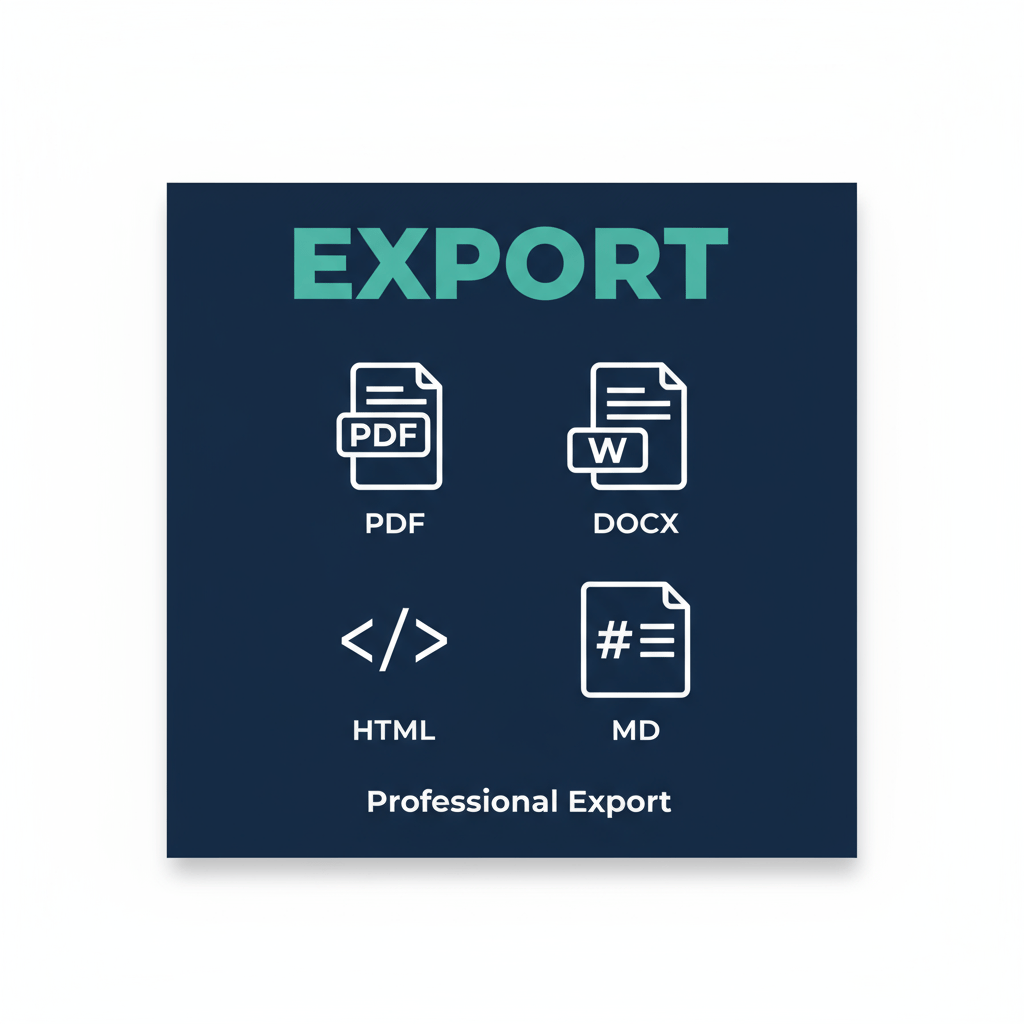
• Professional Export - One-click export to PDF, DOCX (Word-compatible), HTML, and raw MD formats
• Auto-Save - Never lose your work with automatic local storage every 30 seconds
• Keyboard Shortcuts - Efficient workflow with Ctrl+B (bold), Ctrl+I (italic), Ctrl+S (save), and more
• Clean Interface - Distraction-free writing with split-pane editor and preview • Offline-First - Works anywhere, anytime - no internet required
📤 Professional Export Capabilities
Export your markdown documents to multiple formats with preserved formatting:
• PDF Export - Professional PDF documents with proper typography and layout
• DOCX Export - Microsoft Word-compatible RTF format that opens in Word, LibreOffice, Google Docs
• HTML Export - Standalone HTML files with embedded styles for web publishing
• MD Export - Raw markdown files for version control and collaboration
🎨 Beautiful Design
Professional navy blue and teal color scheme with clean typography using the Inter font family. The interface is intuitive, responsive, and optimized for productivity.
💻 System Requirements
• Windows 7 or later (Windows 10/11 recommended) • 2 GB RAM minimum (4 GB recommended) • 100 MB disk space • Modern web browser (included in Windows)
📦 What You Get
• QET Markdown Editor Windows Installer (MSI format) • Professional desktop application with all features unlocked • Lifetime license - no subscription required • Desktop and Start Menu shortcuts • User documentation and quick start guide • 30 days email support (qandetech@gmail.com)
🚀 Installation
1.Download the QET-Markdown-Editor.msi installer
2.Double-click to run the installer
3.Follow the simple installation wizard
4.Launch from Desktop or Start Menu
5.Start writing immediately!
✅ Perfect For
• Writers and authors creating long-form content • Developers writing documentation and README files • Students taking notes and writing papers • Bloggers preparing content for publication • Privacy-conscious professionals • Anyone who works offline or travels frequently
🔐 Privacy Guarantee
• No account required • No internet connection needed • No data collection or tracking • No cloud sync (your data stays local) • Open source libraries (marked.js, jsPDF, highlight.js)
💡 Why Choose QET?
Unlike cloud-based tools like Notion or Google Docs, QET keeps your data completely private. Unlike complex tools like Obsidian, QET is simple and intuitive. Unlike limited tools like Typora, QET offers professional export to multiple formats.
📧 Support
Need help? Email us at qandetech@gmail.com and we'll respond within 24 hours. We provide 30 days of email support with every purchase.
⚡ Limited Time Offer
Get QET Markdown Editor today for just $49.99 - a one-time payment for lifetime access. No subscriptions, no hidden fees, no recurring charges.
🛡️ 30-Day Money-Back Guarantee
Try QET risk-free! If you're not completely satisfied within 30 days, contact us for a full refund, no questions asked.
Download now and experience privacy-first productivity!