

Leonida
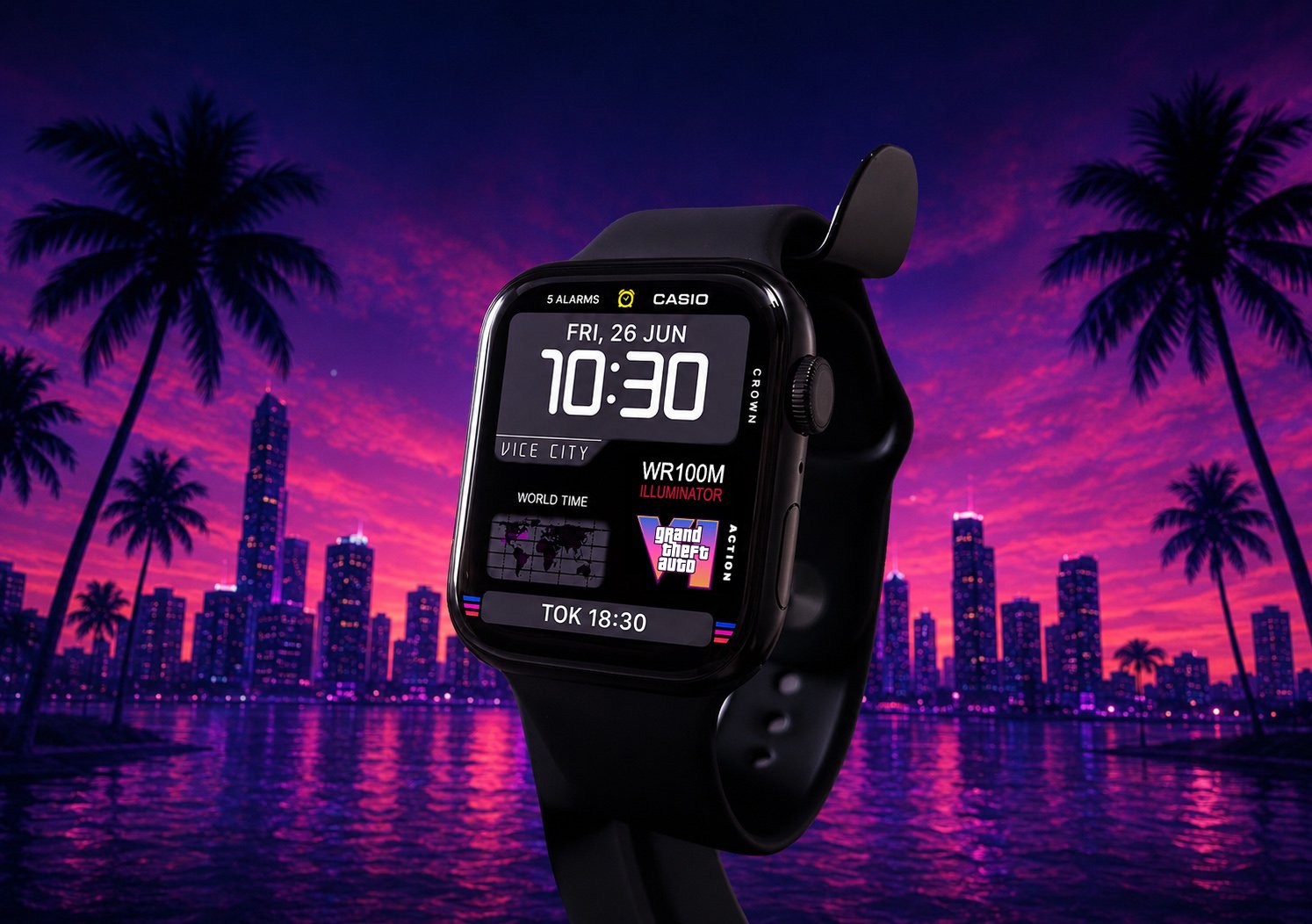
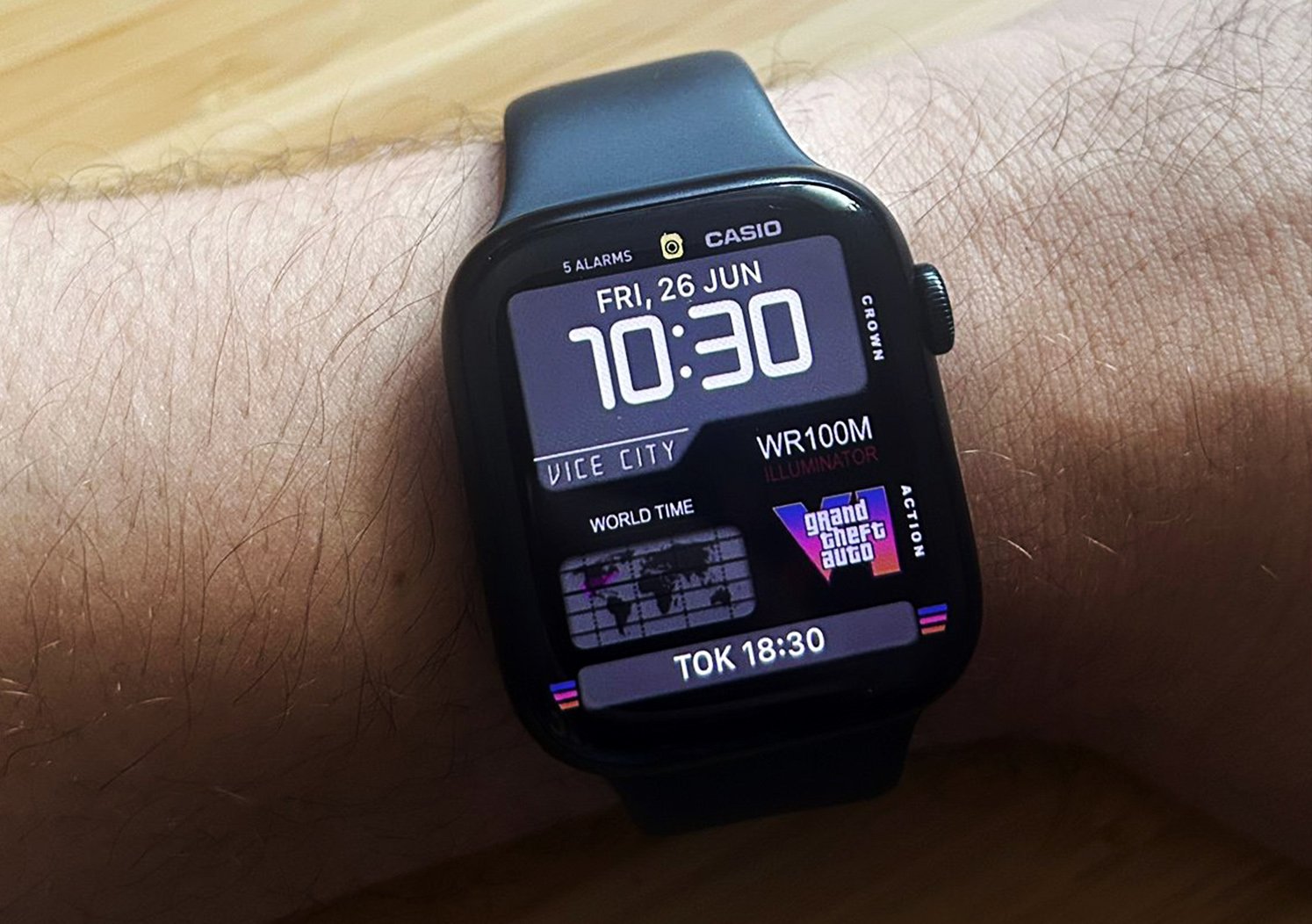
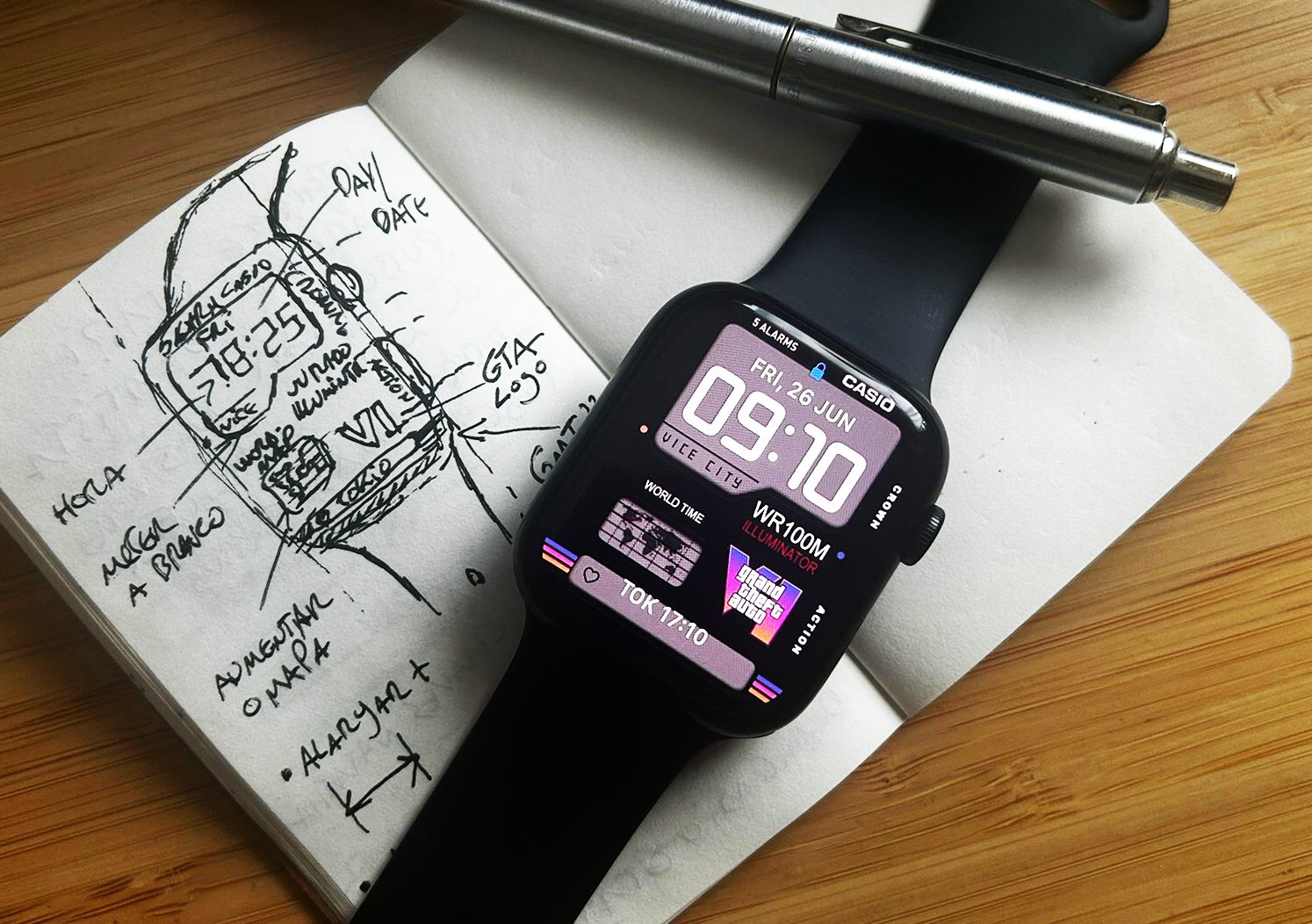
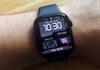
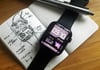
Inspired by the iconic neon skyline of Vice City, featuring vibrant sunsets, palm-lined streets, and a retro-futuristic aesthetic. Combining bold digital design with nostalgic gaming vibes, this watch face transforms your Apple Watch into the ultimate tribute to the city's legendary atmosphere.
Upgrade your Apple Watch with a complete visual experience designed for those who appreciate detail.
After purchase, you will receive a RAR file containing the high-quality image file, ready for download and use.
⚡ Quick Start – Install Your Apple Watch Face
1️⃣ Download & Extract
Download the RAR file and extract it. Save the face images to your iPhone Photos.
2️⃣ Open the Apple Watch App
Go to Face Gallery → Select Photos watch face.
3️⃣ Choose Your face
Tap Choose Photos and select your face from your gallery.
4️⃣ Adjust & Align
Apply the face and adjust the position to align the time perfectly with the design.
✅ Done! Your new face is now active.