


Java Programming Lesson 5 – Drawing Shapes with Graphics | Intro to Java Coding
Introduce Java graphics and shape drawing with this beginner-friendly coding lesson. Includes PDF, editable PPT, coding exercises, pacing guide, and answer key.
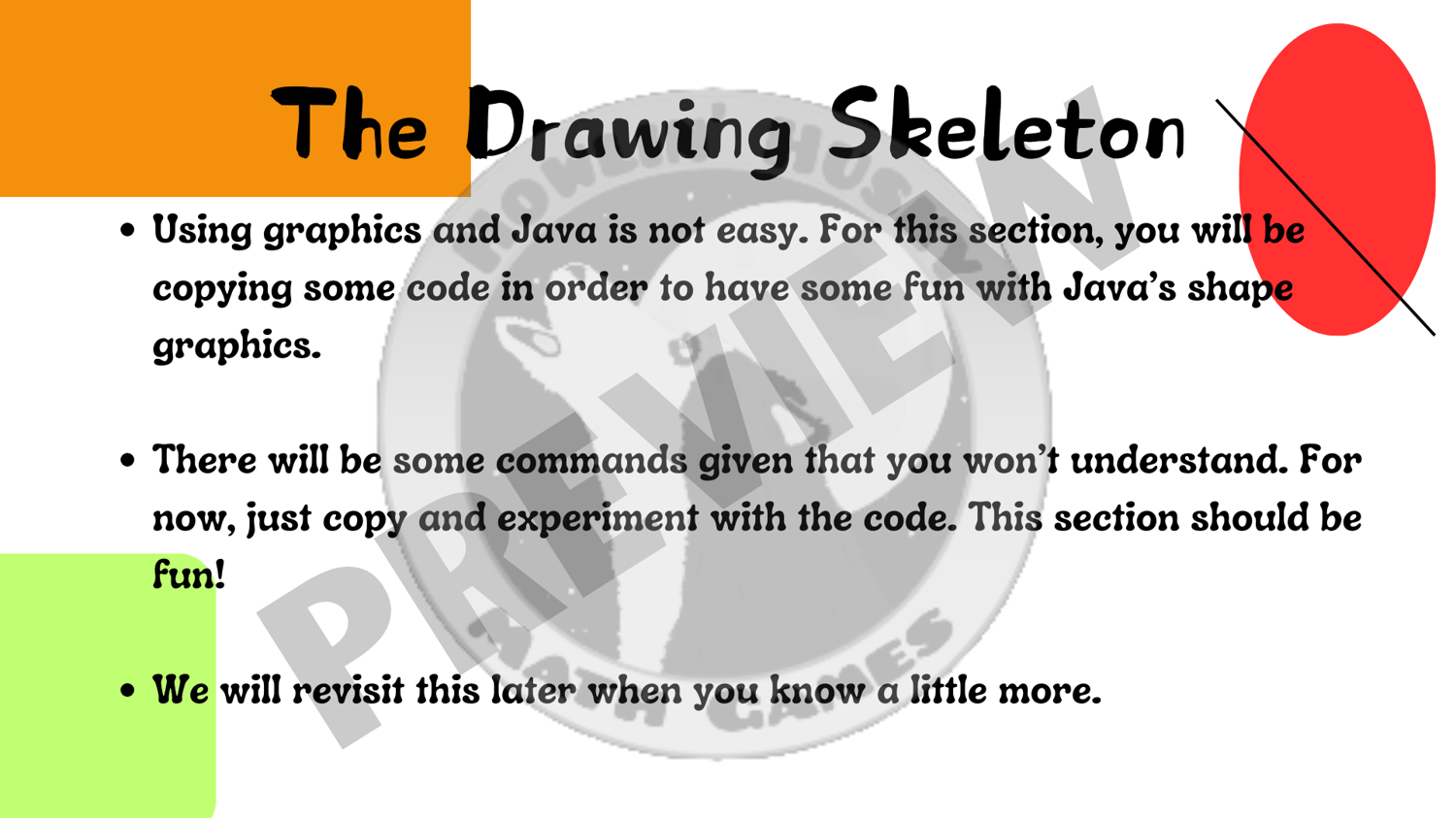
Looking for beginner Java programming lessons that focus on graphics and hands-on coding? This high school computer science resource introduces essential visual programming concepts using the Graphics class, Java's coordinate system, and shape-drawing methods.
This is Lesson 5 of a comprehensive Introductory Programming in Java course. Students will learn how to use JFrame and JPanel to create simple visual programs, customize shapes with colors, and understand layout and rendering basics. A perfect way to build engagement and introduce creative coding with Java.
Topics Covered in Programming in Java 5:
- JFrame and JPanel basics: Setting up a drawing canvas in Java
- Graphics class: Learn to draw shapes like rectangles, ovals, and lines
- Custom colors: How to mix and use your own colors
- Screen coordinate system: Master positioning shapes on a Java GUI
What’s Included:
- PDF slideshow: Visual and easy-to-follow
- An editable Power Point version
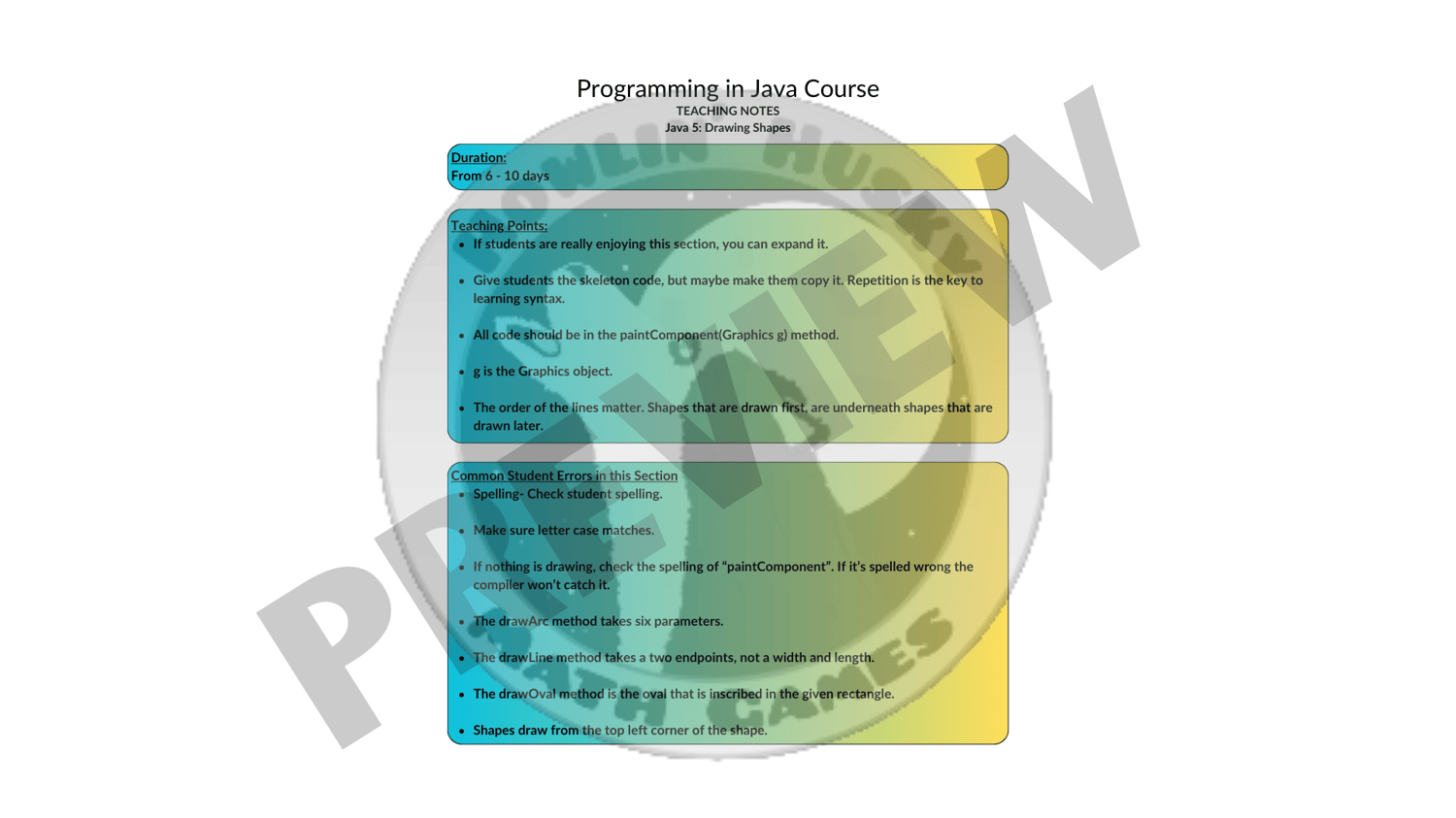
- Pacing guide: Teaching tips, common errors, and differentiation strategies
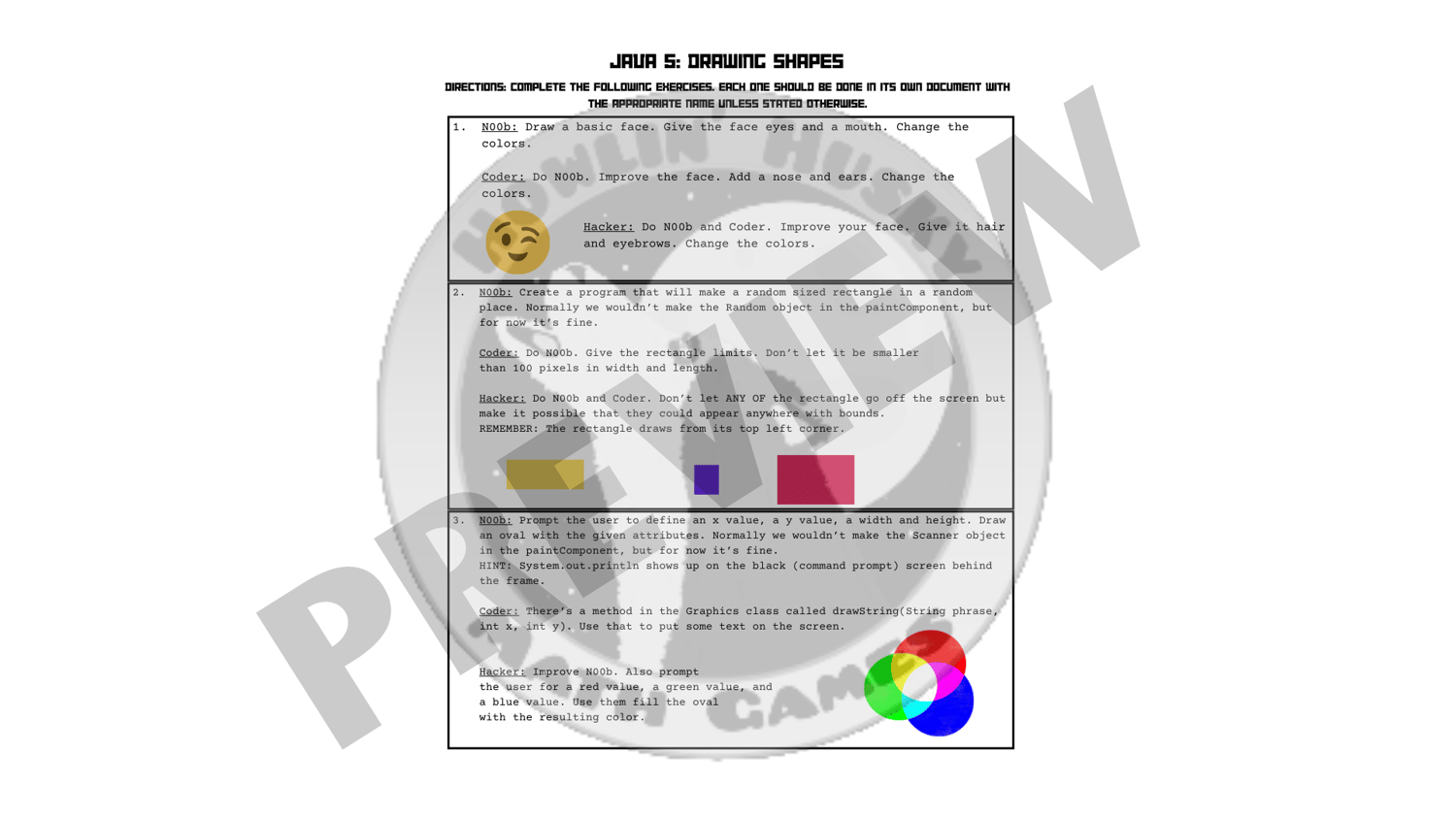
- Differentiated assignments: Three levels of tasks to suit diverse learners
- Answer keys: Provided in PDF and .java formats
Flexible Usage:
- Guide students step-by-step through the slideshow and practice activities.
- Assign tasks for independent or collaborative exploration.
- Perfect for asynchronous learning, homeschooling, or traditional classrooms.
Why Choose This Resource?
Teaching graphics in Java can seem overwhelming, but this resource simplifies the process, making it engaging and accessible. Students will be excited to see their code come to life with drawings and colors!