


Reseller Listing Workflow Tracker for Google Sheets
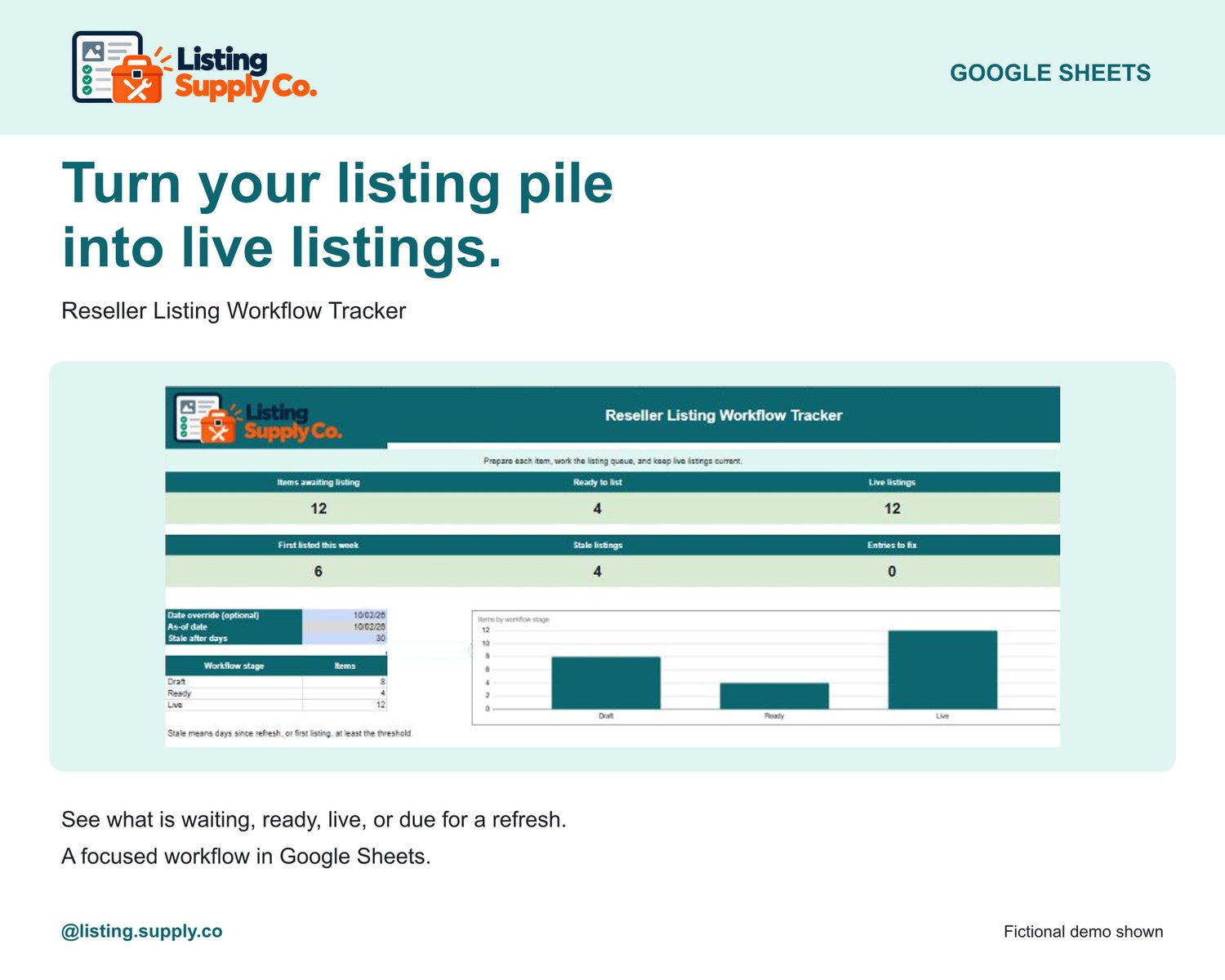
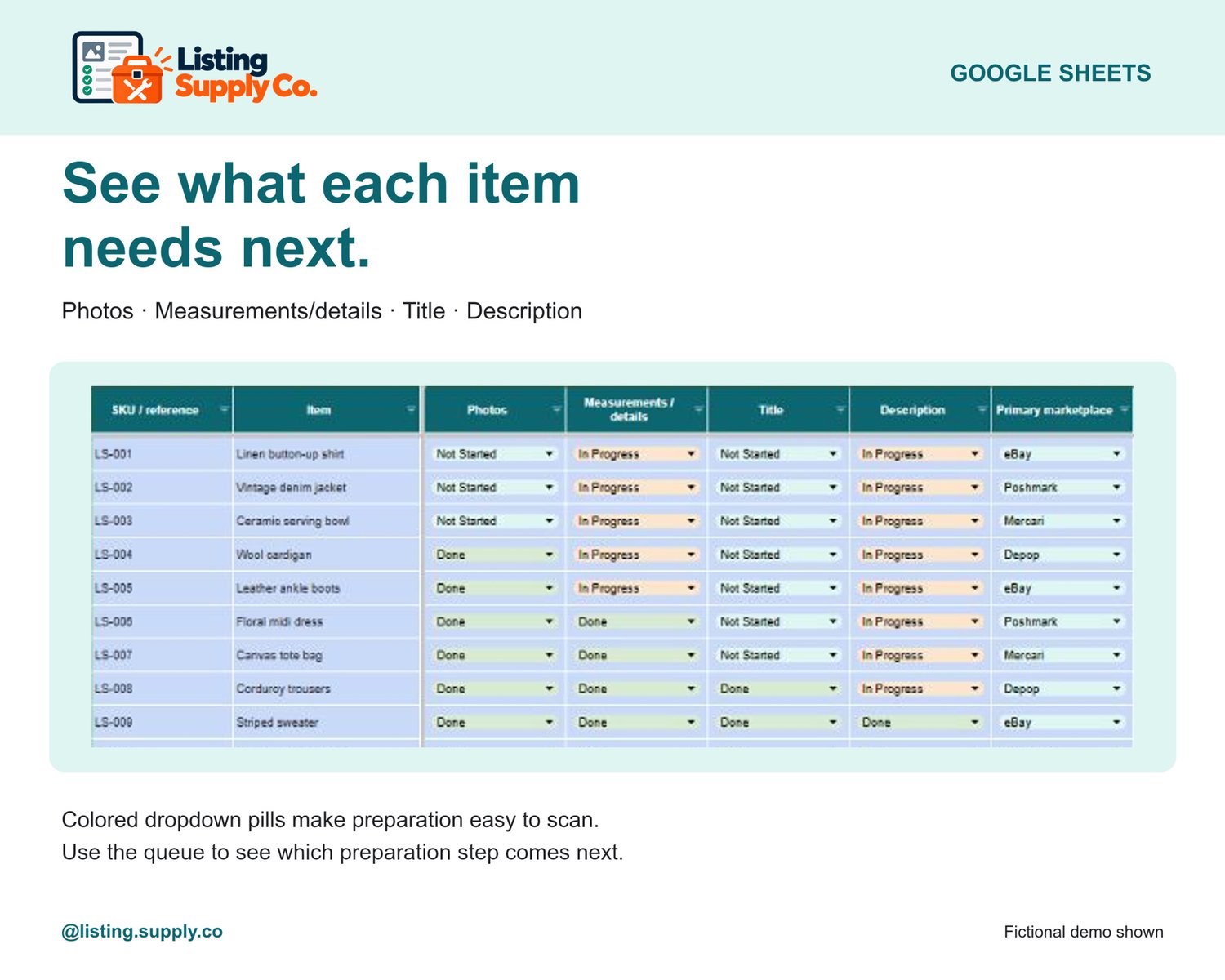
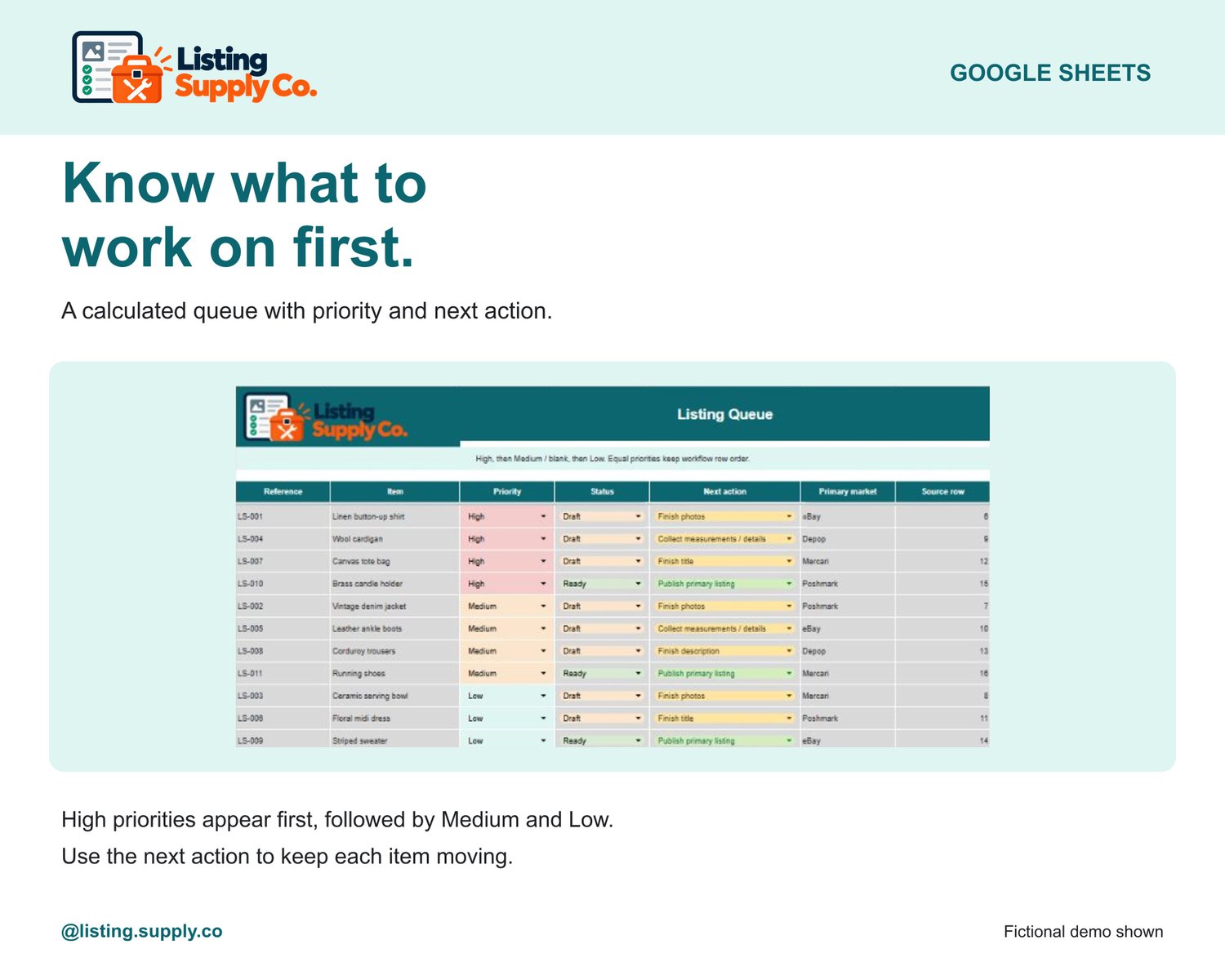
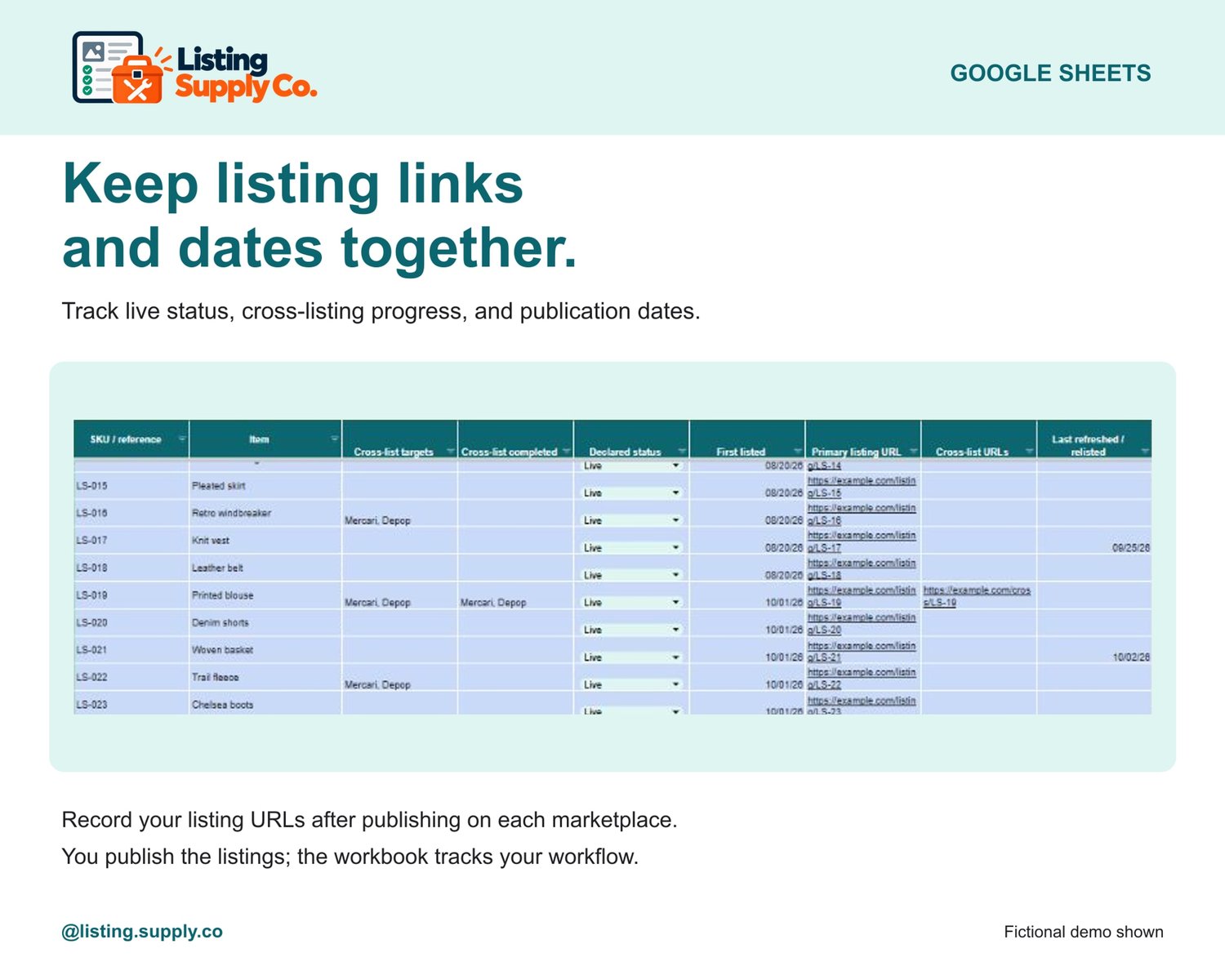
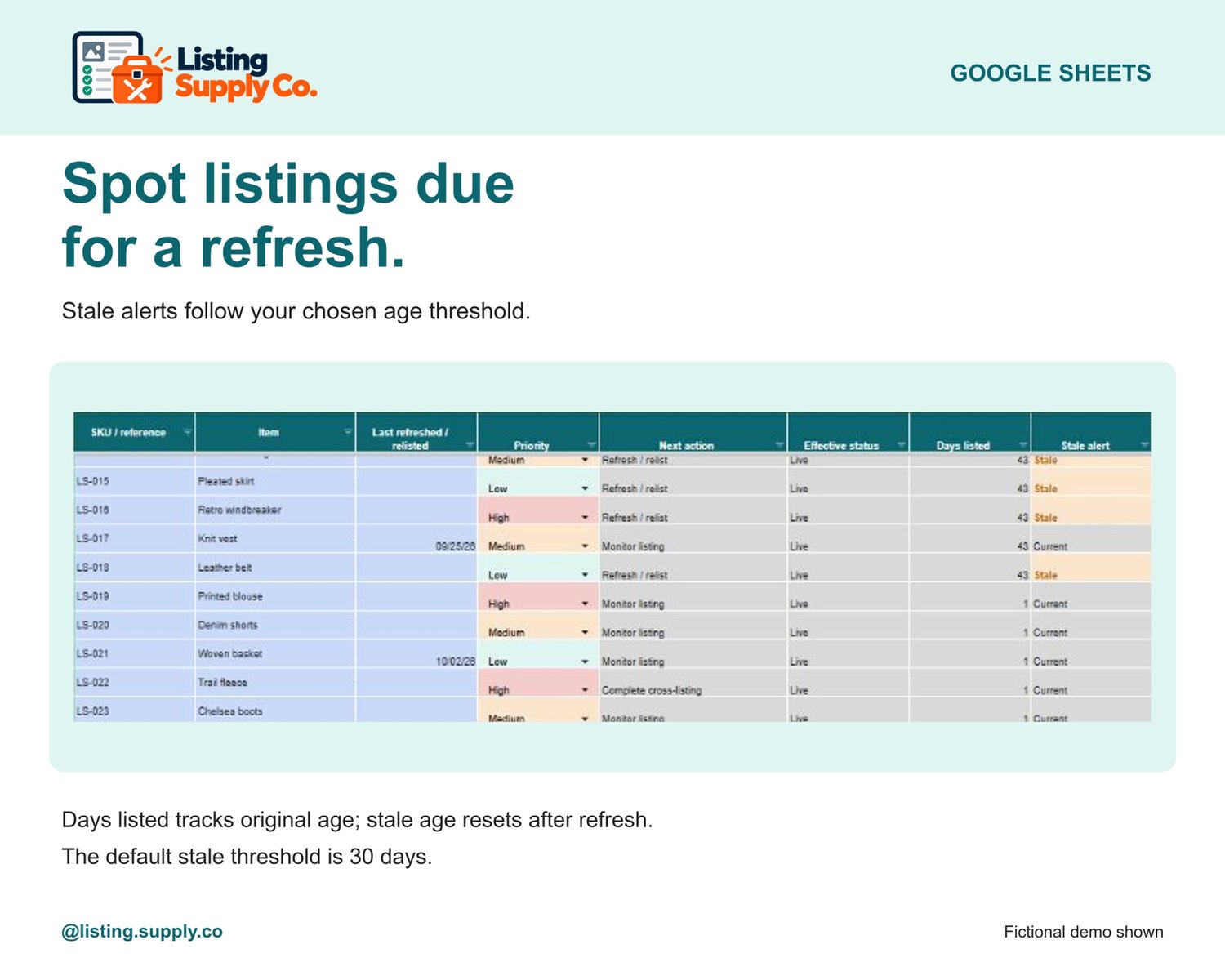
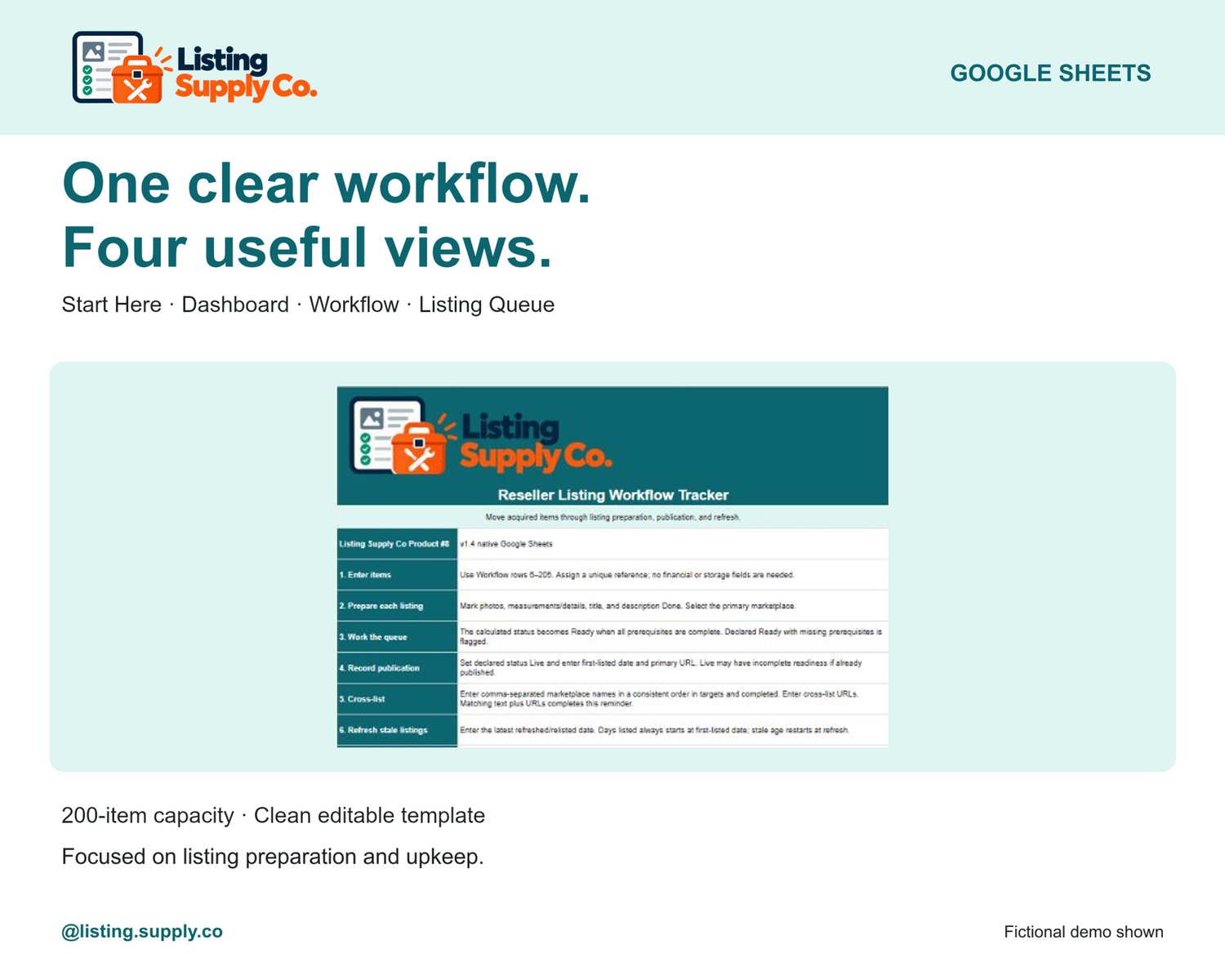
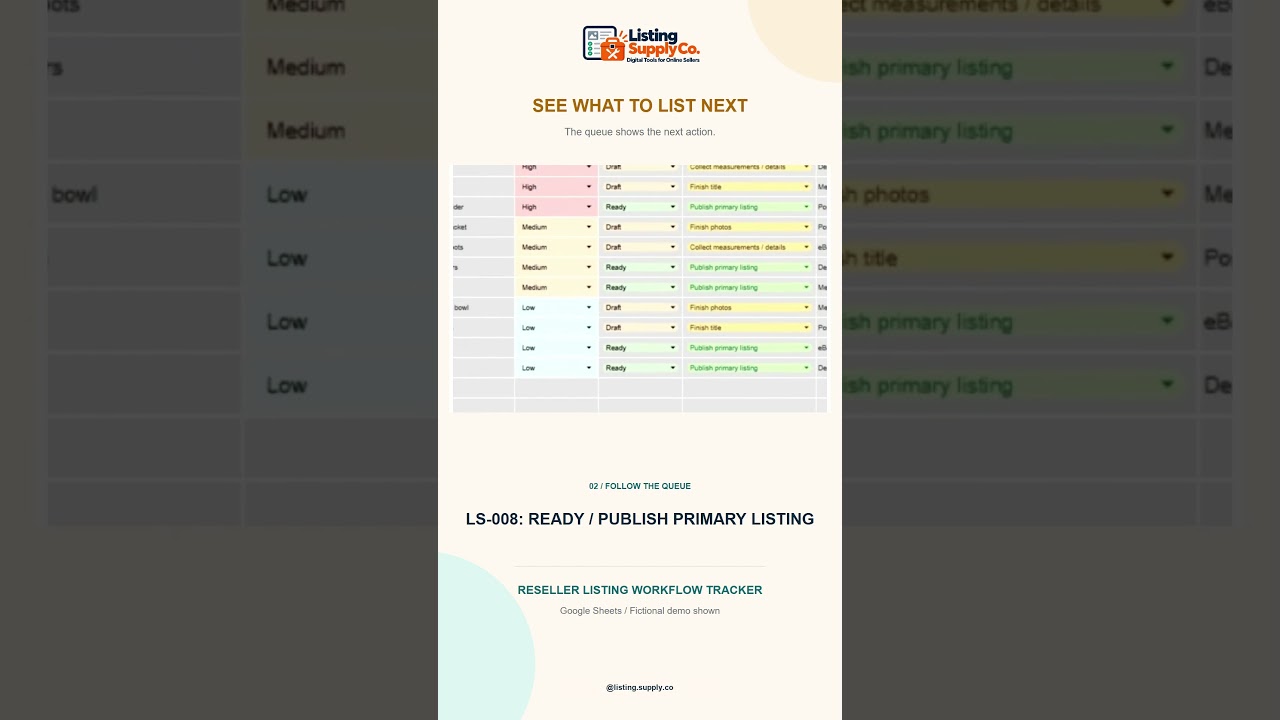
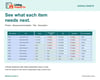
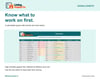
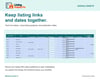
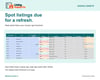
Turn the pile of items waiting to be listed into a clear queue. Track photos, measurements and details, listing title, and description for each item. The workbook calculates which items are ready, orders the Listing Queue by priority, and shows the next action. Once you publish an item yourself, record its marketplace, listing URL, first-listed date, cross-listing progress, and refresh date. The Dashboard shows items awaiting listing, ready to list, live listings, recently listed items, stale listings, and entries that need fixing.
What's included: A clean, editable Google Sheets template with Start Here, Dashboard, Workflow, and Listing Queue tabs, and room for up to 200 items. The product images show a separate fictional demo to explain the workflow; the demo is not a buyer file or a real seller result.
Getting started: After purchase, download the access-guide PDF. Open its button while signed into a Google account and make your own editable copy of the clean template. Read Start Here, then enter your items in the blue Workflow cells. A free Google account is required. Google Sheets is the supported format; Excel compatibility has not been verified.
The workbook organizes listing preparation and follow-up. It does not post listings, sync marketplaces, verify URLs, calculate costs or profit, track sales or expenses, or manage storage locations.
License: Purchase permits the purchaser to use the template for personal or business use. Resale, sharing, or redistribution of the template is not permitted.
Questions before you buy
Does it publish listings for me? No. It organizes listing prep, calculates a priority queue and helps you track follow-up. You still publish each marketplace listing yourself.
Is this an inventory or profit tracker? No. It focuses on listing preparation and follow-up. Use the separate Inventory Tracker for item costs, sale inputs and calculated profit.
What do I receive? A PDF access guide linking to your own clean Google Sheets copy. A free Google account is required; Excel compatibility has not been verified.
Made with AI