



Captionwright Pro – AI Captions, Subtitles & Transcripts for WordPress
Stop paying per minute for captions.
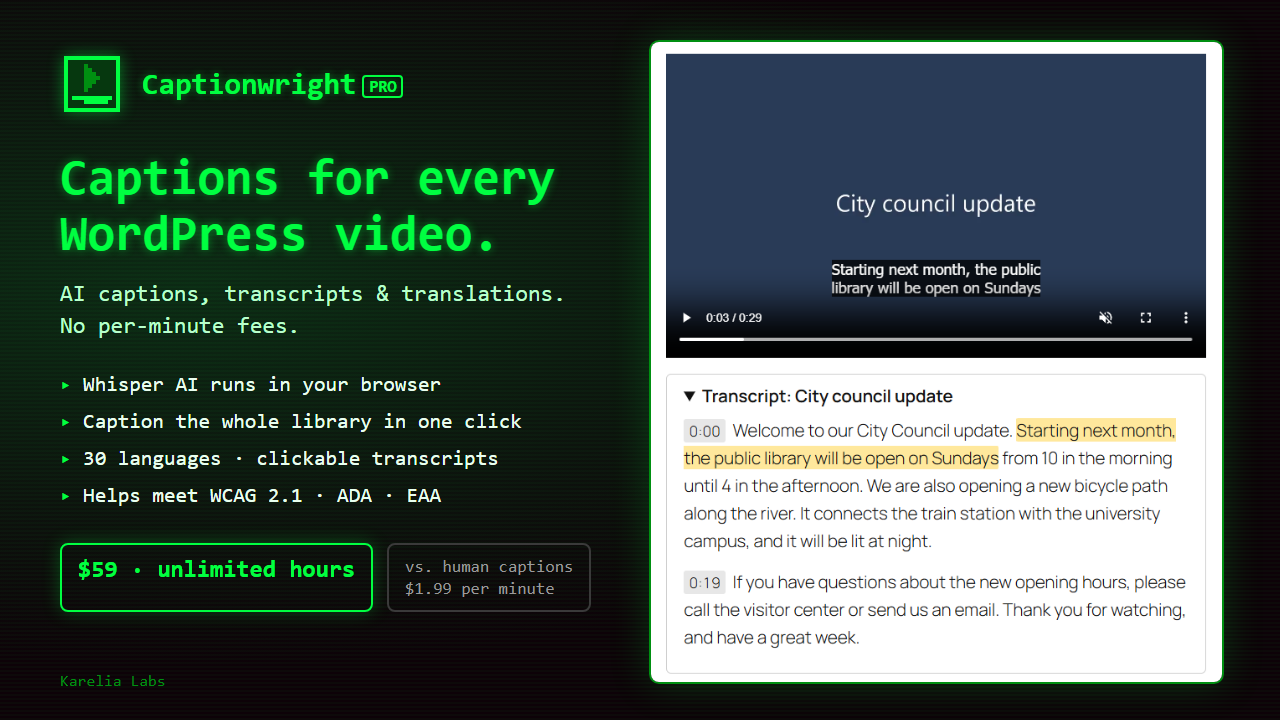
Captionwright Pro adds accurate, automatic captions to every video and audio file on your WordPress site, plus interactive transcripts and translations into 30 languages. OpenAI's Whisper speech model runs right inside your browser, so there are no per-minute fees and your media never leaves your computer.
Why now
WCAG 2.1 requires captions for pre-recorded video (success criterion 1.2.2). WCAG 2.1 is the standard behind:
- ADA Title II. It applies to US state and local governments from April 26, 2027 (50,000+ residents) and April 26, 2028 (smaller entities and special districts).
- The European Accessibility Act. It has applied across the EU since June 28, 2025.
- The EU Web Accessibility Directive. It covers public-sector websites and apps.
Schools, universities, cities, course creators and agencies all need captions, and most WordPress sites have none.
What captions cost elsewhere
- Human captioning (Rev): $1.99 per minute, or $1,194 for 10 hours of video.
- AI captioning services: about $0.25 per minute, or $150 for 10 hours. You pay again for every new video.
- Captionwright Pro: $59 once, unlimited hours.
How it works
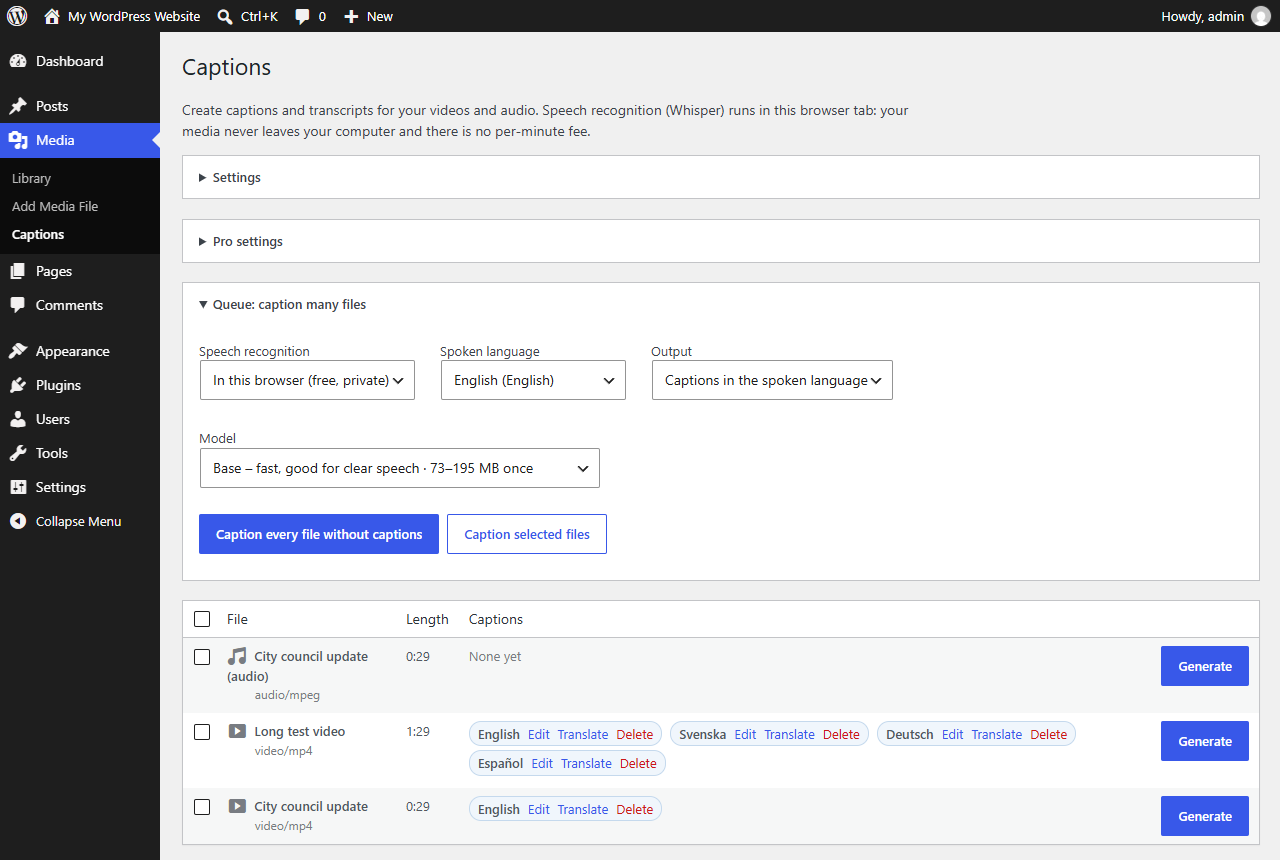
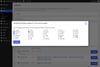
- Go to Media → Captions and click Generate, or Caption every file without captions to queue the whole library.
- Whisper transcribes the file in your browser. With a graphics card it runs about 10× faster than real time.
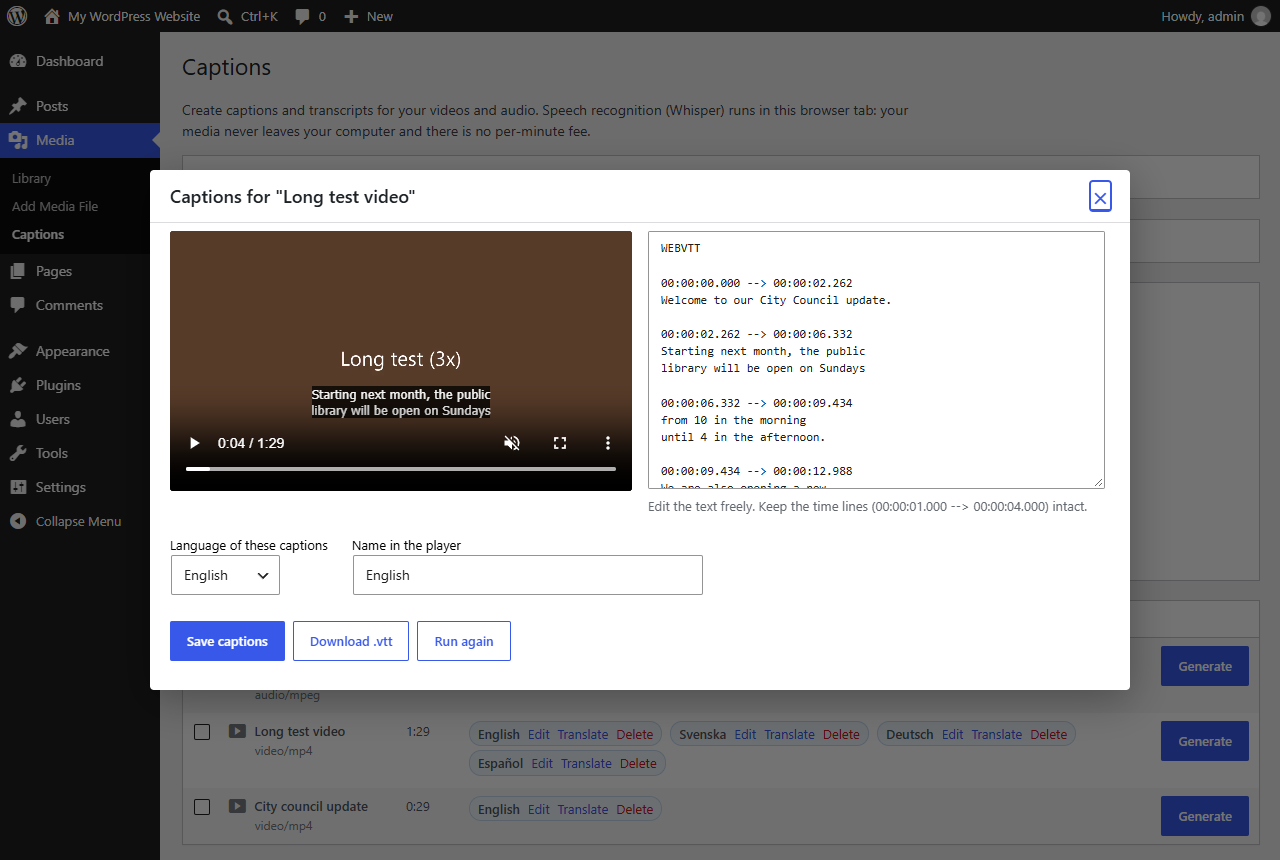
- Fix names and terms next to the playing video, then save. The captions appear in your videos straight away.
Everything in Pro
- Automatic captions for every video and audio file in your Media Library.
- A whole-library queue. One click captions every file that has no captions. Pause at any time and resume after a reload.
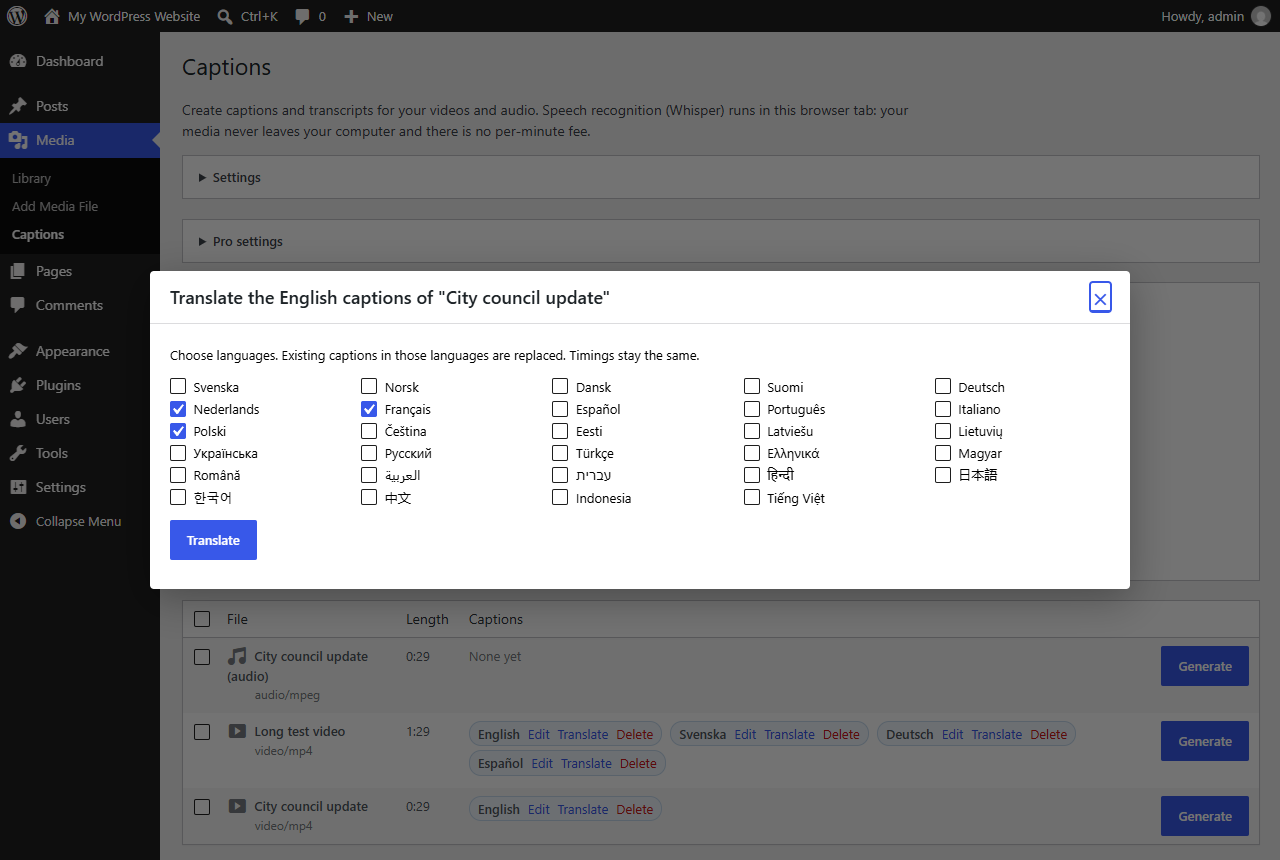
- Translations into 30 languages. Timings stay in sync, and viewers pick the language in the player. Translation uses WordPress' built-in AI or your own OpenAI or Groq key.
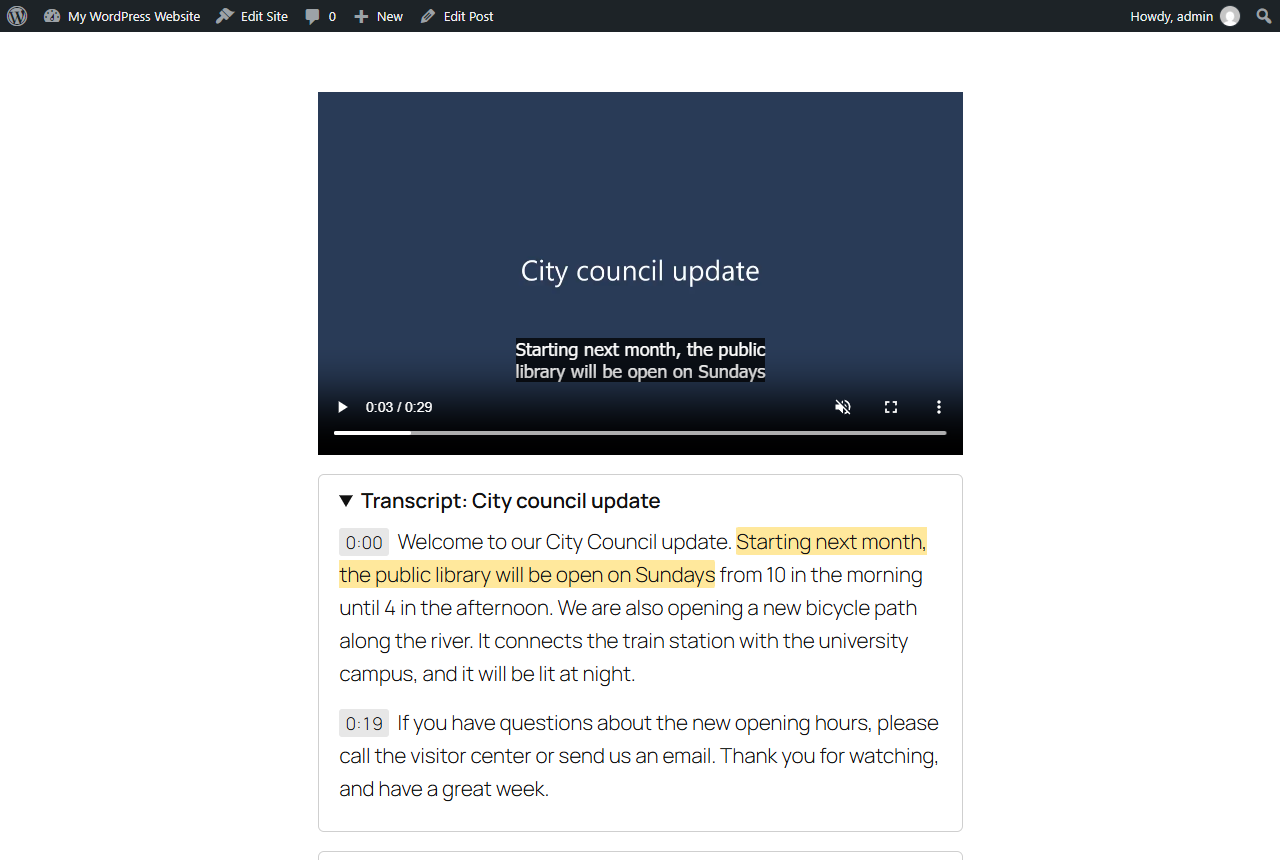
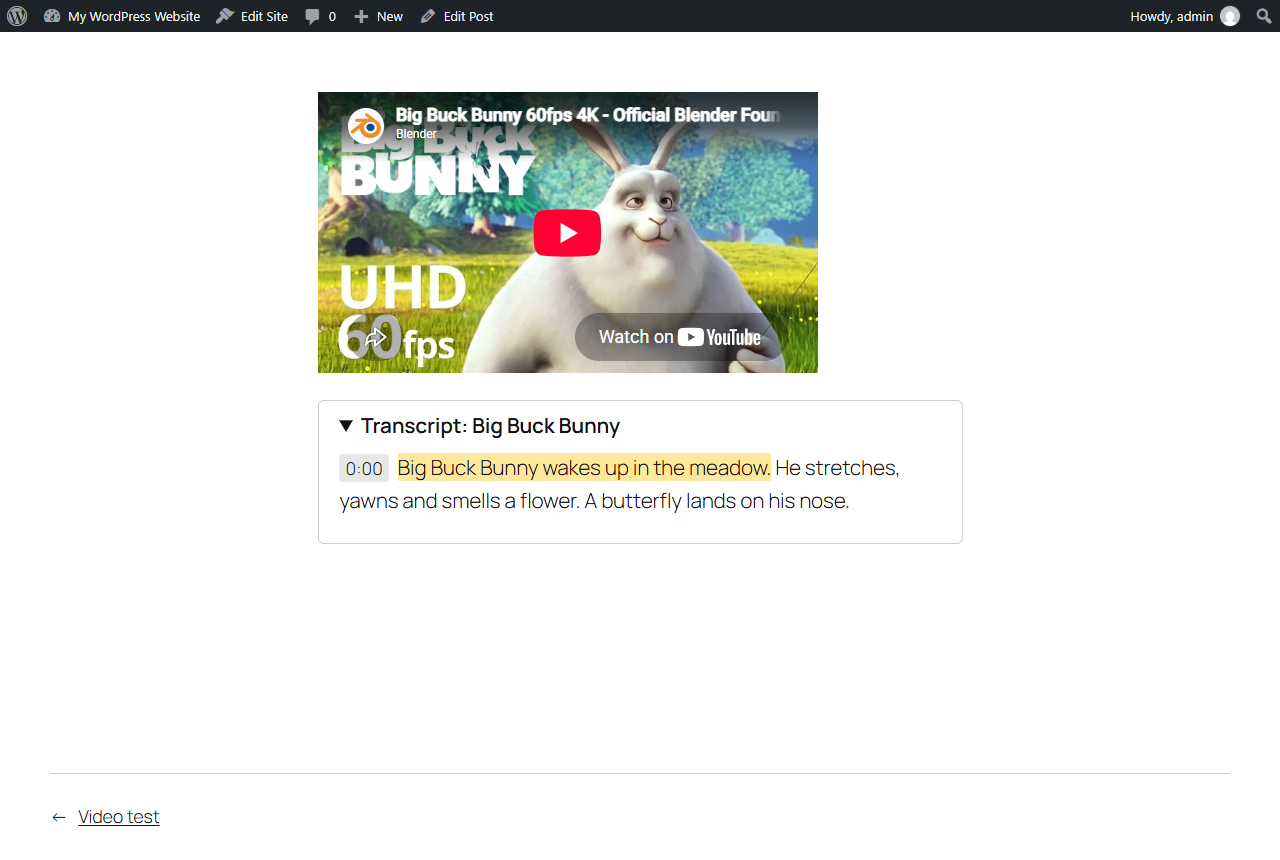
- Interactive transcripts. Click any line to jump to that point in the video, and the spoken line is highlighted. Search engines and AI assistants can read every word.
- YouTube and Vimeo. The same interactive transcript works under embedded videos. Import the caption file from YouTube Studio or Vimeo first.
- An optional cloud mode for big libraries. Bring your own Groq or OpenAI key; Groq costs about $0.04 per hour of audio.
- A caption editor with a live preview.
- Works with the core Video block and the [video] shortcode. A [captionwright_transcript] shortcode covers page builders.
- Standard WebVTT files in your uploads folder. They are yours to keep.
Private by design
In browser mode, audio is decoded and transcribed on your own computer. No audio or text is sent to us or to any AI service. The only thing downloaded is the public Whisper model, once.
Tested
Tested in Chrome, Edge and Firefox, with and without a graphics card, on WordPress 7.1 and PHP 8.3. It passes the official WordPress Plugin Check.
Watch the 57-second demo: karelialabs.com/tools/captionwright
FAQ
What do I get?
The Captionwright Pro plugin zip and a full user guide. Upload it under Plugins → Add New → Upload Plugin. No licence key is needed: everything is unlocked as soon as it is activated. Choose 1 site ($59) or 10 sites ($149) for agencies.
Do I need an API key or an account?
No. The browser mode is free and unlimited. An API key is only needed for the optional cloud mode.
How accurate is it?
Whisper is one of the most accurate speech-recognition models available. No automatic captions are perfect, so you can check and fix the text in the editor before saving. Accessibility rules require accurate captions.
Which browsers work?
Chrome and Edge, which are fastest with a graphics card, and Firefox. Only the person creating captions needs one of these. Visitors see the captions in any browser.
What if I already use the free Captionwright?
Pro replaces it and keeps all your captions.
Requirements: WordPress 6.5+ and PHP 7.4+.