

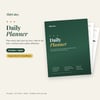
Daily Planner – Printable & Digital Hourly Planner with To-Do List, Routines & Daily Reflection (16 pages)
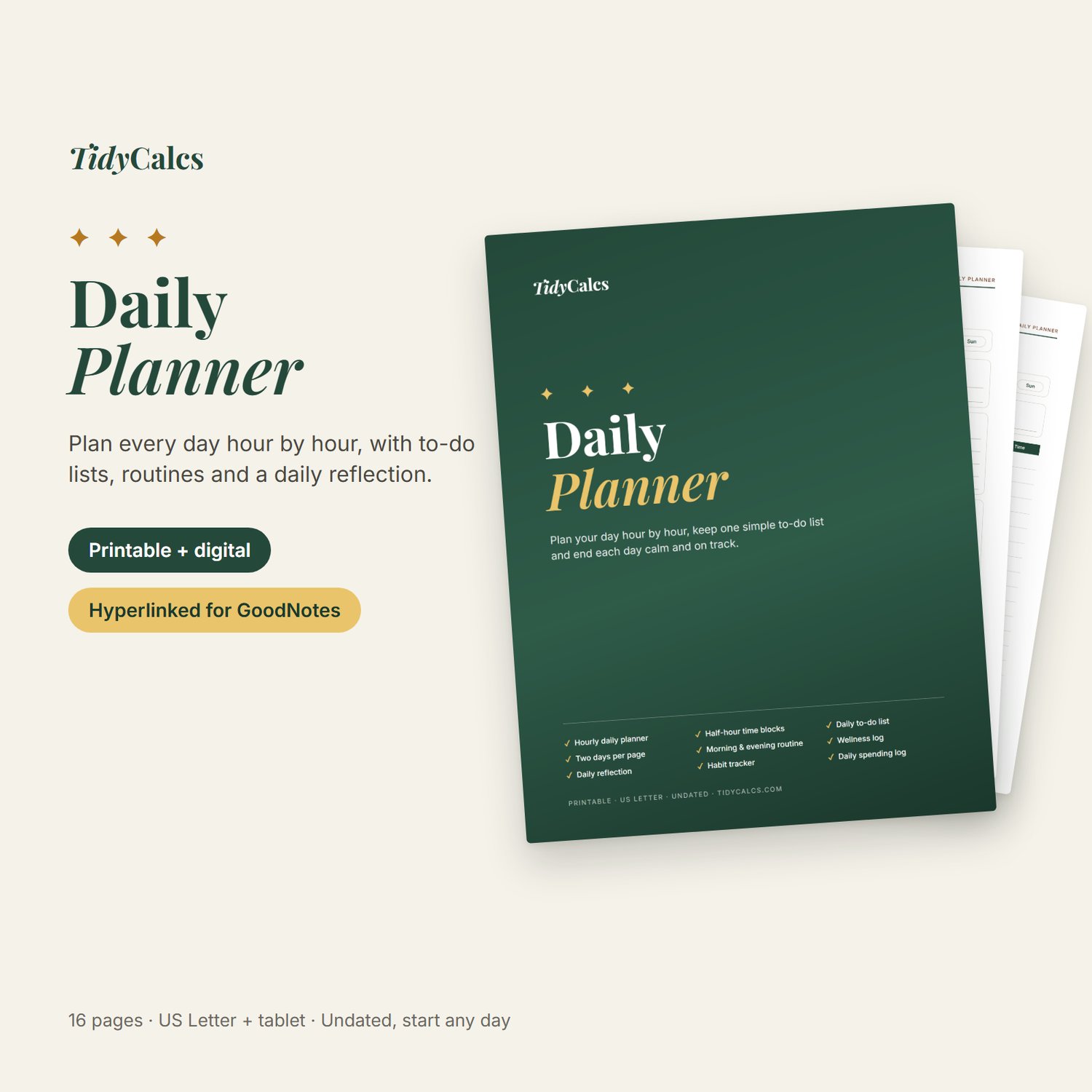
Plan your day, get the important things done and end each day calm. The TidyCalcs Daily Planner gives you a simple page for every kind of day: an hourly planner for busy days, half-hour time blocks when every minute counts, and two days per page for quieter ones.
It's undated, so you can start any day of the year. You get two versions: a printable PDF for pen and paper, and a hyperlinked digital PDF for your tablet with clickable tabs.
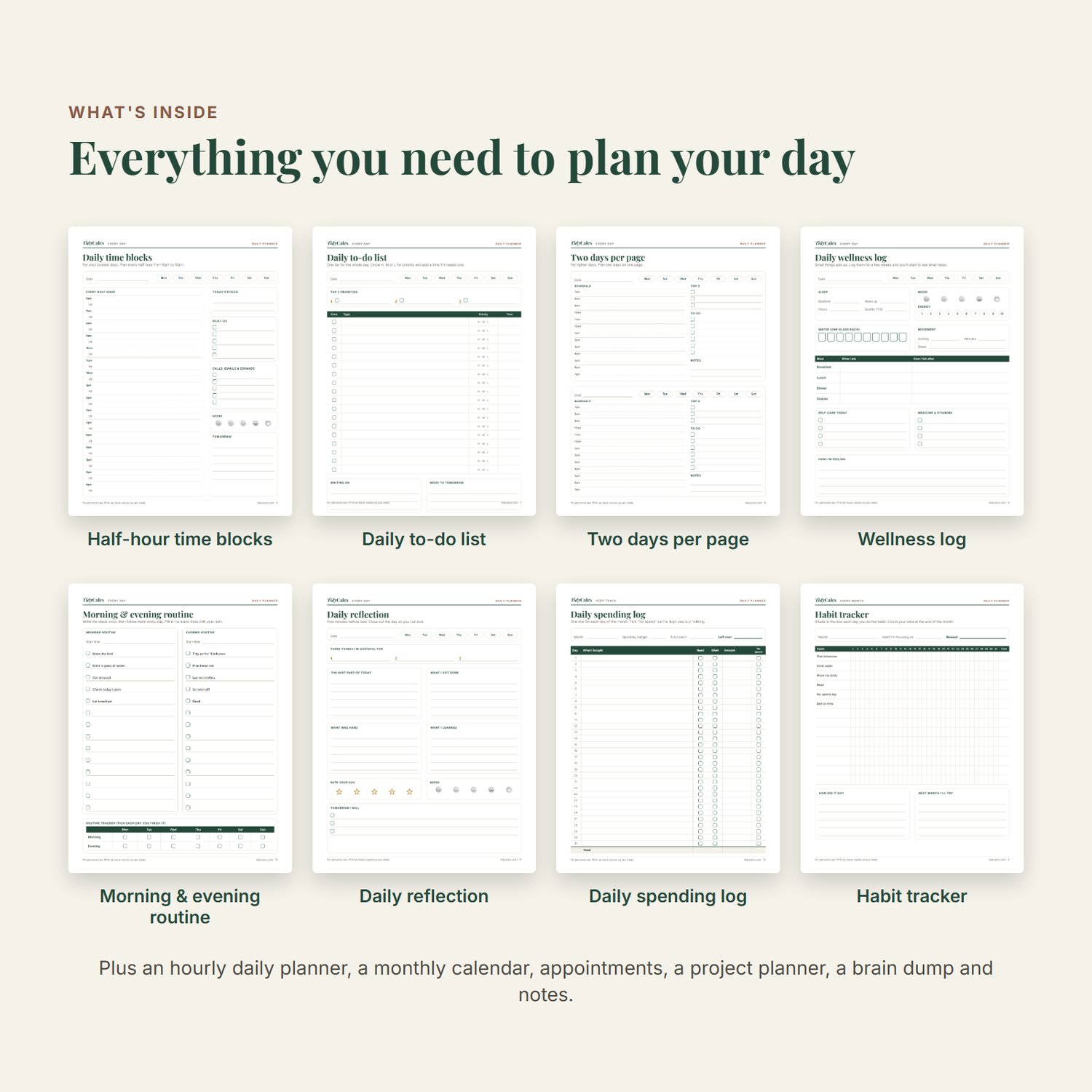
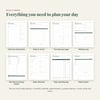
What's inside (16 pages):
- Monthly calendar
- Habit tracker (31 days)
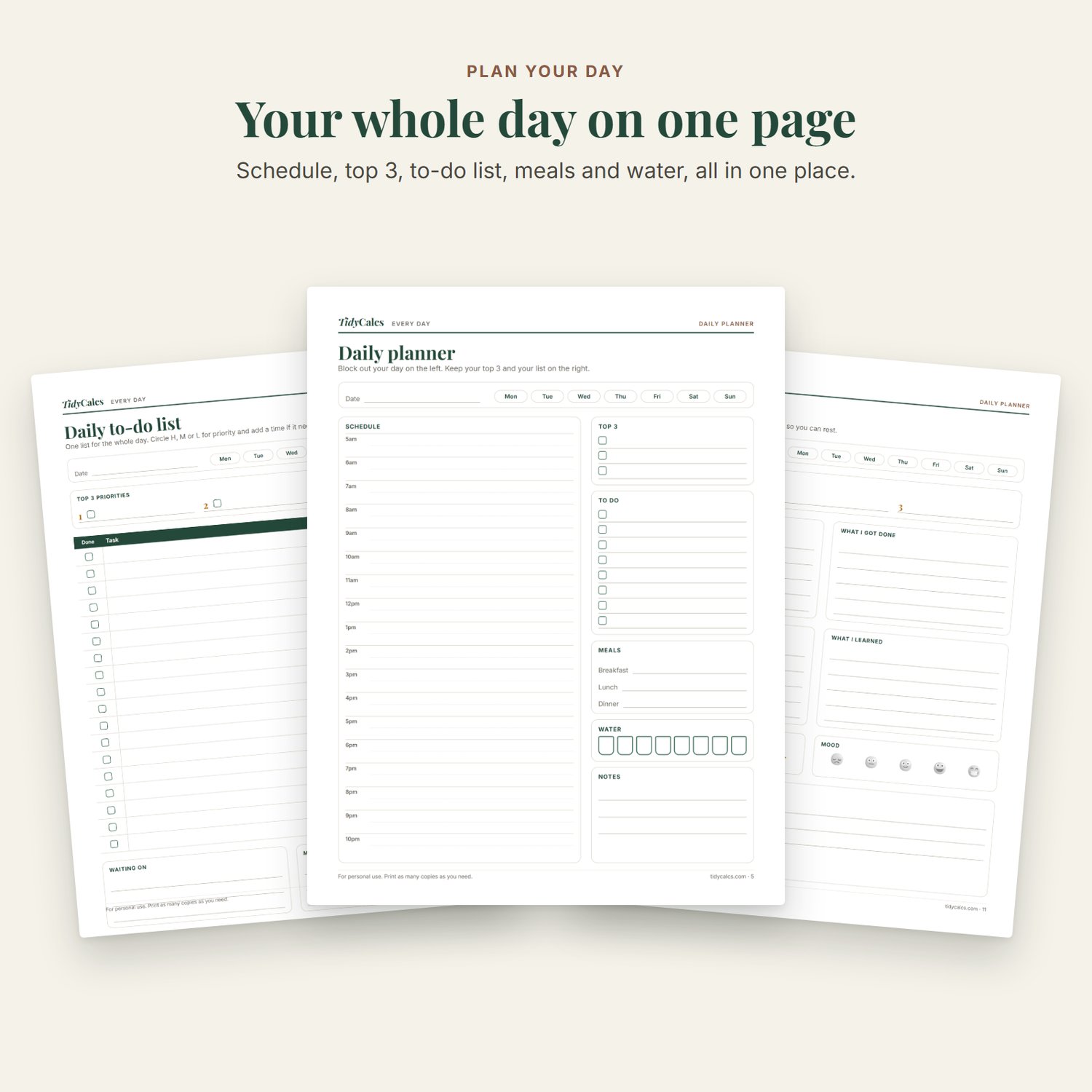
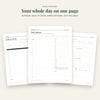
- Daily planner, hourly 5am–10pm, with top 3, to-do list, meals and water
- Daily time blocks, every half hour 6am–10pm
- Daily to-do list with priorities
- Two days per page
- Daily wellness log (sleep, mood, energy, water, movement, meals)
- Morning & evening routine with a weekly tracker
- Daily reflection (gratitude, highlights, tomorrow's plan)
- Daily spending log (31 days)
- Appointments & reminders
- Project planner
- Brain dump
- Dot-grid notes
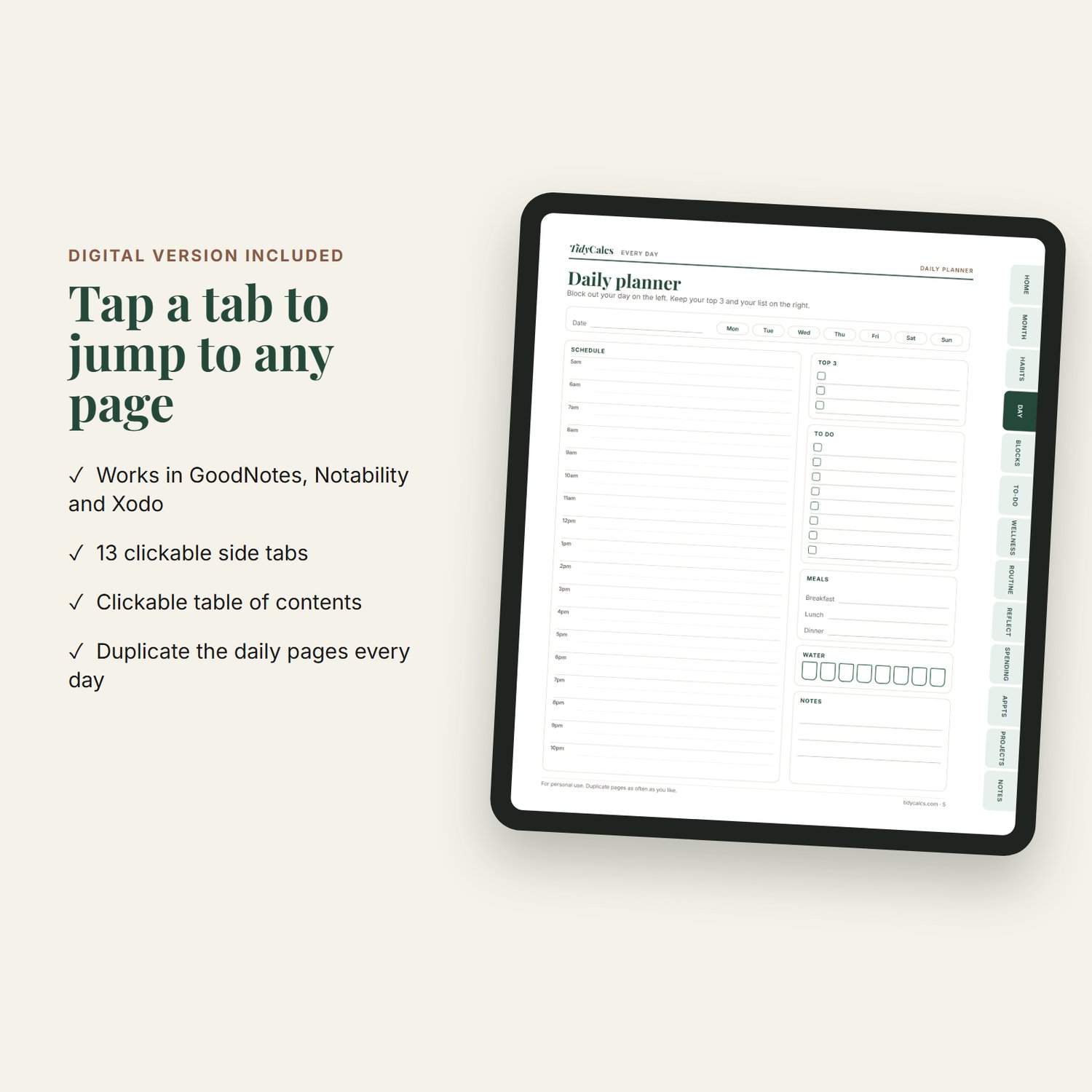
Digital version:
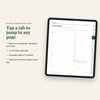
- 13 clickable side tabs to jump to any section
- Clickable table of contents
- Works in GoodNotes, Notability, Xodo and other PDF note-taking apps
- Duplicate the daily pages in your app for every new day
Details:
- Instant PDF download (2 files)
- Printable: US Letter size (8.5 × 11 in)
- Digital: tablet-friendly portrait pages
- Undated, start any time
- Clean, simple design with lots of writing space
- Includes links to free TidyCalcs calculators
FAQ
Is this a physical product?
No. You get two PDF files to download right after purchase. Nothing is shipped.
Which app do I need for the digital version?
Any PDF app that supports links works, such as GoodNotes, Notability or the free Xodo app. Tap the tabs on the right side of each page to jump around.
Can I print it more than once?
Yes. Print as many copies as you need for your own personal use.
Will it fit A4 paper?
The printable version is made for US Letter, but you can print it on A4 by choosing "Fit to page" in your printer settings.
Is it dated?
No. Write in your own dates so you can start any day and skip days without wasting pages.
For personal use only. Please don't share or resell the files.