
Dental Hygiene Procreate Stamp Brush-set
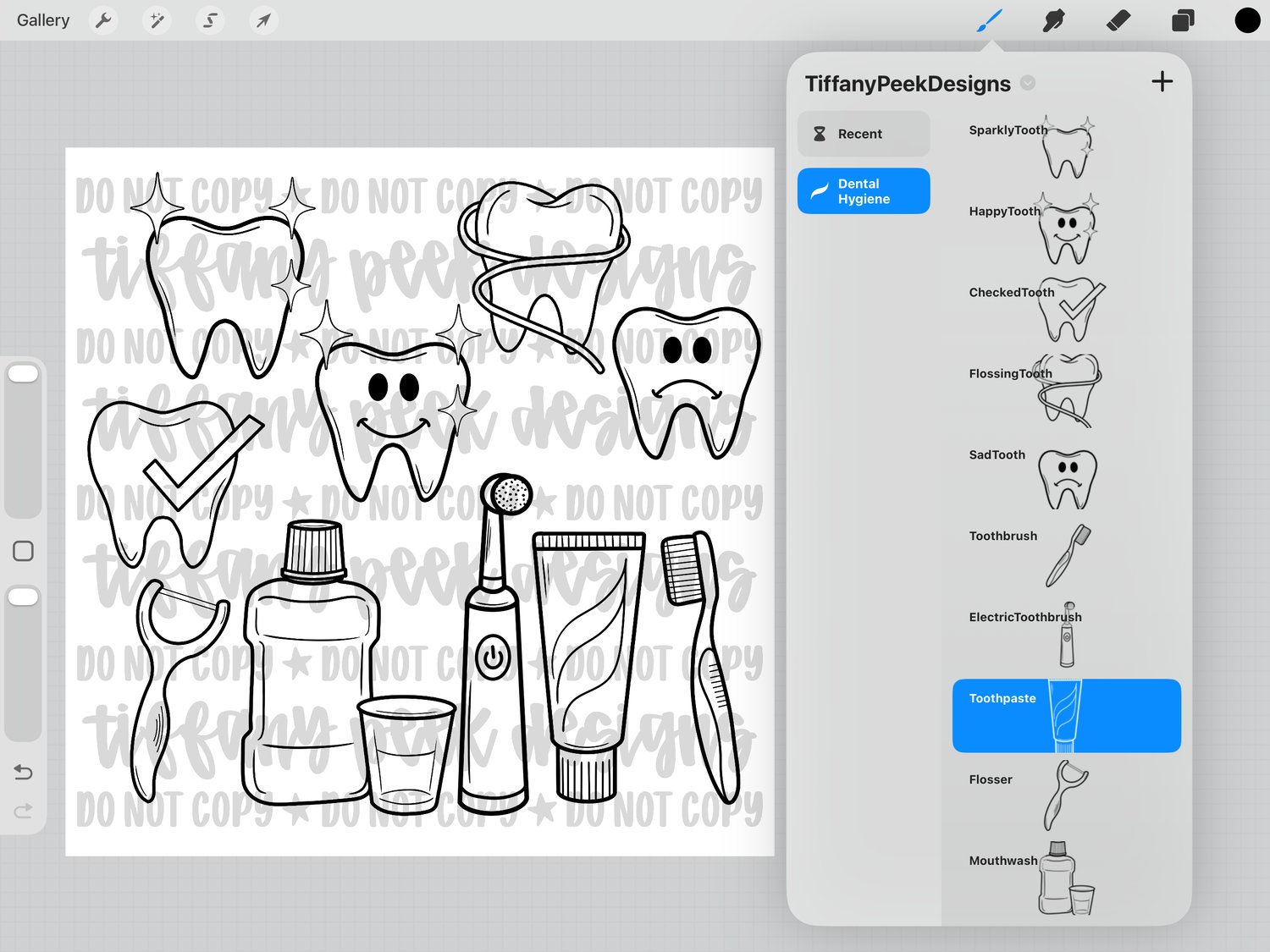
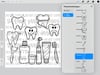
Create dental-themed designs in seconds with this hand-drawn Dental Hygiene Essentials collection! This set includes 10 outline Procreate stamp brushes plus matching transparent PNG files—perfect for dental hygienist designs, occupational apparel, Tooth Fairy printables, stickers, planners and more.
WHAT YOU’LL RECEIVE:
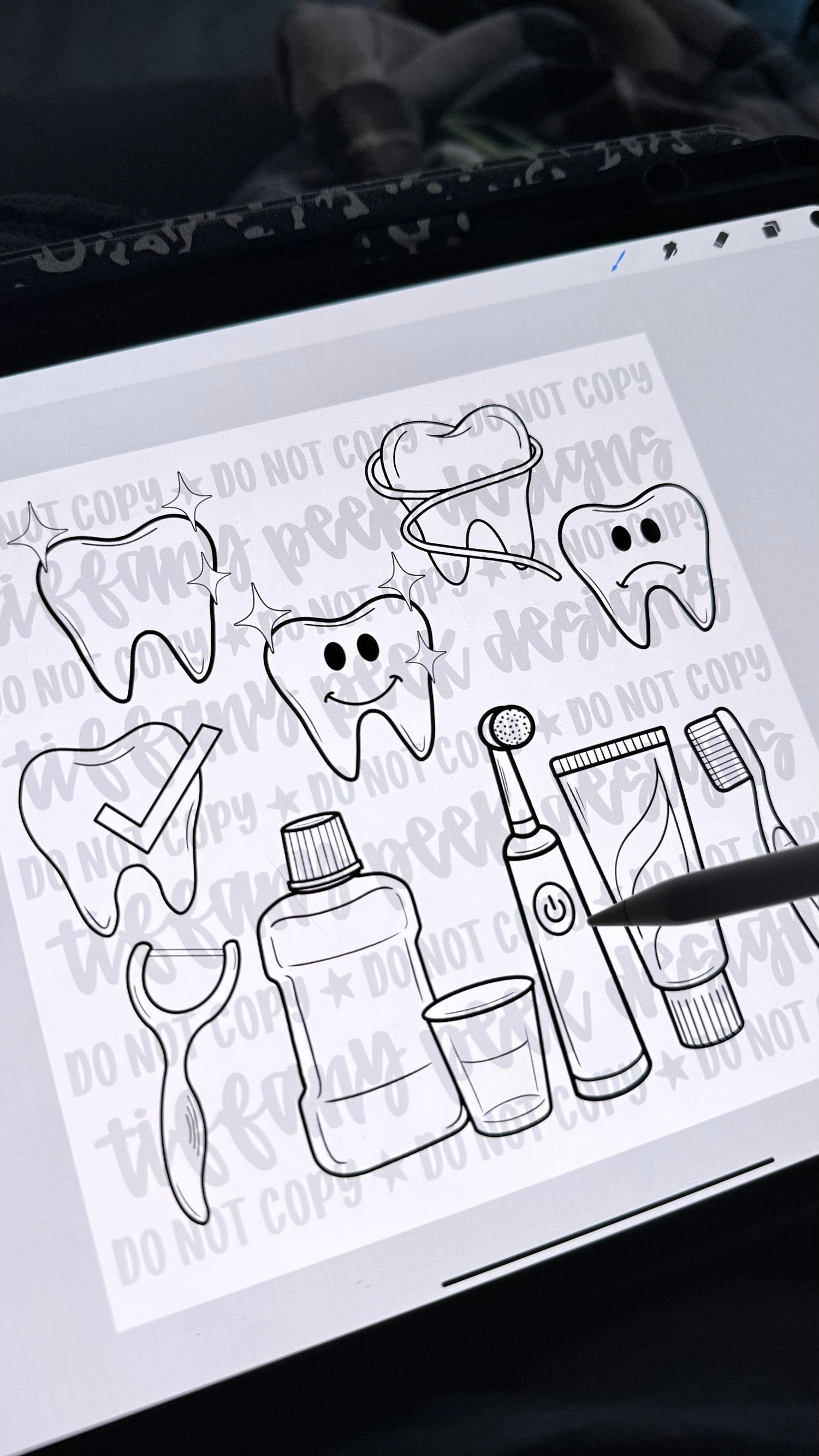
• 1 Procreate .brushset file containing 10 stamps
• 10 individual transparent PNG files
• Procreate installation guide
• Personal and small-business commercial-use license
• All files delivered inside one ZIP folder
INCLUDED DESIGNS:
• Sparkly Tooth
• Happy Tooth
• Checked Tooth
• Flossing Tooth
• Sad Tooth
• Manual Toothbrush
• Electric Toothbrush
• Toothpaste
• Flosser
• Mouthwash and Rinse Cup
PERFECT FOR:
• Dental hygienist and dental assistant designs
• Dentist-themed apparel and gifts
• Oversized varsity and occupational graphics
• Tooth Fairy cards and printables
• Stickers, planners and educational resources
• Small-business physical products
PLEASE NOTE:
• The Procreate brush set requires the Procreate app and a compatible iPad. Procreate is not included.
• The matching PNG files can be used in other compatible design programs.
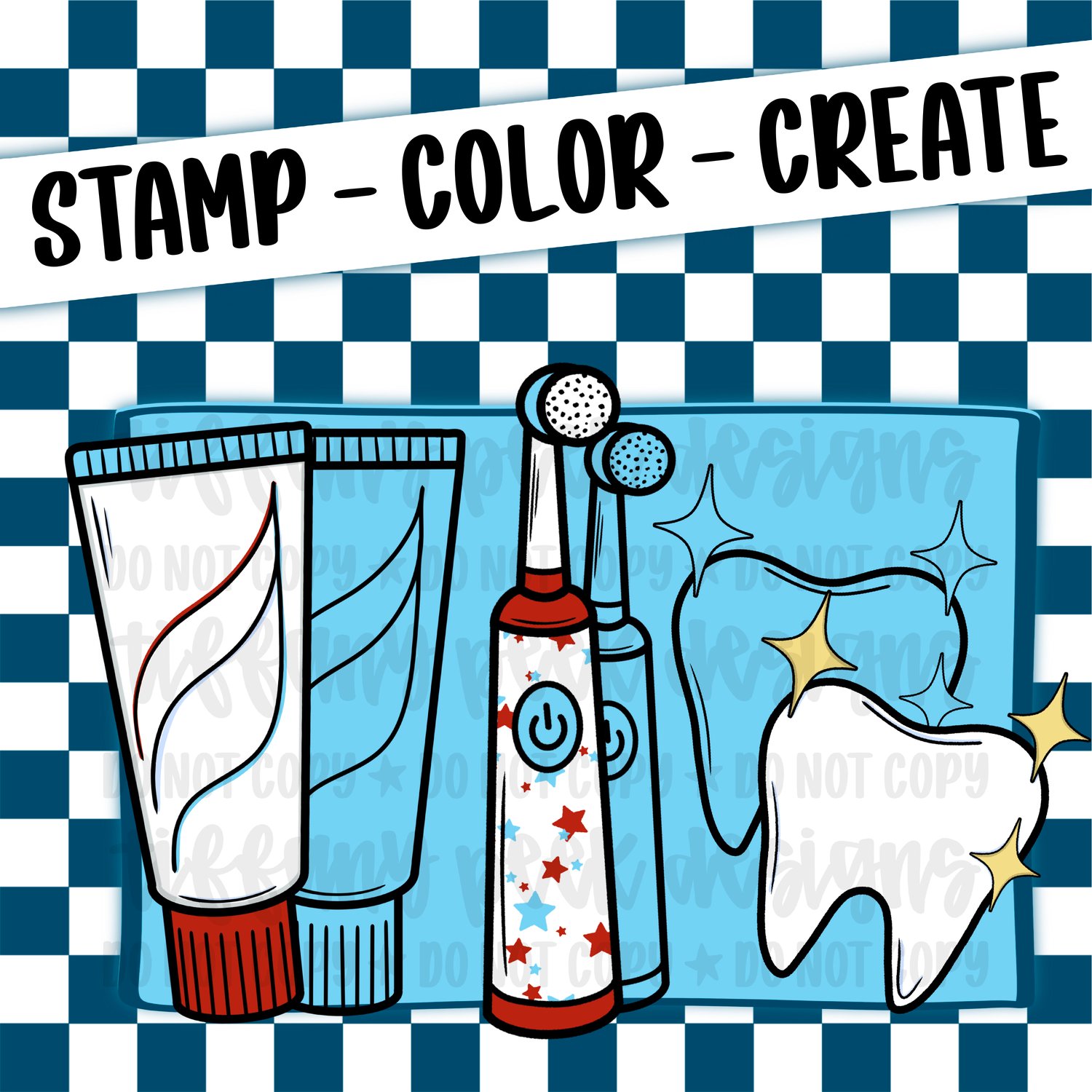
• The included artwork is black outline artwork. Colored designs shown in the listing photos are examples of what you can create and are not included as pre-colored files.
• This is an instant DIGITAL DOWNLOAD. No physical item will be mailed.
• Your files will arrive inside a ZIP folder that must be unzipped before use.
COMMERCIAL USE:
Personal and small-business commercial use is included for up to 500 physical end products. You may use the stamps within your own completed designs, but the original brushes and PNG files may not be shared, resold, gifted or redistributed.
Digital designs must include additional creative elements and be sold as completed, flattened artwork from which the original elements cannot be extracted.
Complete licensing terms are included with your download.
HOW TO INSTALL:
1. Download and unzip the purchased folder.
2. Tap the included .brushset file.
3. Procreate will open and import the set automatically.
4. Find your new brush set at the top of the Brush Library.
Due to the digital nature of this item, returns and exchanges are generally unavailable. Please message Tiffany Peek Designs if you experience a problem with your files.
Artwork © 2026 Tiffany Peek Designs. All rights reserved.