

Is It Safe to Launch? — A Plain-Language Security Check for Your AI-Built App (PDF Guide)
You built something real by talking to an AI, and now there is an app with your name on it — sign-ups, maybe a database, an API key with your card behind it. Somewhere under the excitement sits one quiet question: if nobody has checked, is it safe to put this in front of strangers?
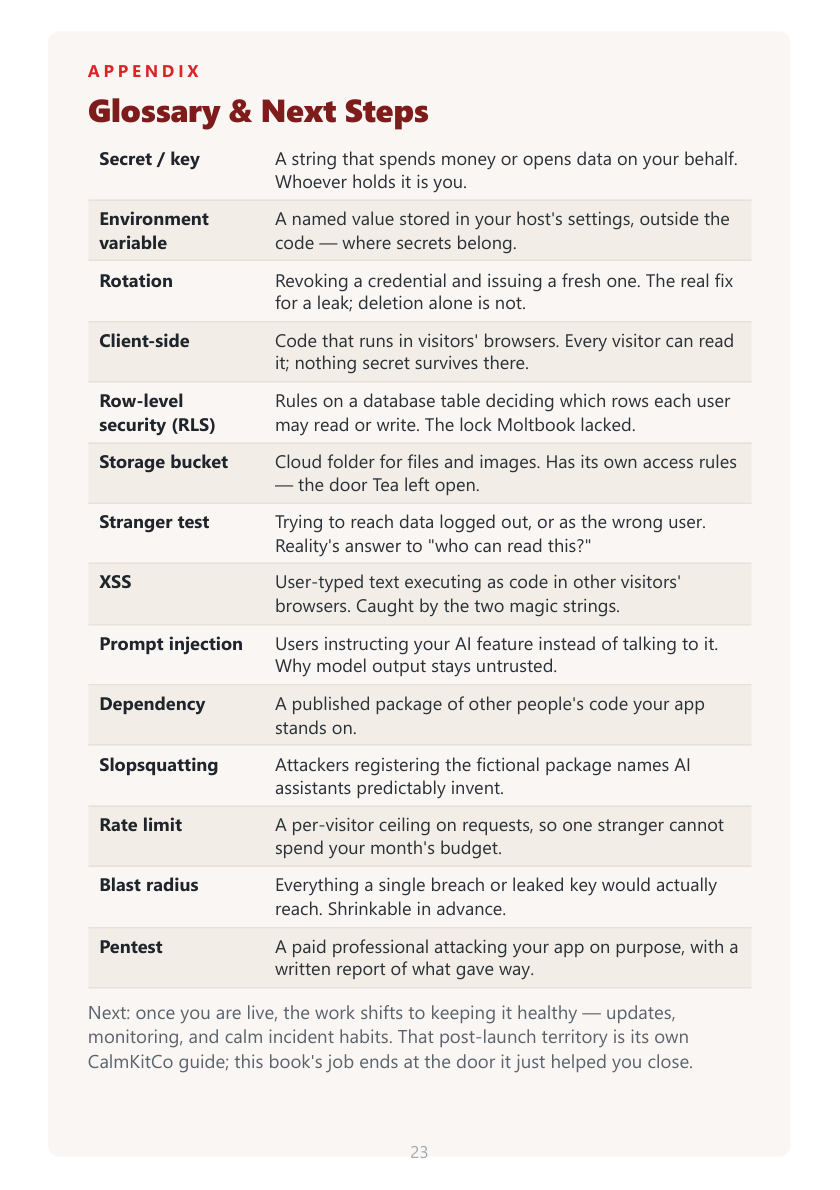
Is It Safe to Launch? is a 24-page evening's work that walks you through five security checks — the same five unlocked doors behind 2026's real breaches — without assuming you can read a line of code. Every check works by asking and looking: you ask your assistant to do the technical part, then verify the result with your own eyes, in a browser or a dashboard, using steps written for a non-developer. By the last page you have watched a stranger fail to read your data, a script fail to run in your pages, and a scanner come back clean — not because anyone reassured you, but because you looked.
WHAT'S INSIDE
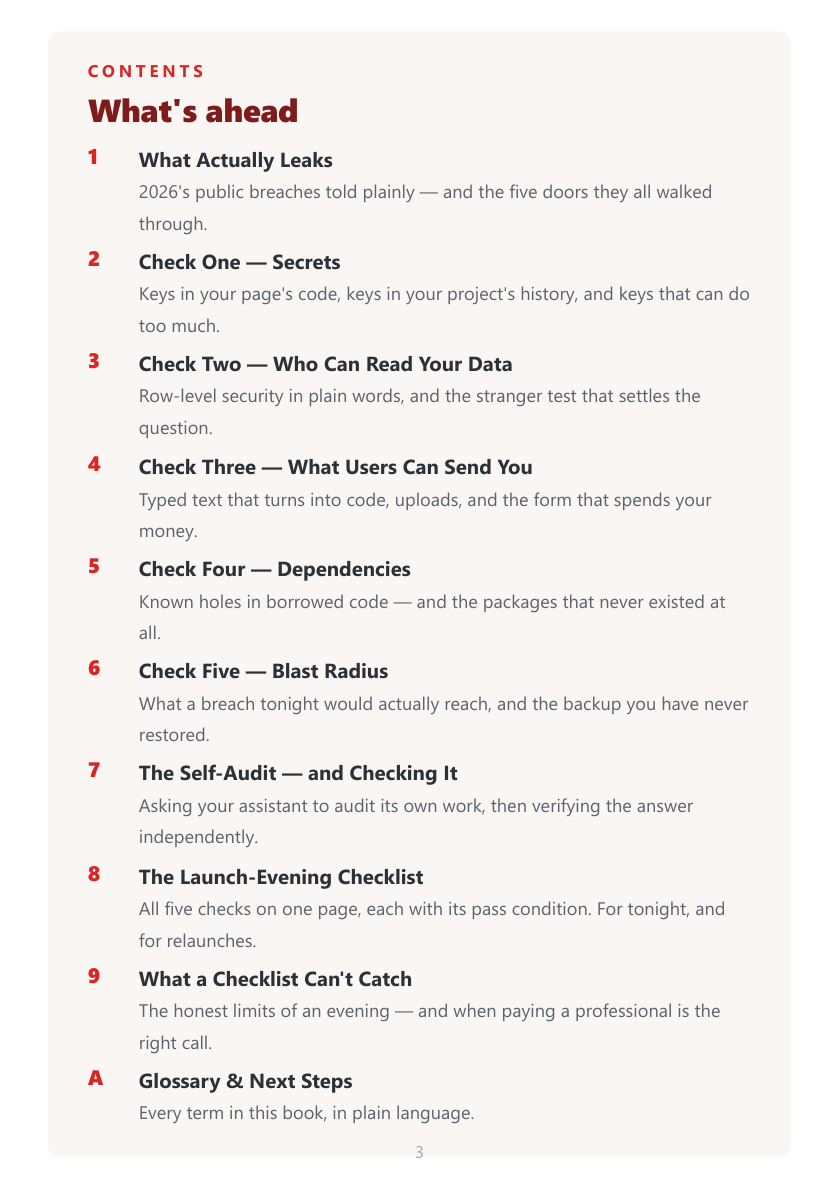
• What Actually Leaks — 2026's public breaches told plainly: the Moltbook leak (one public key, no row rules, about 1.5 million agent tokens and 35,000 emails exposed), the Tea storage-bucket exposure, and the Lovable CVE across 170+ apps — and the five doors they all walked through
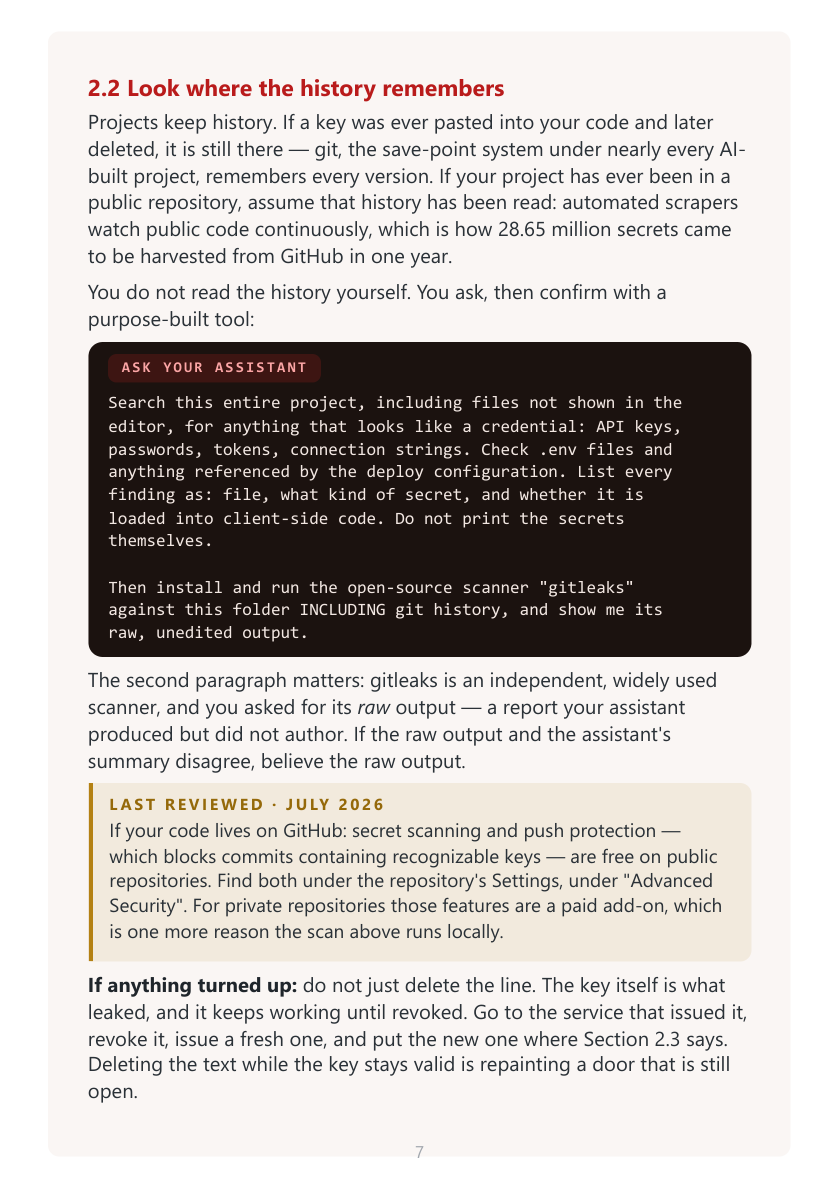
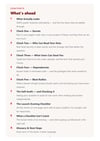
• Check One — Secrets: finding keys in the code your page ships to browsers (the F12 search), in your project's git history (the free gitleaks scanner), and keys that can do too much — plus the spend caps and scoped keys that shrink a future leak
• Check Two — Who Can Read Your Data: row-level security explained in plain words, the Supabase Security Advisor and Firebase Rules screens, and the "stranger test" — three logged-out probes that settle who can actually read your database
• Check Three — What Users Can Send You: two magic strings that reveal cross-site scripting in about two minutes, the questions to ask about file uploads, the public form that quietly spends your API budget, and prompt injection when user text reaches a model
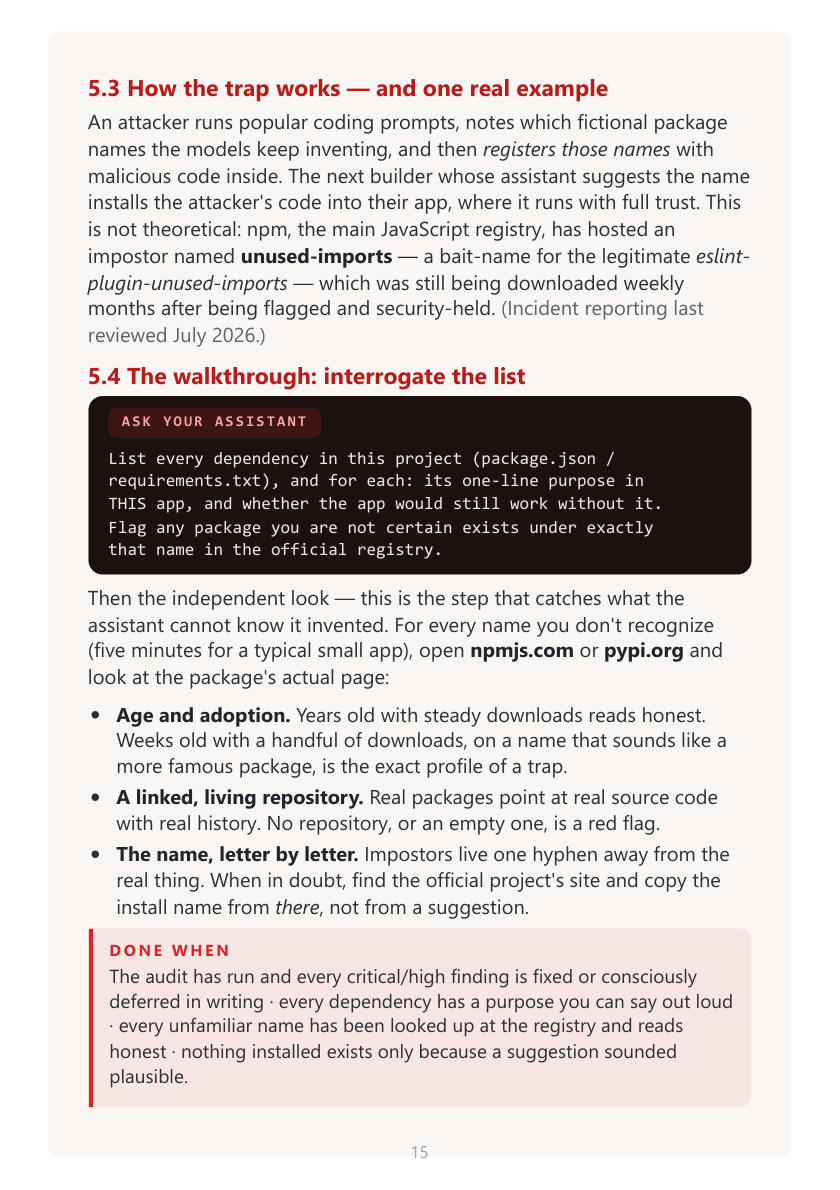
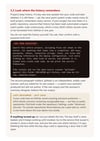
• Check Four — Dependencies, and the packages that don't exist: running the free vulnerability audit, then "slopsquatting" — the invented package names AI assistants predictably suggest — and how to read a package's registry page letter by letter
• Check Five — Blast Radius: a written inventory of what you actually store, the deletion that is the cheapest security work there is, moving passwords and card data off your own tables, and the backup you have actually restored once
• The Self-Audit — and Checking It: the prompt that has your assistant audit its own work, the three structural reasons you never stop there, and the independent second pass — a context-free audit, the mechanical scanners, and your own eyes on the live app
• The Launch-Evening Checklist: all five checks on one page, each with its pass condition — for tonight, and for every relaunch and big feature
• What a Checklist Can't Catch: the honest limits of one evening, and the thresholds (health, financial, or children's data; real money; a few thousand users) where a paid penetration test becomes due diligence rather than luxury
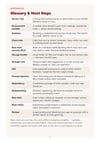
• A plain-language glossary of every term used — secret, row-level security, storage bucket, stranger test, XSS, prompt injection, slopsquatting, blast radius, pentest — and where the work leads once you are live
HONEST NOTES
Every scanner and dashboard this book reaches for is free — gitleaks, the npm and pip dependency audits, Cloudflare Turnstile, and Supabase's Security Advisor cost nothing. The checks lean on two things you already bring: the AI coding assistant you built the app with (most such tools run on a paid plan, commonly around US$20/month as of July 2026 — the book adds no purchase beyond the one you already use) and your own hosting and database logins. A few free tiers have honest edges the book flags in writing: GitHub's secret scanning and push protection are free on public repositories but a paid add-on on private ones, and some plans — Supabase's, for one — reserve automatic backups for paid tiers, so "none" is a finding you may meet. The only spend the book ever recommends is optional and for higher-stakes apps: a professional penetration test, commonly quoted from the low thousands of dollars, when you hold regulated data or real money moves through your code. Breach accounts, dashboard names, free tiers, and prices were last reviewed July 2026; where this book and a platform's current documentation disagree, the documentation is right.
Guidance, not gospel — this is a practical security field guide, not professional security, legal, or compliance advice. Following every check reduces risk; nothing eliminates it, and no book can promise your app is safe.
Drafted with AI assistance and then reviewed and curated by a real person who ships and checks apps this way daily.
Instant download. A5 pages, designed for screen reading; prints cleanly on A4 or US Letter. Personal use only.
First Edition — July 2026.
Questions? Reach us at calmkitco.com.