





What's the Plan? — Interactive Planner
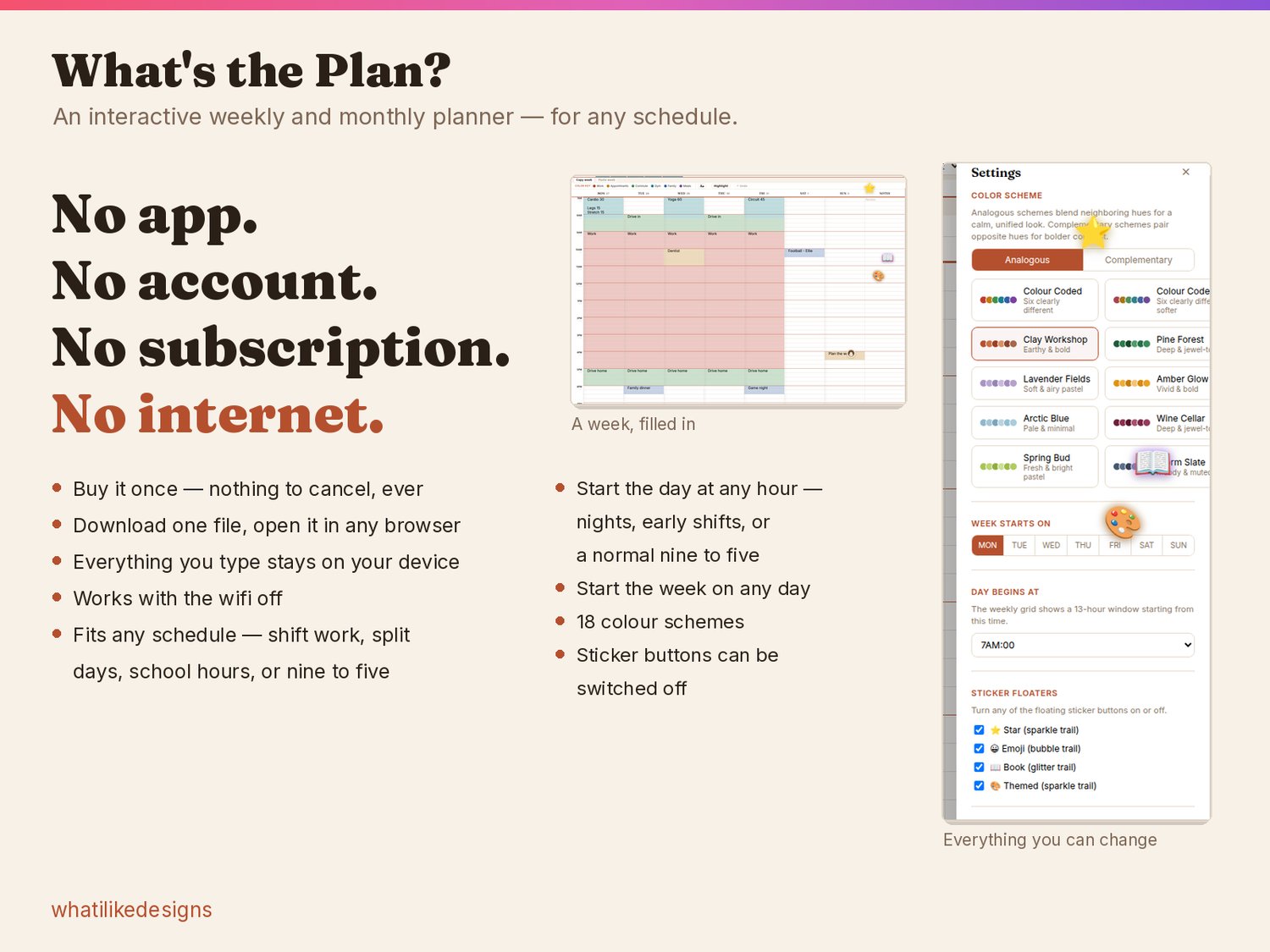
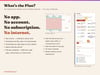
A weekly and monthly planner that opens in your browser. No app to install, no account or subscription required to use the planner, and no internet needed — not even the first time.
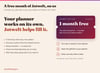
You buy one dated file. You own it.
TRY IT BEFORE YOU BUY
Open the live demo and use it like the real thing — colour a week, add stickers, undo. Nothing saves in the demo, and nothing installs: https://interactiveplannedemoapptryme.netlify.app
WHAT YOU GET
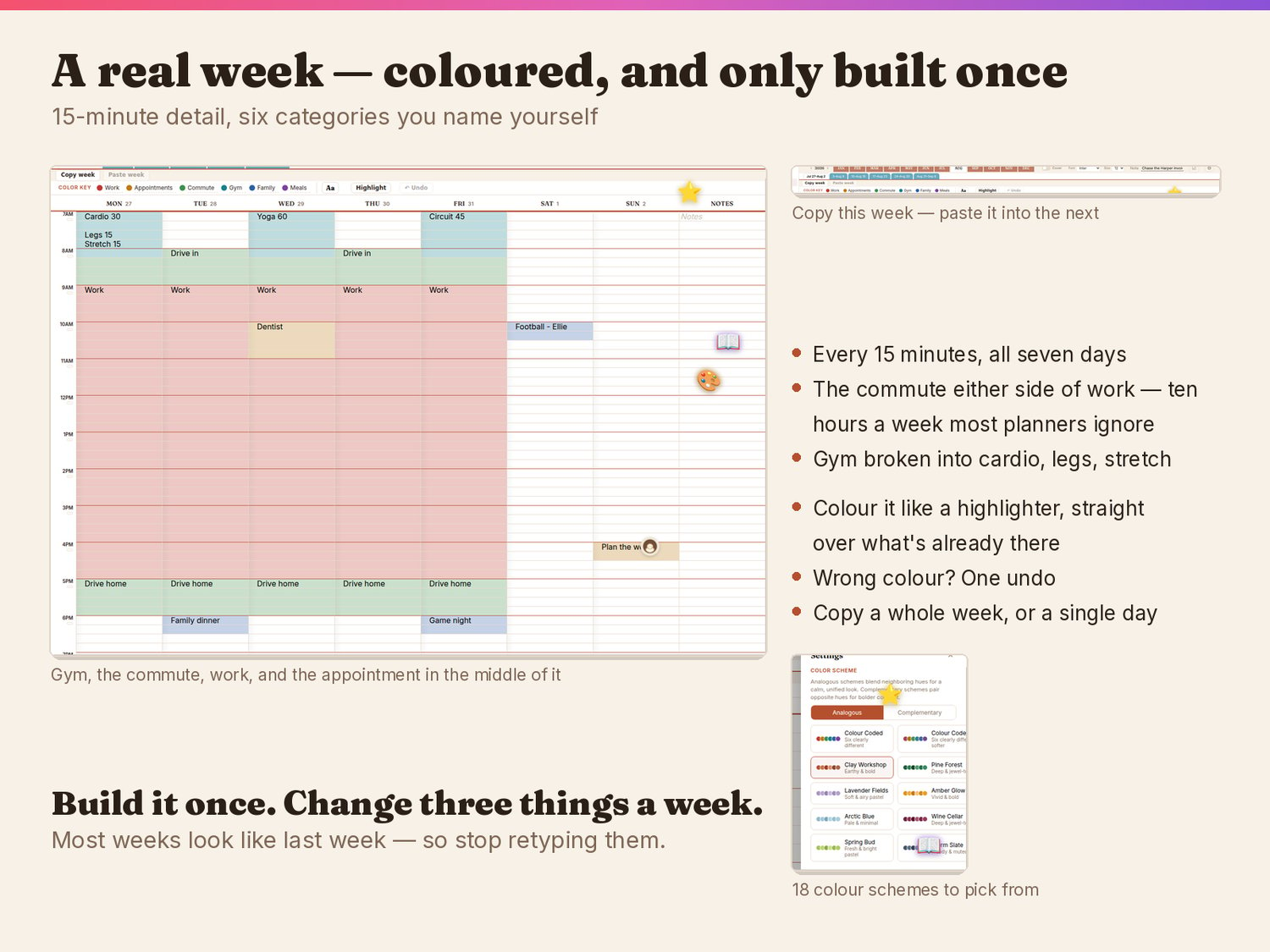
- A weekly view in 15-minute detail — plan the gym, the commute, and the appointment that lands in the middle of work, not just a list of times
- A monthly view with your goals beside it, and one tap to send any day to Google Calendar
- Colour-coding that works like a highlighter, with six categories you name yourself, across 18 colour schemes
- Undo. On paper, one mistake costs a whole new printed page
- Separate calendars — work, home, one per family member — each with its own colours and look, all inside the same file
- Copy a whole day or a whole week and paste it into another, so the weeks that repeat aren't retyped
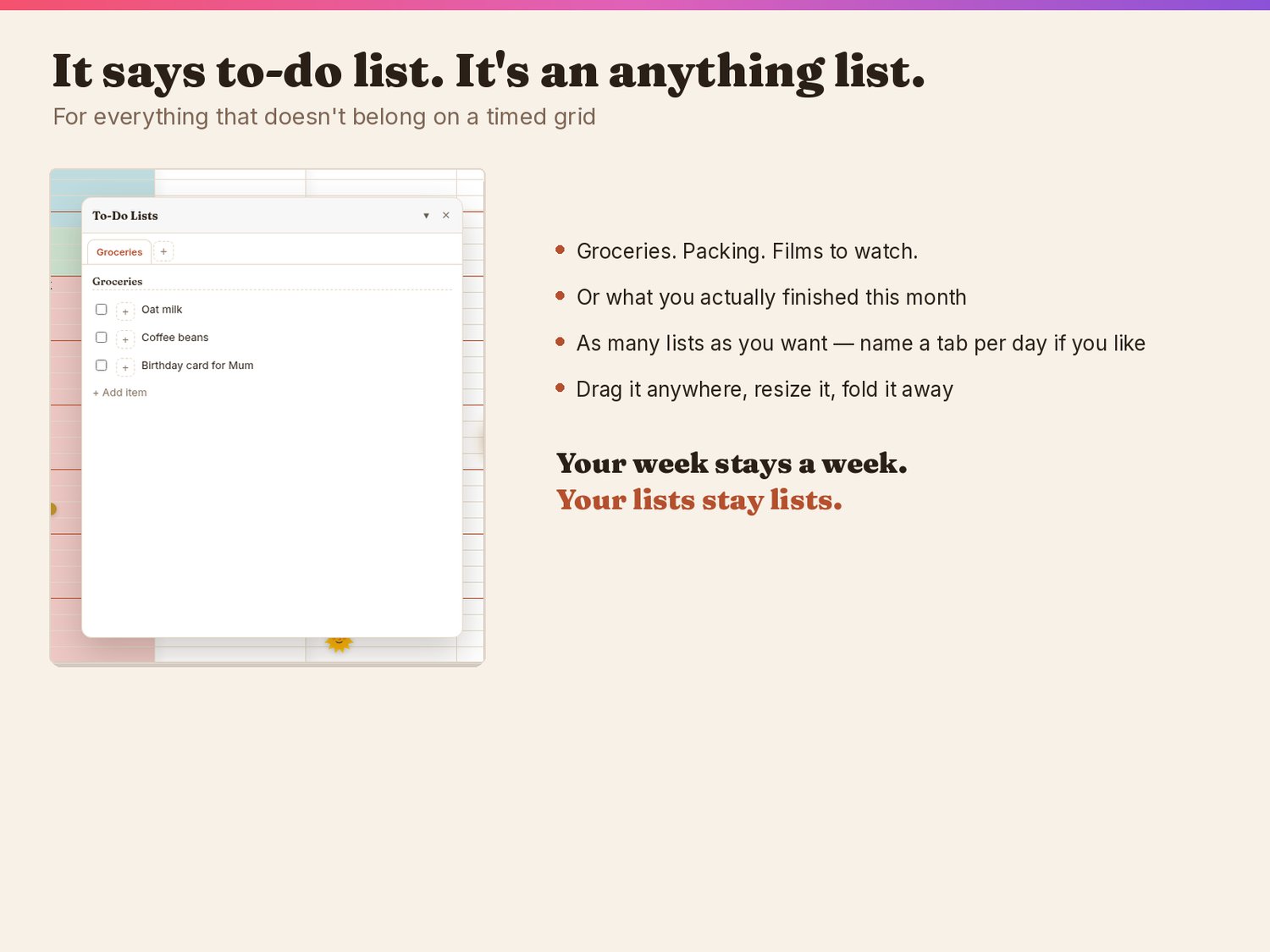
- A to-do panel that's really an anything list: groceries, packing, films, what you actually finished
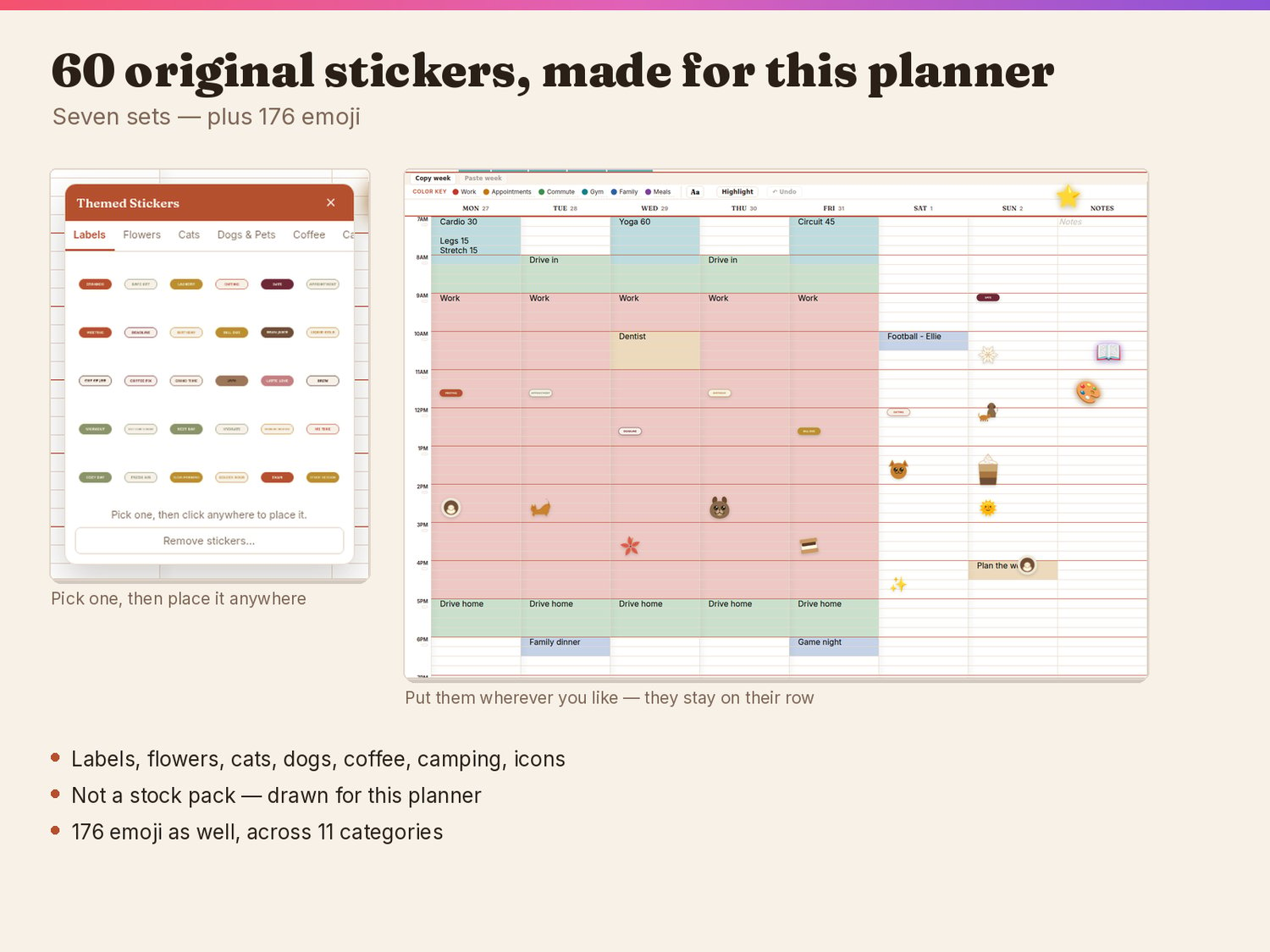
- 60 original stickers across seven sets, plus 176 emoji
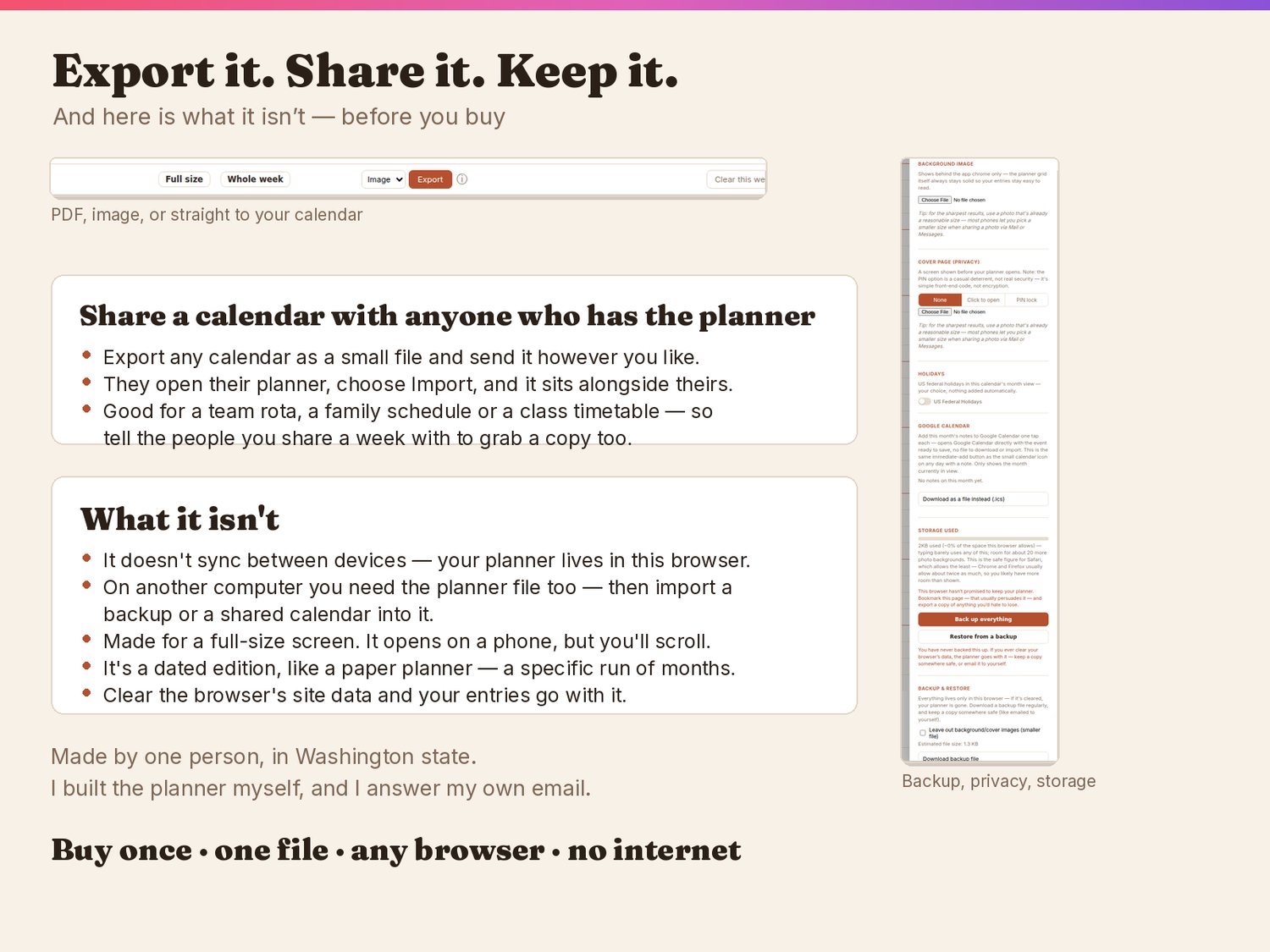
- Export any week or month to PDF or an image, or the month to a calendar file
- Start the day at any hour and the week on any day — shift work, split days, school hours or nine to five
- Back up everything to a file, and restore it on any computer
PRIVATE BECAUSE OF HOW IT'S BUILT
There is no server and no account. Everything you type stays in your own browser, on your own device. That isn't a policy that could change later — there is nowhere else for it to go. Turn the wifi off and it still works.
SHARE A CALENDAR
Export any calendar as a small file and send it to someone. They open their own planner, choose Import, and it appears alongside theirs — useful for a team rota, a family schedule or a class timetable.
IF SOMETHING GOES WRONG
Email me. If I fix it, the corrected file is free — you come back to your download link and open the new one, and everything you have already typed stays exactly where it is. Your planner is not affected and you are not starting again.
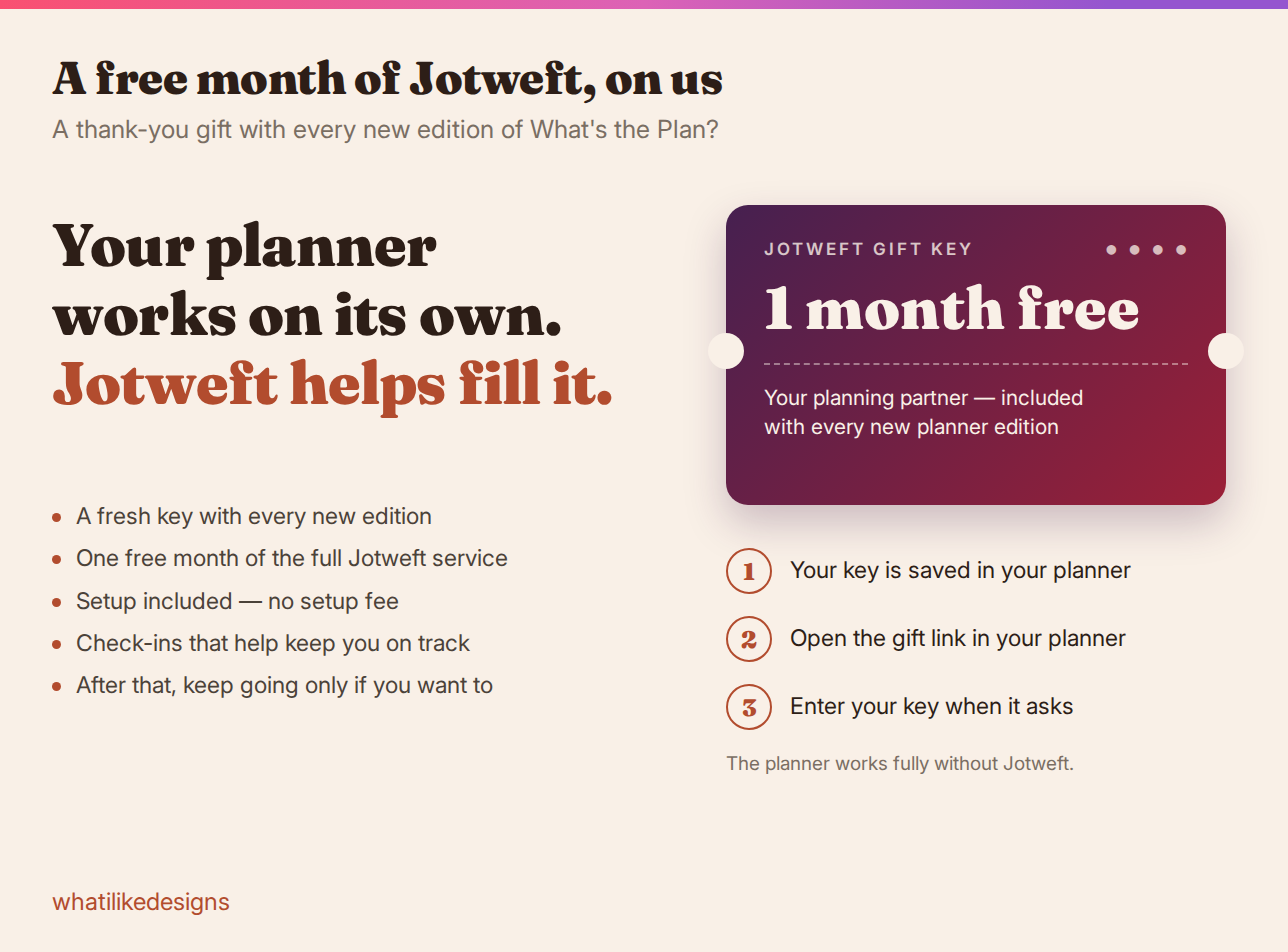
Your key is saved in your planner and in your purchase email. 🎁 Make Sure you check for gifts and extras I will be including a long the way for planner buyers
WHICH EDITION
- Six months — half a year
- Twelve months — a full year, and cheaper per month
Both are dated editions, like a paper planner: you're buying a specific run of months. They save separately, so you can own both at once. A new edition is needed for later dates.
WHAT IT ISN'T
- It doesn't sync automatically between devices. Your planner lives in the browser you opened it in — use a backup file to move it.
- It's made for a full-size screen — laptop, desktop, Chromebook or tablet. It opens on a phone, but a week is seven days plus a time column, so you'll be scrolling.
- Clearing your browser's data clears the planner with it, which is why there's a one-button backup.
HOW IT WORKS
Download the zip, unzip it, double-click the file. It opens in Chrome, Edge, Safari or Firefox. Nothing to install, nothing to sign up for.
Made by one person. I designed the stickers and built the planner myself, and I answer my own email.