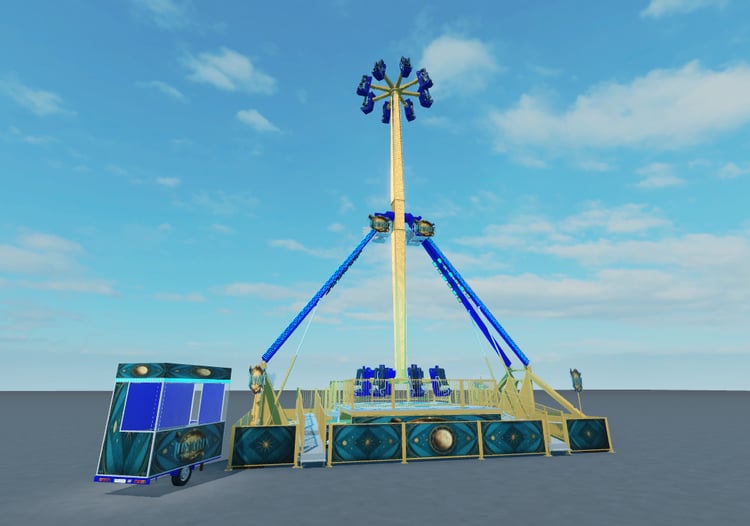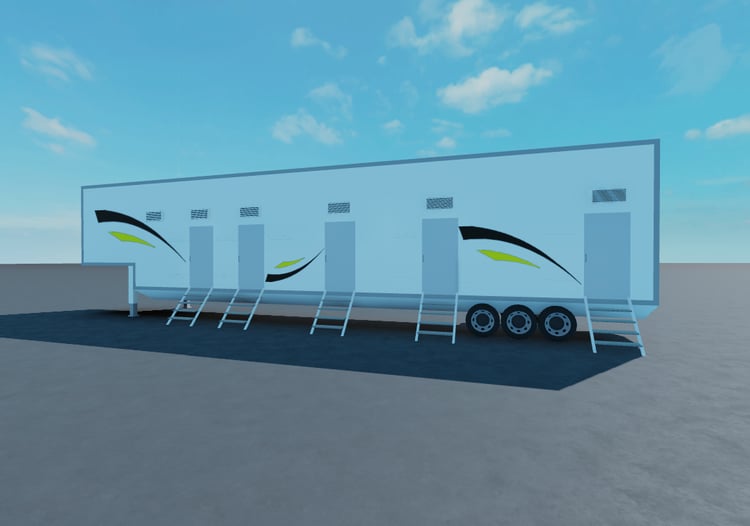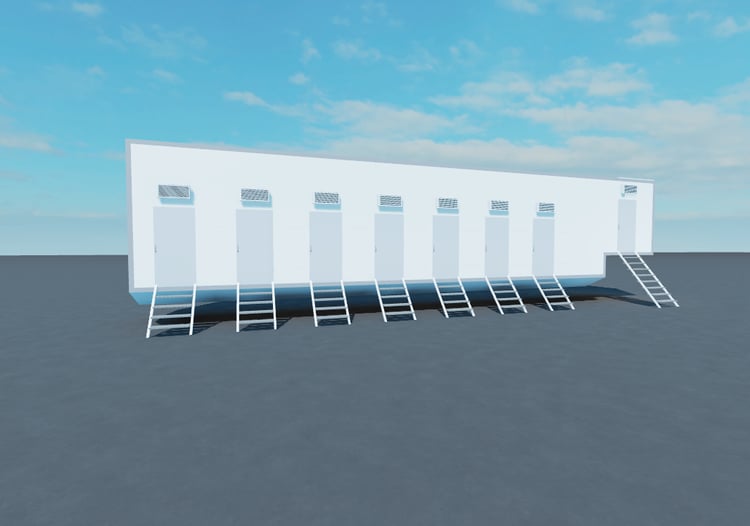

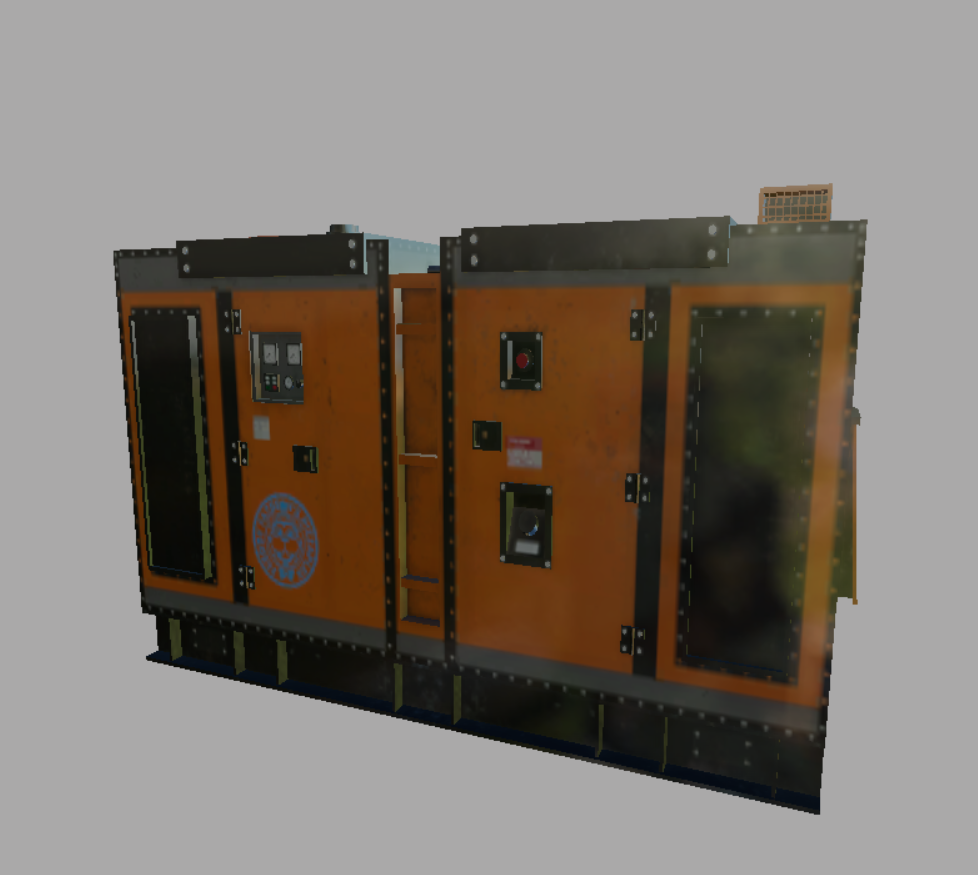
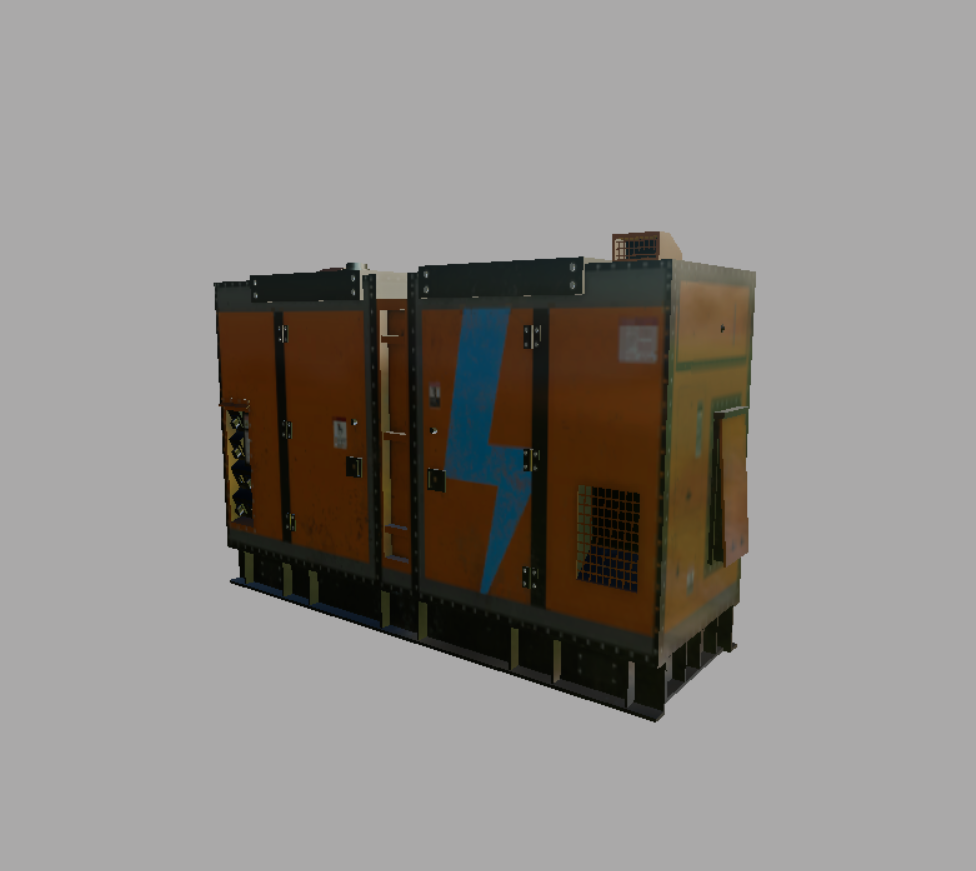
Generator I3D File
On Sale
A$70.00
(30% off)
A$49.00
This is an I3D file for a Generator for Farming Simulator 19 once purchased and download and added to your own mod please follow the following:
1: Move the TEX folder to your mods folder.
2: Right Click your mods I3D file.
3: Open in NotePad++ or preferred software to edit the code.
4: Where it has "<Files>
<File fileId="1" filename="TEX/Generator1_diff.png"/>
</Files>" Make sure it has this so it can find the new textures location.
5: save and close it.
6: Open your mod in Giants Editor and enjoy.