

Freelancer Income & GST Tracker for Google Sheets (Australia)
On Sale
A$15.00
A$15.00
See your money received, GST collected, GST credits and a rough GST owing figure for each quarter, in your own Google Sheet.
Who it's for
Australian freelancers and sole traders, especially those registered for GST, who want a simple income and expense log without paid software.
What's inside: A tracker that builds itself in your own Google Sheet
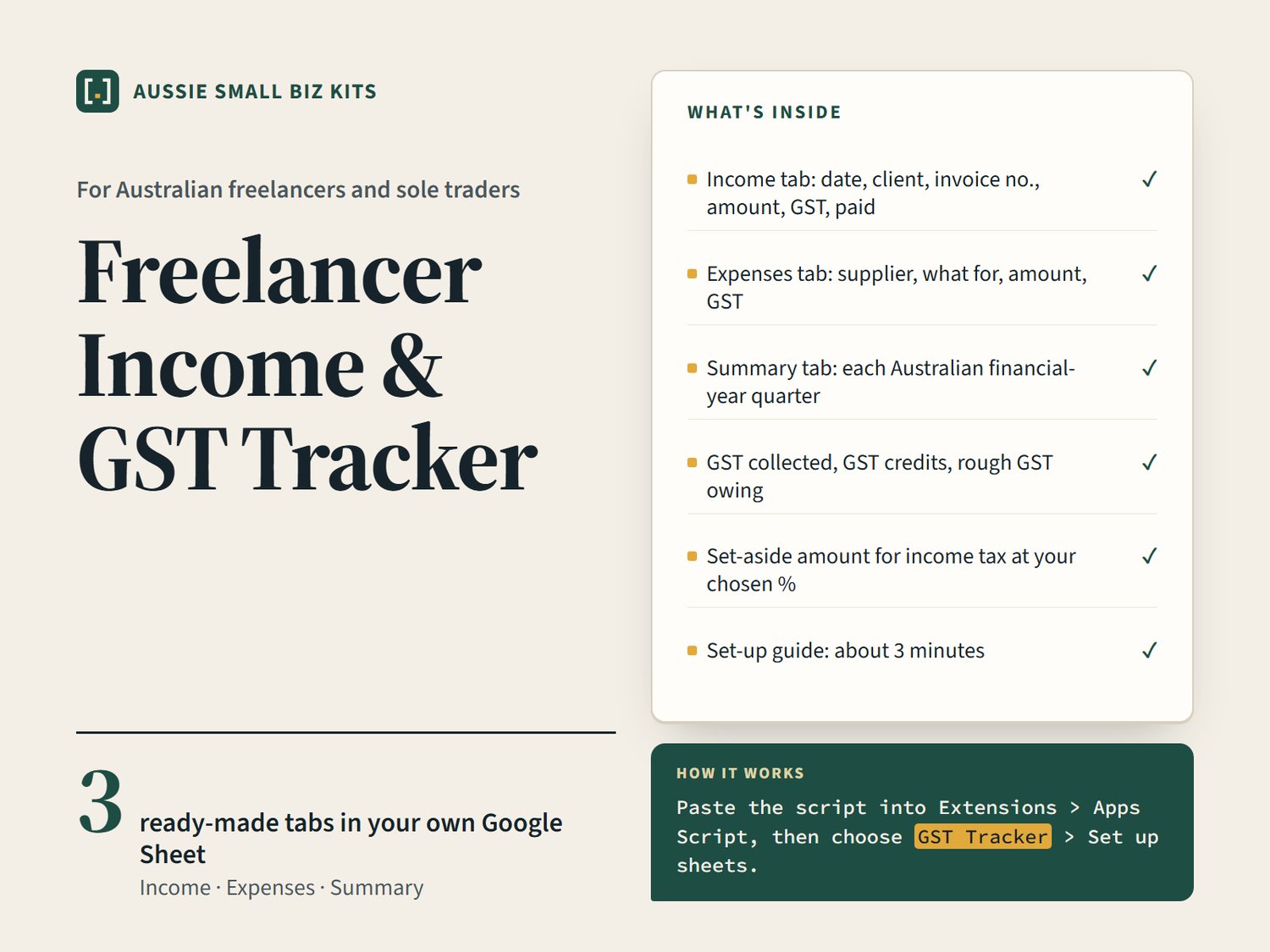
- Income tab: date, client, invoice no., amount, GST, paid
- Expenses tab: supplier, what for, amount, GST
- Summary tab: each Australian financial-year quarter
- GST collected, GST credits, rough GST owing
- Set-aside amount for income tax at your chosen %
- Set-up guide: about 3 minutes
Format and how to use it
- 1 ZIP download: Code.gs (a Google Apps Script) and a README with the set-up steps.
- Needs a free Google account and Google Sheets. No paid software.
- Set-up takes about 3 minutes: open a blank sheet, go to Extensions > Apps Script, paste the script, save, reload, then choose GST Tracker > Set up sheets.
- Optional sample rows show how it works. Delete them when you start.
- Dates are Australian format (dd/mm/yyyy). Quarters follow the Australian financial year (Jul-Sep, Oct-Dec, Jan-Mar, Apr-Jun).
Good to know
- Written with AI assistance and checked by a person (Imeth K, Melbourne).
- A guide only, not tax or accounting advice. Check ato.gov.au or ask a registered tax agent.
- GST is worked out as 1/11 of a GST-inclusive amount. Only rows marked paid count as income received (cash basis).
- Runs in your own Google account. No data is sent to the seller. Up to 500 rows.
Download problems? If the file won't download or open, use the Contact link on the store and I'll sort it out.